

Are you the author? Sign in to claim
Agent Skills as a Memory Layer
Acontext is an open-source skill memory layer for AI agents. It automatically captures learnings from agent runs and stores them as agent skill files — files you can read, edit, and share across agents, LLMs, and frameworks.
If you want the agent you build to learn from its mistakes and reuse what worked — without opaque memory polluting your context — give Acontext a try.
Agent memory is getting increasingly complicated🤢 — hard to understand, hard to debug, and hard for users to inspect or correct. Acontext takes a different approach: if agent skills can represent every piece of knowledge an agent needs as simple files, so can the memory.
get_skill and get_skill_file to fetch what it needs. Retrieval is by tool use and reasoning, not semantic top-k.flowchart LR
A[Session messages] --> C[Task complete/failed]
C --> D[Distillation]
D --> E[Skill Agent]
E --> F[Update Skills]
SKILL.md schema.SKILL.md; the system does extraction, routing, and writing.flowchart LR
E[Any Agent] --> F[list_skills/get_skill]
F --> G[Appear in context]
Give your agent Skill Content Tools (get_skill, get_skill_file). The agent decides what it needs, calls the tools, and gets the skill content. No embedding search — progressive disclosure, agent in the loop.
Claude Code:
Read https://acontext.io/SKILL.md and follow the instructions to install and configure Acontext for Claude Code
OpenClaw:
Read https://acontext.io/SKILL.md and follow the instructions to install and configure Acontext for OpenClaw
sk-ac)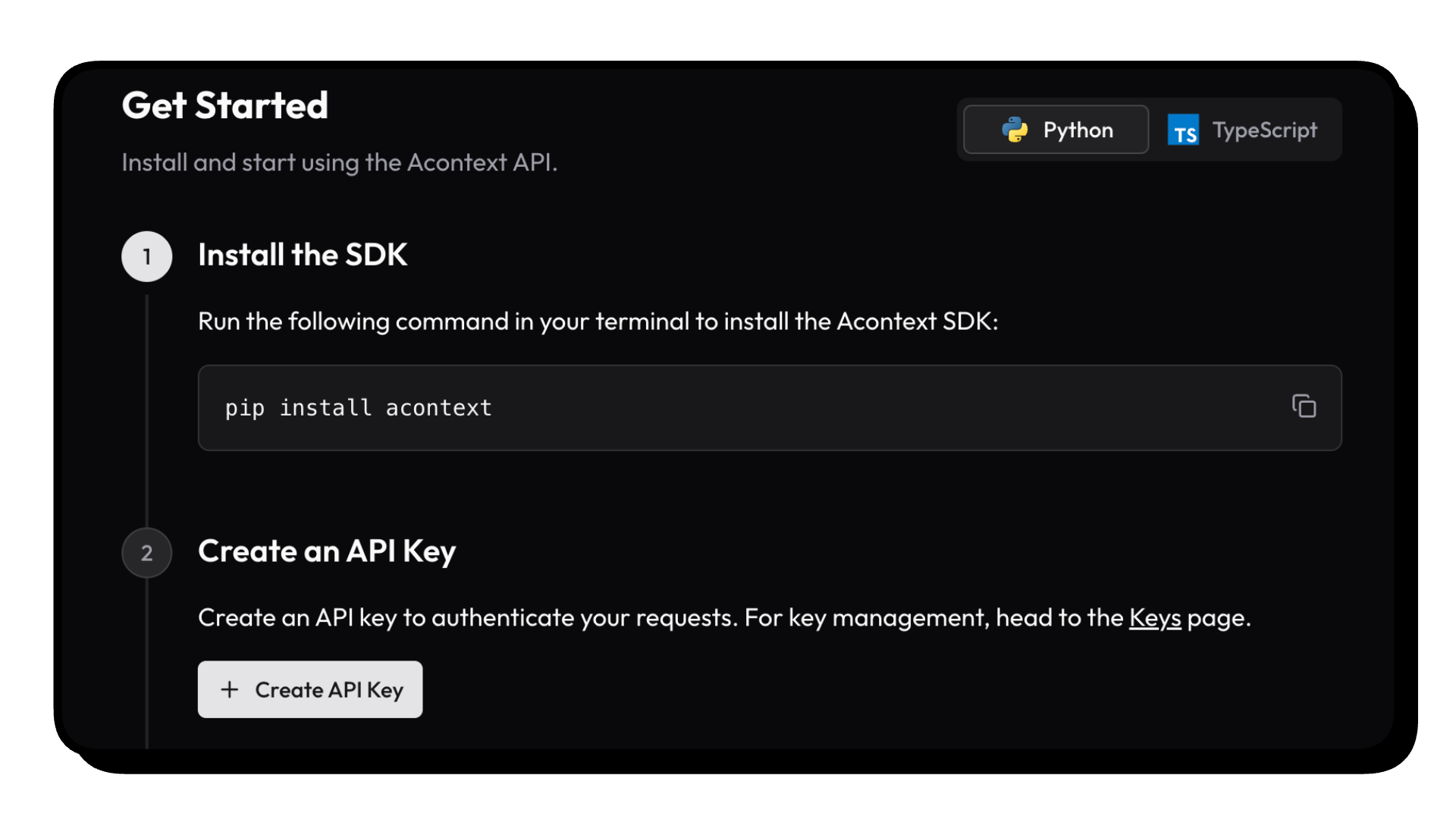
We have an acontext-cli to help you do a quick proof-of-concept. Download it first in your terminal:
curl -fsSL https://install.acontext.io | sh
You should have docker installed and an OpenAI API Key to start an Acontext backend on your computer:
mkdir acontext_server && cd acontext_server
acontext server up
Make sure your LLM has the ability to call tools. By default, Acontext will use
gpt-4.1.
acontext server up will create/use .env and config.yaml for Acontext, and create a db folder to persist data.
Once it's done, you can access the following endpoints:
We're maintaining Python  and Typescript
  SDKs. The snippets below are using Python.
Click the doc link to see TS SDK Quickstart.
pip install acontext
import os
from acontext import AcontextClient

# For cloud:
client = AcontextClient(
    api_key=os.getenv("ACONTEXT_API_KEY"),
)

# For self-hosted:
client = AcontextClient(
    base_url="http://localhost:8029/api/v1",
    api_key="sk-ac-your-root-api-bearer-token",
)
Create a learning space, attach a session, and let the agent learn — skills are written as Markdown files automatically.
from acontext import AcontextClient

client = AcontextClient(api_key="sk-ac-...")

# Create a learning space and attach a session
space = client.learning_spaces.create()
session = client.sessions.create()
client.learning_spaces.learn(space.id, session_id=session.id)

# Run your agent, store messages — when tasks complete, learning runs automatically
client.sessions.store_message(session.id, blob={"role": "user", "content": "My name is Gus"})
client.sessions.store_message(session.id, blob={"role": "assistant", "content": "Hi Gus! How can I help you today?"})
# ... agent runs ...

# List learned skills (Markdown files)
client.learning_spaces.wait_for_learning(space.id, session_id=session.id)
skills = client.learning_spaces.list_skills(space.id)

# Download all skill files to a local directory
for skill in skills:
    client.skills.download(skill_id=skill.id, path=f"./skills/{skill.name}")
wait_for_learningis a blocking helper for demo purposes. In production, task extraction and learning run in the background automatically — your agent never waits.
Download end-to-end scripts with acontext:
Python
acontext create my-proj --template-path "python/openai-basic"
More examples on Python:
python/openai-agent-basic: openai agent sdk templatepython/openai-agent-artifacts: agent can edit and download artifactspython/claude-agent-sdk: claude agent sdk with ClaudeAgentStoragepython/agno-basic: agno framework templatepython/smolagents-basic: smolagents (huggingface) templatepython/interactive-agent-skill: interactive sandbox with mountable agent skillsTypescript
acontext create my-proj --template-path "typescript/openai-basic"
More examples on Typescript:
typescript/vercel-ai-basic: agent in @vercel/ai-sdktypescript/claude-agent-sdk: claude agent sdk with ClaudeAgentStoragetypescript/interactive-agent-skill: interactive sandbox with mountable agent skills[!NOTE]
Check our example repo for more templates: Acontext-Examples.
We're cooking more full-stack Agent Applications! Tell us what you want!
To learn more about skill memory and what Acontext can do, visit our docs or start with What is Skill Memory?
Star Acontext on GitHub to support us and receive instant notifications.
graph TB
    subgraph "Client Layer"
        PY["pip install acontext"]
        TS["npm i @acontext/acontext"]
    end

    subgraph "Acontext Backend"
      subgraph " "
          API["API<br/>localhost:8029"]
          CORE["Core"]
          API -->|FastAPI & MQ| CORE
      end

      subgraph " "
          Infrastructure["Infrastructures"]
          PG["PostgreSQL"]
          S3["S3"]
          REDIS["Redis"]
          MQ["RabbitMQ"]
      end
    end

    subgraph "Dashboard"
        UI["Web Dashboard<br/>localhost:3000"]
    end

    PY -->|RESTFUL API| API
    TS -->|RESTFUL API| API
    UI -->|RESTFUL API| API
    API --> Infrastructure
    CORE --> Infrastructure

    Infrastructure --> PG
    Infrastructure --> S3
    Infrastructure --> REDIS
    Infrastructure --> MQ


    style PY fill:#3776ab,stroke:#fff,stroke-width:2px,color:#fff
    style TS fill:#3178c6,stroke:#fff,stroke-width:2px,color:#fff
    style API fill:#00add8,stroke:#fff,stroke-width:2px,color:#fff
    style CORE fill:#ffd43b,stroke:#333,stroke-width:2px,color:#333
    style UI fill:#000,stroke:#fff,stroke-width:2px,color:#fff
    style PG fill:#336791,stroke:#fff,stroke-width:2px,color:#fff
    style S3 fill:#ff9900,stroke:#fff,stroke-width:2px,color:#fff
    style REDIS fill:#dc382d,stroke:#fff,stroke-width:2px,color:#fff
    style MQ fill:#ff6600,stroke:#fff,stroke-width:2px,color:#fff
Join the community for support and discussions:


[](https://acontext.io)
[](https://acontext.io)
This project is currently licensed under Apache License 2.0.
⚠️ Experimentelle Skill-Sammlung für deutsches Recht (Arbeits-, Gesellschafts-, Insolvenz-, Datenschutz-, Prozessrecht u
Manage multiple Claude Code agents from TUI or Web with tmux and git worktrees
Project management using GitHub Issues + Git worktrees for parallel agent execution
Core skills library for Claude Code with 20+ battle-tested skills including TDD, debugging, and brainstorming




