

Are you the author? Sign in to claim
Backtrader-powered backtesting framework for algorithmic trading, featuring 20+ strategies, multi-market support, CLI to

A professional, config-driven backtesting framework for algorithmic trading, built on Backtrader. Seamlessly test, optimize, and integrate trading strategies with Large Language Models (LLMs) across stocks, crypto, and forex markets.
1. Installation
Option A: Install from PyPI (Recommended for using the CLI)
pip install ai-trader
Use this if you want to:
ai-trader run, ai-trader fetch, ai-trader quickOption B: Install from Source (Recommended for examples and config templates)
git clone https://github.com/whchien/ai-trader.git
cd ai-trader

# Install dependencies (choose one method)
uv sync        # Recommended (fastest, modern tool)
# poetry install   # Or use Poetry
# pip install -e .  # Or traditional pip with editable install
Use this if you want to:
config/backtest/data/scripts/examples/2. Run a Backtest via CLI
If you cloned from source, run a predefined backtest using a configuration file:
# Run a backtest from a config file (requires source installation)
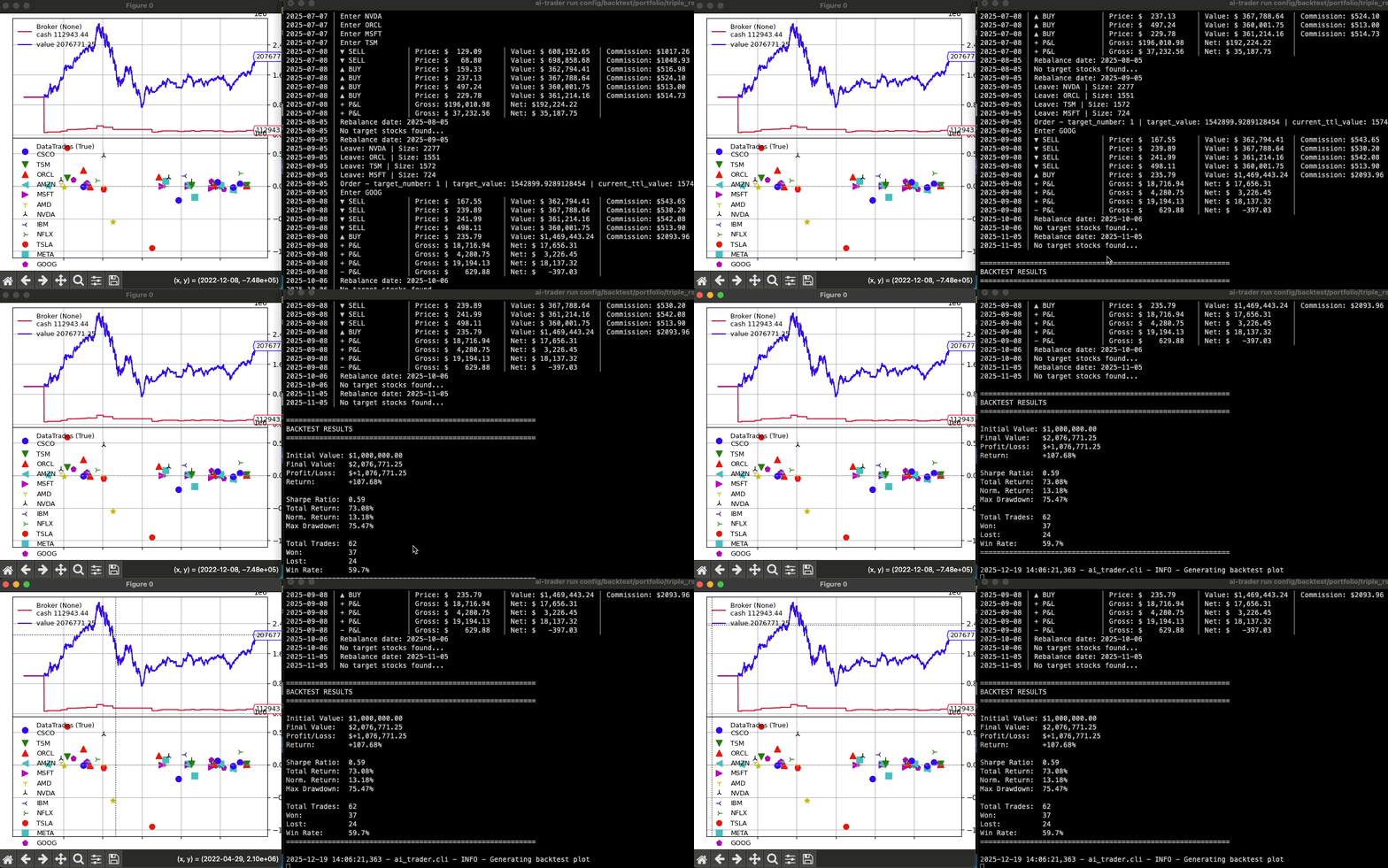
ai-trader run config/backtest/classic/sma_example.yaml
Or, run a quick backtest on any data file (works with both pip and source installation):
# Quick backtest on your own data file
ai-trader quick CrossSMAStrategy your_data.csv --cash 100000
3. Fetch Market Data
Download historical data for any supported market:
# US Stock (default: saves to CSV)
ai-trader fetch TSM --market us_stock --start-date 2020-01-01

# Taiwan Stock (台灣股票)
ai-trader fetch 2330 --market tw_stock --start-date 2020-01-01

# Cryptocurrency
ai-trader fetch BTC-USD --market crypto --start-date 2020-01-01

# With SQLite persistent caching (NEW!)
ai-trader fetch AAPL --market us_stock --start-date 2024-01-01 --storage sqlite

# Save to both CSV and SQLite
ai-trader fetch AAPL --market us_stock --start-date 2024-01-01 --storage both
Persistent Data Storage with SQLite
By default, ai-trader fetch saves data to CSV. For faster repeated backtests, use SQLite:
# First fetch: Downloads from API and caches in SQLite (~2-3 seconds)
ai-trader fetch AAPL --market us_stock --start-date 2024-01-01 --storage sqlite

# Repeated fetch: Loads from cache (~50ms, no API call)
ai-trader fetch AAPL --market us_stock --start-date 2024-01-01 --storage sqlite

# Check cached data
ai-trader data list
ai-trader data info

# Clean old data
ai-trader data clean --market us_stock --before 2020-01-01
Learn more about SQLite Storage →
The most robust way to run backtests is with a YAML config file.
my_backtest.yaml:
broker:
  cash: 1000000
  commission: 0.001425

data:
  file: "data/us_stock/TSM.csv"
  start_date: "2020-01-01"
  end_date: "2023-12-31"

strategy:
  class: "CrossSMAStrategy"
  params:
    fast: 10
    slow: 30

sizer:
  type: "percent"
  params:
    percents: 95
Run it:
ai-trader run my_backtest.yaml
See config/backtest/ for more examples.
For more granular control or integration into other Python scripts.
Simple approach:
from ai_trader import run_backtest
from ai_trader.backtesting.strategies.classic.sma import CrossSMAStrategy

# Run backtest with example data
results = run_backtest(
    strategy=CrossSMAStrategy,
    data_source=None,  # Uses built-in example data
    cash=1000000,
    strategy_params={"fast": 10, "slow": 30}
)
Step-by-step control:
See scripts/examples/02_step_by_step.py for a detailed example.
Run ai-trader as a server to let AI assistants interact with your backtesting engine.
Start the Server (for testing):
python -m ai_trader.mcp
Configure with Claude Desktop (Recommended):
Locate your Claude Desktop configuration file:
~/.config/Claude/claude_desktop_config.json%APPDATA%\Claude\claude_desktop_config.jsonAdd the ai-trader MCP server to the mcpServers section:
{
  "mcpServers": {
    "ai-trader": {
      "command": "python3",
      "args": ["-m", "ai_trader.mcp"],
      "cwd": "/path/to/ai-trader"
    }
  }
}
Configuration Notes:
/path/to/ai-trader with your actual ai-trader project directory/path/to/.venv/bin/python3Once configured, you can use Claude to interact with your backtesting engine with natural language commands like:
The fastest way to create a new strategy is with the /add-strategy skill in Claude Code. The skill guides you through the process interactively:
/add-strategy classic
This will prompt you for:
The skill automatically handles:
__init__.pyLearn more about Claude Code skills: https://code.claude.com/docs/en/skills
Create a new file in ai_trader/backtesting/strategies/classic/ and inherit from BaseStrategy.
# ai_trader/backtesting/strategies/classic/my_strategy.py
import backtrader as bt
from ai_trader.backtesting.strategies.base import BaseStrategy

class MyCustomStrategy(BaseStrategy):
    params = dict(period=20)

    def __init__(self):
        self.sma = bt.indicators.SMA(self.data.close, period=self.p.period)

    def next(self):
        if not self.position and self.data.close[0] > self.sma[0]:
            self.buy()
        elif self.position and self.data.close[0] < self.sma[0]:
            self.close()
The new strategy is automatically available to the CLI and run_backtest function.
Contributions are welcome! Feel free to report bugs, suggest features, or submit pull requests.
If you find this project helpful, please give it a star !
This project is licensed under the GNU General Public License v3 (GPL-3.0). See the LICENSE file for details.
Run Claude Code as an MCP server so any agent can delegate coding tasks to it
 @microsoft✓ Official
Browser automation using accessibility snapshots instead of screenshots
 @googleapis✓ Official
Google's universal MCP server supporting PostgreSQL, MySQL, MongoDB, Redis, and 10+ databases
 @github✓ Official
Official GitHub integration for repos, issues, PRs, and CI/CD workflows
