

Are you the author? Sign in to claim
Your AI-powered LeetCode & DSA mentor for Claude Code and Claude.ai. Master algorithms through intelligent guidance,
Your Personal LeetCode & DSA Mentor
Master algorithms through intelligent guidance, not just solutions.
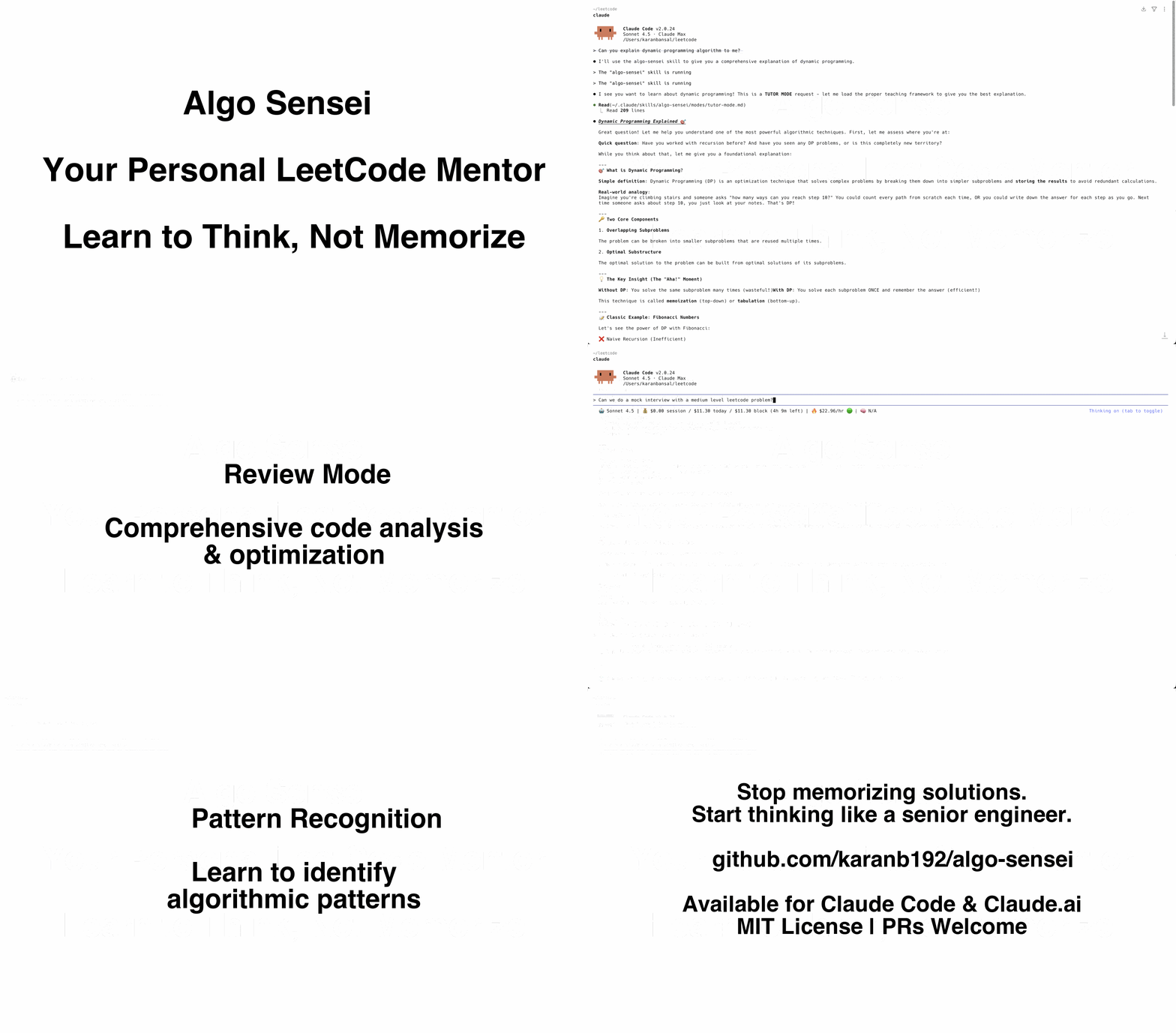


Algo Sensei is an intelligent Claude Code skill that transforms how you practice LeetCode and master Data Structures & Algorithms. Instead of just giving you answers, it teaches you to think like a senior engineer.
Traditional LeetCode practice has a problem: Copy-pasting solutions doesn't build problem-solving skills.
Algo Sensei is different:
Get foundational understanding through:
5-level progressive hint system:
You learn 10x more when you discover the solution yourself with guidance.
Comprehensive code review covering:
Realistic mock interviews with:
Learn to recognize algorithmic patterns dynamically:
Stop solving random problems. Start recognizing patterns.
Option 1: Install to personal skills (available in all projects)
# Clone the repository
git clone https://github.com/karanb192/algo-sensei.git

# Copy to your personal Claude skills directory
cp -r algo-sensei ~/.claude/skills/

# Restart Claude Code
Option 2: Install to project (team-shared via git)
# Clone the repository
git clone https://github.com/karanb192/algo-sensei.git

# Copy to your project's Claude skills directory
cp -r algo-sensei /path/to/your/project/.claude/skills/

# Commit to git so your team gets it too!
git add .claude/skills/algo-sensei
git commit -m "Add Algo Sensei skill for DSA practice"
Algo Sensei works great on Claude.ai too! Here's how:
Method 1: Project Knowledge (Recommended - Full Experience)
SKILL.md (main skill)modes/ folder (5 files)docs/dsa-cheatsheet.md (optional but helpful)templates/solutions/solution-template.md (for structured solutions)Method 1b: Quick Setup (SKILL.md only)
For a lighter setup, just upload SKILL.md - you'll get intelligent routing but won't have access to the detailed mode instructions.
Method 2: Copy Specific Modes
modes/hint-mode.md)Method 3: Manual Integration
If you have Claude Pro with custom instructions:
SKILL.md to your custom instructionsTip: Project Knowledge with all files uploaded gives you the full experience - Claude can access all modes, patterns, and templates just like in Claude Code!
Once installed, Algo Sensei automatically activates when you need help with DSA/LeetCode problems.
Get hints on a problem:
You: "I'm stuck on LeetCode #3 - Longest Substring Without Repeating Characters. Can you give me a hint?"

Algo Sensei: [Automatically switches to Hint Mode]
💡 Hint #1: What if you needed to track which characters you've seen recently?
...
Learn a concept:
You: "Can you explain dynamic programming to me?"

Algo Sensei: [Automatically switches to Tutor Mode]
📚 Let's build your understanding of DP from the ground up...
Review your code:
You: "Here's my solution for Two Sum. Can you review it?"
[paste code]

Algo Sensei: [Automatically switches to Review Mode]
🔍 Code Review: Two Sum
...
Practice interview:
You: "Can we do a mock interview with a medium-level problem?"

Algo Sensei: [Automatically switches to Interview Mode]
🎤 Hi! I'm Alex, senior engineer at TechCo. Ready to start?
...
Identify pattern:
You: "I'm not sure what approach to use for this problem..."

Algo Sensei: [Automatically switches to Pattern Mapper Mode]
🗺️ Let me help you identify the pattern...
Instead of memorizing fixed templates, Algo Sensei teaches you to recognize patterns dynamically:
Works for all patterns: Two Pointers, Sliding Window, DP, Graphs, Heaps, Tries, Monotonic Stack, and more!
algo-sensei/
├── SKILL.md                          # Main skill file (intelligent router)
├── README.md                         # You are here
├── modes/
│   ├── tutor-mode.md                # Concept explanations
│   ├── hint-mode.md                 # Progressive hints
│   ├── review-mode.md               # Code review
│   ├── interview-mode.md            # Mock interviews
│   └── pattern-mapper-mode.md       # Pattern recognition
├── templates/
│   └── solutions/
│       └── solution-template.md     # Multi-language solution format
├── scripts/
│   └── [future: test generators, complexity analyzers]
└── docs/
    └── dsa-cheatsheet.md            # Quick reference
Algo Sensei is built on research-backed learning principles:
The goal isn't solving 1000 problems. It's building the mental framework to solve ANY problem.
We welcome contributions! See CONTRIBUTING.md for guidelines.
Ideas for contributions:
Q: Do I need Claude Code to use this? A: Algo Sensei works best with Claude Code, but you can use individual mode files as prompts in Claude.ai.
Q: Is this better than LeetCode Premium? A: Different purposes. Algo Sensei teaches you HOW to think. LeetCode Premium gives you solutions. Use both!
Q: Can this help me pass FAANG interviews? A: Yes! Interview Mode simulates real interview conditions, and Pattern Mapper teaches the frameworks used in top companies.
Q: I'm a complete beginner. Is this for me? A: Absolutely! Tutor Mode is designed for beginners. Algo Sensei adapts to your level.
Q: Does it support languages other than Python? A: Yes! Algo Sensei supports all major programming languages (Python, JavaScript, Java, C++, Go, TypeScript, Rust, etc.). Just specify your preferred language and Claude will adapt accordingly.
MIT License - See LICENSE file for details.
#AlgoSenseiReady to level up your DSA game? Install Algo Sensei and master patterns, not just problems. 🥋
Made with ❤️ for developers preparing for their dream roles.
⚠️ Experimentelle Skill-Sammlung für deutsches Recht (Arbeits-, Gesellschafts-, Insolvenz-, Datenschutz-, Prozessrecht u
Manage multiple Claude Code agents from TUI or Web with tmux and git worktrees
Project management using GitHub Issues + Git worktrees for parallel agent execution
Core skills library for Claude Code with 20+ battle-tested skills including TDD, debugging, and brainstorming