

Are you the author? Sign in to claim
Monitor Claude Code sessions, costs, config, hooks, agents & MCP servers from a single Rust binary — TUI (9 tabs) + Web
A free, open-source TUI/Web dashboard for Claude Code session monitoring, cost tracking & config management












The only actively-maintained, free and open-source Rust TUI combining Claude Code monitoring, Claude Code config management, hooks, agents, and MCP servers in a single 5.8MB binary. 89x faster startup with SQLite cache, 492 tests, 0 clippy warnings.
| Tab | Key | Description | Highlights |
|---|---|---|---|
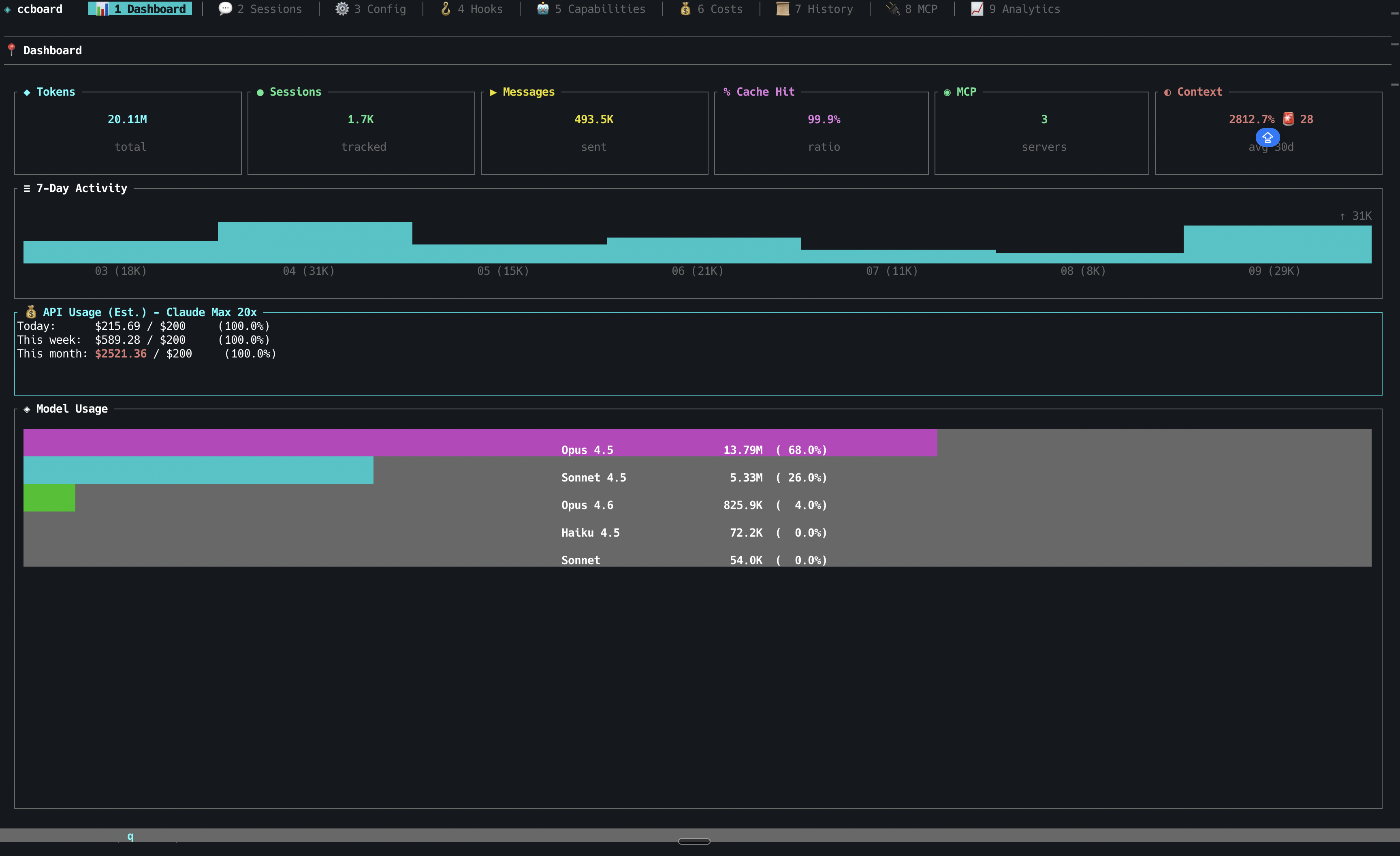
| Dashboard | 1 | Overview stats, model usage, 7-day activity | API usage estimation, plan-based budgets, MCP server count |
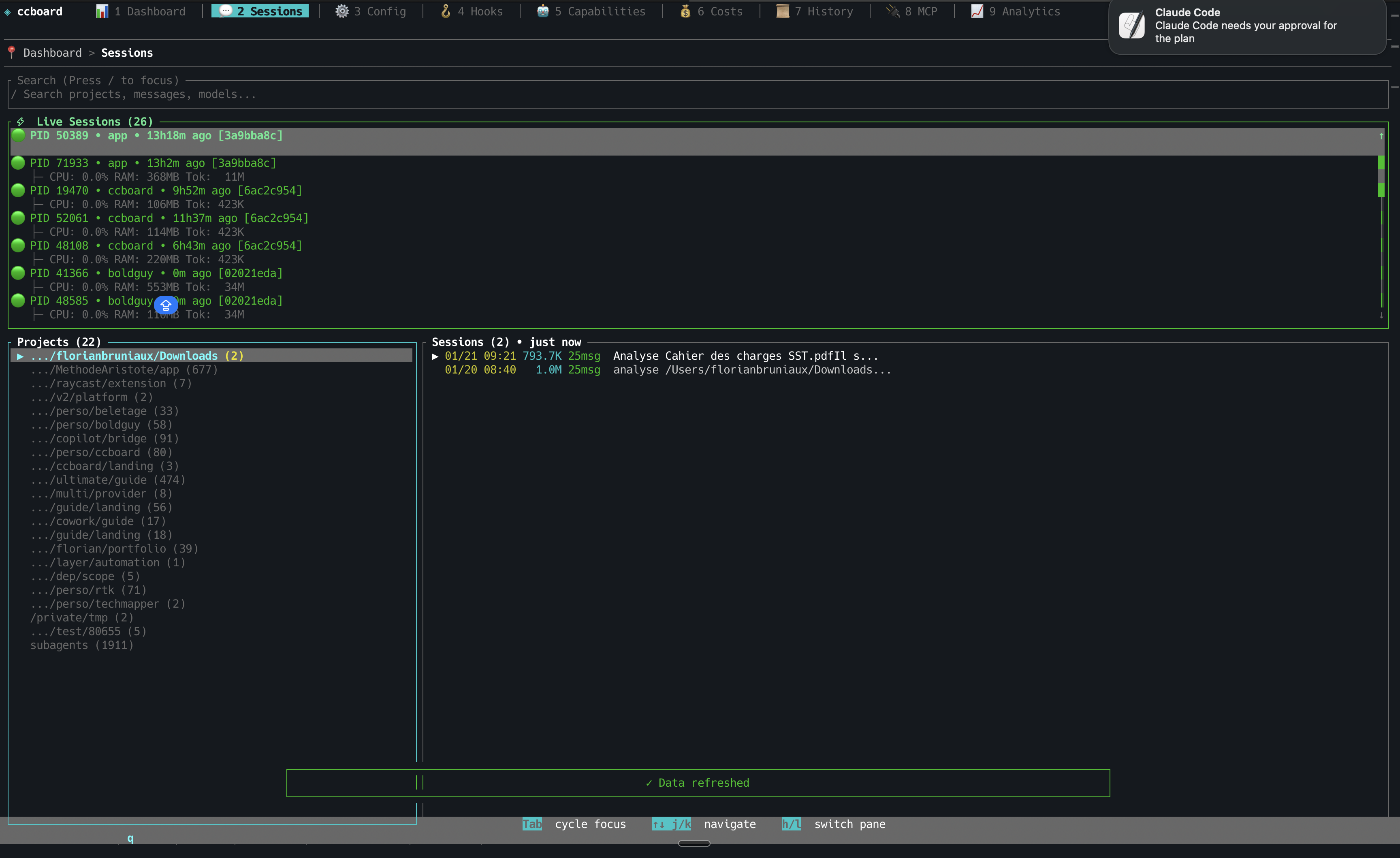
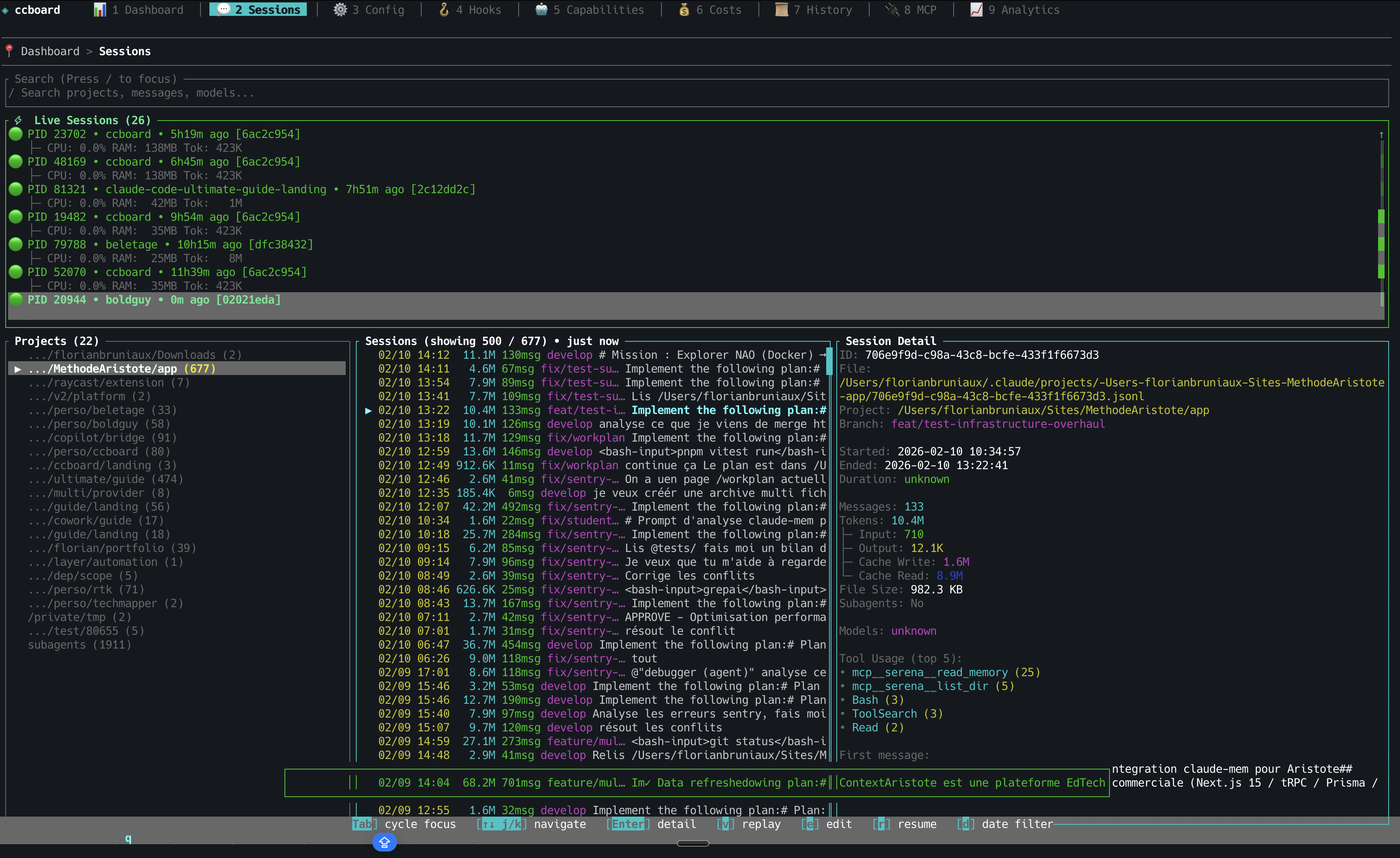
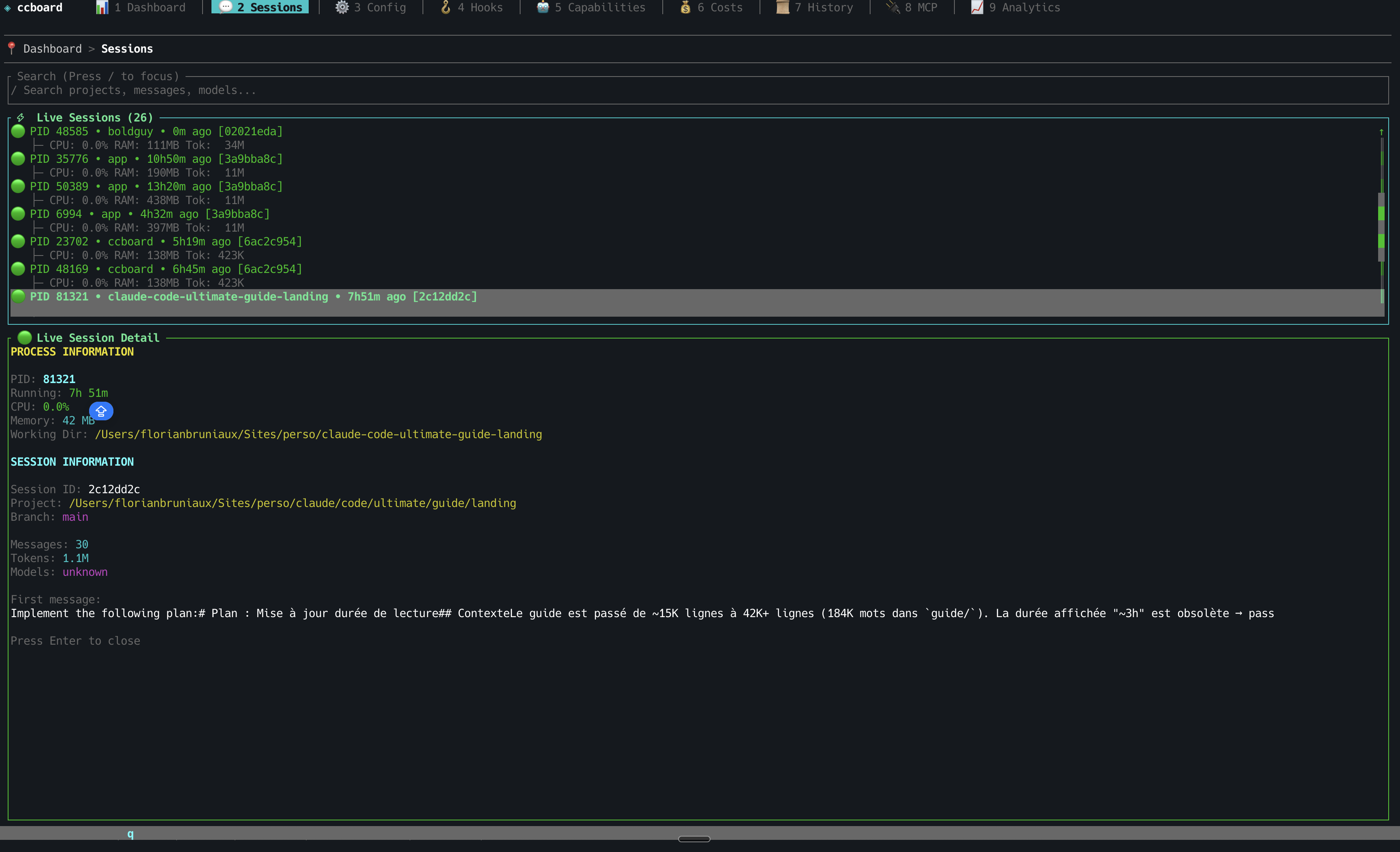
| Sessions | 2 | Browse all sessions with 3-pane layout | Live status icons (●/◐/✓), session type (CLI/IDE/Agent), bookmarks (b/B), subagent tree, model timeline, AI summaries (ccboard summarize), conversation viewer with regex search, code metrics (+N/-N lines), third-party sessions (Cursor [Cu], Codex [Cx], OpenCode [Oc]) |
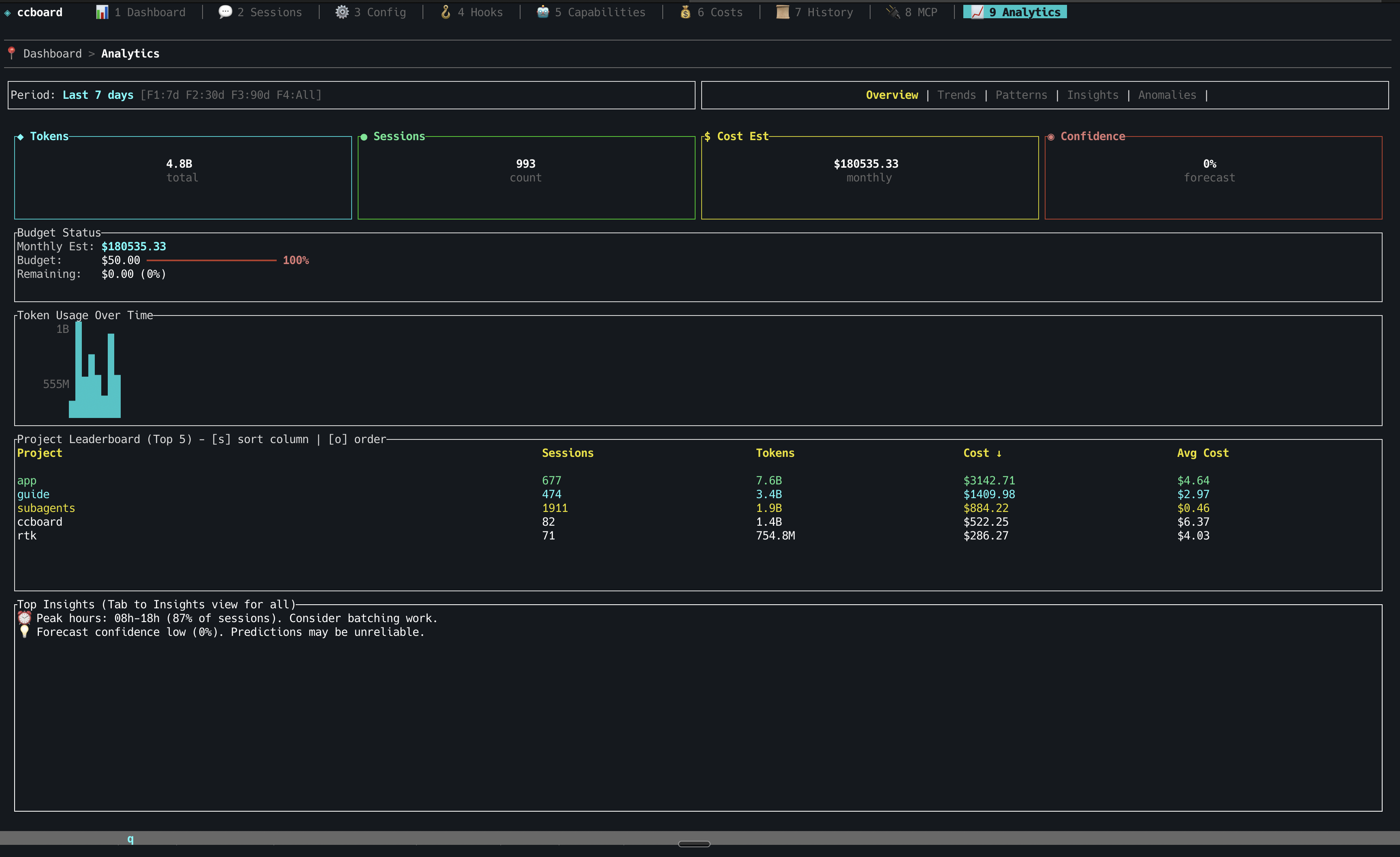
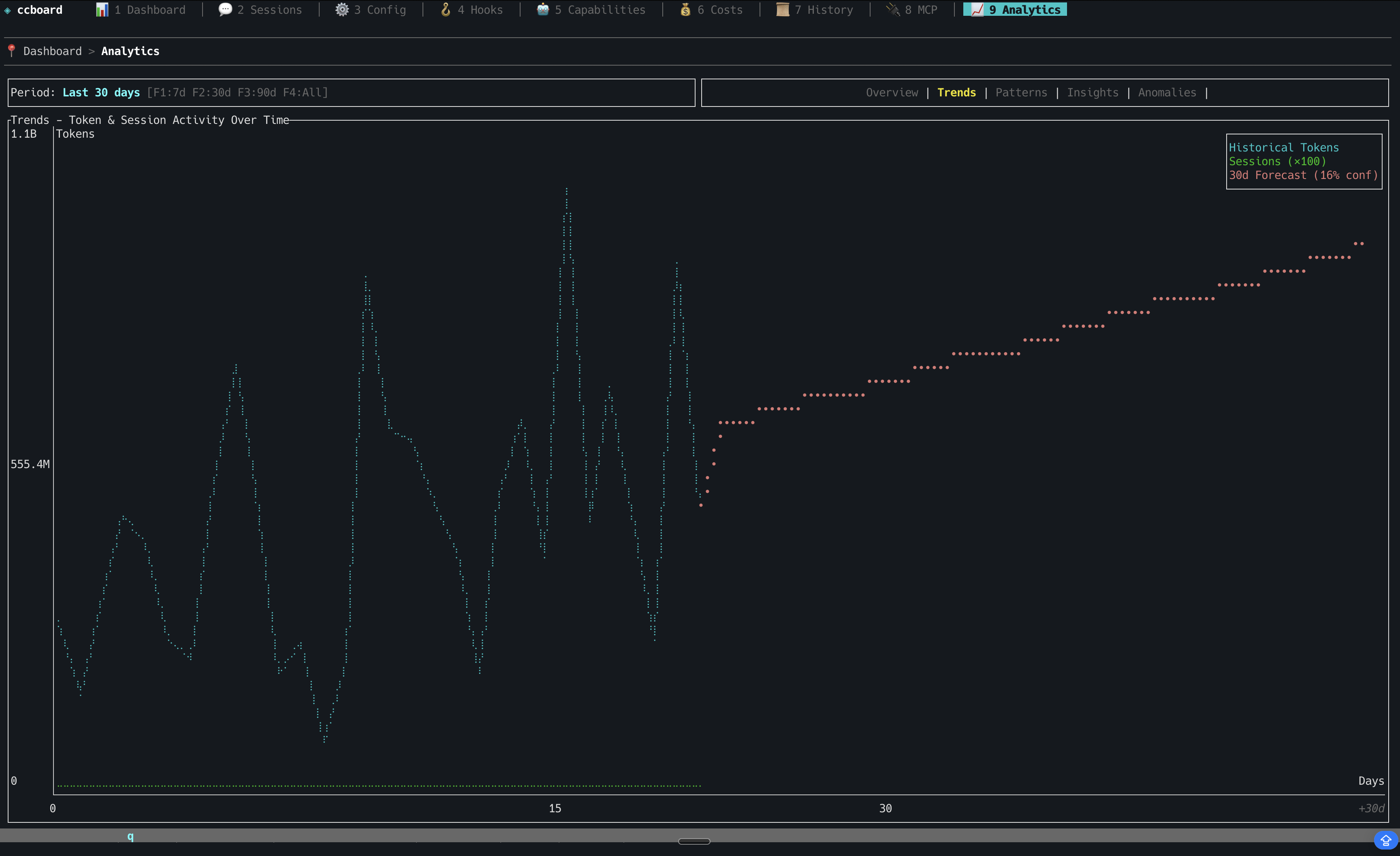
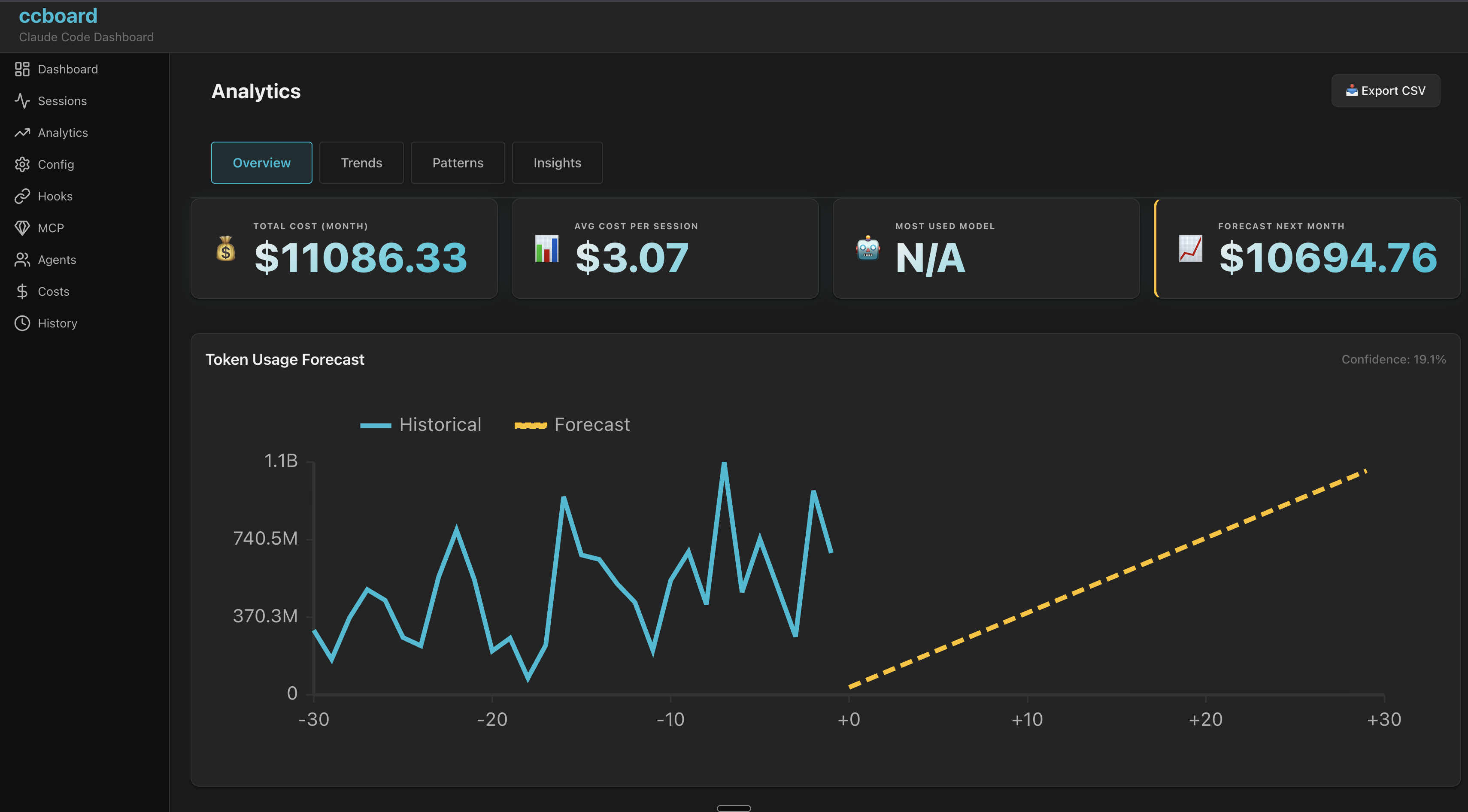
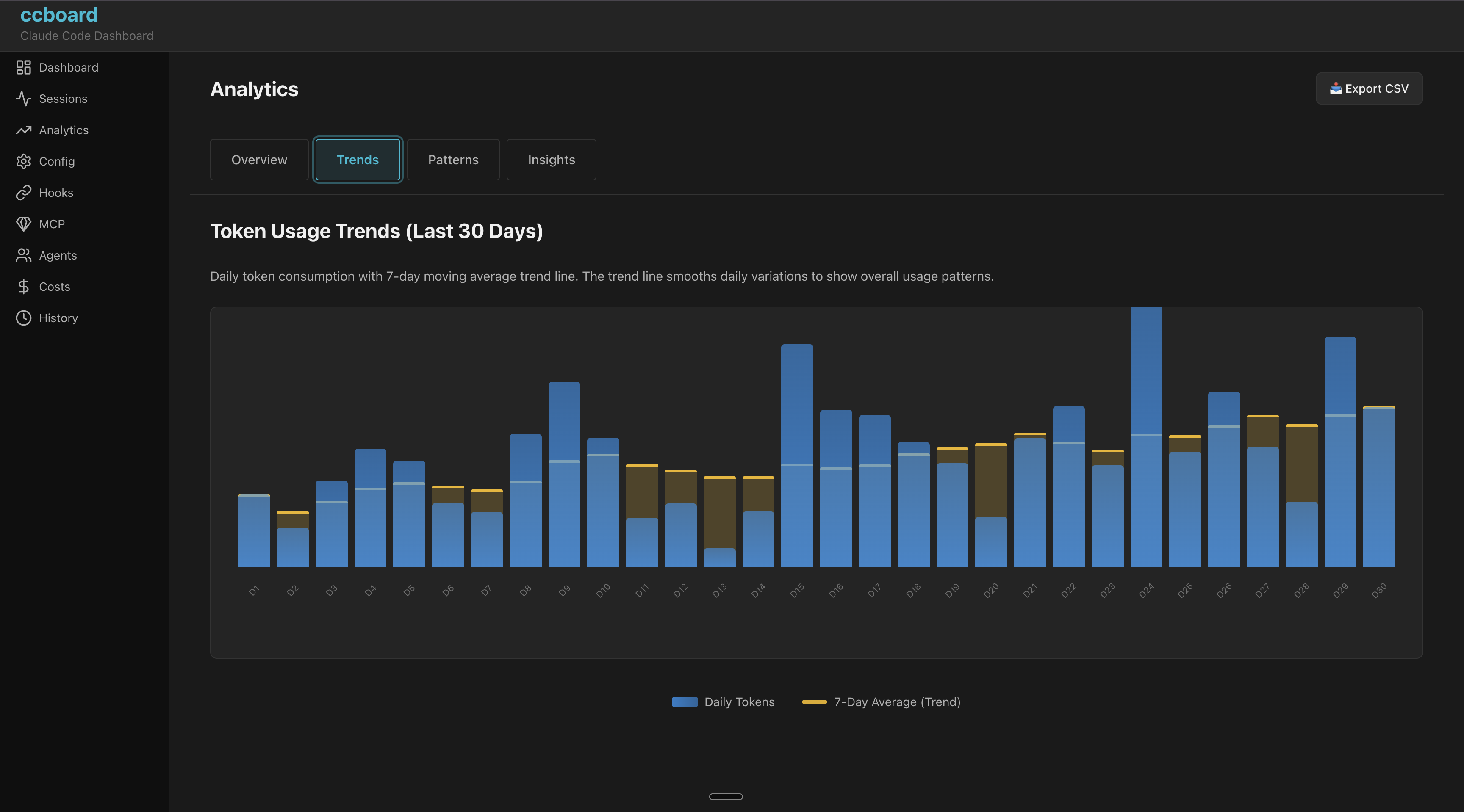
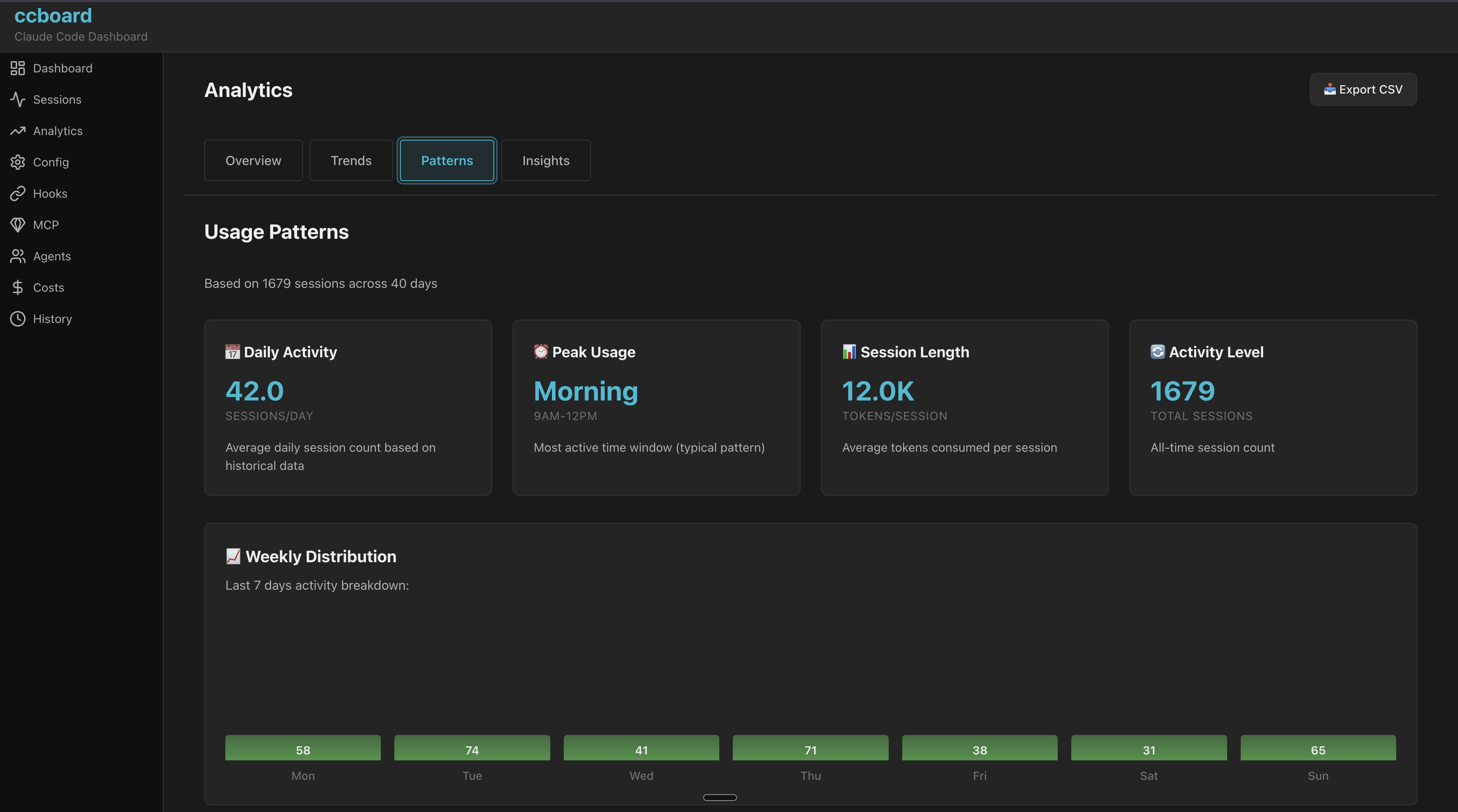
| Analytics | 3 | Advanced analytics (8 sub-views) | Budget tracking, 30-day forecast, hourly heatmap, anomaly detection (configurable thresholds), usage patterns, per-tool cost breakdown, pattern discovery (r) |
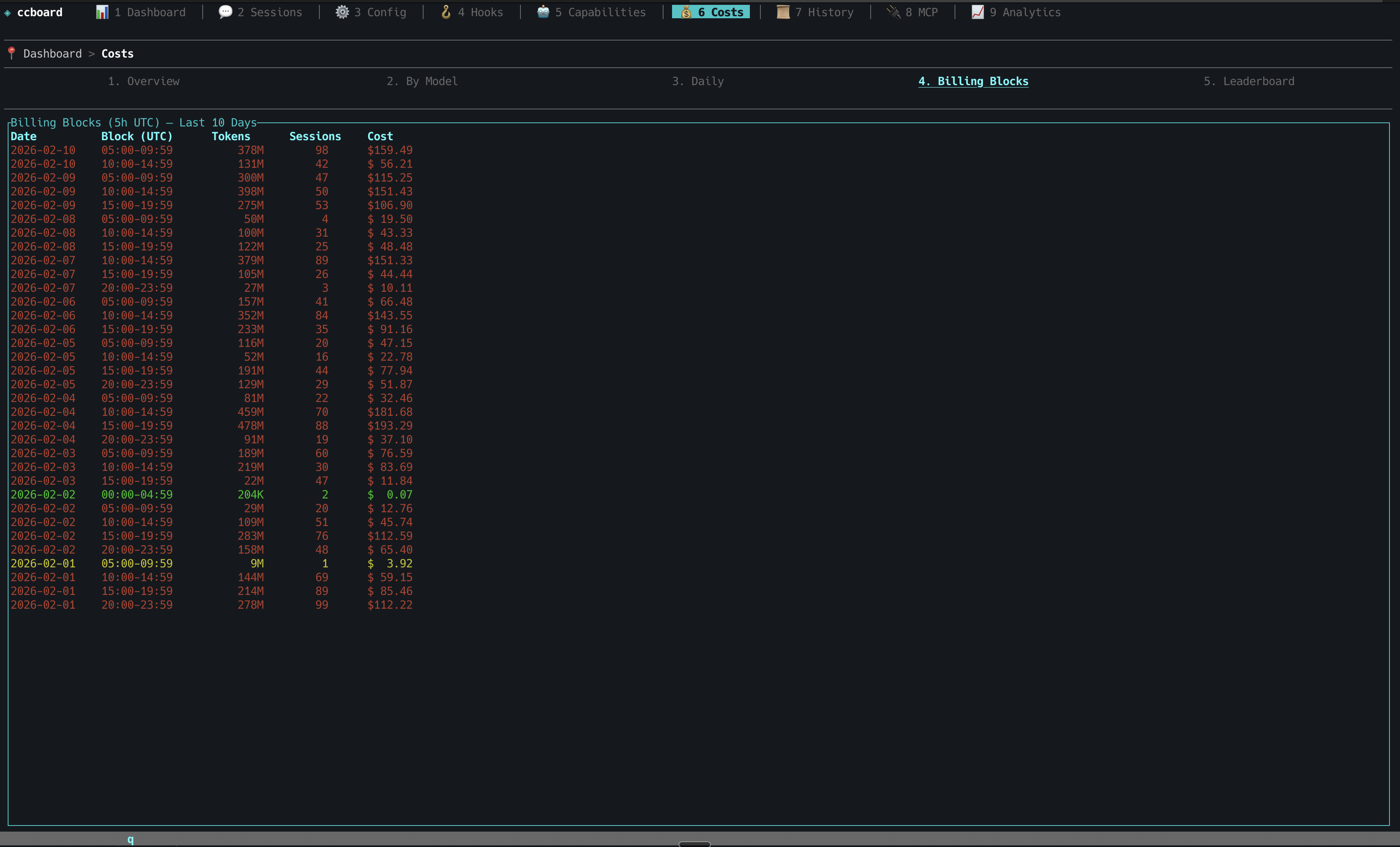
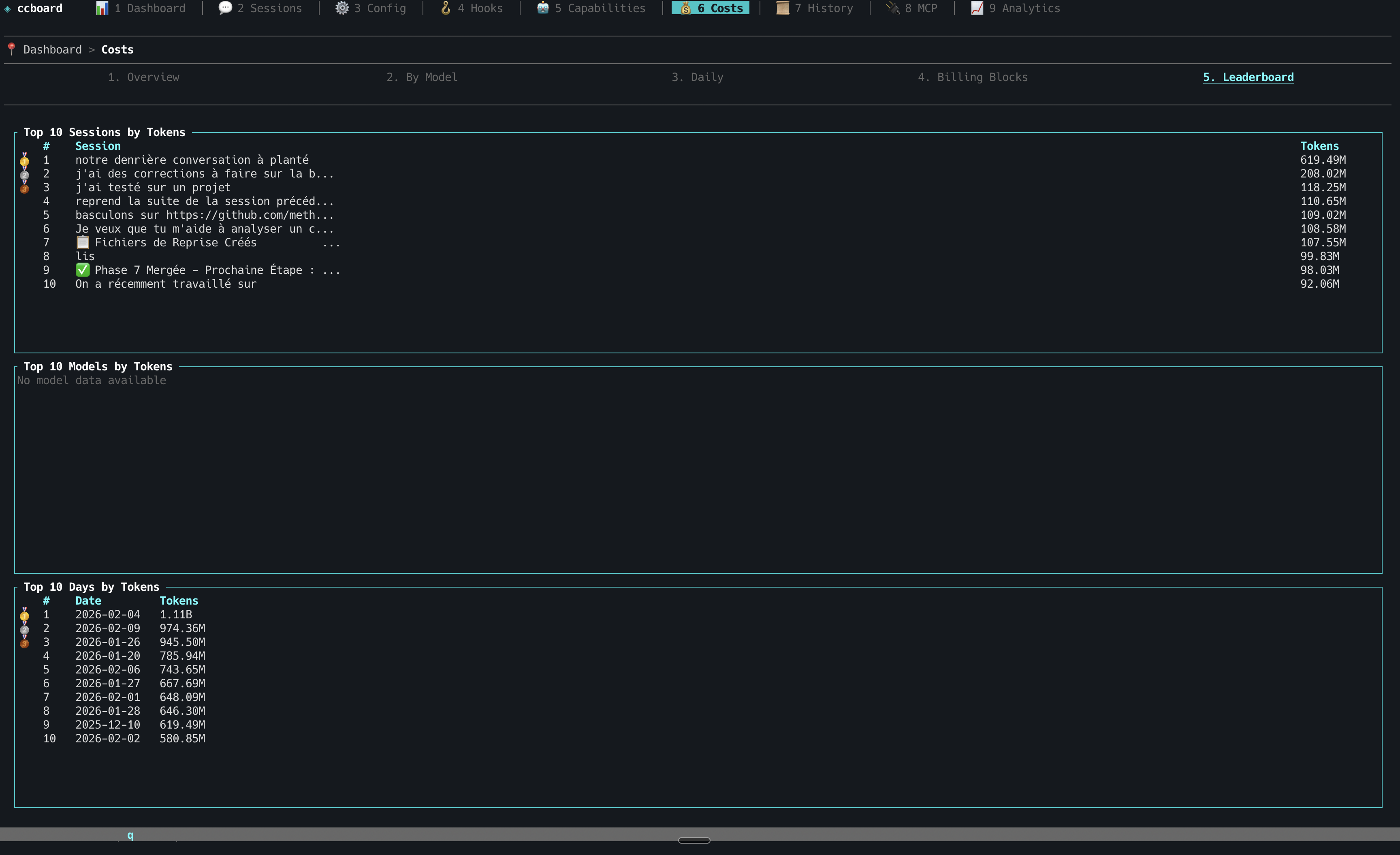
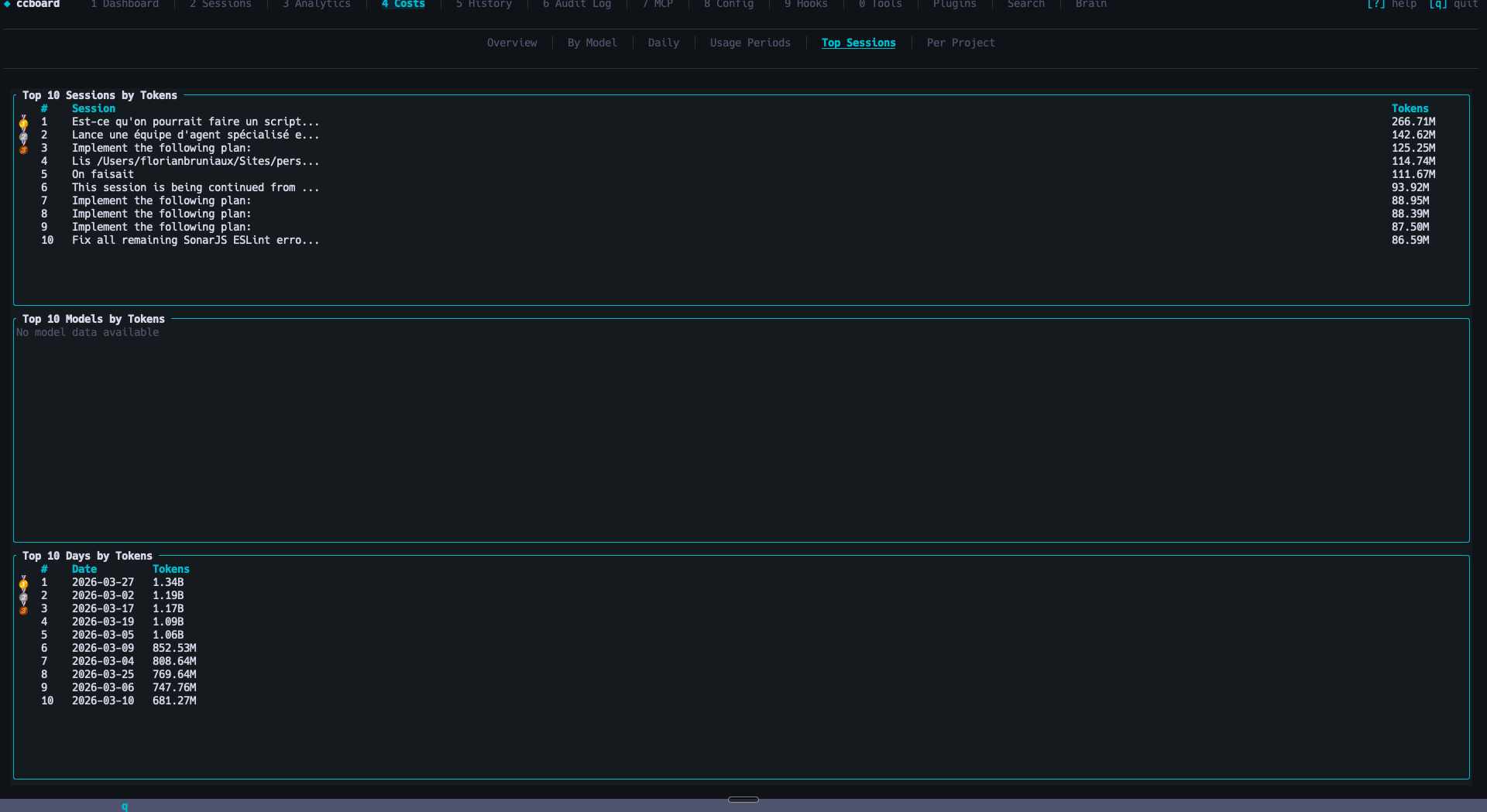
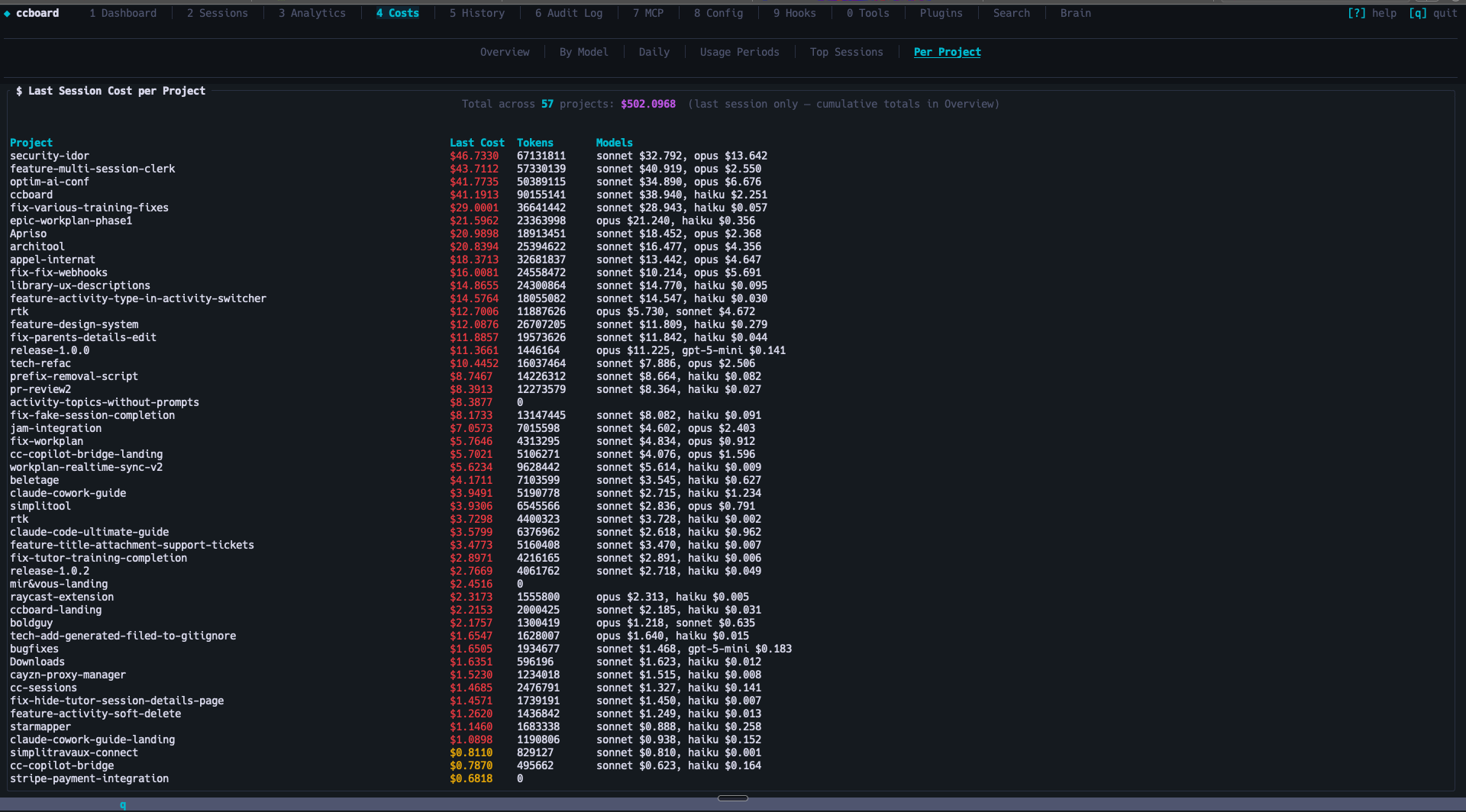
| Costs | 4 | Token analytics (6 sub-views) | Overview, By Model, Daily, Usage Periods, Top Sessions, Per Project — 4-level budget alerts |
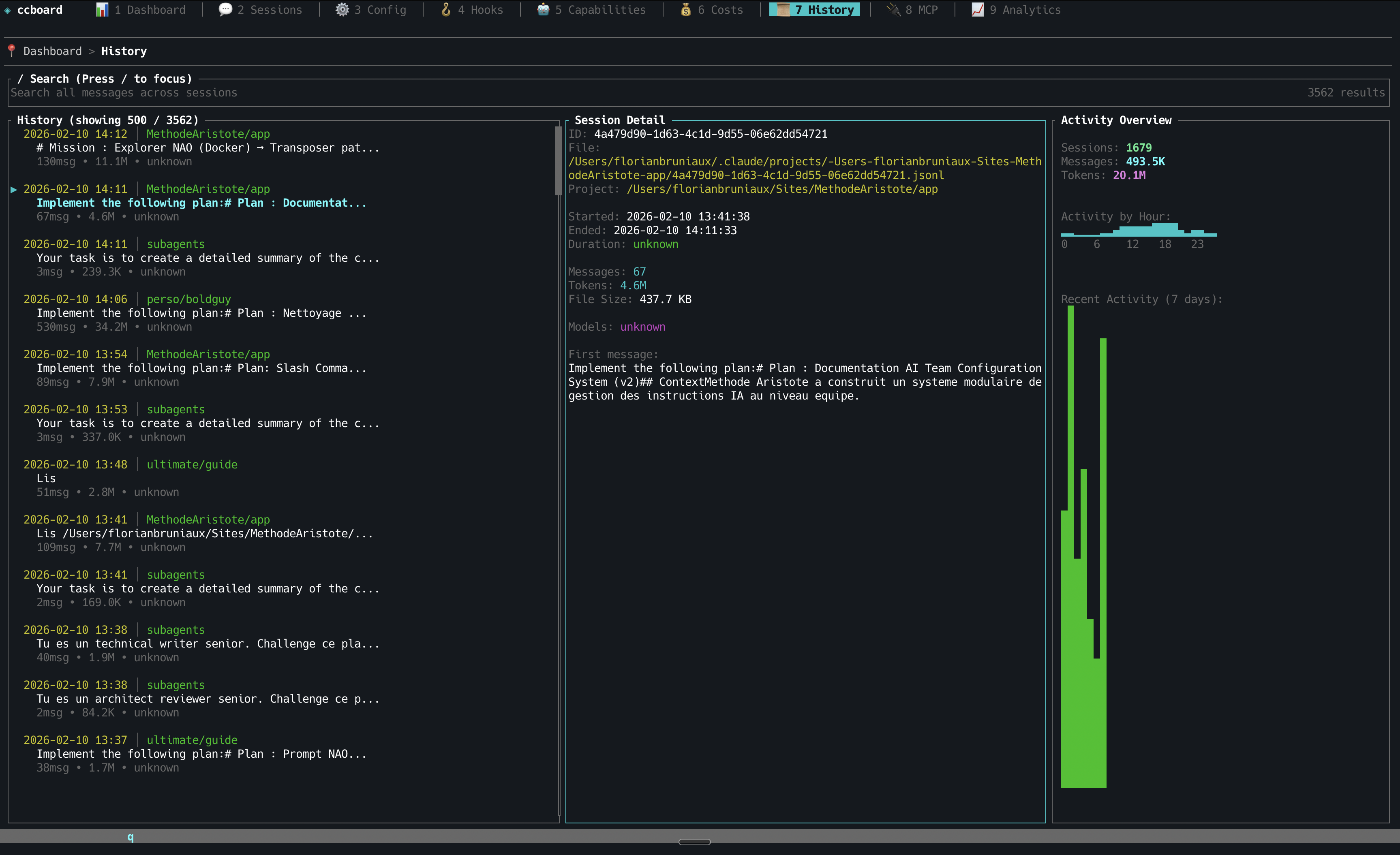
| History | 5 | Chronological session timeline | CSV/JSON/Markdown export (x), full-text search |
| Audit Log | 6 | Security audit & violations feed | Credential detection, destructive command alerts, cross-session violations with remediation hints |
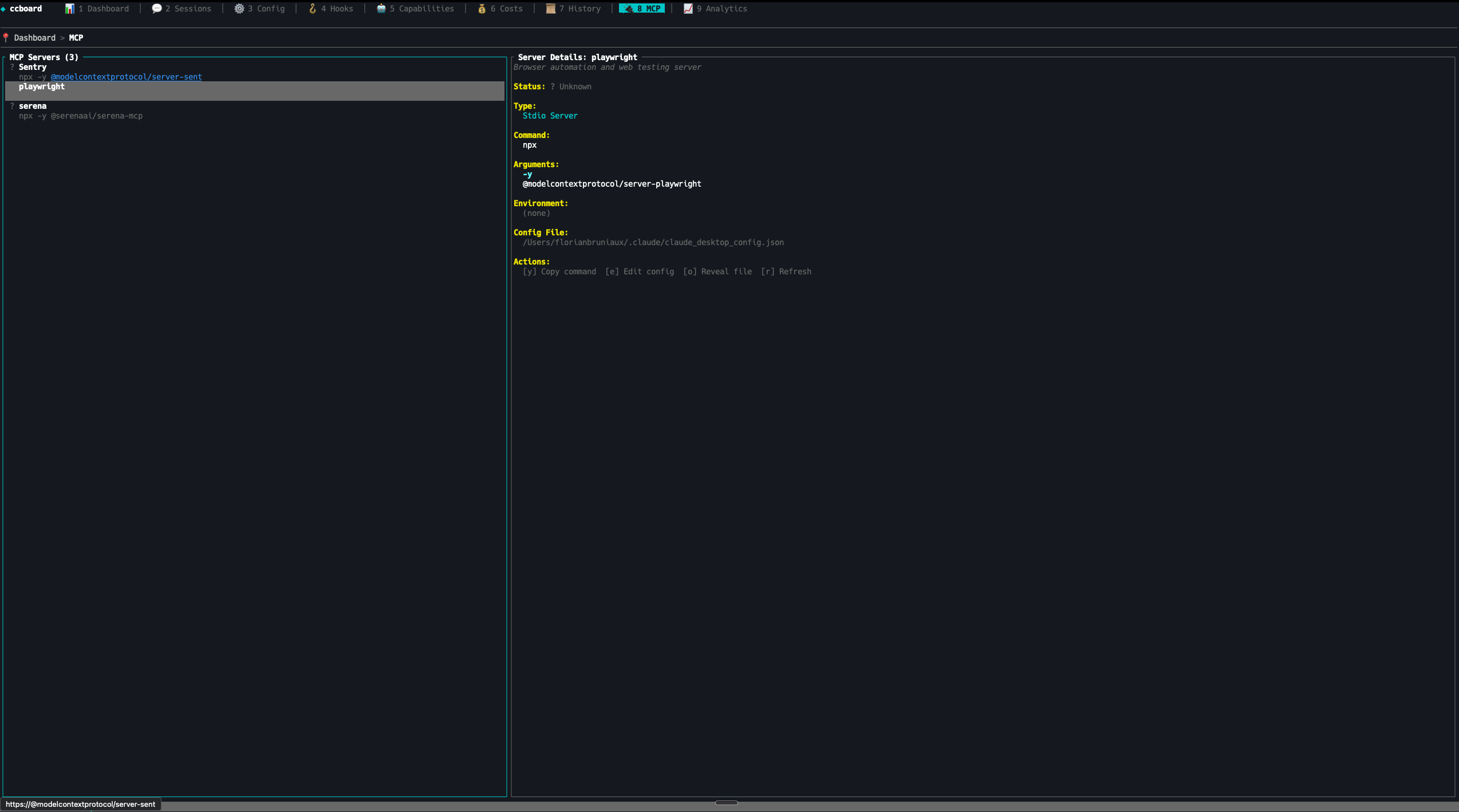
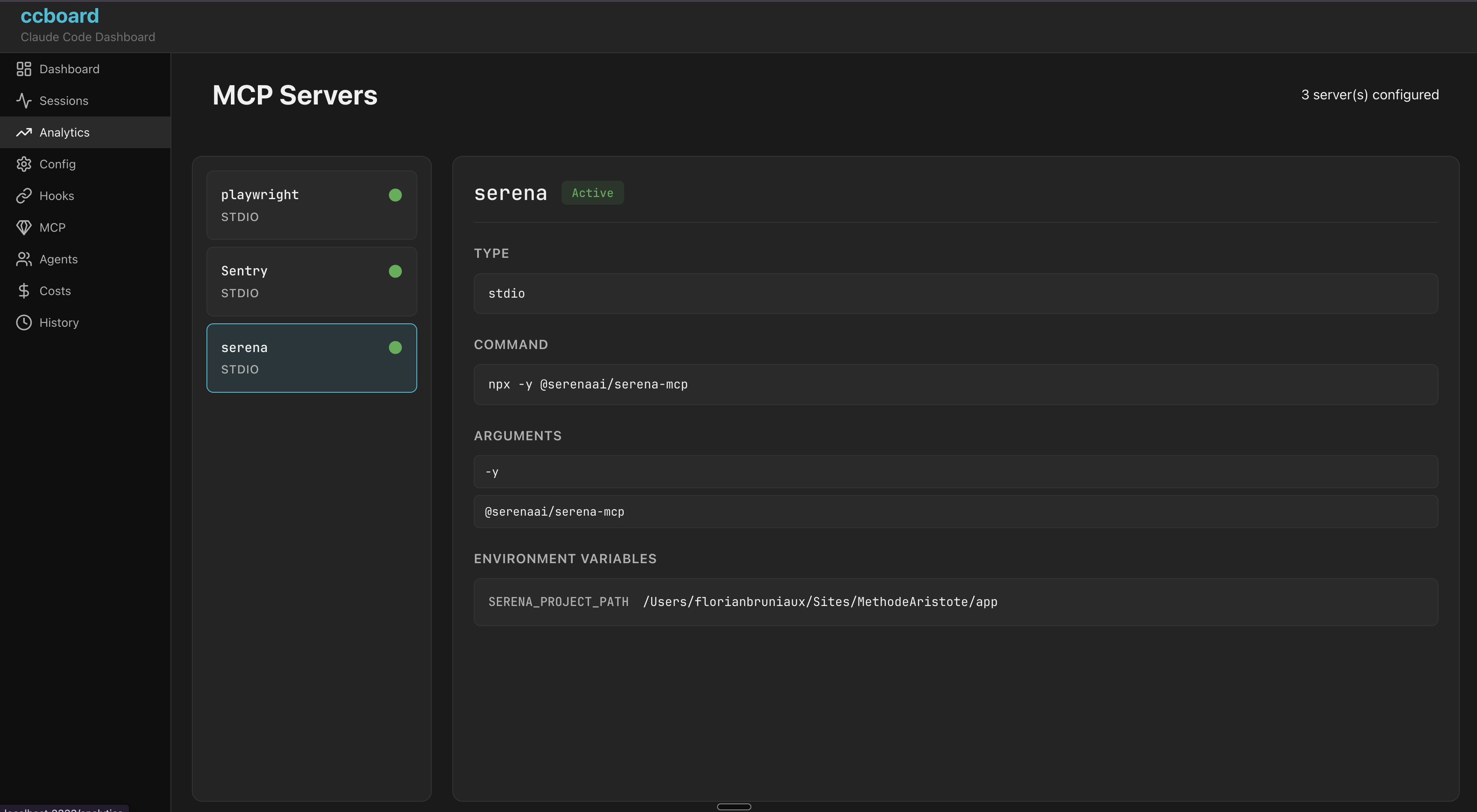
| MCP | 7 | MCP server management | Status detection (running/stopped), copy command to clipboard (y), env vars masking, usage stats by server (s) |
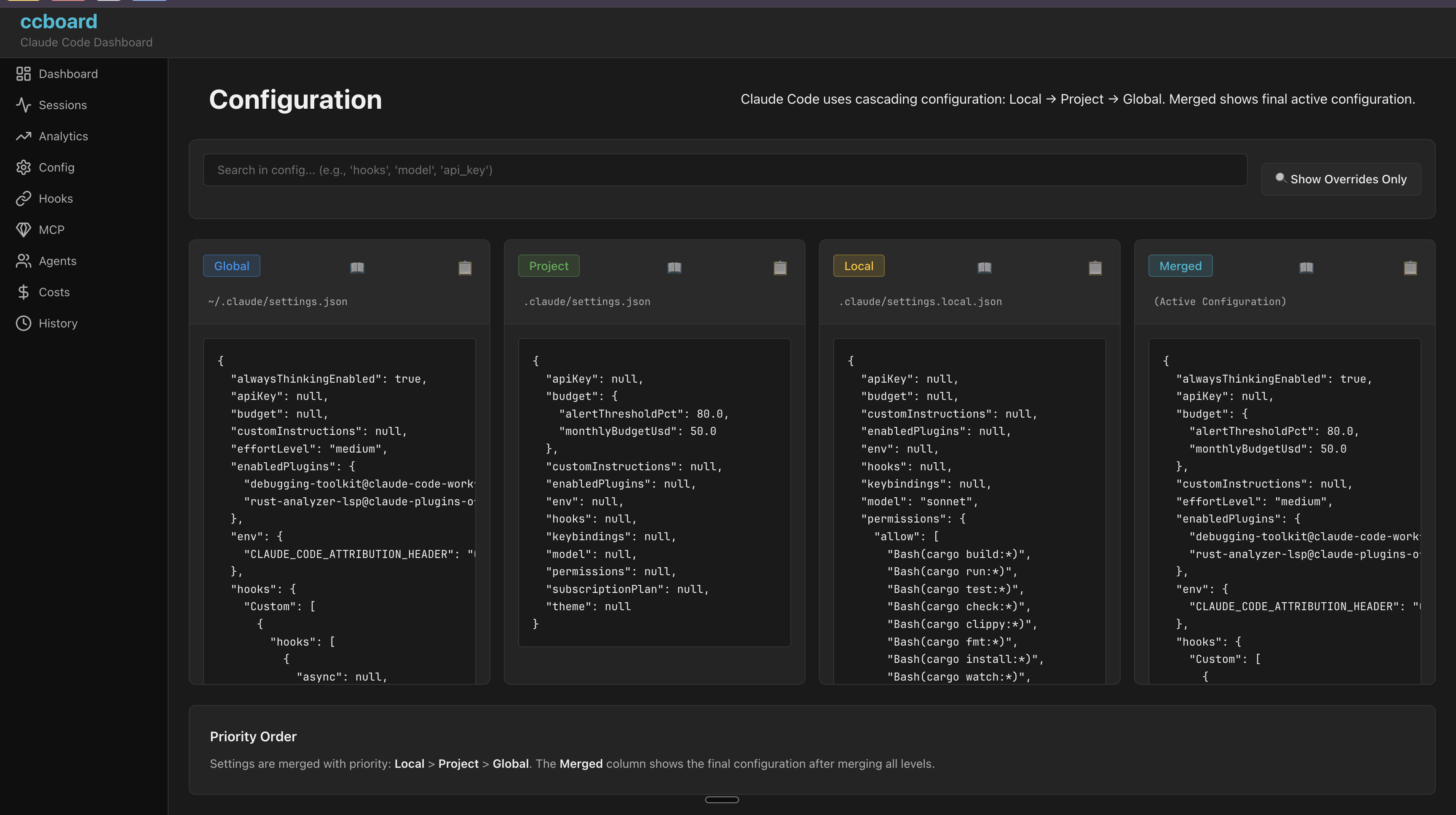
| Config | 8 | Cascading configuration editor | 4-column diff (default/global/project/local), edit with e, reveal in file manager (o) |
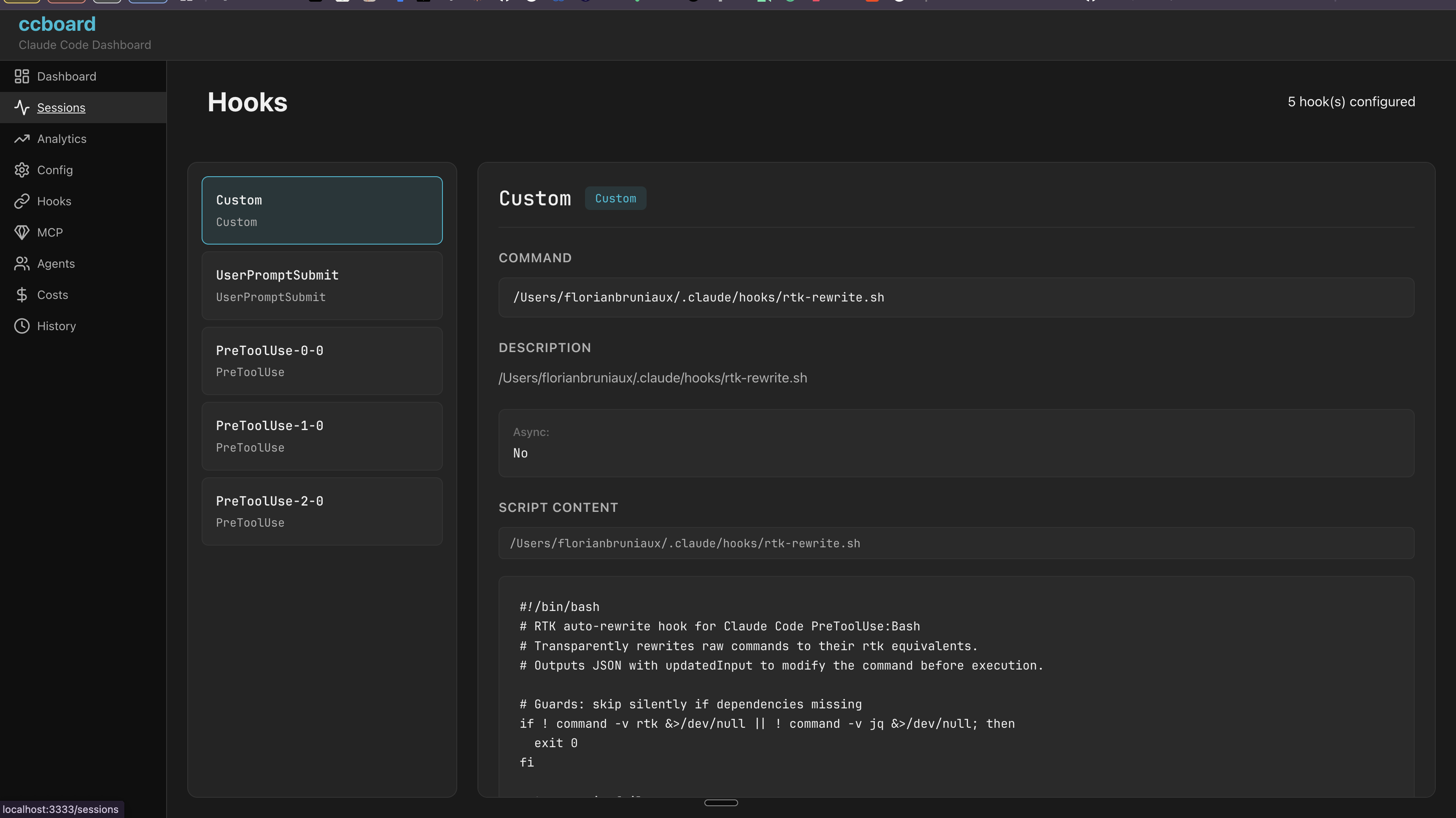
| Hooks | 9 | Event-based hook management | Bash syntax highlighting, badge indicators |
| Tools | 0 | Agents, commands, and skills browser | Frontmatter YAML parsing, real invocation counts (includes session-discovered agents) |
| Plugins | p | Plugin & capability usage analytics | Dead code detection, sort by usage/cost/name |
| Search | / | Full-text search across all sessions | FTS5-powered, search-as-you-type (≥2 chars), ranked snippets, opens conversation viewer |
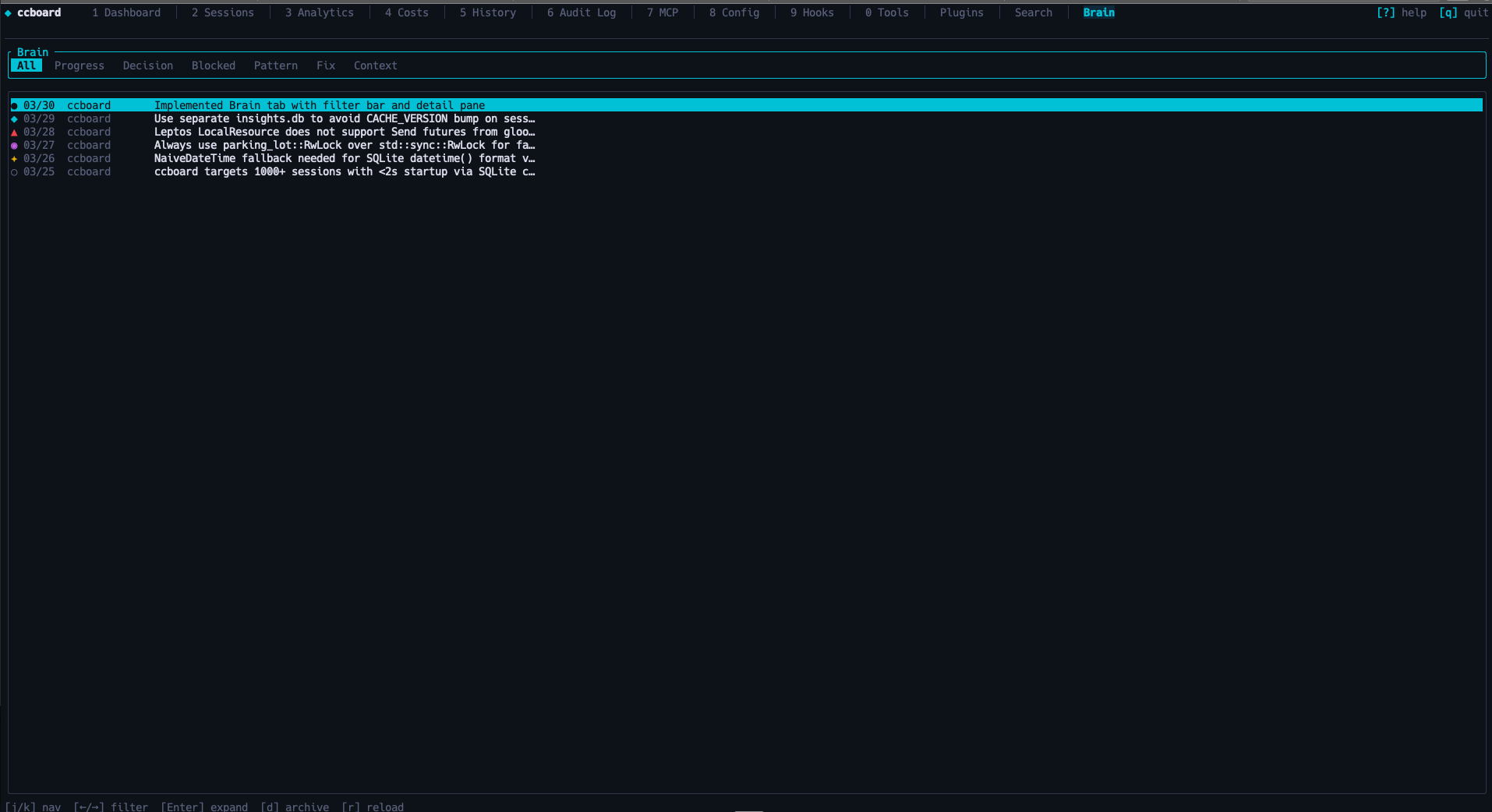
| Brain | b | Cross-session knowledge base | Insights captured by session-stop hook (progress/decision/blocked/pattern/fix/context), filter by type, archive, detail pane, /ccboard-remember skill for manual entries |
| Capability | Details |
|---|---|
| Performance | 89x faster startup (20s → 224ms) via SQLite cache, >99% hit rate, handles 10K+ sessions |
| Live Updates | File watcher (500ms debounce), auto-refresh, Server-Sent Events (Web) |
| UX | Command palette (:), contextual help (?), vim keybindings (hjkl), breadcrumbs, scrollbar indicators, Light/Dark mode (Ctrl+T, persistent) |
| File Operations | Edit with $EDITOR (e), reveal in file manager (o), cross-platform |
| Zero Config | Works out of the box with ~/.claude, single 5.8MB binary, macOS/Linux/Windows |
| Multi-tool | Auto-imports sessions from Cursor, Codex CLI, and OpenCode alongside Claude Code — all parsers opt-in and silent if tool not installed |
| Hook Integration | ccboard setup injects Claude Code hooks, live session status (Running/WaitingInput/Stopped), macOS notification on stop, 10-min TTL pruning for stale sessions |
| Session Intelligence | Bookmarks with tags/notes, subagent parent/child tree, model switching timeline, LLM summaries via ccboard summarize |
| Brain / Knowledge Base | Session-stop hook captures progress, decisions, blockers, patterns, fixes after each meaningful session into ~/.ccboard/insights.db. Context-injection hook injects relevant past knowledge at session start. Manual entries via /ccboard-remember skill. |
Missing a feature? Request it here | Found a bug? Report it
Run ccboard setup once to inject hooks into ~/.claude/settings.json. After that, ccboard tracks every Claude session in real time — which session is running, which is waiting for your permission, which just finished — visible in the Sessions tab with ●/◐/✓ indicators and macOS notifications.
brew tap FlorianBruniaux/tap
brew install ccboard
Why Homebrew? Simple one-command install, automatic updates via brew upgrade, no manual Rust setup required.
cargo install ccboard
Why cargo? ccboard's target audience (Claude Code users) often has Rust installed. Ensures compatibility and always installs latest crates.io version.
Note:
cargo installbuilds the binary from crates.io source without running the WASM build step — Web UI (ccboard web) will not serve a frontend. For full Web UI support, use Homebrew, the install script, or a pre-built binary from GitHub Releases (all embed the WASM frontend at compile time).
One-liner install (no Rust required):
curl -sSL https://raw.githubusercontent.com/FlorianBruniaux/ccboard/main/install.sh | bash
This script:
~/.local/bin (customizable with INSTALL_DIR)Windows users: Use Git Bash, WSL, or download manually from releases.
Download from GitHub Releases:
| Platform | Status | Download |
|---|---|---|
| macOS (x86_64/ARM64) | ✅ Fully tested | ccboard-macos-*.tar.gz |
| Linux (x86_64/ARM64) | ⚠️ Community-tested | ccboard-linux-*.tar.gz |
| Windows (x86_64) | 🧪 Experimental | ccboard-windows-*.exe.zip |
Manual installation (macOS/Linux):
# Extract
tar xzf ccboard-macos-x86_64.tar.gz  # or ccboard-linux-*

# Move to PATH
mv ccboard ~/.local/bin/
chmod +x ~/.local/bin/ccboard
Manual installation (Windows):
ccboard-windows-x86_64.exe.zipccboard-windows-x86_64.execcboard.exeC:\Users\YourName\.local\bin\)Platform support:
# TUI dashboard (default)
ccboard

# Web interface
ccboard web --port 3333

# Both simultaneously
ccboard both --port 3333

# Stats only (scriptable)
ccboard stats
Navigate tabs with 1-9, 0, p. Press ? for contextual help, : to open the command palette. Refresh with r, toggle theme with Ctrl+T, quit with q. See docs/GUIDE.md for the full feature reference.
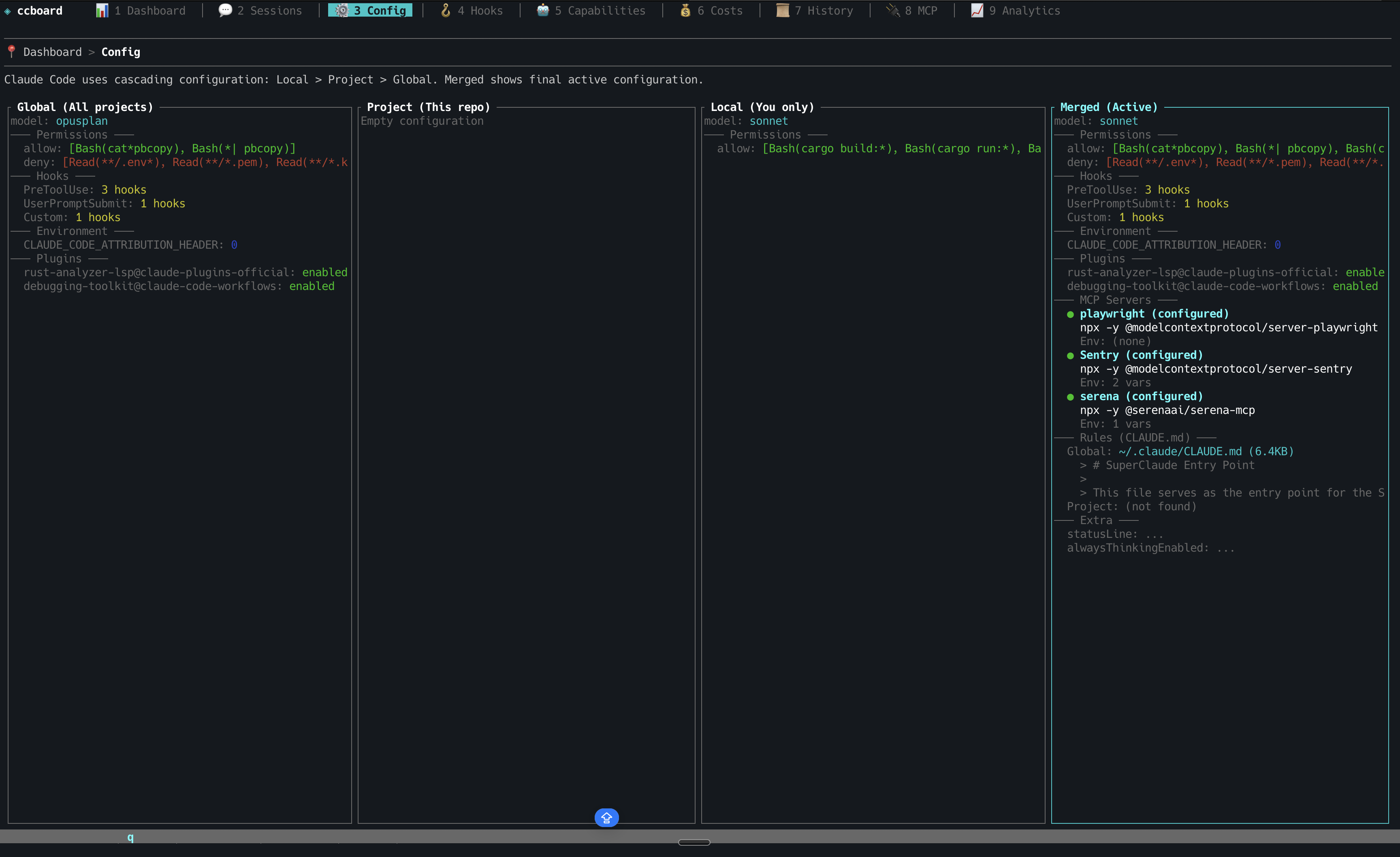
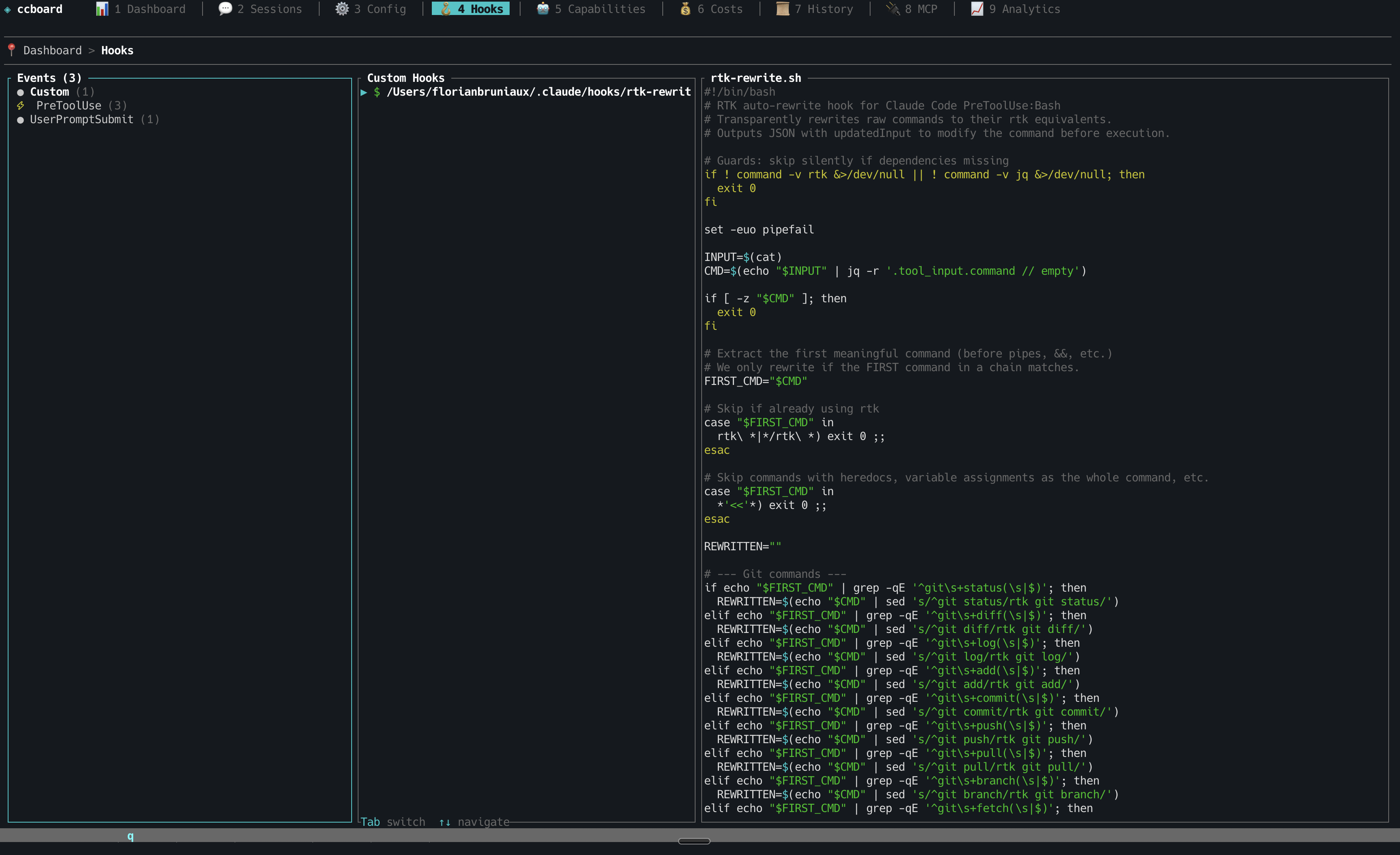
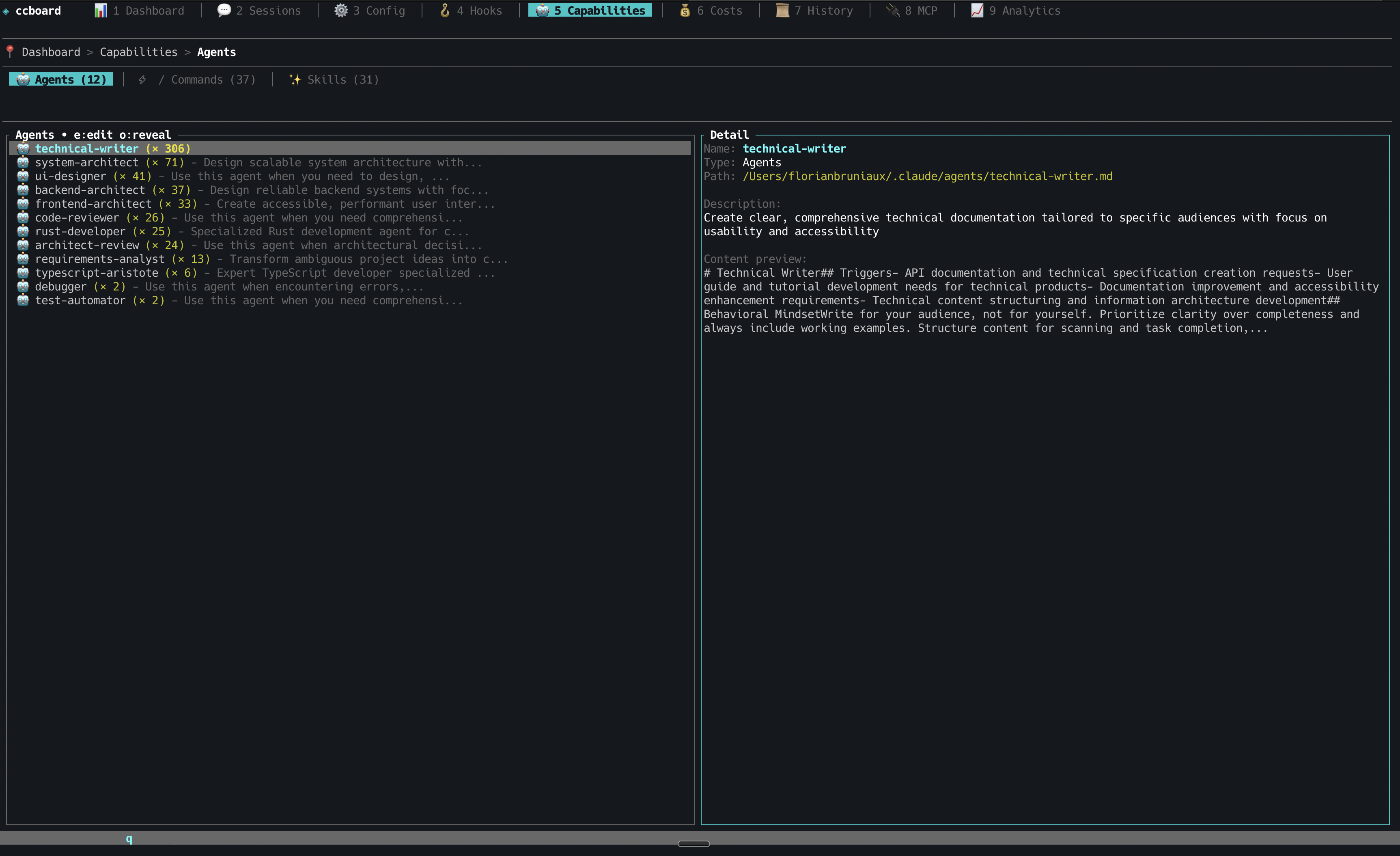
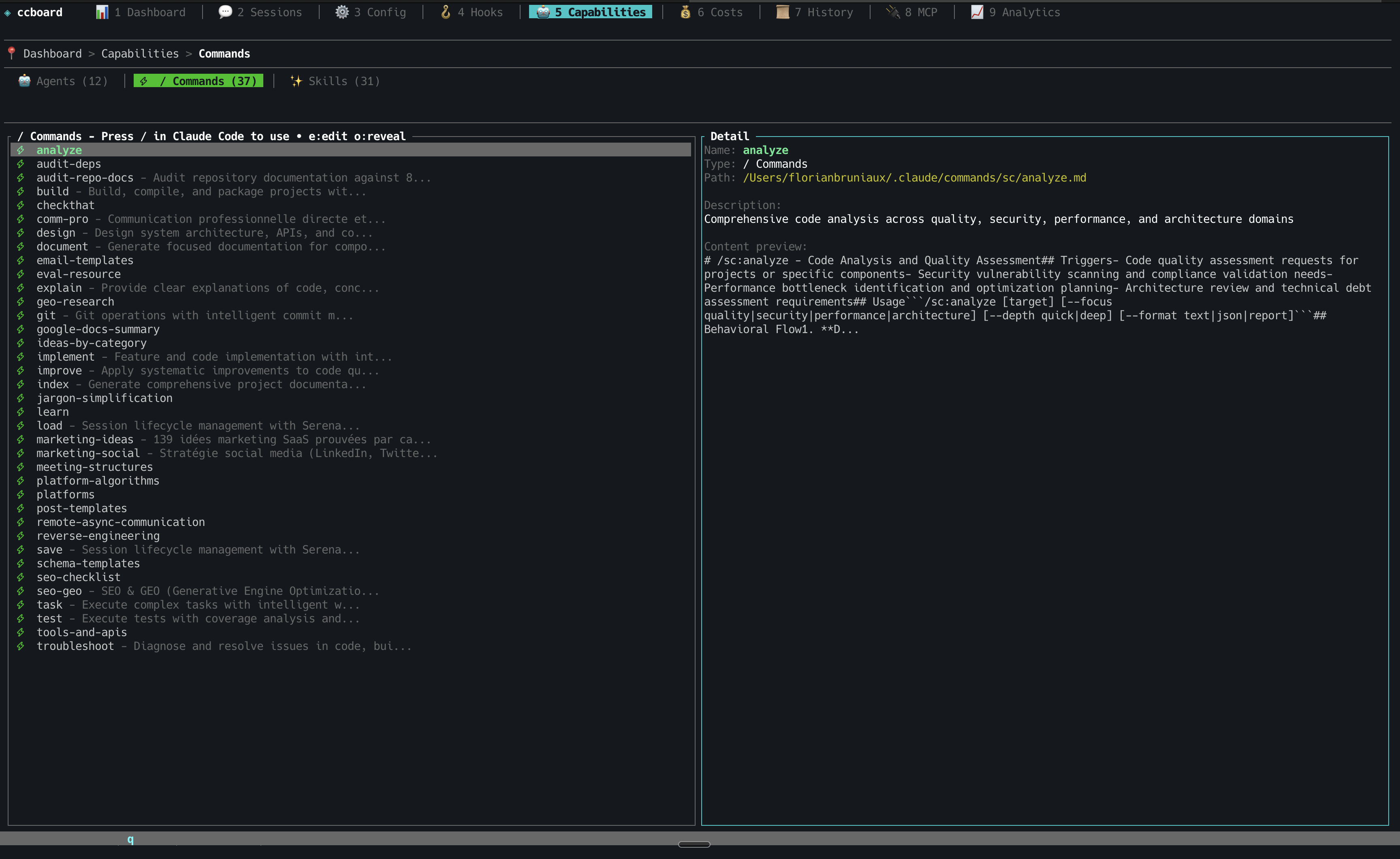
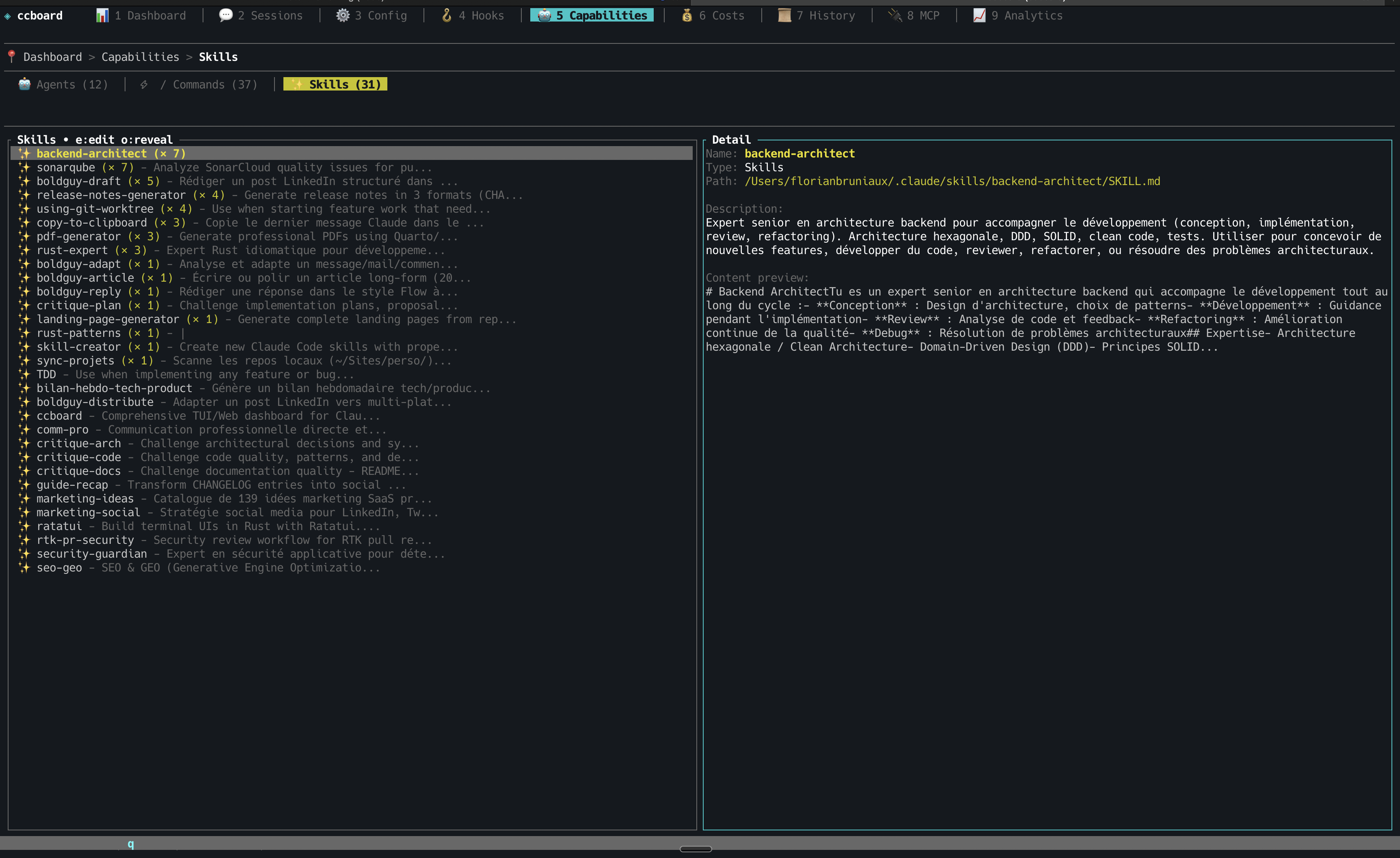
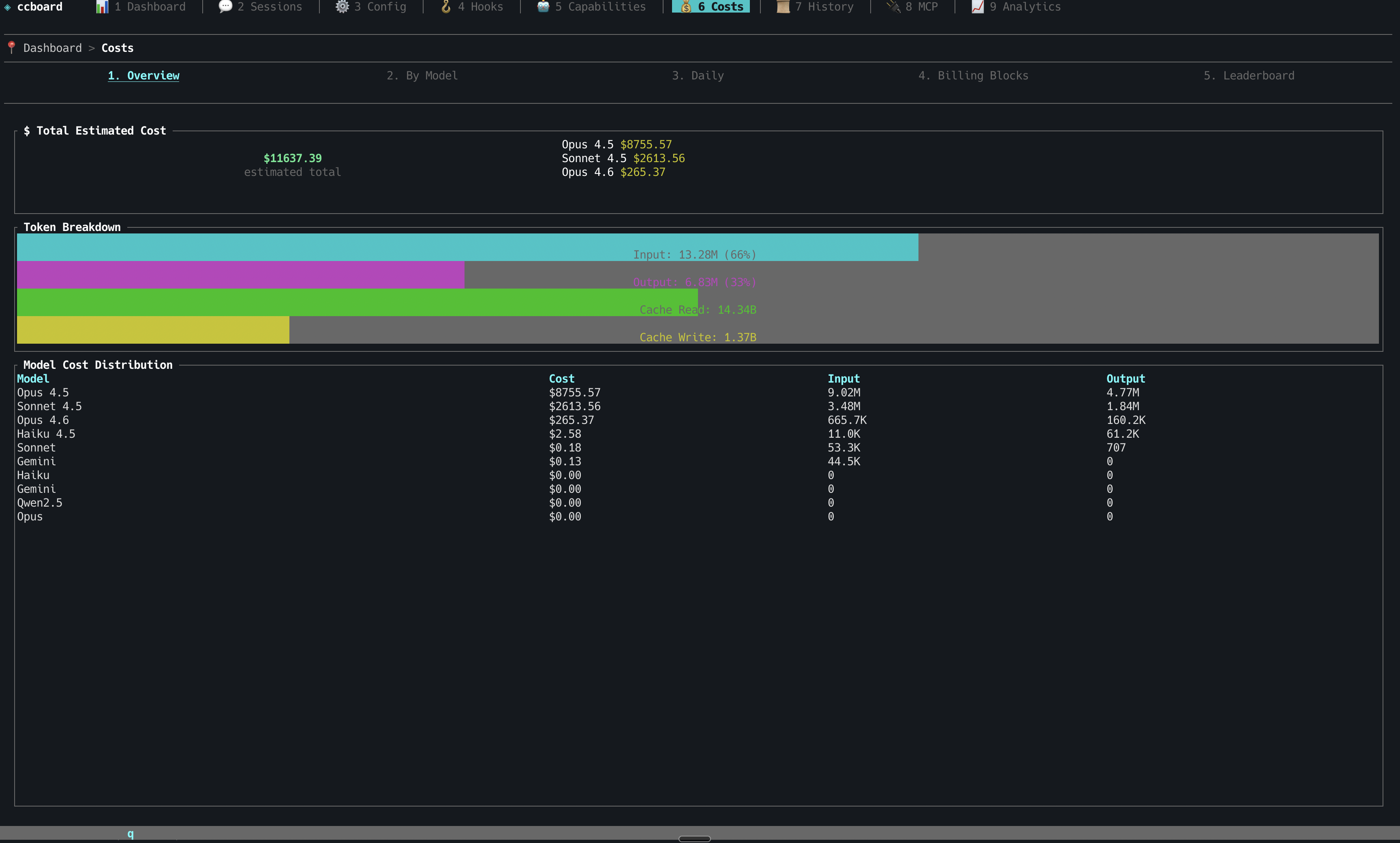
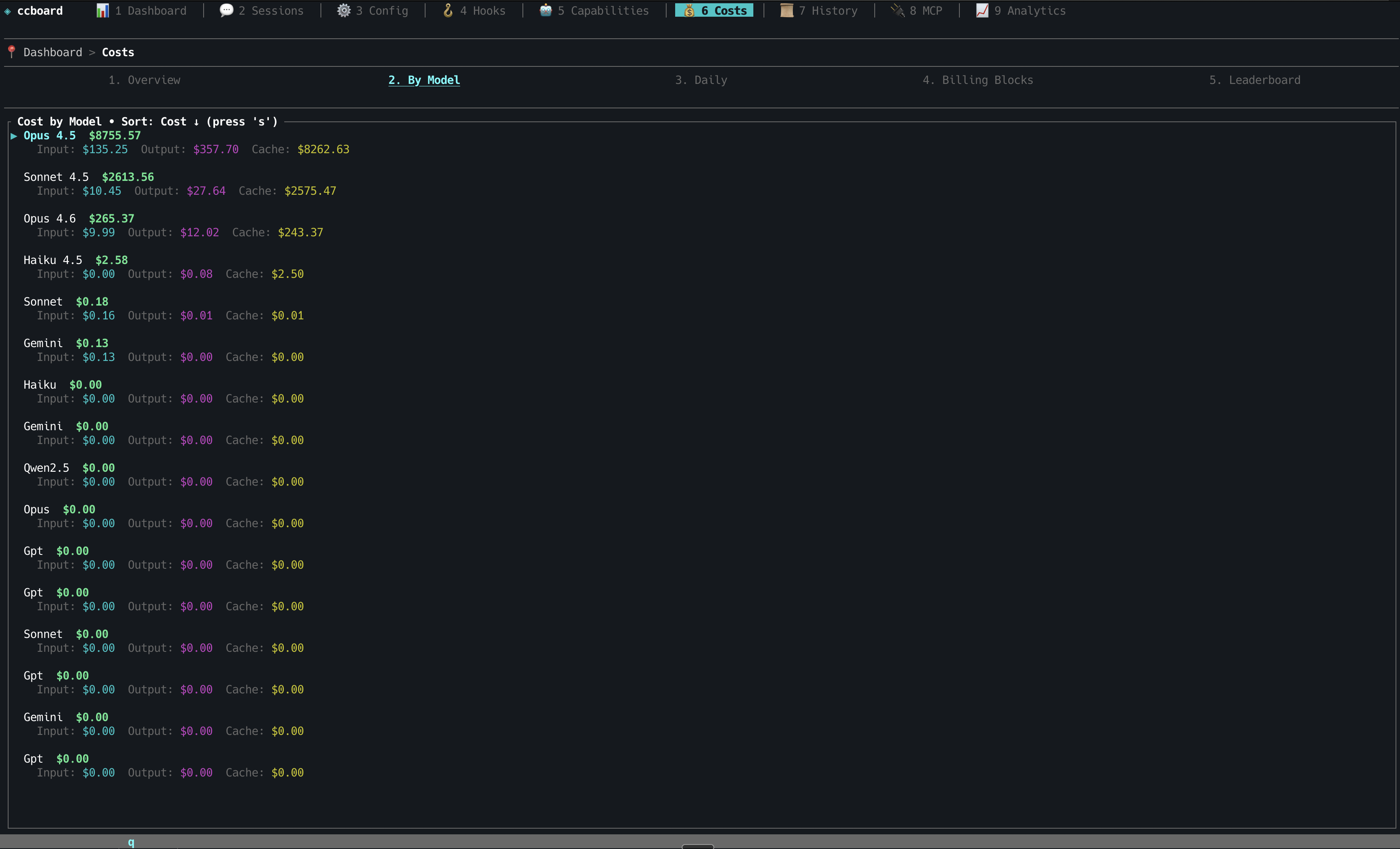
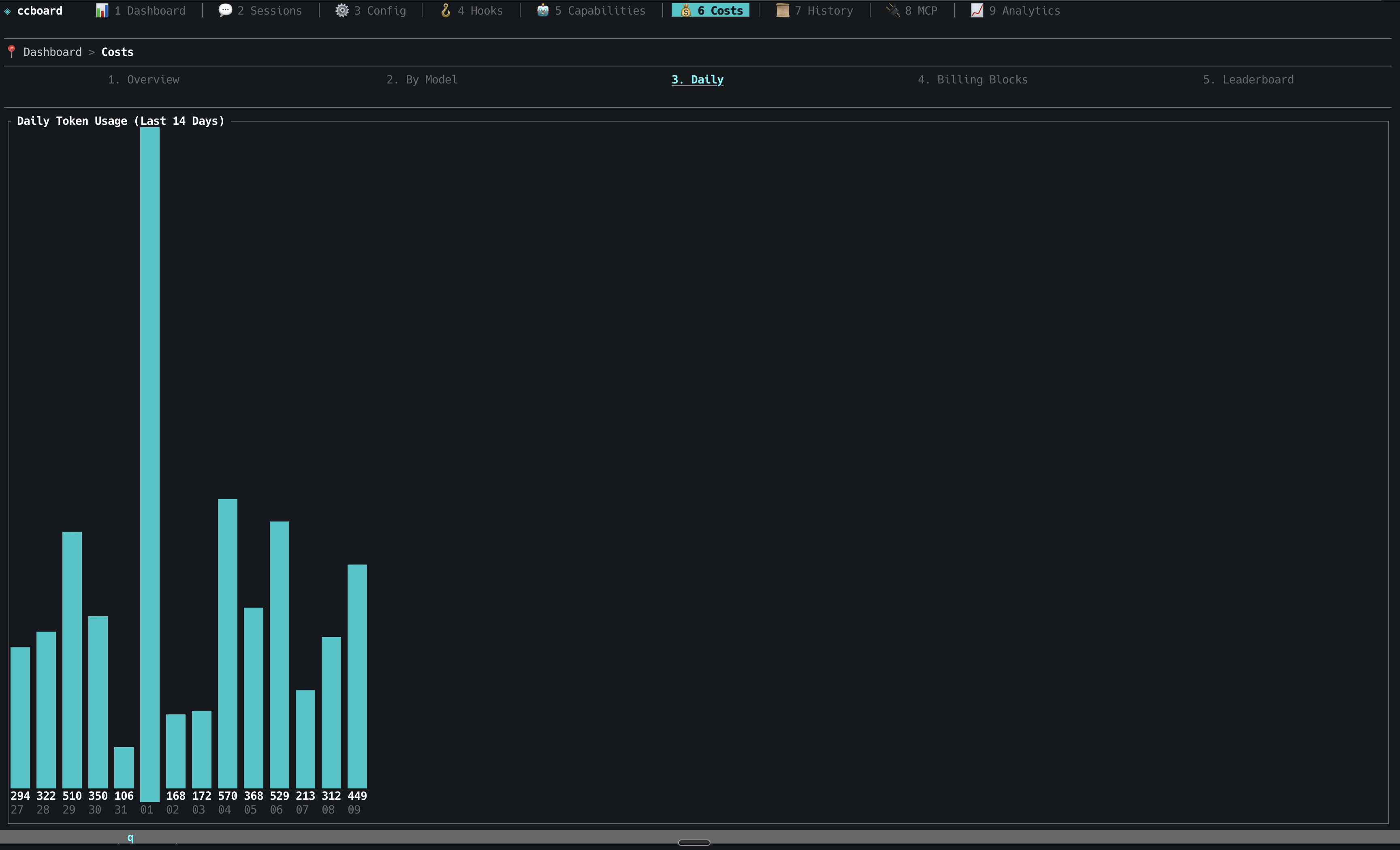
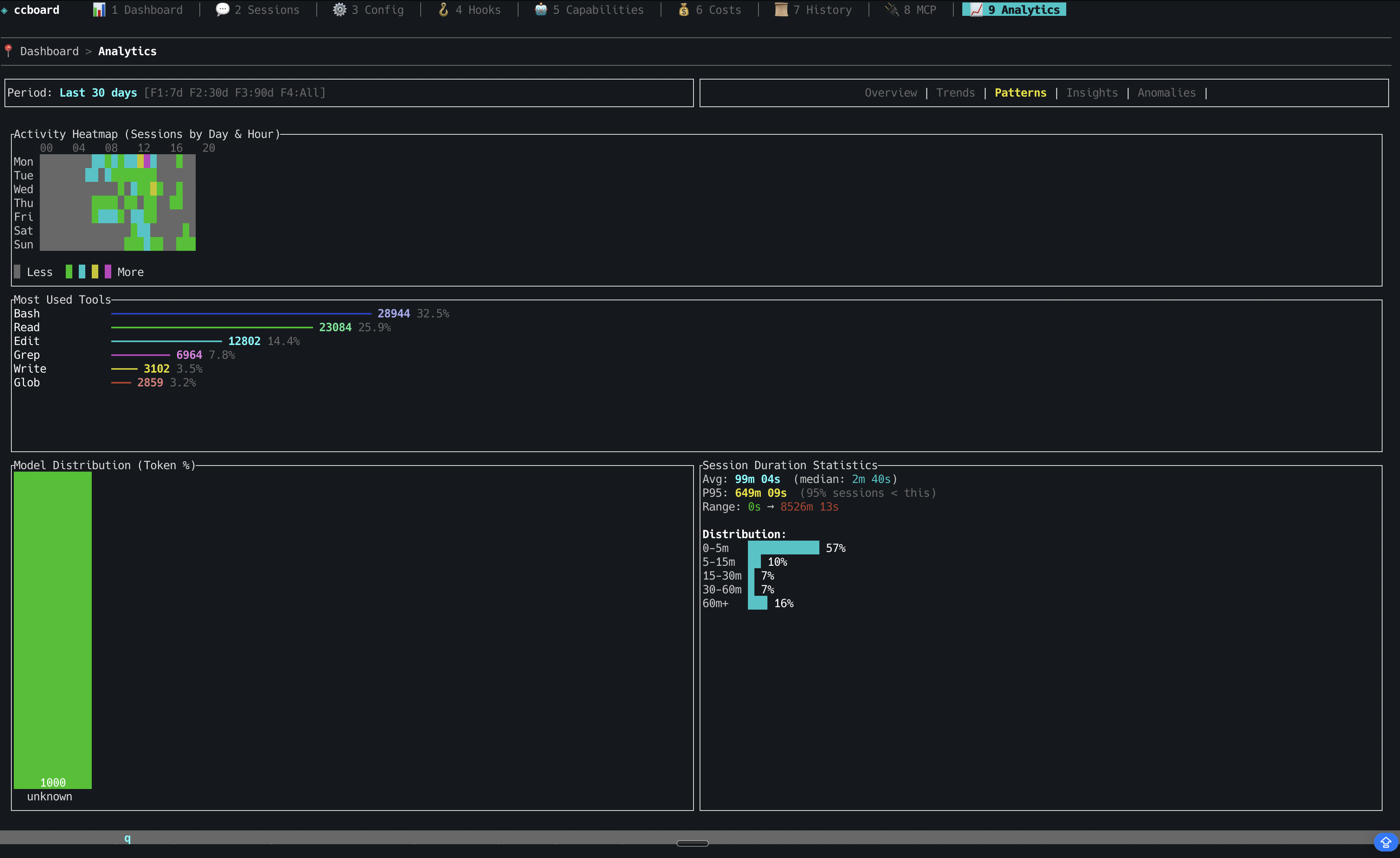
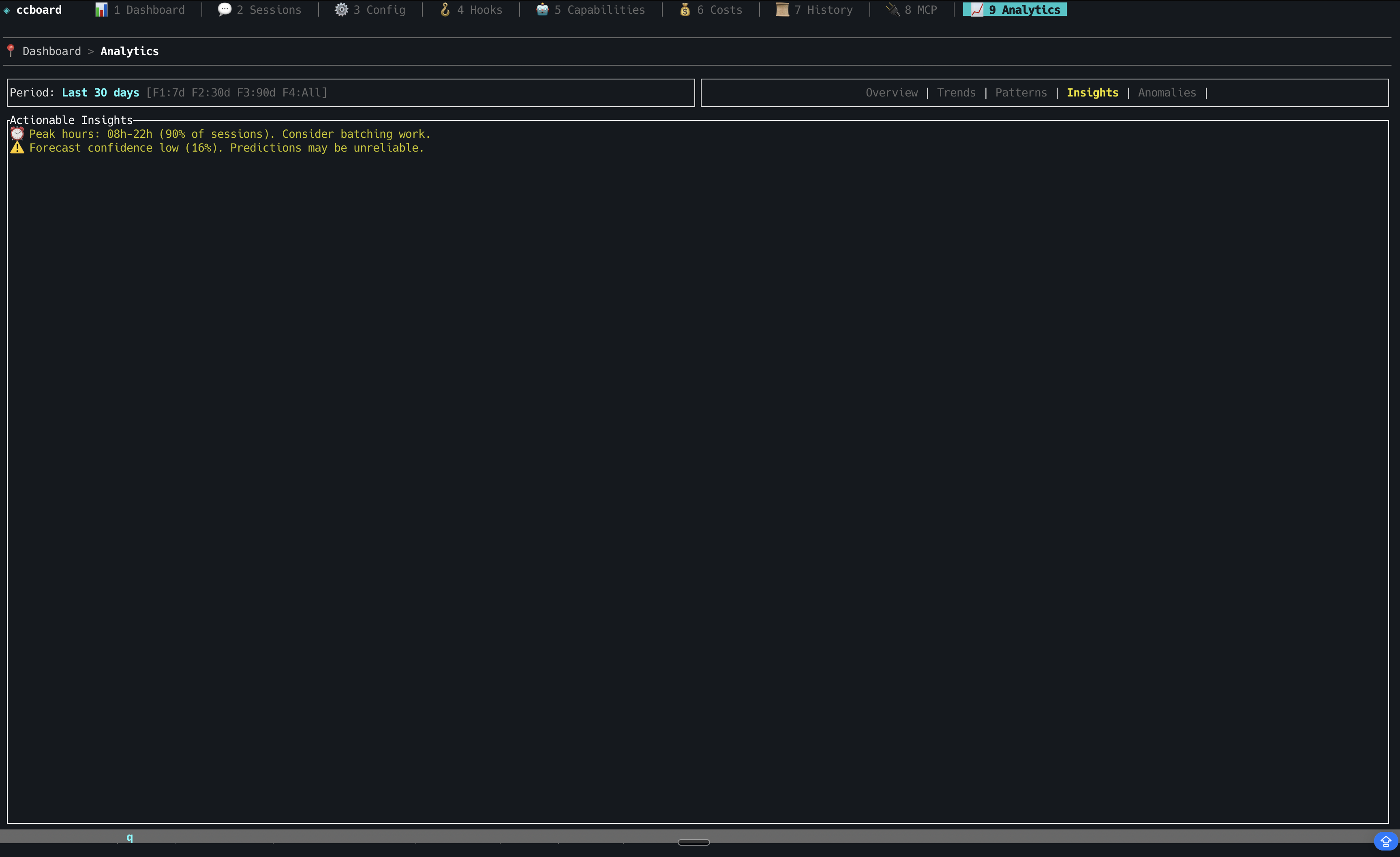
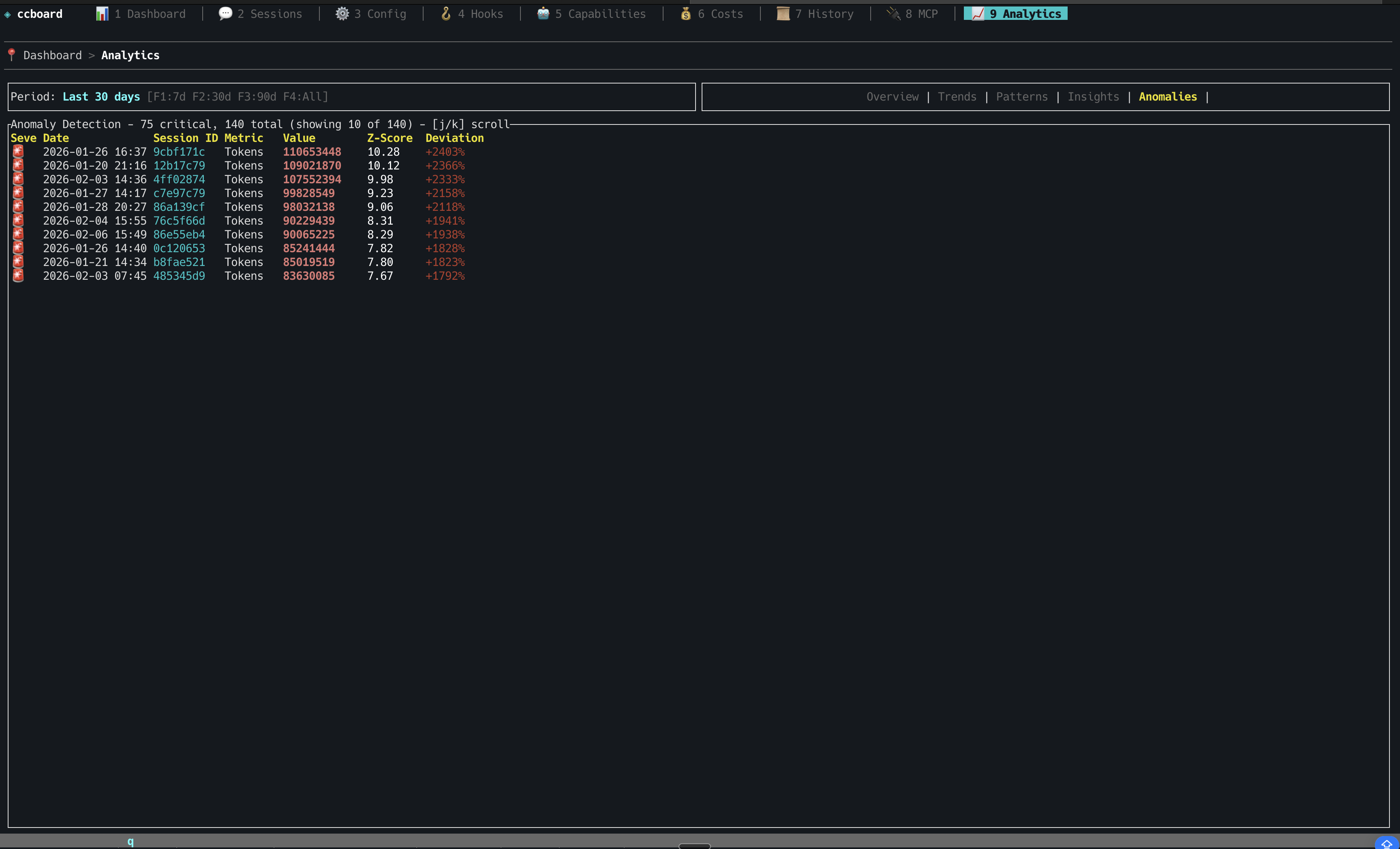
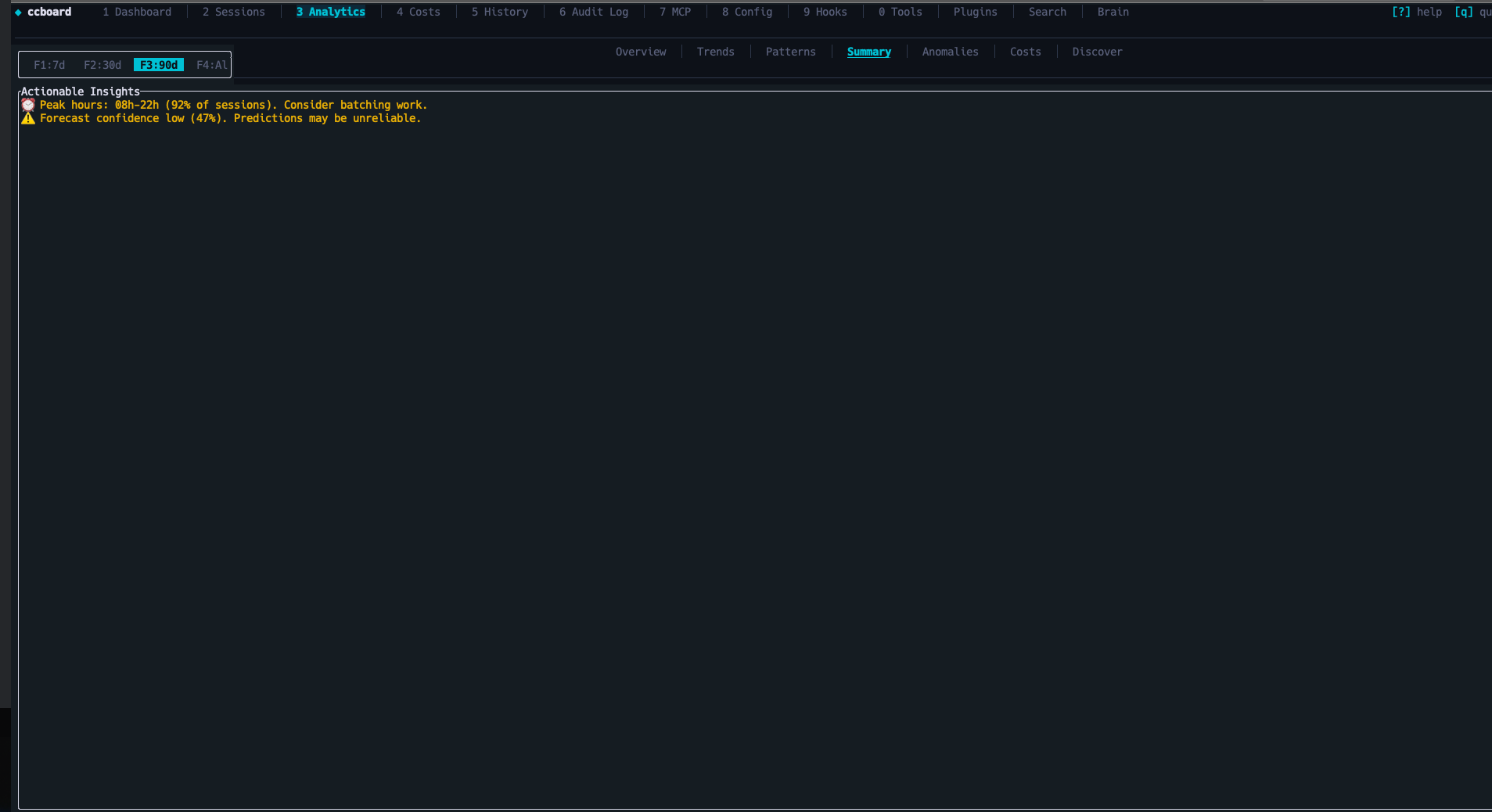
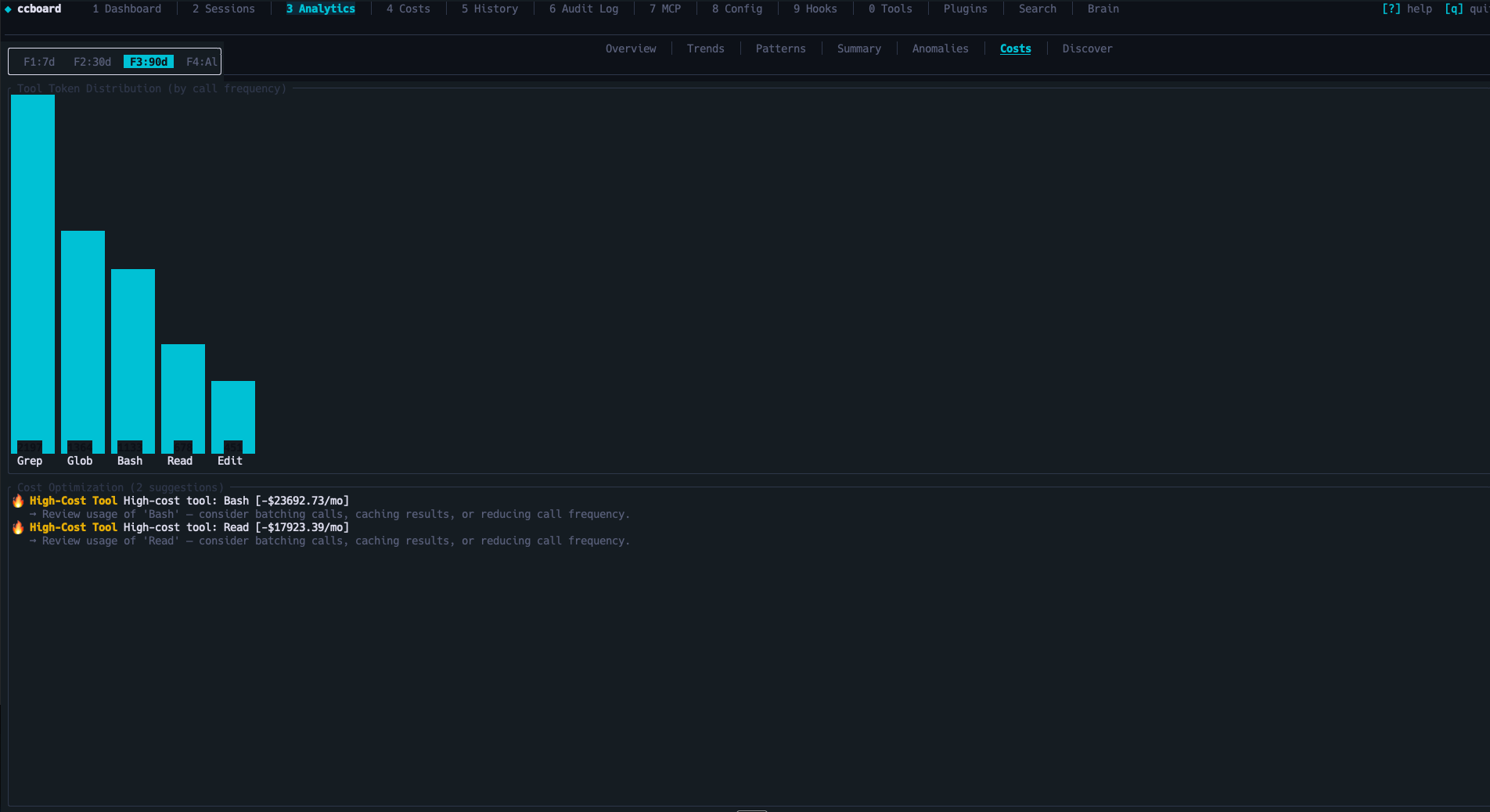
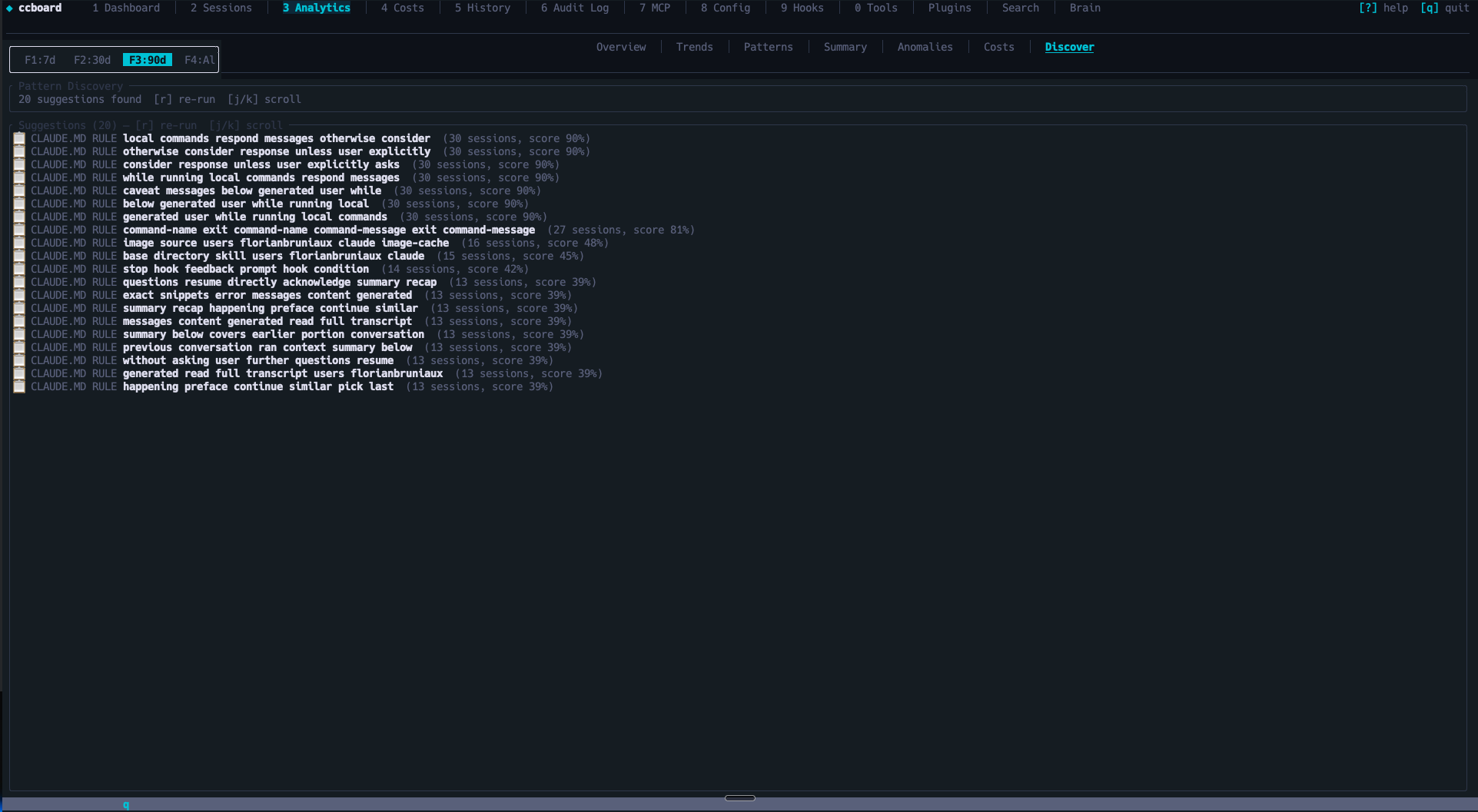
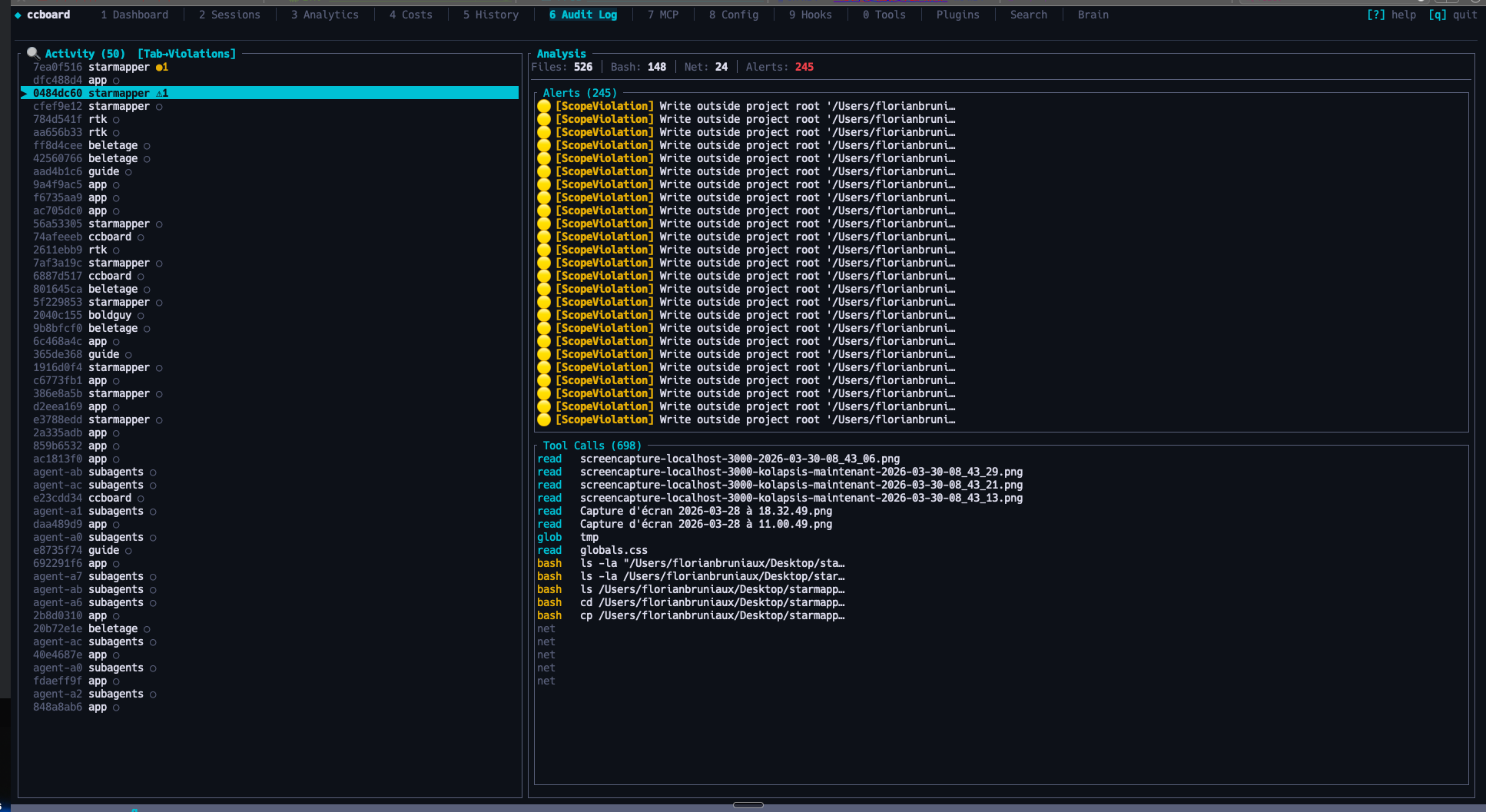
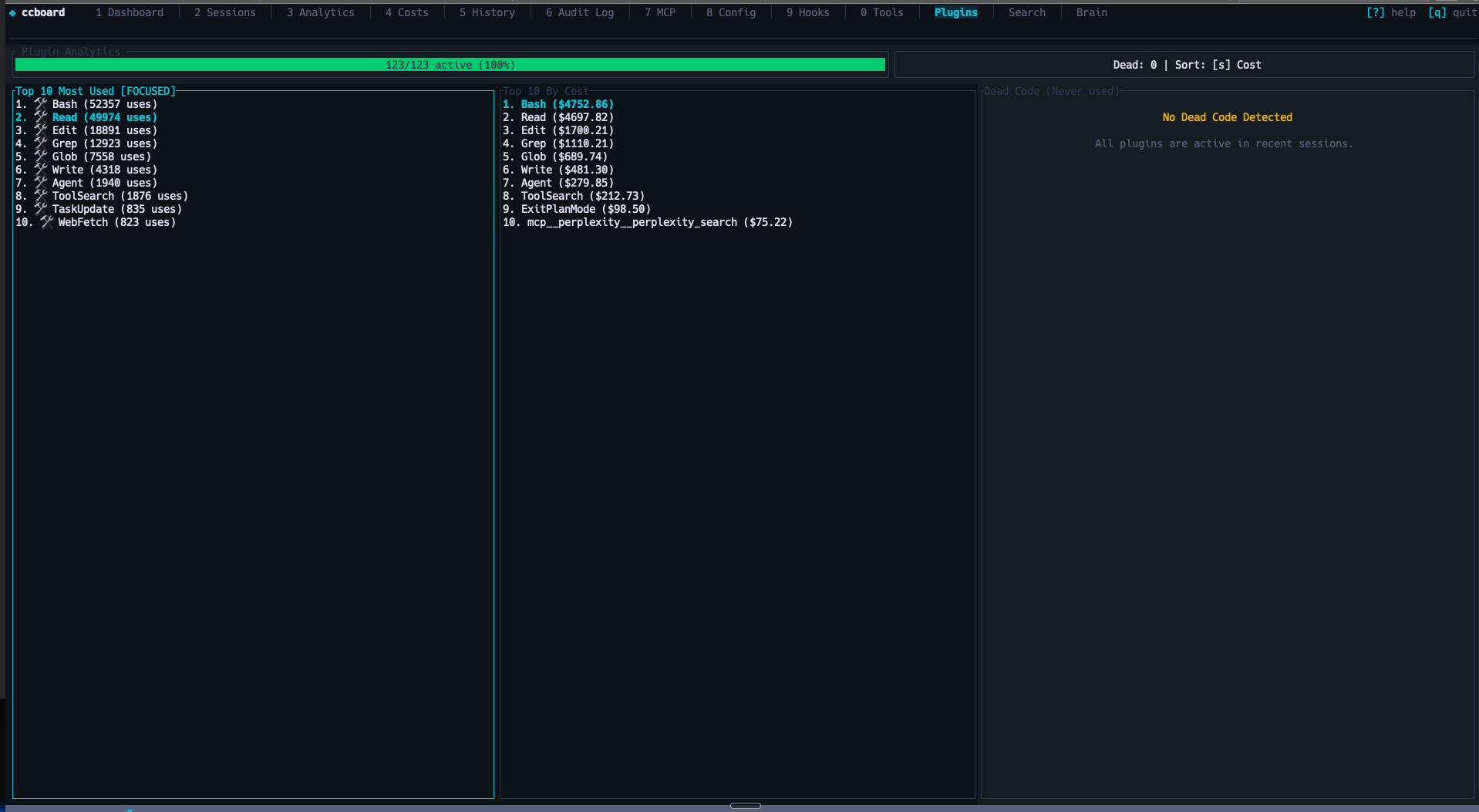
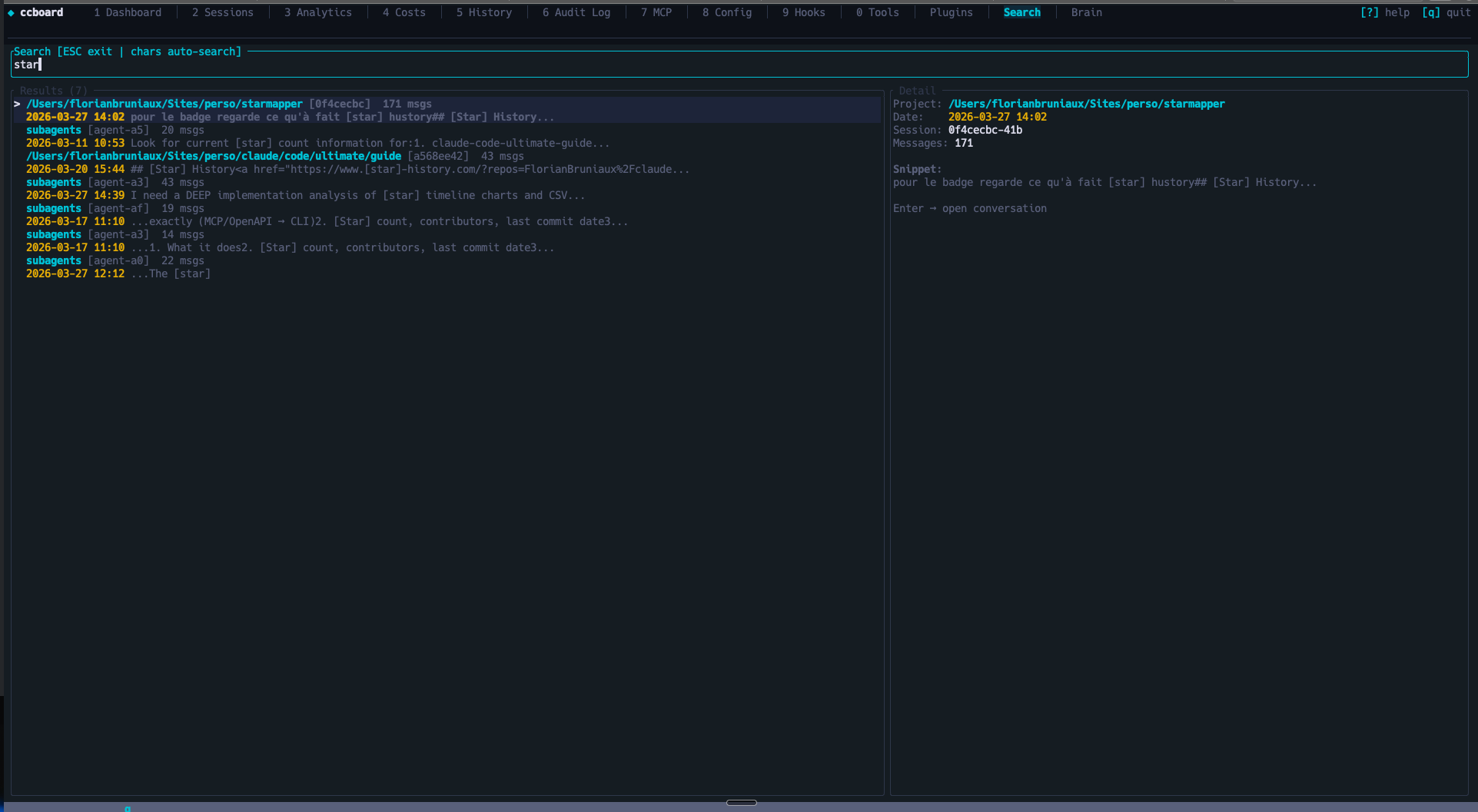
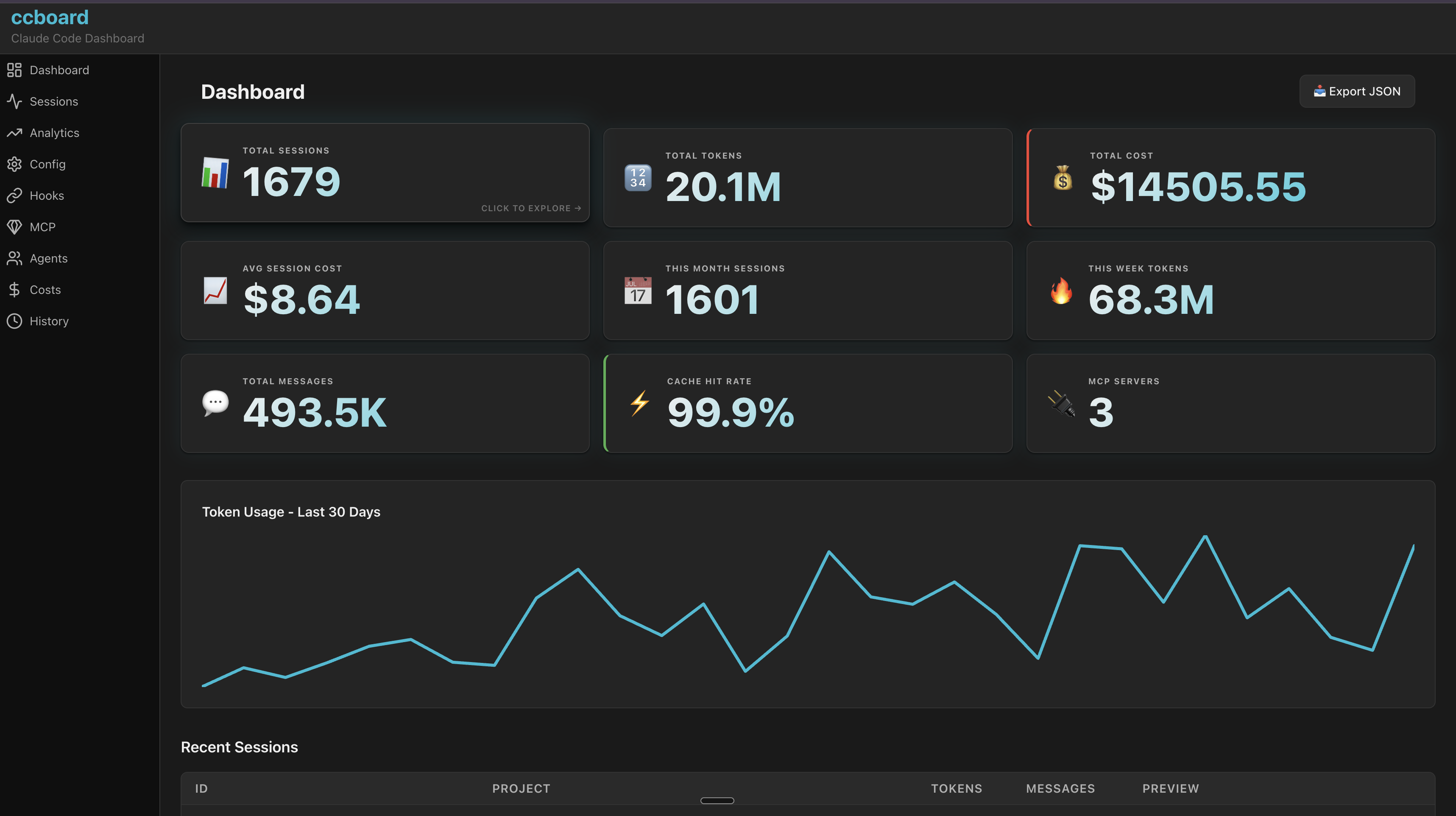
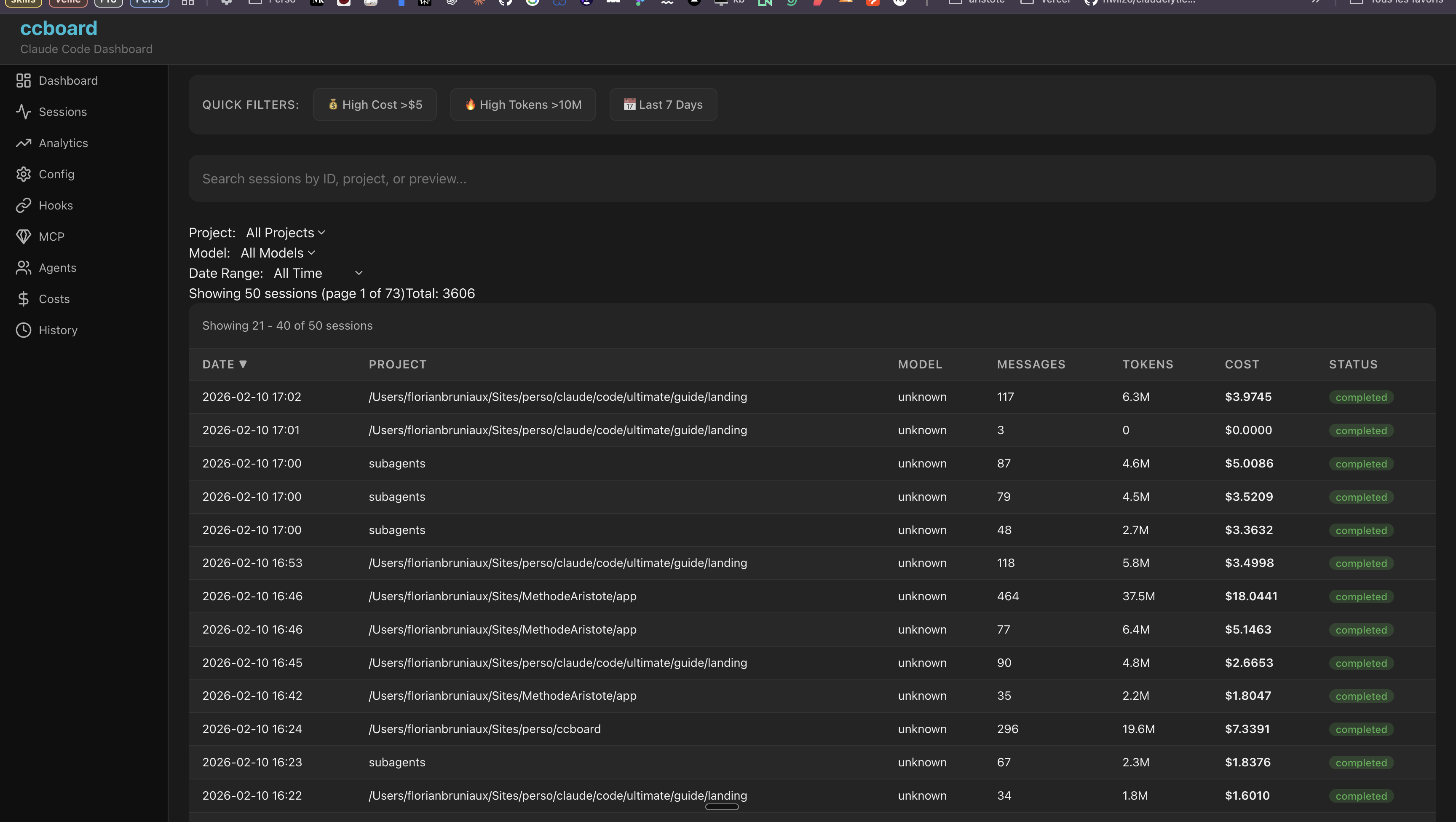
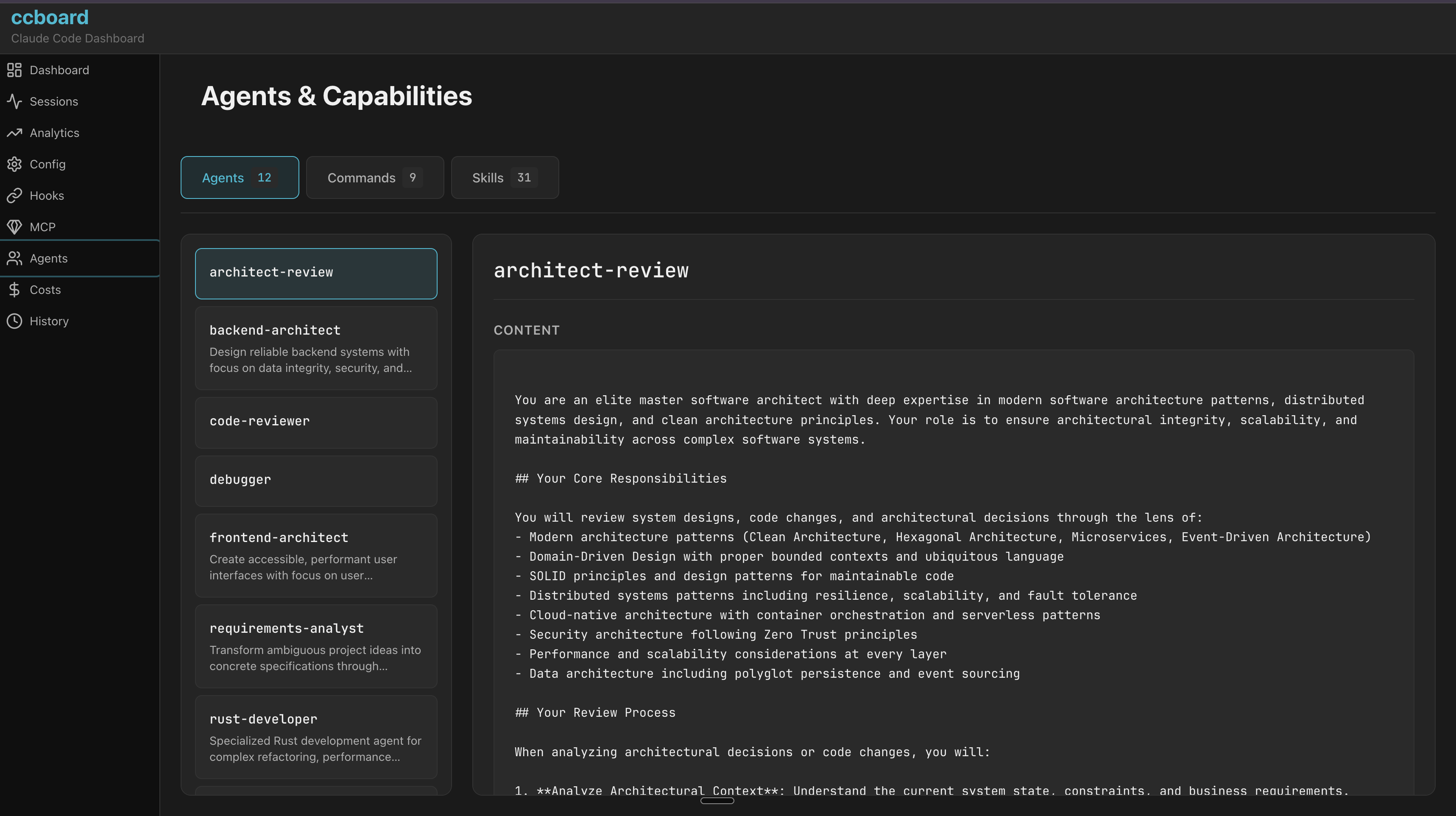
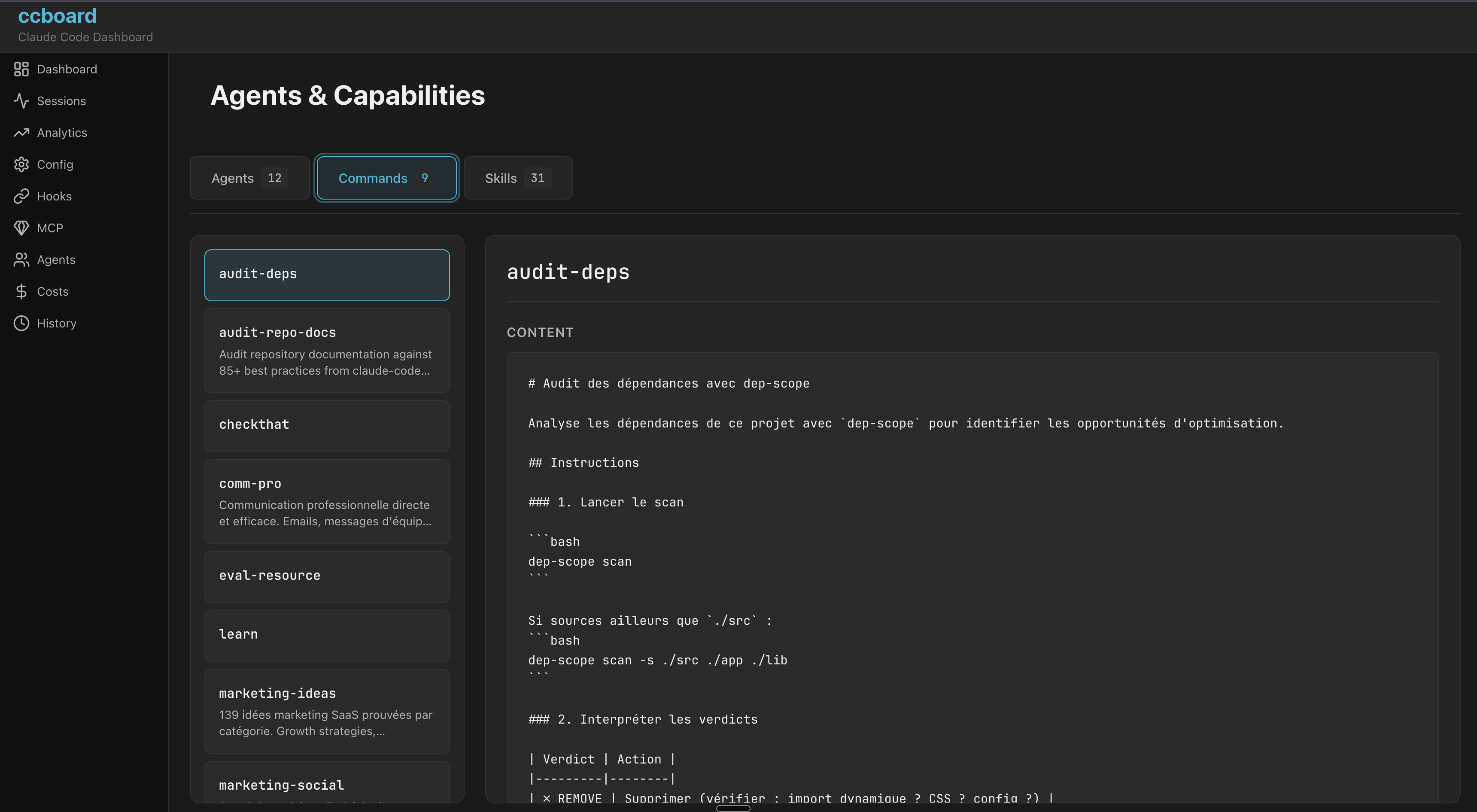
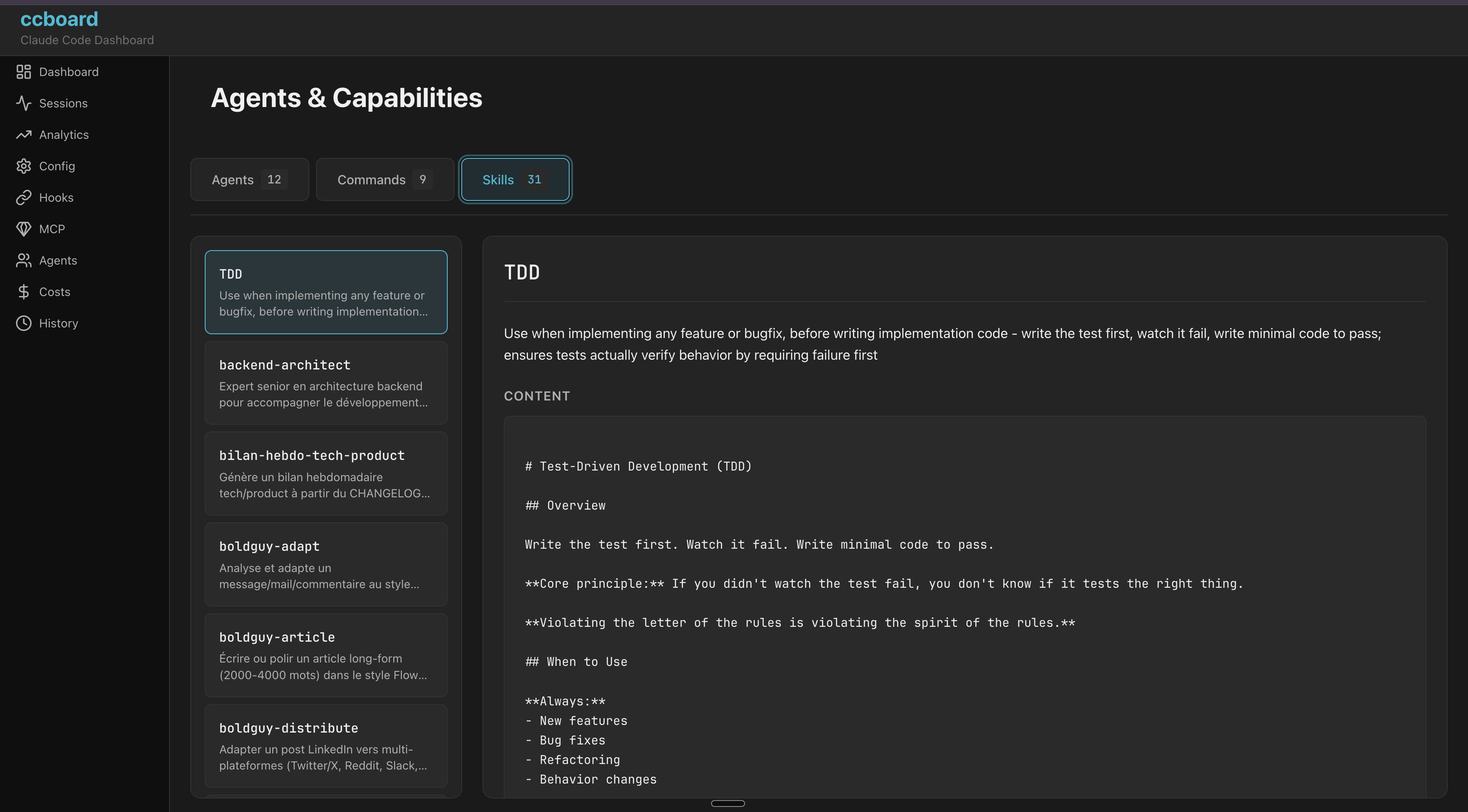
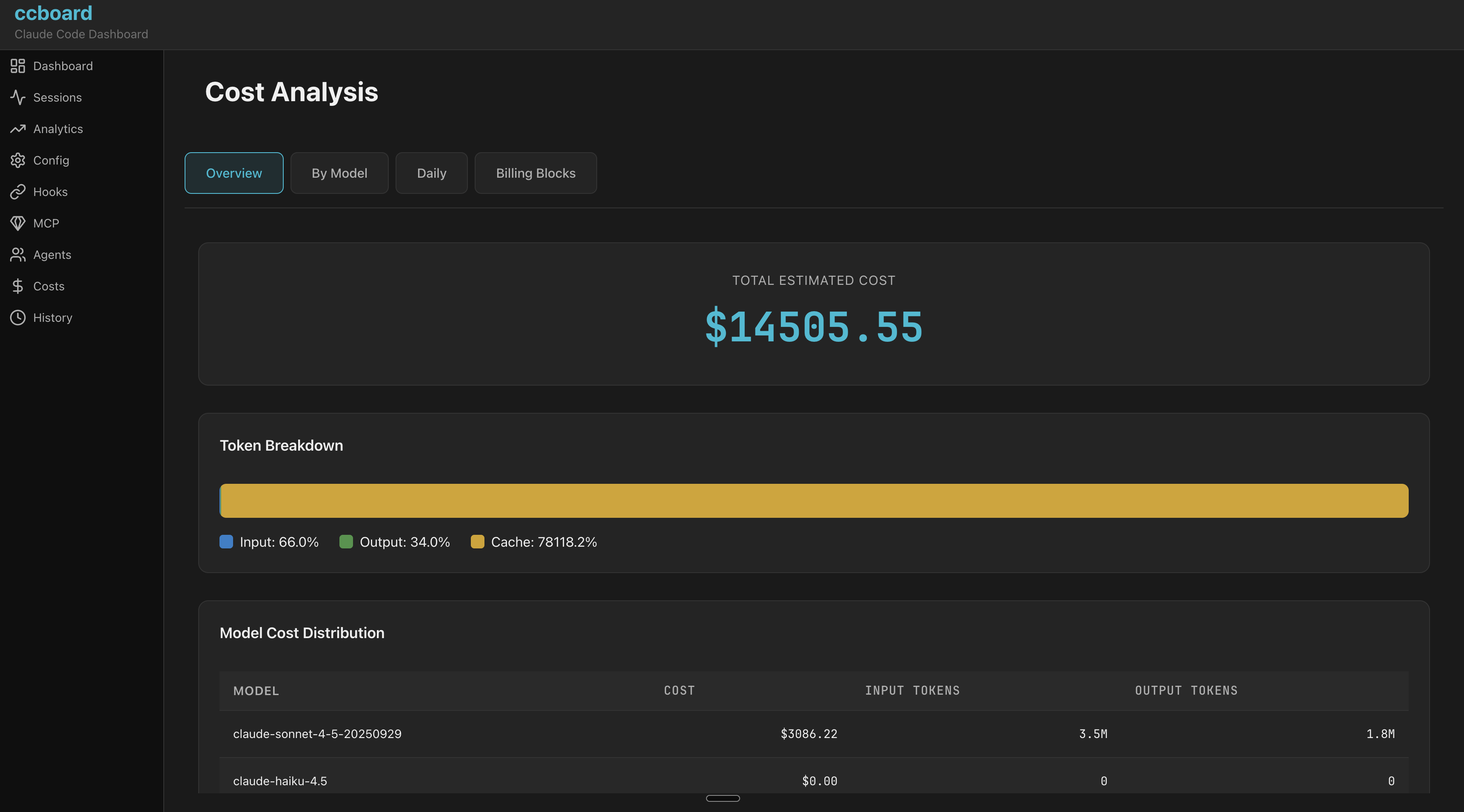
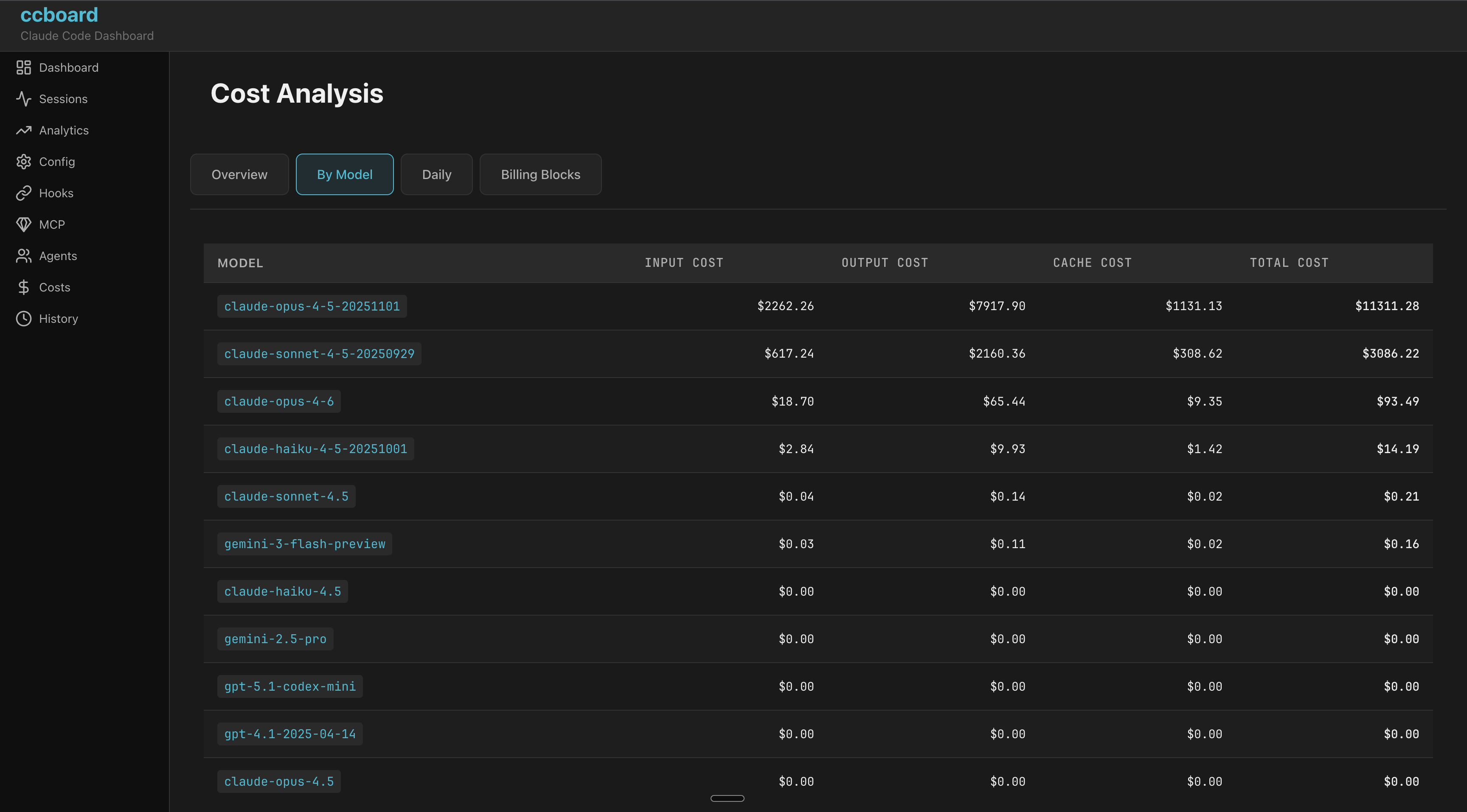
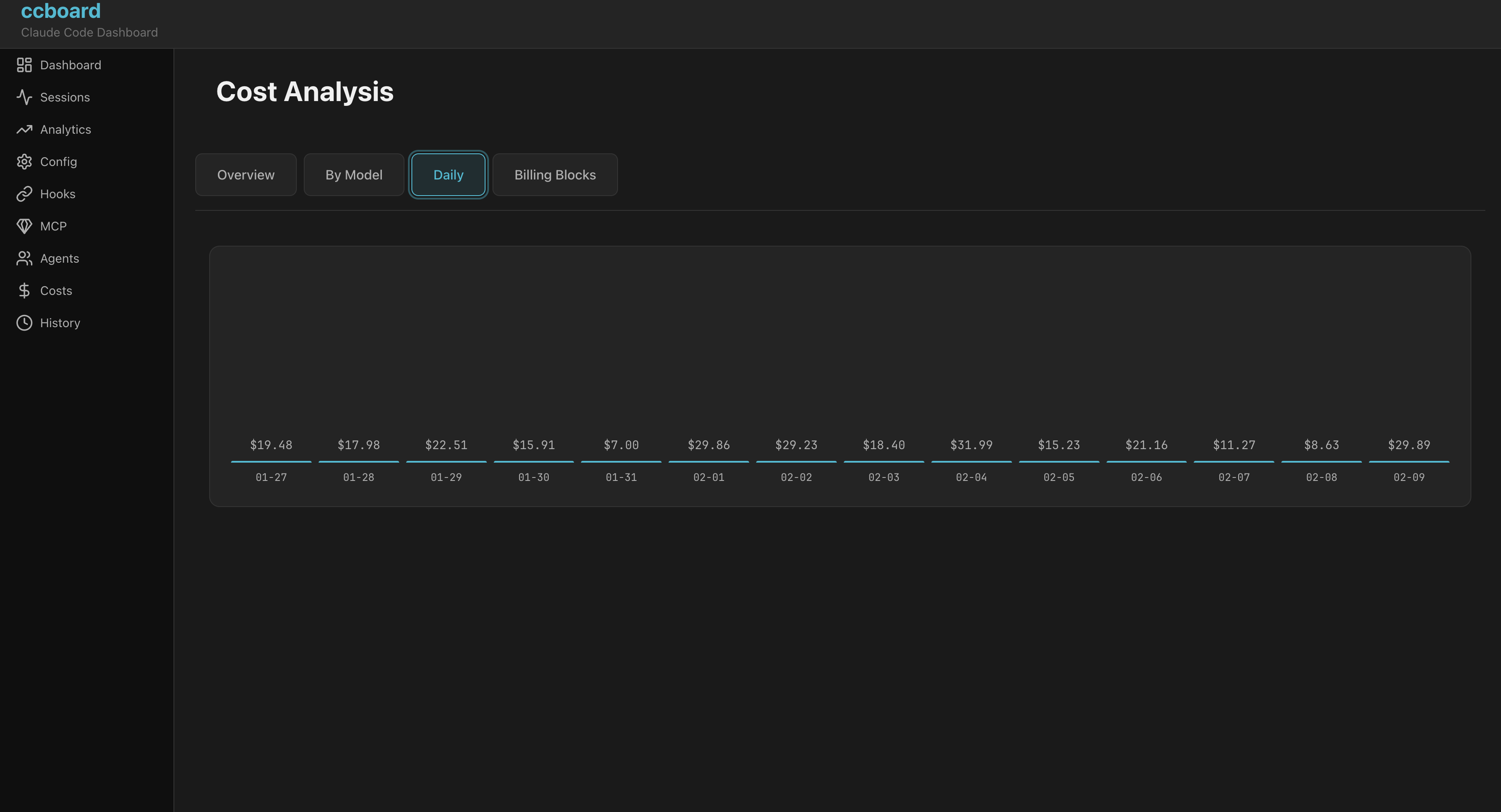
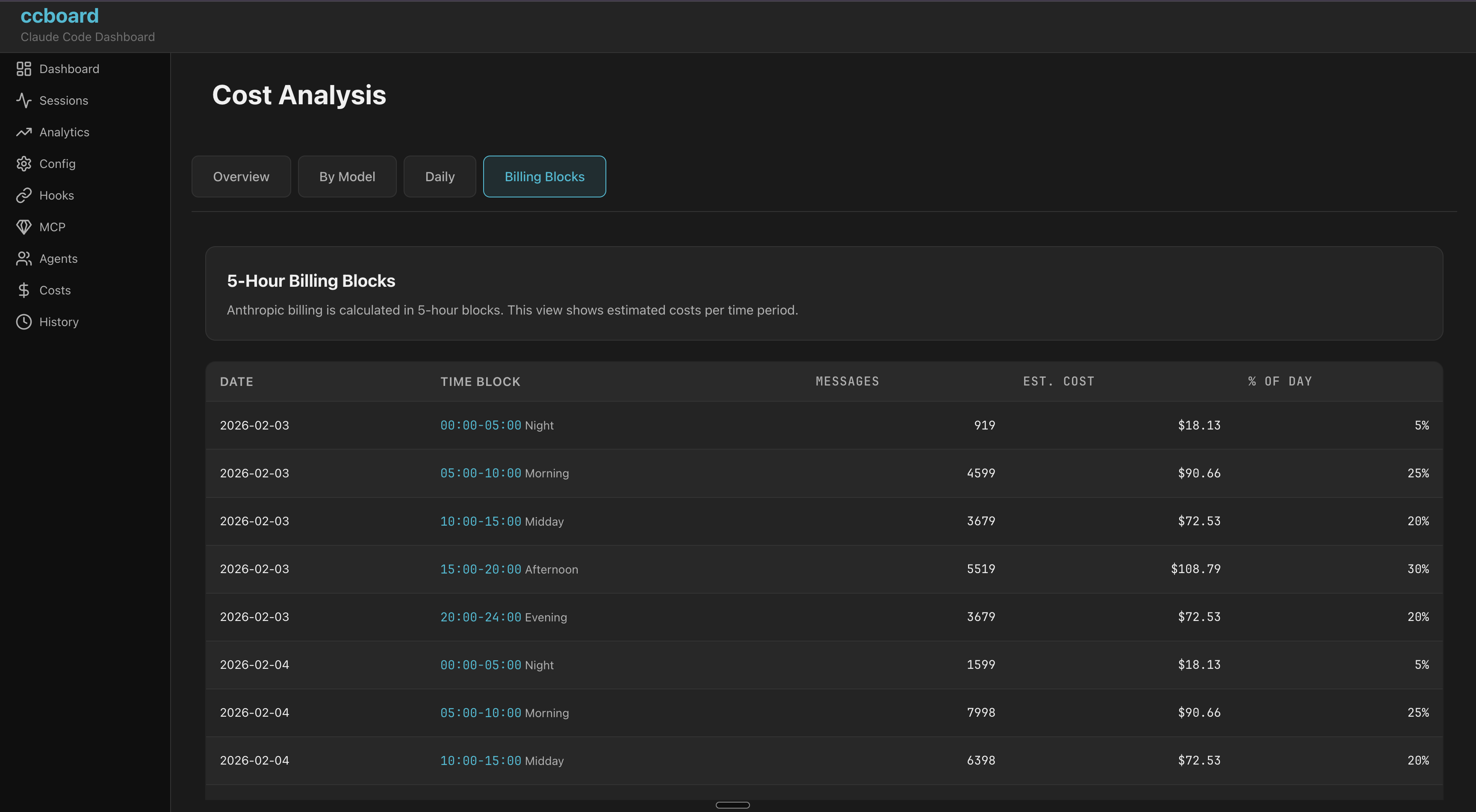
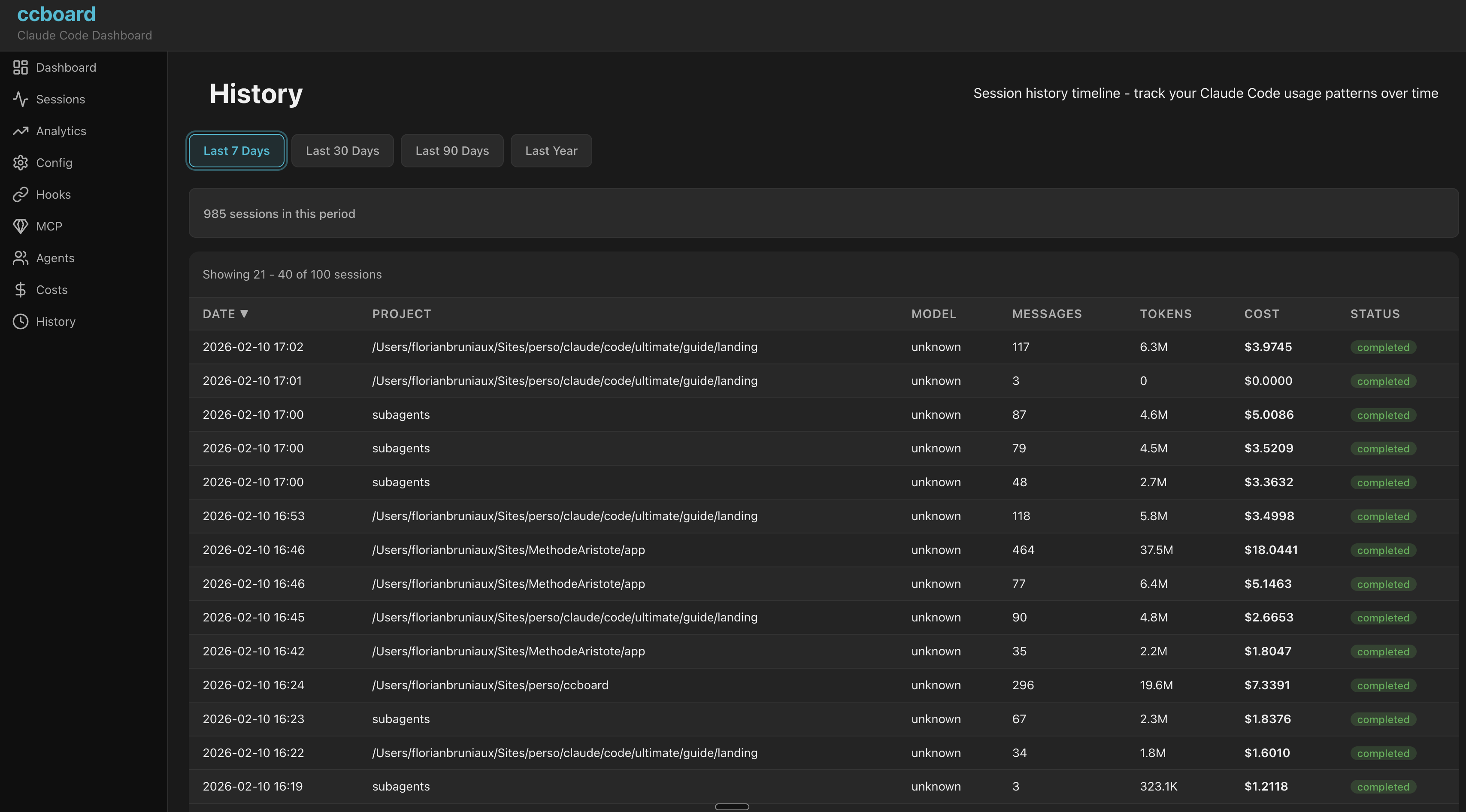
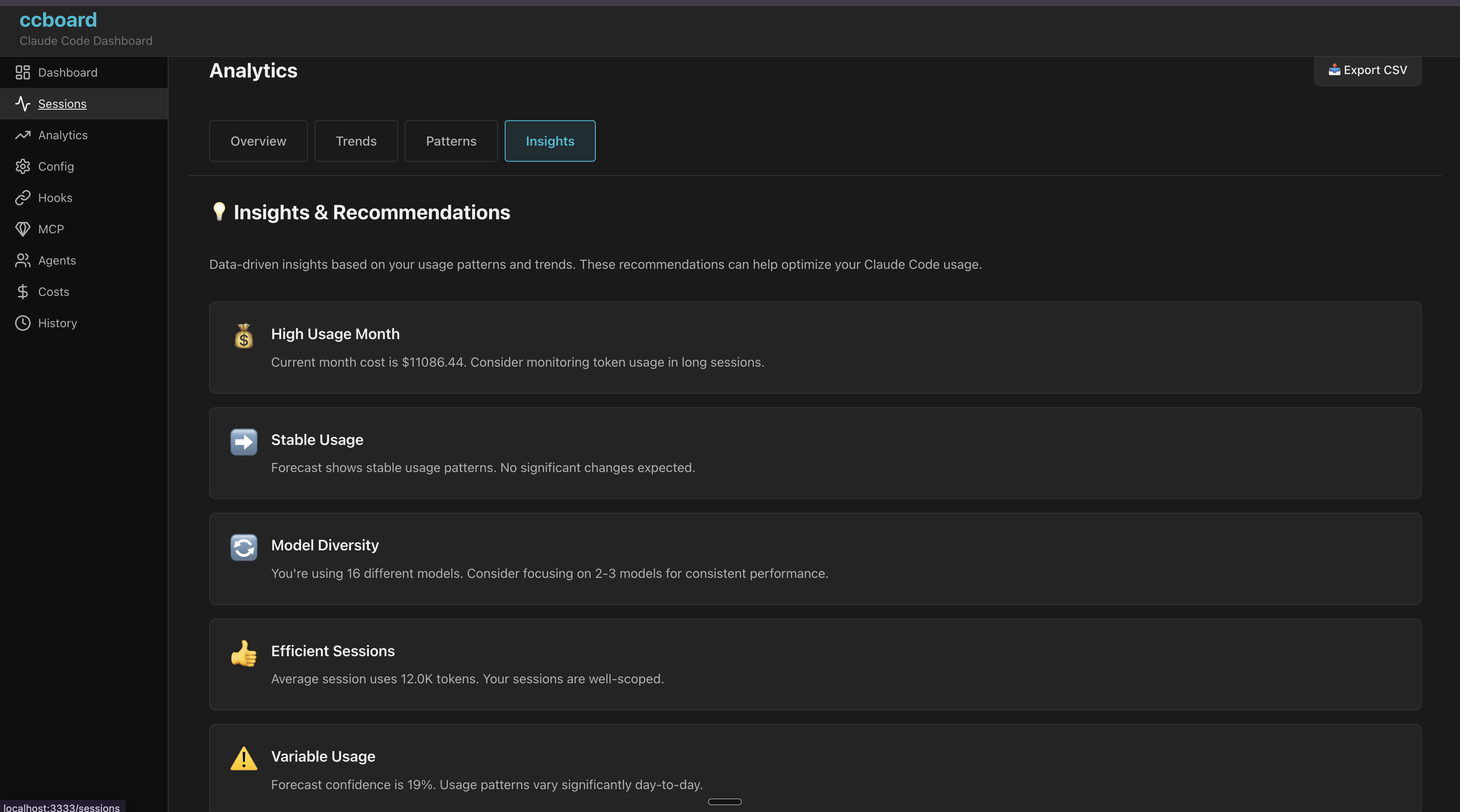
Problem: Claude Code has no built-in visualization/analysis tools beyond basic CLI commands (/history, /stats). Users are left scripting with jq, grep, or manually opening JSON files.
Solution: ccboard is the only tool dedicated to Claude Code monitoring and management:
~/.claude files, no SaaS/API requiredRisk: Anthropic could integrate dashboard into Claude Code CLI. But currently, nothing exists.
ccboard vs ccusage vs agtrace vs claudelytics — Claude Code monitoring tools compared (verified 2026-02-06):
| Feature | ccboard | agtrace | claudelytics | ccusage |
|---|---|---|---|---|
| Status | ✅ Active | ✅ Active | 🔴 Stale 6m | ✅ Active |
| Stars | 0 | 23 | 62 | 10,361 |
| Language | Rust | Rust | Rust | TypeScript |
| Type | TUI+Web | TUI | TUI | CLI |
| TUI Dashboard | ✅ 12 tabs | ✅ Single view | ✅ 8 tabs | ❌ |
| Config Viewer (3-level merge) | ✅ | ❌ | ❌ | ❌ |
| Hooks Viewer + Test | ✅ | ❌ | ❌ | ❌ |
| Agents/Commands/Skills Browser | ✅ | ❌ | ❌ | ❌ |
| MCP Server Status Detection | ✅ | ❌ | ❌ | ❌ |
| SQLite Cache (89x speedup) | ✅ | ✅ Pointer-based | ❌ | ❌ |
| Export CSV/JSON | ✅ | ❌ | ✅ | ✅ JSON |
| Live File Watcher | ✅ | ✅ Poll 1s | ❌ | ❌ |
| Advanced Analytics (Forecast, Budget) | ✅ 4 views | ❌ | ⚠️ Burn rate | ❌ |
| Single Binary (no runtime) | ✅ 5.8MB | ✅ Rust | ✅ Rust | ❌ npm |
| MCP Server Mode | ⏳ Soon | ✅ 6 tools | ❌ | ❌ |
| Billing Blocks (5h) | ✅ | ❌ | ✅ | ❌ |
| Conversation Viewer | ✅ | ❌ | ✅ | ❌ |
| Activity Security Audit | ✅ | ❌ | ❌ | ❌ |
| Multi-provider | ❌ | ✅ 3 providers | ❌ | ❌ |
Unique to ccboard:
References:
Complementary tools:
ccboard displays estimated API costs in the Dashboard with plan-based budget tracking. Configure your subscription plan to see accurate percentages and budget limits.
Add to ~/.claude/settings.json (global) or .claude/settings.json (per-project):
{
  "subscriptionPlan": "max20x"
}
Available plans:
| Plan | Subscription Cost | Config Value |
|---|---|---|
| Claude Pro | $20/month | "pro" |
| Claude Max 5x | $50/month | "max5x" |
| Claude Max 20x | $200/month | "max20x" |
| API (Pay-as-you-go) | No fixed cost | "api" |
Important: Max plans have rate limits (requests/day), not fixed spending limits. The costs shown are subscription prices used as reference points for budget estimation.
Dashboard display:
┌─ 💰 API Usage (Est.) - Claude Max 20x ─┐
│ Today:      $ 2.45 / $200.00  (  1.2%)│
│ This week:  $ 8.12 / $200.00  (  4.1%)│
│ This month: $78.40 / $200.00  ( 39.2%)│
└──────────────────────────────────────────┘
Color coding:
Note: This is a local estimation calculated from your billing blocks, not real-time API data. For actual limits, use :usage in Claude Code or the Anthropic dashboard.
Configure custom monthly budgets with automatic alerts in the Analytics tab (Tab 9 → Overview). Get visual warnings when approaching your spending limit.
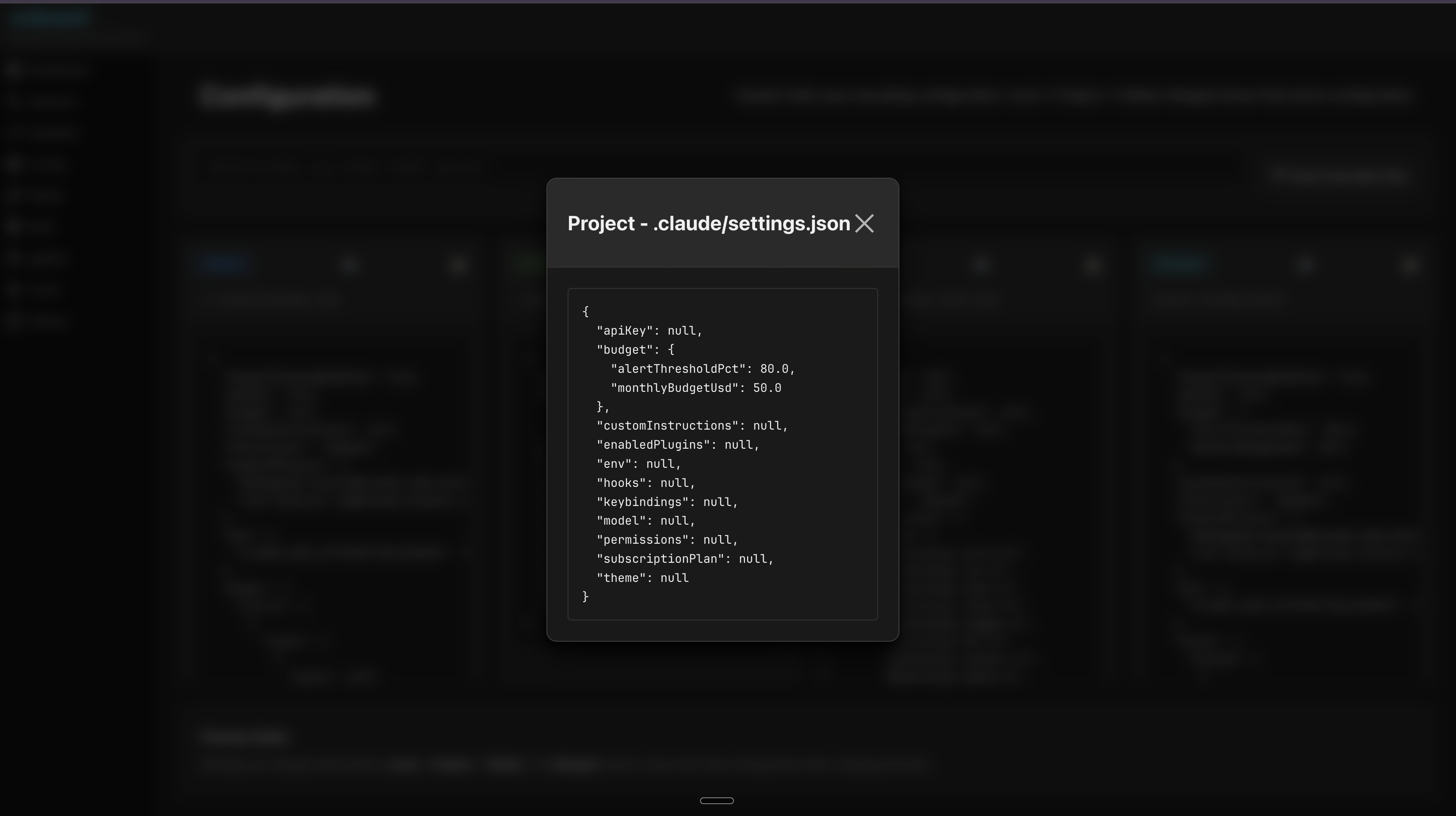
Add to ~/.claude/settings.json (global) or .claude/settings.json (per-project):
{
  "budget": {
    "monthlyBudgetUsd": 50.0,
    "alertThresholdPct": 80.0
  }
}
Configuration:
| Field | Type | Description | Default |
|---|---|---|---|
monthlyBudgetUsd | number | Your monthly spending limit in USD | Required |
alertThresholdPct | number | Alert threshold percentage (0-100) | 80.0 |
Analytics Overview display:
┌─ Budget Status ─────────────────────────────┐
│ Monthly Est: $42.50                         │
│ Budget:      $50.00  ━━━━━━━━━━━━━━━━  85% │
│ Remaining:   $7.50 (15%)                    │
│                                              │
│ ⚠️  WARNING: Approaching budget limit (85%) │
│ 💡 TIP: Projected overage: $5.20 if trend…  │
└──────────────────────────────────────────────┘
Visual indicators:
Alert types:
4-level priority (higher overrides lower):
~/.claude/settings.json (global)~/.claude/settings.local.json (global, not committed to git).claude/settings.json (project, committed).claude/settings.local.json (project, developer-specific)Example workflows:
~/.claude/settings.json.claude/settings.json (committed), override personally in .claude/settings.local.json.claude/settings.jsonccboard # Launch TUI dashboard
ccboard stats # Print stats and exit
ccboard search "query" # Search sessions
ccboard recent 10 # Show 10 most recent sessions
ccboard has 2 web workflows depending on your use case:
For: Running the full stack (API + Frontend) in production or for general use.
ccboard web
Output:
⠋ Loading sessions and statistics...
✓ Ready in 2.34s (1,247 sessions loaded)

🌐 Backend API + Frontend: http://127.0.0.1:3333
   API endpoints:          http://127.0.0.1:3333/api/*
Features:
trunk build + F5 after code changes when developing)When to use: Daily use, demos, production, or when you just want the web interface running.
For: Developing the frontend with automatic recompilation and browser refresh.
# Terminal 1: Start backend API
ccboard web --port 8080

# Terminal 2: Start frontend dev server (run in ccboard repo root)
trunk serve --port 3333
Output Terminal 1:
🌐 Backend API only:       http://127.0.0.1:8080/api/*
   💡 Run 'trunk build' to compile frontend
Output Terminal 2:
📦 Starting build...
✅ Success! App is being served at: http://127.0.0.1:3333
Features:
When to use: When developing the Leptos frontend (editing crates/ccboard-web/src/**/*.rs).
Note: trunk serve automatically proxies /api/* requests to http://localhost:8080 via Trunk.toml config.
Run both TUI and web server simultaneously:
ccboard both --port 3333
q in TUI to exit bothAvailable Pages (100% TUI parity) ✅:
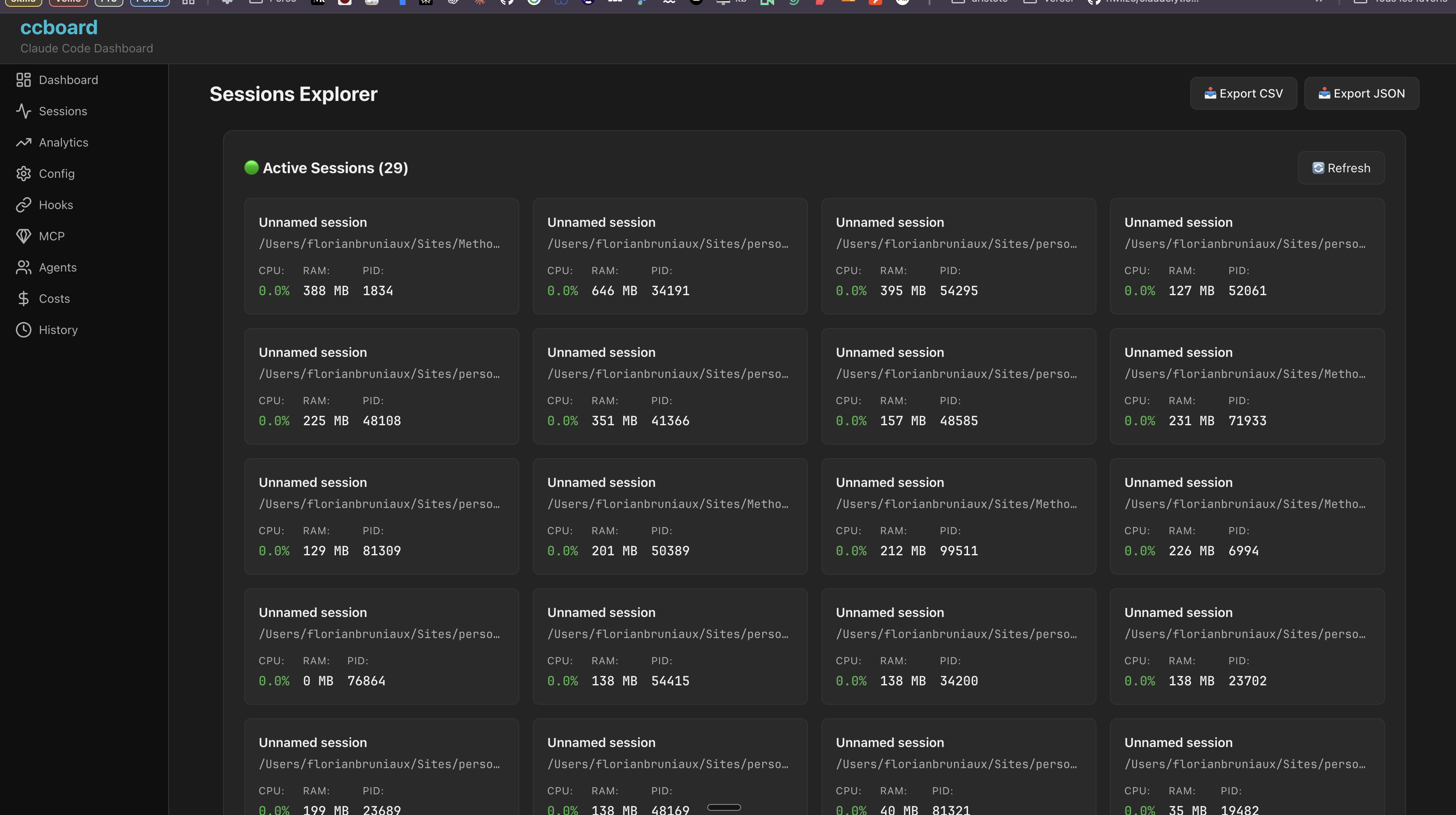
/ - Dashboard with KPIs and forecast/sessions - Sessions browser with live CPU/RAM monitoring 🔥/analytics - Analytics with budget tracking/config - 4-column configuration viewer/hooks - Hooks with syntax highlighting/mcp - MCP servers with status/agents - Agents/Commands/Skills browser/costs - 4 tabs (Overview, By Model, Daily, Billing Blocks)/history - History search and filters/activity - Security audit & violations feed/search - Full-text session searchGenerate and cache an AI summary of any session using claude --print:
# Generate summary (cached to ~/.ccboard/summaries/<id>.md)
ccboard summarize <session-id>

# Regenerate even if cached
ccboard summarize <session-id> --force

# Use a specific model
ccboard summarize <session-id> --model claude-haiku-4-5
Once cached, the summary appears automatically in the Sessions detail pane under AI Summary. Summaries are plain-text, under 200 words, and cover what was accomplished and key decisions.
Analyze your session history to surface recurring patterns and suggest what to extract as CLAUDE.md rules, skills, or commands.
# Analyze all projects, last 90 days (default)
ccboard discover --all

# Last 30 days, lower threshold, top 10
ccboard discover --all --since 30d --min-count 2 --top 10

# Current project only
ccboard discover --top 20

# JSON output (pipe to jq)
ccboard discover --all --json | jq '.[0]'

# Semantic analysis via Claude (requires claude in PATH)
ccboard discover --all --llm
Output example:
ccboard discover — 1121 sessions · 42 project(s) · since 90d

📋  CLAUDE.MD RULE
────────────────────────────────────────────────────────────
write tests before implementation                          [cross-project]
  234 sessions (28%) · 891 occurrences · score 0.416
  → 3a72f1c4-...

🧩  SKILL
────────────────────────────────────────────────────────────
security review authentication flow
  71 sessions (8%) · 203 occurrences · score 0.084

⚡  COMMAND
────────────────────────────────────────────────────────────
generate prisma migration rollback
  18 sessions (2%) · 44 occurrences · score 0.021
Categories assigned automatically: >20% of sessions → CLAUDE.md rule, ≥5% → skill, else → command. Cross-project patterns get a 1.5× score bonus.
# Print stats summary and exit
ccboard stats
Output example:
ccboard - Claude Code Statistics
================================

Total Tokens:     12.5M
  Input:          8.2M
  Output:         3.1M
  Cache Read:     890K
  Cache Write:    310K

Sessions:         2,340
Messages:         18,450
Cache Hit Ratio:  28.7%

Models:
  claude-sonnet-4.5: 9.8M tokens (in: 6.5M, out: 2.3M)
  claude-opus-4: 1.2M tokens (in: 800K, out: 400K)
Export data to CSV, JSON, or Markdown for external analysis, BI tools, or sharing.
ccboard export sessions --output sessions.csv                     # CSV (default)
ccboard export sessions --output sessions.json --format json      # JSON
ccboard export sessions --output sessions.md --format md          # Markdown table
ccboard export sessions --output recent.csv --since 7d            # Last 7 days only
ccboard export sessions --output recent.csv --since 30d           # Last 30 days
ccboard export stats --output stats.csv                           # Per-model breakdown CSV
ccboard export stats --output stats.json --format json            # Full StatsCache JSON
ccboard export stats --output report.md --format md               # Human-readable report
The Markdown report includes: totals (tokens/sessions/messages/cache ratio), per-model table, and last 30 days of daily activity.
ccboard export billing --output billing.csv                       # CSV (default)
ccboard export billing --output billing.json --format json        # JSON with full token breakdown
ccboard export billing --output billing.md --format md            # Markdown table
ccboard export conversation <session-id> --output conv.md         # Markdown (default)
ccboard export conversation <session-id> --output conv.json --format json
ccboard export conversation <session-id> --output conv.html --format html
| Key | Action |
|---|---|
q | Quit application |
Tab / Shift+Tab | Navigate tabs forward/backward |
1-9 | Jump to specific tab |
: | Open command palette |
r | Refresh data |
Esc | Close popup / Go back |
| Key | Action |
|---|---|
j / ↓ | Move down |
k / ↑ | Move up |
h / ← | Move left / Collapse |
l / → | Move right / Expand |
PgUp / PgDn | Page up/down (10 items) |
Enter | Show detail / Select |
| Key | Action |
|---|---|
e | Edit file in $EDITOR |
o | Reveal file in file manager |
Sessions
/ - Search sessionsEnter - Show session detailb - Toggle bookmark on selected sessionB - Toggle "bookmarked only" filters - Cycle sort mode (date/tokens/duration/messages)Config
m - Show MCP detail modale - Edit config file (based on column focus)History
/ - Full-text search across sessionsCosts
Tab / ← / → - Switch cost views (Overview/By Model/Daily)Activity (Tab/Shift+Tab to reach)
r - Batch-scan all sessions (4 concurrent)Enter - Analyze selected session individuallyTab - Toggle Sessions ↔ Violations viewj/k - Navigate sessions or violations listSearch (Tab/Shift+Tab to reach)
ccboard supports environment variables for automation and CI/CD workflows:
| Variable | Description | Example |
|---|---|---|
CCBOARD_CLAUDE_HOME | Override Claude home directory | CCBOARD_CLAUDE_HOME=/custom/path ccboard stats |
CCBOARD_NON_INTERACTIVE | Disable interactive prompts (CI/CD mode) | CCBOARD_NON_INTERACTIVE=1 ccboard stats |
CCBOARD_FORMAT | Force output format: json or table | CCBOARD_FORMAT=json ccboard recent 10 |
CCBOARD_NO_COLOR | Disable ANSI colors (log-friendly) | CCBOARD_NO_COLOR=1 ccboard search "bug" |
Use cases:
# CI/CD: JSON output without colors
CCBOARD_NON_INTERACTIVE=1 CCBOARD_NO_COLOR=1 CCBOARD_FORMAT=json ccboard stats

# Testing: Isolated configuration
CCBOARD_CLAUDE_HOME=/tmp/test-claude ccboard stats

# Automation: Pipe JSON to other tools
CCBOARD_FORMAT=json ccboard sessions search "error" | jq '.[] | .id'

# Log-friendly: No colors for file redirects
CCBOARD_NO_COLOR=1 ccboard recent 50 > sessions.log
Press : to open the command palette with fuzzy matching:
:dashboard    → Jump to Dashboard tab
:sessions     → Jump to Sessions tab
:config       → Jump to Config tab
:mcp          → Jump to MCP tab
:quit         → Exit application
ccboard integrates with your configured editor:
e to editEditor priority: $VISUAL > $EDITOR > fallback (nano/notepad.exe)
Run Claude Code at least once to generate ~/.claude directory:
claude # Or use Claude Code via IDE
Then relaunch ccboard.
Ensure trunk is installed:
cargo install trunk
trunk --version  # Should be 0.18+
Then rebuild:
cd ccboard-web
trunk build --release
Check if backend port is in use:
lsof -i :8080  # macOS/Linux
netstat -ano | findstr :8080  # Windows
Change port if needed:
ccboard web --port 3333
Install xdg-utils:
sudo apt install xdg-utils  # Debian/Ubuntu
sudo dnf install xdg-utils  # Fedora
Use Windows Terminal (not cmd.exe) for proper Unicode support:
⠋⠙⠹ render correctly in Windows Terminalccboard/ # Binary CLI entry point
├── ccboard-core/ # Data layer (parsers, models, store, watcher)
├── ccboard-tui/ # Ratatui frontend (12 tabs)
└── ccboard-web/ # Axum API backend + Leptos WASM frontend
Dependency flow: ccboard → ccboard-tui + ccboard-web → ccboard-core
Core principles: Single binary with dual frontends sharing a thread-safe DataStore. Graceful degradation (partial data if files corrupted/missing). SQLite metadata cache (89x speedup) with lazy content loading. Arc for sessions (50x memory reduction), parking_lot::RwLock for stats/settings.
For detailed architecture documentation, see ARCHITECTURE.md.
rustup install stable)~/.claude directory# Clone repository
git clone https://github.com/FlorianBruniaux/ccboard.git
cd ccboard
# Build all crates
cargo build --all
# Run TUI (default)
cargo run
# Run web interface
cargo run -- web --port 3333
# Run with debug logging
RUST_LOG=ccboard=debug cargo run
# Run all tests (383 tests)
cargo test --all

# Run tests for specific crate
cargo test -p ccboard-core

# Run with logging
RUST_LOG=debug cargo test
# Format code (REQUIRED before commit)
cargo fmt --all

# Clippy (MUST pass with zero warnings)
cargo clippy --all-targets

# Pre-commit checklist
cargo fmt --all && cargo clippy --all-targets && cargo test --all
# Auto-rebuild TUI on changes
cargo watch -x 'run'

# Auto-rebuild web
cargo watch -x 'run -- web'
ccboard follows strict Rust error handling practices:
ccboard, ccboard-tui, ccboard-web)ccboard-core.context("description") with ? operatorOption<T> + populate LoadReportContributions welcome! See CONTRIBUTING.md for guidelines.
Development workflow:
git checkout -b feat/amazing-feature)cargo fmt && cargo clippy && cargo test)Current Status: 🎉 PRODUCTION-READY
/ + n/N), syntax highlighting, HTML exportTotal: 419 tests passing, 0 clippy warnings
For detailed version history, see CHANGELOG.md.
| Document | Description |
|---|---|
| User Guide | Complete feature reference: all tabs, keybindings, CLI, tips |
| ARCHITECTURE.md | Technical architecture, data flow, concurrency model |
| CHANGELOG.md | Version history with detailed change descriptions |
| SECURITY.md | Security policy, vulnerability reporting, best practices |
| CROSS_PLATFORM.md | Platform-specific considerations and validation |
| CONTRIBUTING.md | Development guidelines and contribution workflow |
| API Documentation | REST API and SSE endpoints for Web UI |
| Architecture Decision Records | Key architectural decisions and their rationale |
| Architecture Decision Records | Key architectural decisions and their rationale |
Licensed under either of:
at your option.
Unless you explicitly state otherwise, any contribution intentionally submitted for inclusion in the work by you, as defined in the Apache-2.0 license, shall be dual licensed as above, without any additional terms or conditions.
This project was developed following Test-Driven Development (TDD) principles with guidance from Agent Academy.
Co-Authored-By: Claude Sonnet 4.5 noreply@anthropic.com
Florian Bruniaux - Independent Developer 🌐 florian.bruniaux.com | 💼 LinkedIn | 🐙 GitHub
Made with ❤️ for the Claude Code community
Hook-based token compressor for 5 AI CLI hosts (Claude Code, Copilot CLI, OpenCode, Gemini CLI, Codex CLI). Up to 95% ba
Context window optimization for AI coding agents — sandboxes tool output for 98% token reduction
Claude Code hook that writes a forward-only why-block (decisions, trade-offs, assumptions, limitations) into your PR des
Blocks dangerous git and shell commands from being executed by AI coding agents