

Are you the author? Sign in to claim
MCP server exposing Chronova developer productivity data to AI agents via the Model Context Protocol
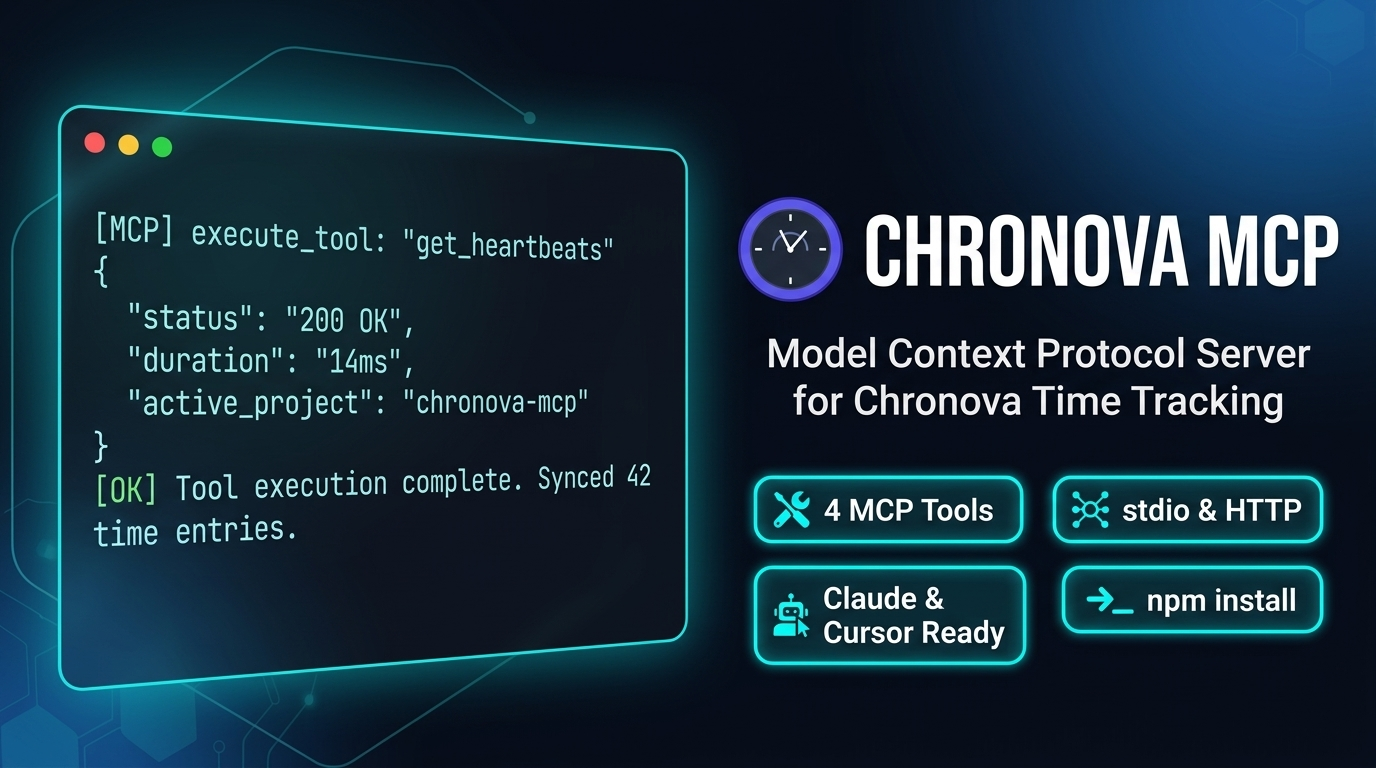


MCP server that exposes Chronova developer productivity data to AI agents. Built on the Model Context Protocol, it lets tools like Claude Desktop, Cursor, and OpenCode query your coding stats, activity, and AI-assisted coding metrics.
# Run directly (stdio transport for MCP clients)
npx -y @chronova/mcp-server

# Or install globally
npm install -g @chronova/mcp-server
chronova-mcp-server
The server resolves your API key from multiple sources in priority order:
CHRONOVA_API_KEY~/.chronova.cfg — api_key under [settings]~/.wakatime.cfg — api_key under [settings] (WakaTime-compatible)Similarly, api_url is resolved from CHRONOVA_API_URL env var, then the config file's api_url key, then the default https://chronova.dev/api/v1.
Config files use INI format:
[settings]
api_key = waka_your-api-key-here
api_url = https://chronova.dev/api/v1
| Variable | Required | Default | Description |
|---|---|---|---|
CHRONOVA_API_KEY | Yes* | — | Your Chronova API key (*or set in config file) |
CHRONOVA_API_URL | No | https://chronova.dev/api/v1 | Chronova API base URL |
PORT | No | 3001 | Server listen port |
CLI flags override env vars: --port 3001, --api-url https://chronova.dev/api/v1, --help.
Add to claude_desktop_config.json:
{
  "mcpServers": {
    "chronova": {
      "command": "npx",
      "args": ["-y", "@chronova/mcp-server"],
      "env": {
        "CHRONOVA_API_KEY": "your-api-key"
      }
    }
  }
}
Add to .cursor/mcp.json:
{
  "mcpServers": {
    "chronova": {
      "command": "npx",
      "args": ["-y", "@chronova/mcp-server"],
      "env": {
        "CHRONOVA_API_KEY": "your-api-key"
      }
    }
  }
}
Add to opencode.json under mcp:
{
  "mcp": {
    "chronova": {
      "type": "local",
      "command": ["npx", "-y", "@chronova/mcp-server"],
      "enabled": true,
      "env": {
        "CHRONOVA_API_KEY": "your-api-key"
      }
    }
  }
}
| Tool | Description | Parameters |
|---|---|---|
get_developer_context | Get user profile, subscription, GitHub status, org memberships | None |
get_productivity_summary | Aggregated coding stats by time range | range (required), project (optional) |
get_ai_insights | AI vs manual coding analytics | range (required) |
get_recent_activity | Recent coding heartbeats with filters and pagination | date, start, end, project, language, editor, page, per_page (all optional) |
Named ranges: today, last_7_days, last_30_days, last_3_months, last_6_months, last_year, all_time. Custom: YYYY-MM-DD_to_YYYY-MM-DD.
npm run dev          # Watch mode
npm test             # Run tests
npm run build        # Compile TypeScript
npm run type-check   # Type check only
docker build -t chronova-mcp .
docker run -e CHRONOVA_API_KEY=your-key -p 3001:3001 chronova-mcp
Proprietary
Run Claude Code as an MCP server so any agent can delegate coding tasks to it
 @microsoft✓ Official
Browser automation using accessibility snapshots instead of screenshots
 @googleapis✓ Official
Google's universal MCP server supporting PostgreSQL, MySQL, MongoDB, Redis, and 10+ databases
 @github✓ Official
Official GitHub integration for repos, issues, PRs, and CI/CD workflows