

Are you the author? Sign in to claim
Run Claude Code natively on Android via Termux or AVF (Android Virtualization Framework) -- no desktop, no SSH, no root
Run Claude Code natively on Android. No root, no emulator, no cloud VM.
Claude Code is Anthropic's AI coding assistant that runs in your terminal. It reads files, writes code, runs commands, and manages projects, all through conversation. This repo gets it running on an Android phone.
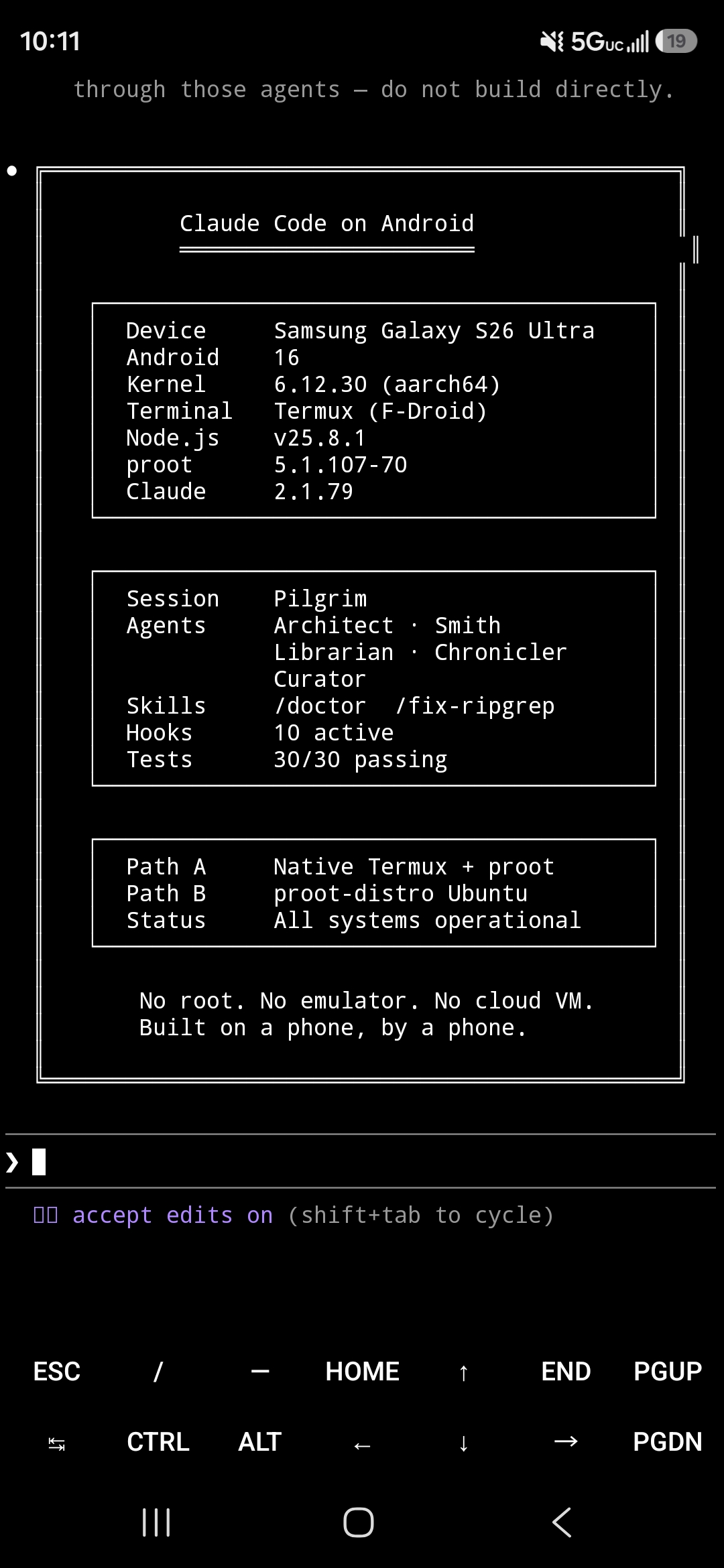
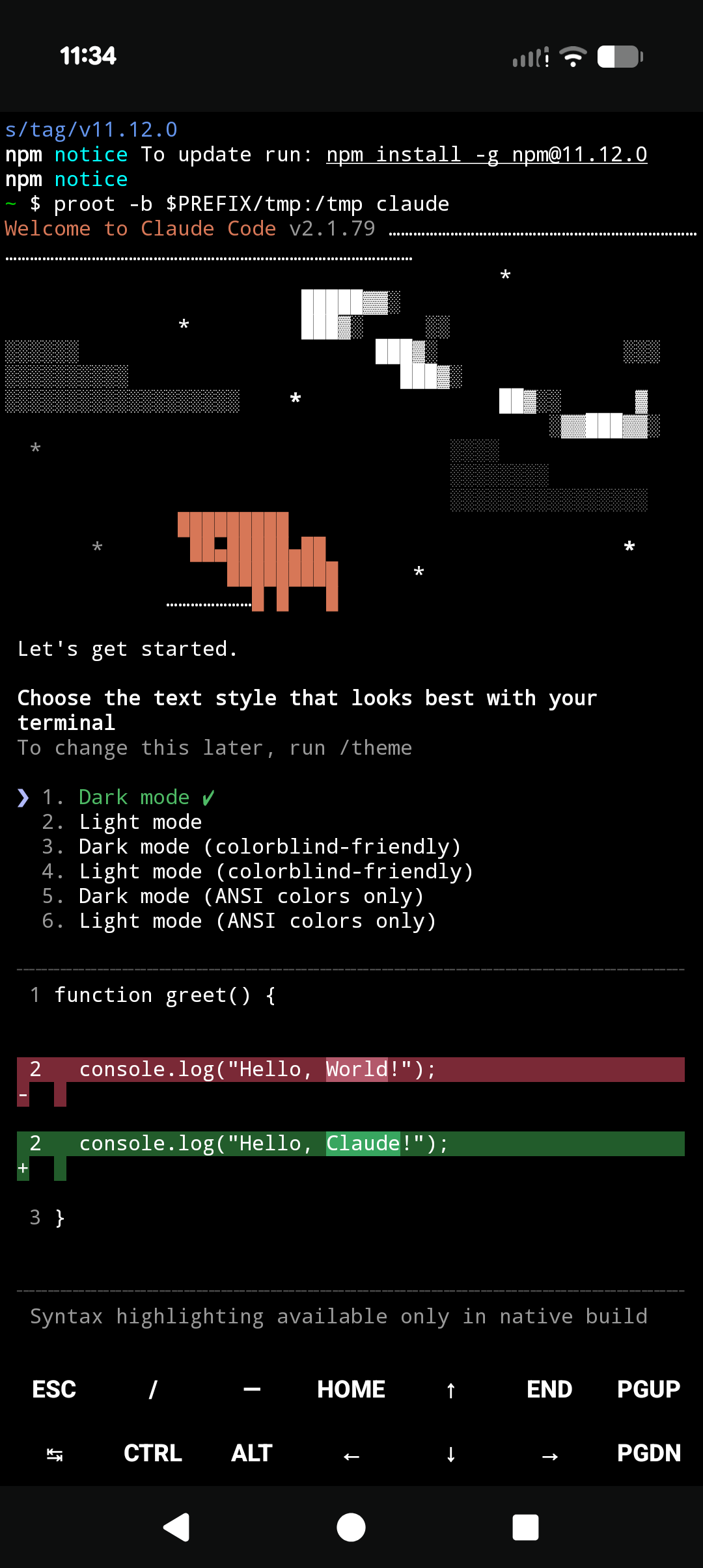
S26 Ultra (Android 16) · Pixel 10 Pro (Android 17) · more screenshots



Install Guide · FAQ · Troubleshooting · Security Model · ADB Wireless · Android Virtualization Framework (Path C) · CLAUDE.md Template
[!WARNING] Claude Code worked before and now crashes on launch? (
Bad system call,Segmentation fault, oroh no: Bun has crashed.) Re-runinstall.shto get the self-healing launcher; it rolls back to the last version that worked. Full fix: Claude crashes immediately on launch.
[!NOTE] Already on an older pinned install? If you set Path A up with a previous version of this repo (Claude Code
2.1.112, pinned with the auto-updater off), you can move to the current auto-updating architecture without losing your sessions, login, or settings.See Upgrading from a pinned install for the steps.
Installing fresh instead? Skip ahead to Quick Install.
What you need in place before any command in this guide can succeed:
armv7l / armv8l if uname -m returns those once you have a terminal open.If you have never used F-Droid or Termux before, the upstream maintainers already cover the install steps better than this repo can:
Once Termux is open you will see a prompt that looks like ~ $. That is where the commands in Quick Install go. (Long-press to paste, or tap the on-screen Ctrl key then press V.)
Full prerequisites including the Termux:API source-matching rule: docs/install.md#prerequisites.
The repo documents three install paths. Pick one before pasting commands:
process.platform (the runtime identifier of the host operating system, which some tools branch on) reports linux and standard Linux conventions all apply.[!TIP] From the maintainer: Native Termux (Path A) works and is great for those who need it, especially with hardware or storage limitations. I highly recommend running it in proot-Ubuntu (Path B) though: it is the most native way I could get it running since the 2.1.112 regression. Until that changes, it is up to the community to keep Claude Code alive and updating on Termux.
For a side-by-side comparison: docs/install.md#choose-your-path.
curl -fsSL https://raw.githubusercontent.com/ferrumclaudepilgrim/claude-code-android/main/install.sh -o install.sh
bash install.sh
The installer asks two yes/no questions, then runs unattended. When it finishes, type:
claude
install.sh installs Termux's glibc-runner and patchelf-glibc, downloads the official linux-arm64 claude binary from Anthropic's CDN, verifies the checksum against the published manifest, patches the binary's ELF interpreter (ELF is the Executable and Linkable Format used by Linux binaries; the interpreter is the dynamic linker the kernel invokes to load the binary, and patching it points the binary at the Termux-provided one) so Android can run it, and drops a wrapper at $PREFIX/bin/claude (where $PREFIX is Termux's prefix directory, typically /data/data/com.termux/files/usr) that auto-checks for new claude releases once per day on launch. The wrapper accepts a --update-now flag to force an immediate check; this is a Path A wrapper feature, not a built-in Claude Code flag. Want to read it first? View install.sh on GitHub before running.
Full walkthrough: docs/install.md.
Prefer the smallest, simplest install and do not need current claude? install-pinned.sh pins Claude Code 2.1.112 (the last version with a JS entry point) with no binary patching and no auto-updating wrapper. It stays at that version; install.sh above is the default for current claude.
[!IMPORTANT] Path A runs on a compatibility workaround. Anthropic ships Claude Code as a glibc-linked Linux binary, with no Android build. Termux runs on Android's Bionic C library, so any version past the old pinned
2.1.112runs here only becauseinstall.shpatches the official linux-arm64 binary to load through Termux's glibc-runner. It works and stays current, but it is a shim, not native support.The real fix is upstream. Anthropic has said they may add Android support, which would need either a
bunandroid-arm64target or a static musl build. Until that ships, Path A depends on this patching step. Tracked at anthropics/claude-code#50270.
Latest Claude Code inside a full Ubuntu environment.
pkg install proot-distro -y
proot-distro install ubuntu && proot-distro login ubuntu
This may take a few minutes depending on connection speed.
Upon completion the prompt changes to something like:
root@localhost:~#
That means you are now inside Ubuntu rather than Termux. Inside Ubuntu:
apt update && apt upgrade -y
curl -fsSL https://claude.ai/install.sh | bash
echo 'export PATH="$HOME/.local/bin:$PATH"' >> ~/.bashrc && source ~/.bashrc
claude
Full walkthrough: docs/install.md#path-b-proot-distro-ubuntu.
Real Linux kernel via the Android Virtualization Framework. No Termux involved.
On the phone, open Settings > System > Developer options and toggle Linux development environment on. If Developer options is not visible, enable it first: Settings > About phone > tap Build number 7 times. (You only have to do this once per phone.) If the Linux development environment toggle still does not appear after enabling Developer options, your device does not support this path.
Open the Terminal app that appears on the home screen. Accept the prompt to download the Debian image. When the prompt shows droid@debian:~$, install Claude Code inside the VM:
curl -fsSL https://claude.ai/install.sh | bash
export PATH="$HOME/.local/bin:$PATH"
echo 'export PATH="$HOME/.local/bin:$PATH"' >> ~/.bashrc && source ~/.bashrc
claude
The Terminal app's gear icon opens Settings, with Memory size, Display resolution, and Keep awake controls under Advanced. Full walkthrough including ADB hardware bridge, recovery, and known issues: docs/avf-guide.md.
| Document | Covers |
|---|---|
| docs/install.md | Full step-by-step setup for all three paths, verification, maintenance |
| docs/faq.md | Install gotchas, path-choice questions, Android-version-specific behavior |
| docs/troubleshooting.md | Symptom-shaped entries: errors, hangs, failures with their fixes |
| docs/skills.md | Claude Code skills shipped in .claude/skills/ and scripts under scripts/ |
| docs/adb-wireless.md | ADB self-connect: setup, security model, capability table |
| docs/security-model.md | Threat model: Termux:API permissions, ADB escalation, mitigations |
| docs/agent-permissions.md | No-agent-with-both-web-and-write permission matrix |
| docs/ssrf-guard.md | WebFetch safety hook blocking private/reserved IPs |
| docs/fingerprint-gate.md | Biometric approval gate using termux-fingerprint |
| docs/constitution-template.md | CLAUDE.md template with Android/Termux constraints baked in |
| docs/avf-guide.md | AVF setup, VM configuration, ADB hardware bridge |
| docs/sensors.md | NDK sensor access from Termux |
| Item | Does |
|---|---|
| install.sh | Path A installer (patched linux-arm64 binary + auto-updating wrapper) |
| install-pinned.sh | Opt-in pinned installer (Claude Code 2.1.112, no patched binary, no auto-update); stays pinned |
| migrate.sh | Upgrade a pinned v2.x install to the current auto-updating architecture, preserving sessions, login, and settings |
| scripts/ | check-termux-env.sh, config-validator.sh |
| .claude/skills/ | minimum-viable, scope-framing, termux-safe |
| tests/ | verify-claims.sh (per-claim PASS/FAIL/SKIP harness); ssrf-guard-tests.sh |
| CHANGELOG.md | Version history from 0.1.0 forward |
| CONTRIBUTING.md | How to contribute, report bugs, submit device reports |
Per-device last-verified dates below. The Path A architecture changed in v2.9.0 (from a pinned 2.1.112 npm install to a patched native linux-arm64 binary with an auto-updating wrapper). Recent Android versions run that native binary. Android 10 and 8 cannot: the native binary trips Android's seccomp filter and crashes on launch, so those devices stay on the pinned 2.1.112 install (install-pinned.sh), which is what their 2026-07-01 verification covers. The linked test artifacts are older verify-claims.sh transcripts; the 2026-07-01 runs were verified on the devices directly, not captured as new transcript files.
| Device | Android | Path A | Path B | Last Verified | Test artifact |
|---|---|---|---|---|---|
| Google Pixel 10 Pro | 17 | ✅ native 2.1.197 (v2.9.3, 2026-07-01) | ✅ | 2026-07-01 | pixel-10-pro-android17.txt (v2.9.0 transcript) |
| Google Pixel 6 | 17 | ✅ native 2.1.197 (v2.9.3, 2026-07-01) | ✅ | 2026-07-01 | doc-only |
| Motorola Moto G7 Power | 10 | ✅ pinned 2.1.112 (native capped on A10; 2026-07-01) | ✅ | 2026-07-01 | moto-g(7)-power-android10.txt (v2.x) |
| Samsung Galaxy S7 (SM-G930P) | 8 | ✅ pinned 2.1.112 (native capped on A8; 2026-07-01) | ✅ (manual URL paste) | 2026-07-01 | sm-g930p-android8.0.0.txt (v2.x) |
| Samsung Galaxy S26 Ultra | 16 | ✅ (v2.9.0, 2026-05-29, via migrate.sh) | ✅ | 2026-05-29 | doc-only (no current tests/results/ file) |
| Samsung Galaxy S23+ | 15 | n/a | ✅ | 2026-03-19 | doc-only (no current tests/results/ file) |
Path C (AVF) re-verified on Pixel 6 and Pixel 10 Pro running Android 17 on 2026-05-26; see docs/avf-guide.md. Submit a device report if you've tested on hardware not listed.
If you have a desktop or laptop running Claude Code, Remote Control lets you control it from your phone via QR code. Use Remote Control when you have a desktop nearby; use this repo when you want Claude Code running locally on your phone.
These features work on Android with specifics covered in their own docs.
which shim; see troubleshooting.Found a bug? Got it working on a new device? Know a better workaround?
Erin here. I have updated the install script and made it interactive / more user friendly. This is with the goal to make it more accessible yet comprehensive. The install and migrate scripts themselves were tested by me on multiple devices.
I have been working on updating for a few days but with Opus 4.8 launching and my pinned version not updating I decided to go in and work with the workaround that was listed in the issue. Did some modification and worked it into a shim that auto-updates. The original creator is acknowledged. I chose not to @ acknowledge as I am still unsure etiquette on this platform fully.
I migrated my daily driver using this script and so far I am running well. Enjoy all. I hope it works well.
@ferrumclaudepilgrim · Ferrum_Flux_Fenice · Erin
MIT. See LICENSE.
install.sh is built on top of that work with empirical verification, the auto-updating wrapper, and the interactive prompts added.Maintained by @ferrumclaudepilgrim. Issues and pull requests welcome.
⚠️ Experimentelle Skill-Sammlung für deutsches Recht (Arbeits-, Gesellschafts-, Insolvenz-, Datenschutz-, Prozessrecht u
Manage multiple Claude Code agents from TUI or Web with tmux and git worktrees
Project management using GitHub Issues + Git worktrees for parallel agent execution
Core skills library for Claude Code with 20+ battle-tested skills including TDD, debugging, and brainstorming