

Are you the author? Sign in to claim
🔒 Privacy-first MCP server for Claude using PostgreSQL + Ollama. Local alternative to cloud-based code context with ful
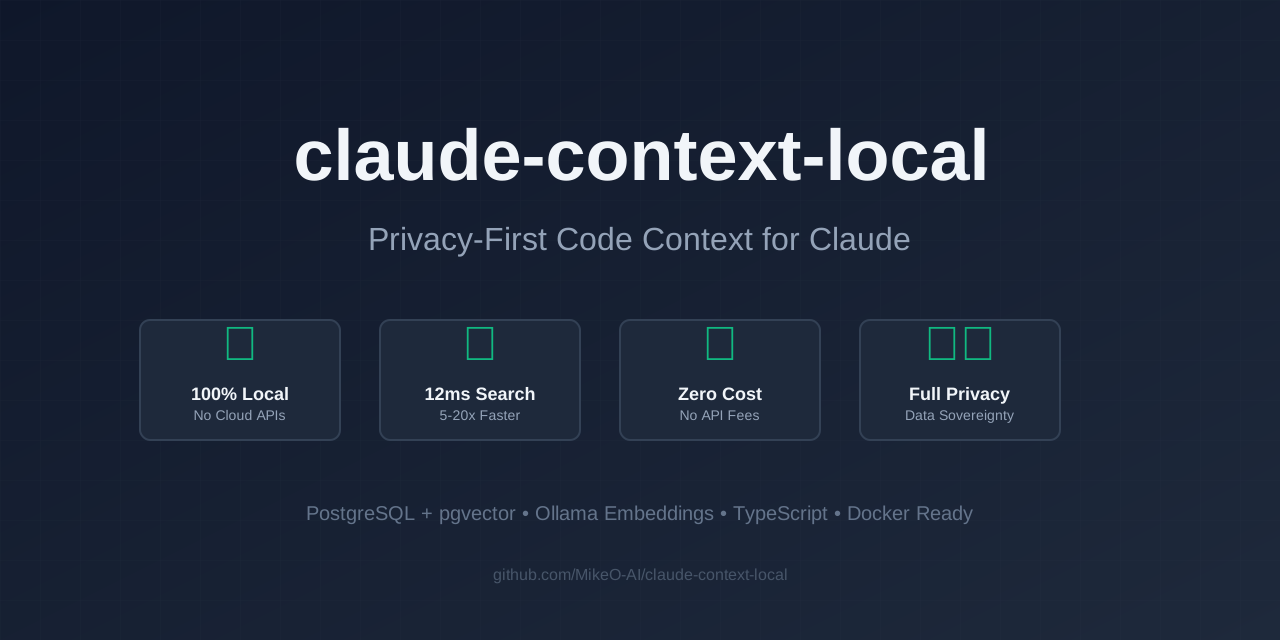
Project Philosophy: This project maintains the full history of the original claude-context for transparency and attribution, but represents a divergent branch focused on privacy and local operation. While the original continues toward cloud integration, we're committed to a 100% local, privacy-first approach. Both projects serve different needs in the ecosystem.
A local-first implementation of claude-context MCP server that replaces cloud dependencies with local alternatives for complete privacy and zero API costs.
brew install postgresql@14 pgvector
brew services start postgresql@14
brew install ollama
ollama serve  # Start in a separate terminal
ollama pull DC1LEX/nomic-embed-text-v1.5-multimodal
psql -U postgres -c "CREATE DATABASE embeddings;"
psql -U postgres -d embeddings -c "CREATE EXTENSION IF NOT EXISTS vector;"
# Clone the repository
git clone https://github.com/MikeO-AI/claude-context-local.git
cd claude-context-local

# Install dependencies
pnpm install

# Build the project
pnpm build

# Test the integration
node test-postgres.js
# First, validate your setup
node validate-mcp-setup.js

# Start with default settings (PostgreSQL on localhost, Ollama on localhost:11434)
node packages/mcp/dist/index-postgres.js

# Or with custom configuration
POSTGRES_HOST=your-db POSTGRES_PASSWORD=your-pass node packages/mcp/dist/index-postgres.js
Install globally from npm:
npm install -g @mikeo-ai/claude-context-local-mcp
claude-context-local-mcp

# Or use with npx (recommended)
npx @mikeo-ai/claude-context-local-mcp@latest
claude mcp add claude-context-local \
  -e EMBEDDING_PROVIDER=Ollama \
  -e POSTGRES_DATABASE=embeddings \
  -- npx @mikeo-ai/claude-context-local-mcp@latest
For detailed setup instructions, see MCP-SETUP-GUIDE.md
Add to your Claude Code config (~/Library/Application Support/Claude/claude_desktop_config.json):
{
  "mcpServers": {
    "claude-context-local": {
      "command": "node",
      "args": ["/absolute/path/to/claude-context-local/packages/mcp/dist/index-postgres.js"],
      "env": {
        "EMBEDDING_PROVIDER": "Ollama",
        "OLLAMA_MODEL": "DC1LEX/nomic-embed-text-v1.5-multimodal",
        "OLLAMA_HOST": "http://localhost:11434",
        "POSTGRES_HOST": "localhost",
        "POSTGRES_PORT": "5432",
        "POSTGRES_DATABASE": "embeddings",
        "POSTGRES_USER": "postgres",
        "POSTGRES_PASSWORD": "postgres"
      }
    }
  }
}
| Variable | Default | Description |
|---|---|---|
EMBEDDING_PROVIDER | Ollama | Embedding provider (Ollama recommended) |
OLLAMA_MODEL | DC1LEX/nomic-embed-text-v1.5-multimodal | Ollama model to use |
OLLAMA_HOST | http://localhost:11434 | Ollama server URL |
POSTGRES_HOST | localhost | PostgreSQL host |
POSTGRES_PORT | 5432 | PostgreSQL port |
POSTGRES_DATABASE | embeddings | Database name |
POSTGRES_USER | postgres | Database user |
POSTGRES_PASSWORD | postgres | Database password |
For easier deployment, use Docker Compose:
# docker-compose.yml
version: '3.8'
services:
  postgres:
    image: pgvector/pgvector:pg16
    environment:
      POSTGRES_DB: embeddings
      POSTGRES_USER: postgres
      POSTGRES_PASSWORD: postgres
    ports:
      - "5432:5432"
    volumes:
      - postgres_data:/var/lib/postgresql/data

  ollama:
    image: ollama/ollama
    ports:
      - "11434:11434"
    volumes:
      - ollama_data:/root/.ollama
    command: serve

volumes:
  postgres_data:
  ollama_data:
Then:
docker-compose up -d
docker exec -it claude-context-local_ollama_1 ollama pull DC1LEX/nomic-embed-text-v1.5-multimodal
add_codebaseIndex a codebase directory for semantic search:
add_codebase({
  path: "/path/to/your/project"
})
search_codebaseSearch through indexed codebases:
search_codebase({
  query: "authentication logic",
  path: "/path/to/your/project",
  limit: 10
})
| Feature | Original (Milvus) | Local (PostgreSQL) |
|---|---|---|
| Vector Database | Milvus/Zilliz Cloud | PostgreSQL + pgvector |
| Embeddings | OpenAI/VoyageAI | Ollama (local) |
| Privacy | Data sent to cloud | 100% local |
| Cost | API usage fees | Free |
| Setup | Cloud account required | Local installation |
| Internet | Required | Not required |
| Dimensions | Variable | 768 (configurable) |
This project is based on claude-context by Zilliz, licensed under the MIT License.
pgvector not found
brew install pgvector
psql -U postgres -d embeddings -c "CREATE EXTENSION vector;"
Ollama connection failed
ollama serve # Start Ollama service
Model not found
ollama pull DC1LEX/nomic-embed-text-v1.5-multimodal
Contributions are welcome! This is a community project aimed at providing a fully local alternative to cloud-based code context solutions.
MIT License - see LICENSE for details.
This project includes code from claude-context by Zilliz, also licensed under MIT.
If you find this project useful, please consider giving it a star!
Built with ❤️ for the community by MikeO-AI
 @googleapis✓ Official
Google's universal MCP server supporting PostgreSQL, MySQL, MongoDB, Redis, and 10+ databases
Official MongoDB integration — query collections, run aggregations, inspect schemas
 @designcomputer
Secure MCP server for MySQL database interaction, queries, and schema management
Run Claude Code as an MCP server so any agent can delegate coding tasks to it