

Are you the author? Sign in to claim
A pixel art virtual office that visualizes your AI agents working in real-time. Claude Code hooks, WebSocket events, and
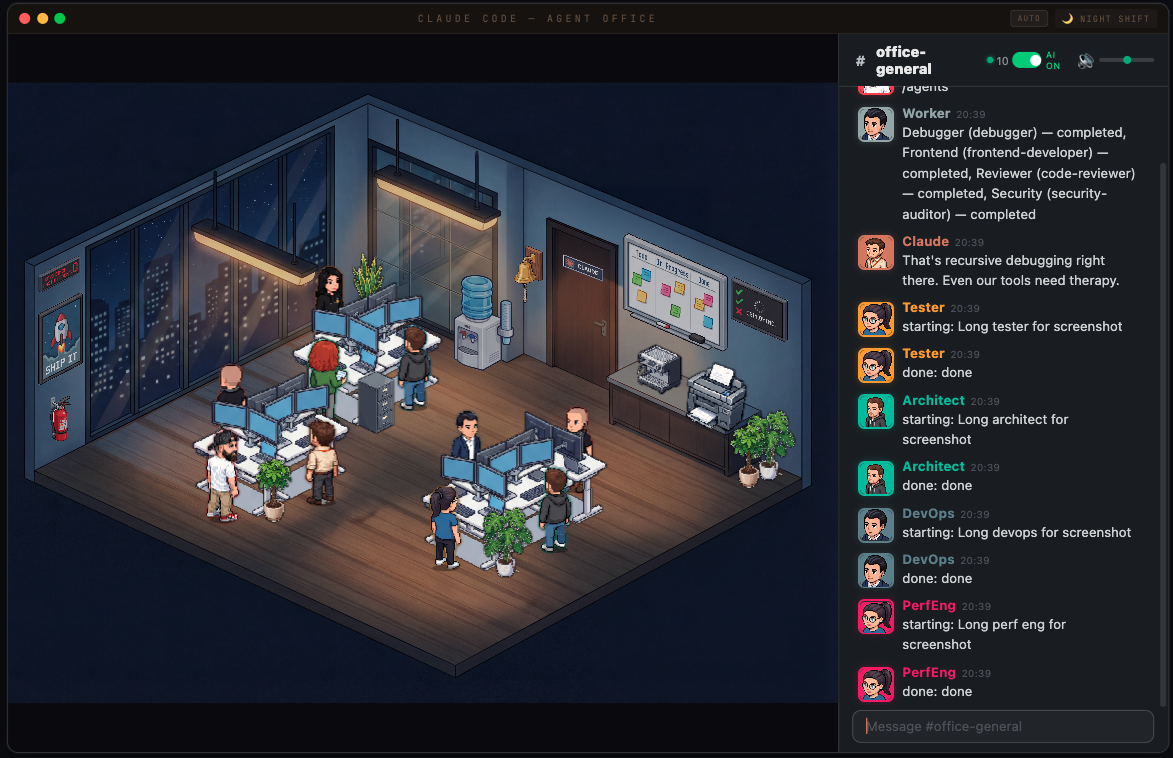
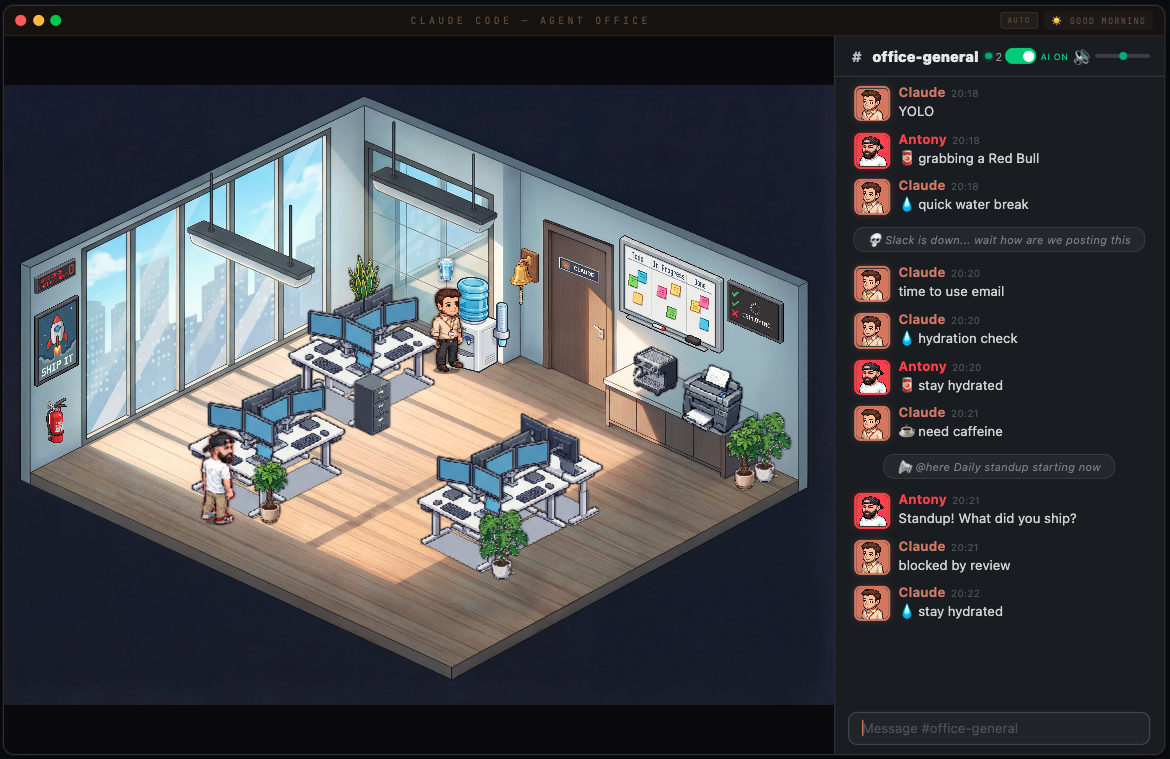
A pixel art virtual office that visualizes your AI agents working in real-time. Watch Claude Code agents spawn, sit at desks, take coffee breaks, and chat in a Slack-inspired office chat panel — all rendered in an isometric pixel art office.
Type /the-office in the Slack chat panel to flip the whole office into a Scranton-branch tribute. The room, the cast, and the chatter all swap over — Michael Scott runs the place, Jim is your assistant, and Dwight guards the beet cellar.
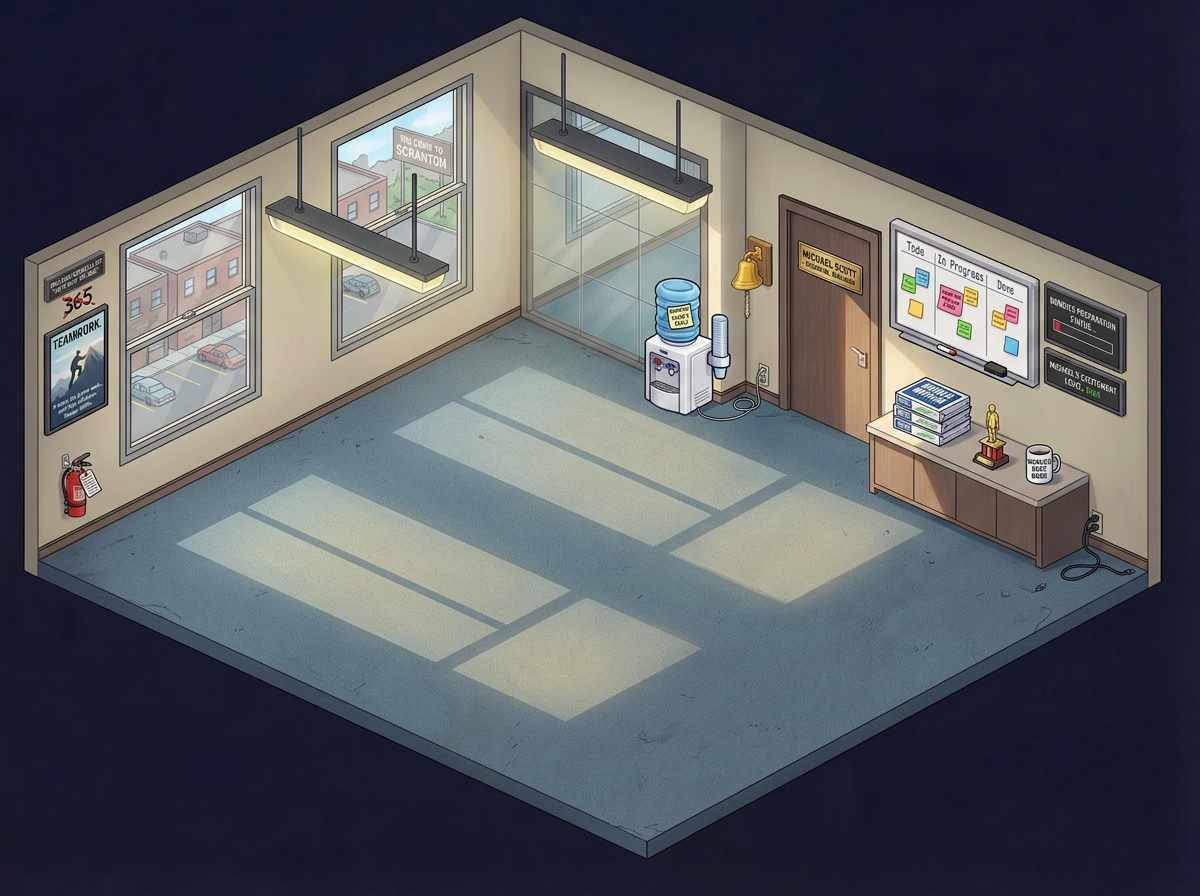
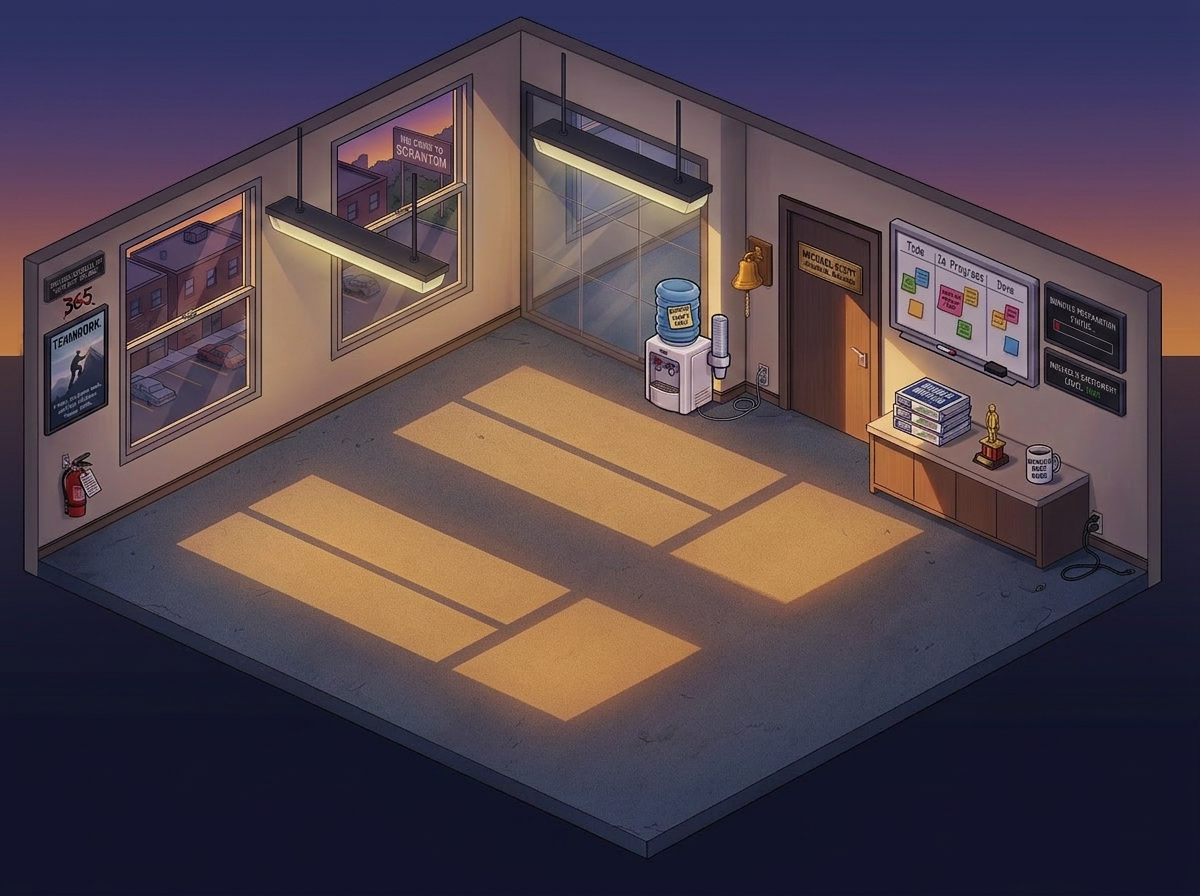
What changes when you toggle it on
"Bears. Beets. Battlestar Galactica.", "selling paper", "Schrute bucks awarded")"That's what she said 😏" when replying to finished work














Each cast member gets a signature prop floating above their desk in place of the usual coffee/Red Bull bubble.














Toggle it off any time with /the-office again — state persists in localStorage.
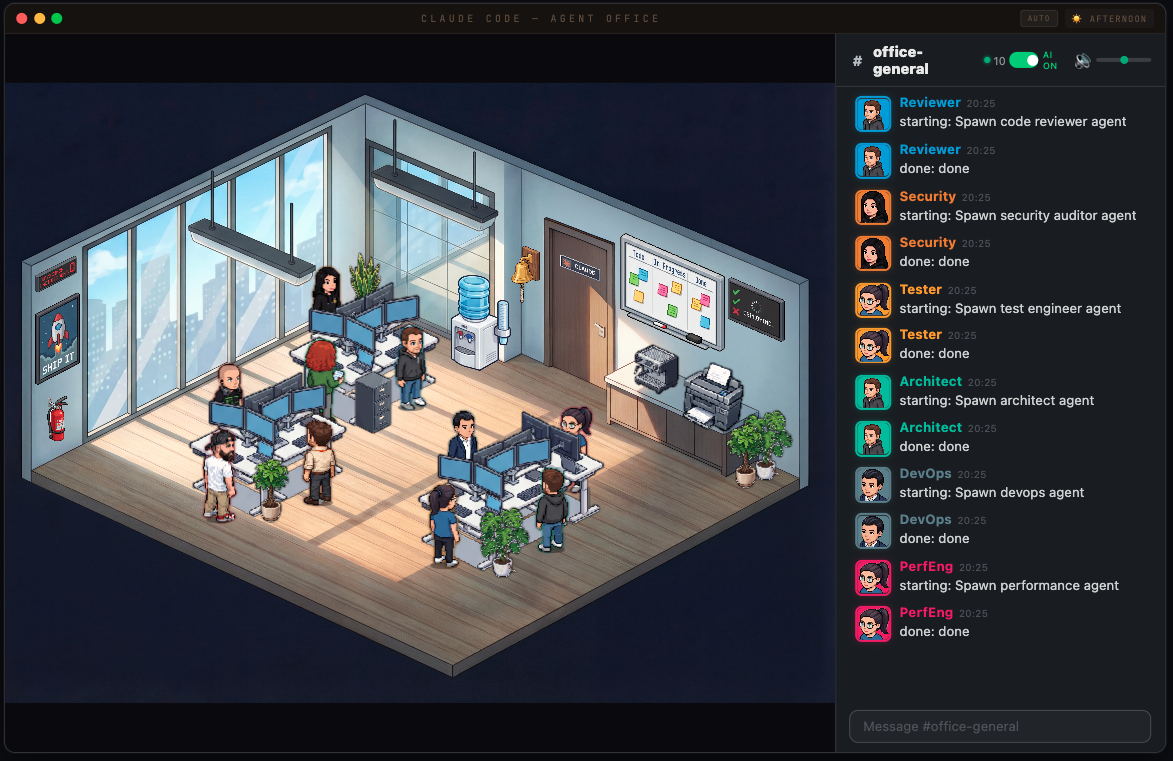
Live Agent Visualization
AI-Powered Office Chat
/status, /agents, /helpContext-Aware AI
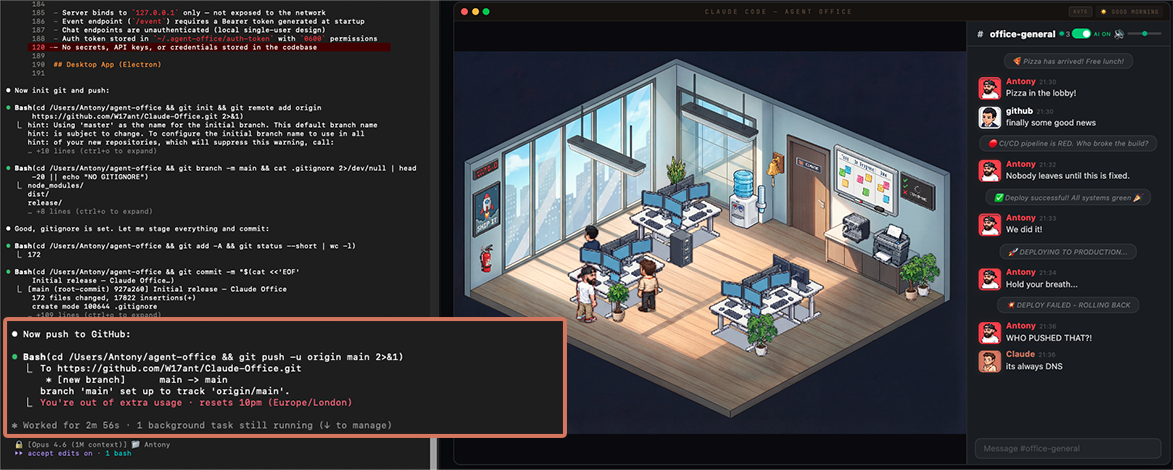
Claude Code hooks capture agent spawns, tool calls, and completions via PreToolUse and PostToolUse hooks. Events are sent to a local Express + WebSocket server, which broadcasts them to the React frontend.
Claude Code ──hook──> Express Server ──WebSocket──> React Frontend
                           │
                     SQLite (chat)
                           │
                   Chat AI Watcher ──claude -p──> Reply
# Clone
git clone https://github.com/W17ant/Claude-Office.git
cd Claude-Office

# Install
npm install

# Start everything (server + frontend + chat watcher)
bash scripts/start-office.sh

# Stop everything
bash scripts/stop-office.sh
Open http://localhost:3333 — the office is ready.
The repo includes .claude/settings.json which auto-allows curl commands to the local office server (127.0.0.1:3334) and the start/stop scripts. This means the chat monitor cron and office commands run without permission prompts.
Add the hook to ~/.claude/settings.json:
{
  "hooks": {
    "PreToolUse": [
      {
        "hooks": [{ "type": "command", "command": "bash /path/to/Claude-Office/hooks/agent-tracker.sh" }]
      }
    ],
    "PostToolUse": [
      {
        "hooks": [{ "type": "command", "command": "bash /path/to/Claude-Office/hooks/agent-tracker.sh" }]
      }
    ]
  }
}
Now spawn agents in Claude Code and watch them appear in the office.
The boss character (you) is configurable via office.config.json:
{
  "boss": {
    "name": "YourName",
    "sprite": "MyChar-1",
    "color": "#ff4444",
    "emoji": "crown"
  }
}
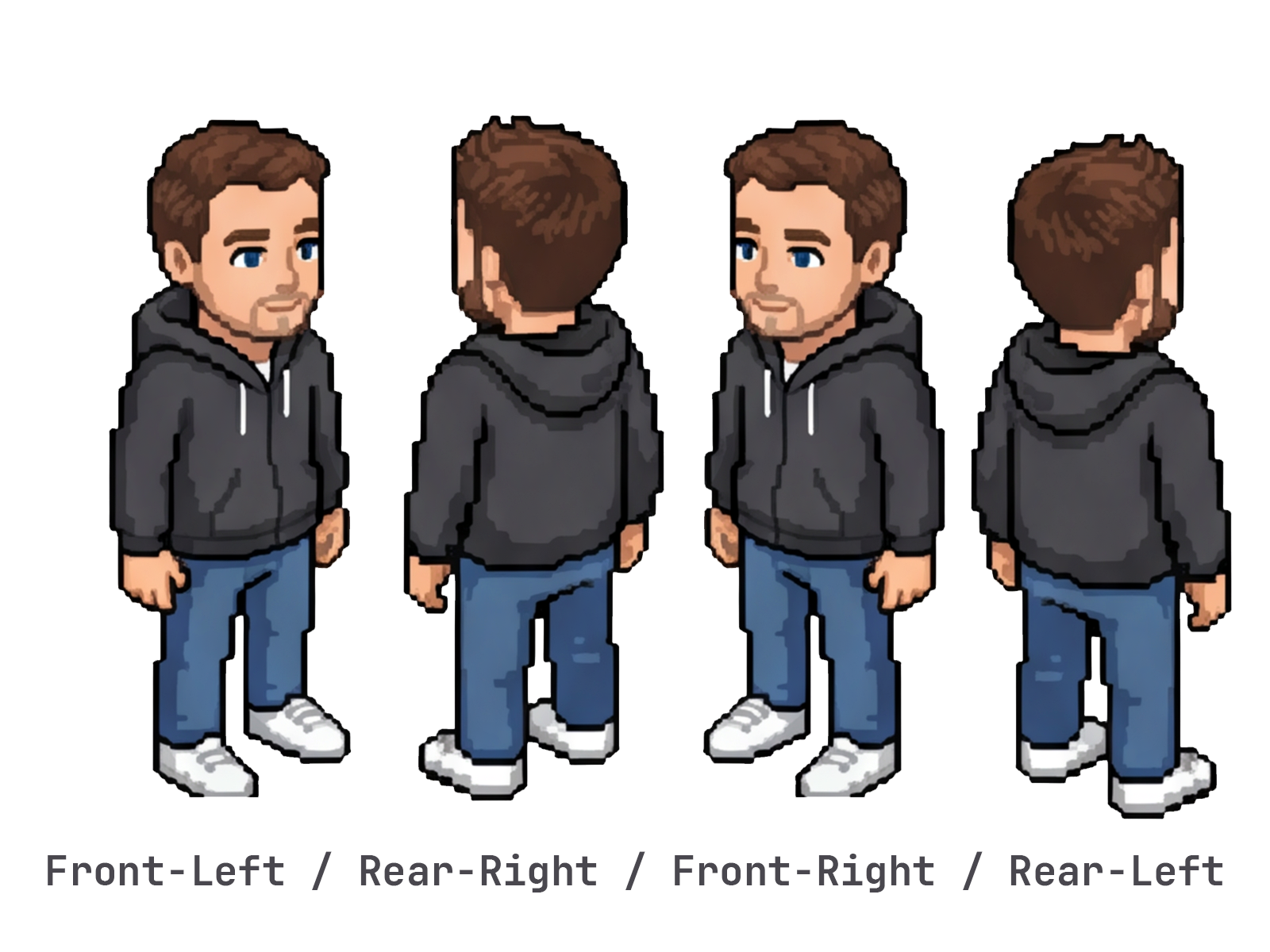
Use the Helper sprite sheet as a reference for the 4-direction layout — here's an example of mine next to it:


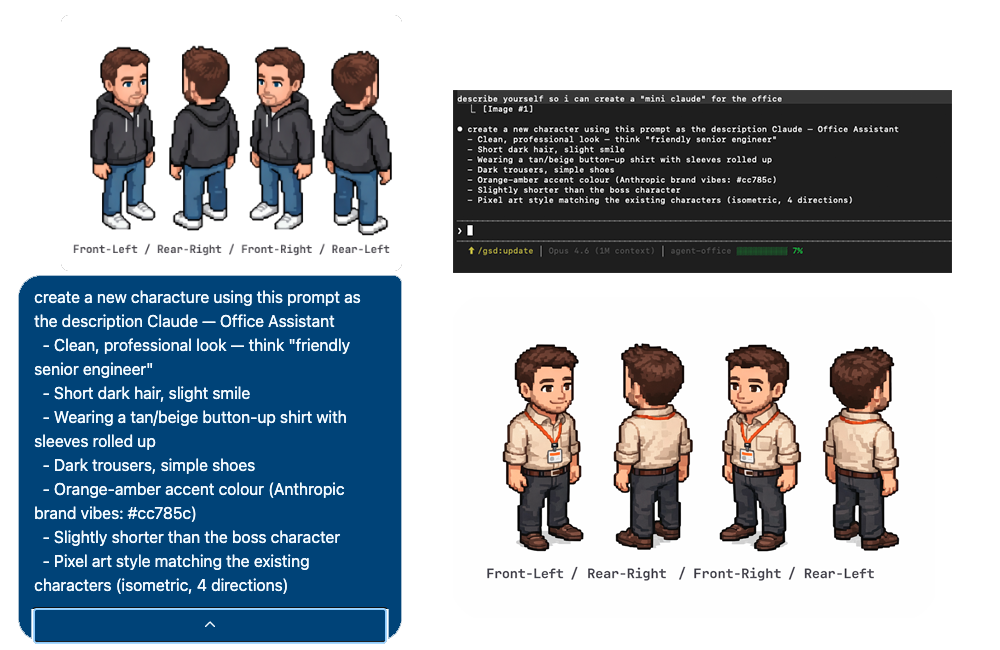
Here's Mini Claude — I asked Claude to describe itself after showing it the office with my avatar, then used the prompt to generate the sprite:
public/sprites/characters/Helper.png as a referencepython3 scripts/extract-boss-sprite.py your-character.png MyChar-1
| Command | Description |
|---|---|
/status | Office stats — agents, clients |
/agents | List active agents |
/help | Show available commands |
The chat AI routes your messages to specialist agents based on keywords:
| Topic | Agent |
|---|---|
| bugs, errors, crashes | Debugger |
| PRs, code review, git | Reviewer |
| UI, CSS, design | Frontend |
| tests, coverage, e2e | Tester |
| auth, security, tokens | Security |
| deploys, Docker, CI | DevOps |
| performance, caching | PerfEng |
| databases, SQL | DBA |
| TypeScript, types | TS Pro |
| AI, LLMs, prompts | AI Eng |
| APIs, REST, webhooks | Fullstack |
| architecture, patterns | Architect |
| URL | Mode |
|---|---|
localhost:3333 | Live — connected to Claude Code via WebSocket |
localhost:3333?sim | Simulation — scripted demo with fake agents |
localhost:3333?video | Video — scripted recording mode |
localhost:3333?helper | Placement helper — dev tool for positioning furniture |
claude -p)Claude-Office/
├── src/ # React frontend
│ ├── components/ # Character, SlackChat, FurnitureRenderer
│ ├── hooks/ # useAgentSocket (WebSocket + reconnect)
│ ├── styles/ # office.css, rooms.css
│ └── App.tsx # Main app (agent lifecycle, events, chat)
├── server/ # Express + WebSocket server
│ ├── index.js # HTTP endpoints + WS broadcast
│ └── chat-db.js # SQLite wrapper
├── scripts/ # Shell scripts
│ ├── start-office.sh # Start everything
│ ├── stop-office.sh # Stop everything
│ ├── chat-ai-watcher.sh # Polls chat, generates Claude replies
│ └── gather-context.sh # Git/agent context for prompts
├── hooks/ # Claude Code hooks
│ └── agent-tracker.sh # Forwards events to server
├── public/ # Static assets
│ └── sprites/ # Pixel art characters + effects
└── electron/ # Optional Electron wrapper
127.0.0.1 only — not exposed to the network/event) requires a Bearer token generated at startup~/.agent-office/auth-token with 0600 permissionsnpm run dev:electron # Development
npm run build:electron # Build .dmg
MIT
1000+ skills curated from Anthropic, Vercel, Stripe, and other engineering teams
Agent harness performance optimization with skills, instincts, memory, and security
Design enforcement with memory — keeps your UI consistent across a project
Detects 37 AI writing patterns and rewrites text with human rhythm across 5 voice profiles