

Are you the author? Sign in to claim
AI-powered file organization and context engineering that understands content, not patterns. Automatically sorts tempora




NPM Package: https://www.npmjs.com/package/claude-organize
Claude Code creates files everywhere. Despite CLAUDE.md instructions saying "don't create scripts in the root directory," it keeps creating test files, debug scripts, and documentation right at your project root:
my-project/
├── test-api-v1.md               # First attempt
├── test-api-v2.md               # "Fixed" version
├── test-api-final.md            # "Final" version
├── test-api-final-FIXED.md      # Actually final?
├── debug-webhook.mjs            # Quick test script
├── analyze-performance.mjs      # Debugging session
└── ... (87 more files at root!)
Solution: Automatic file organization using AI-powered categorization
my-project/
├── src/                         # Source code stays untouched
├── docs/
│   ├── testing/                 # Test results organized
│   └── troubleshooting/         # Debug notes in one place
└── scripts/
    ├── checks/                  # Validation scripts grouped
    └── debug/                   # Debug utilities together
npm install -g claude-organize
You have two options to configure the file organization hook:
Use Claude Code's built-in /hooks command to configure:
# Step 1: Type the /hooks command
/hooks

# Step 2: Select "PostToolUse" from the menu

# Step 3: Enter the matcher pattern:
Write|Edit|MultiEdit

# Step 4: Select "command" as the hook type

# Step 5: Enter the command:
claude-organize

# Step 6: Press Enter to confirm

# Step 7: Press Esc twice to exit the menu

# That's it! The hook is now configured
Add to your .claude/settings.json:
{
  "hooks": {
    "PostToolUse": [
      {
        "matcher": "Write|Edit|MultiEdit",
        "hooks": [{ "type": "command", "command": "claude-organize" }]
      }
    ]
  }
}
According to Claude Code Best Practices, the recommended approaches include:
Claude Organize complements these practices:
File Organization (Hooks) - Works regardless of session length. Even with /clear and perfect CLAUDE.md setup, Claude still creates files in root. Our hooks ensure consistent organization.
Think of it this way:
Both approaches work together for optimal Claude Code workflows.
✅ Automatic cleanup - Files move to proper directories instantly
✅ AI categorization - Understands file purpose from content
✅ 10 script subcategories - Detailed organization for scripts
✅ Safe defaults - Protects README, LICENSE, configs
✅ Context reduction - Cleaner workspace = better Claude performance

File Organization: User → Claude Code → Hook → claude-organize → AI → Organized Files
View all architecture diagrams →
| Guide | Description |
|---|---|
| 📖 Full Documentation | Complete feature guide and API reference |
| 🚀 Quick Start | Get up and running in 5 minutes |
| 📂 Subcategories Guide | Script organization patterns |
| ⚙️ Configuration | Customize behavior and settings |
| 🔧 JavaScript Organization | Experimental JS/MJS features |
| 🛠️ Troubleshooting | Common issues and solutions |
Files are automatically organized into these directories:
docs/testing/ - Test results, QA reportsdocs/analysis/ - Data analysis, performance reportsdocs/architecture/ - System design, technical docsdocs/operations/ - Deployment guides, runbooksdocs/troubleshooting/ - Debug logs, issue investigationsscripts/checks/ - Verification and validation utilitiesscripts/testing/ - Test scripts and runnersscripts/deployment/ - Deployment and release scriptsscripts/utilities/ - General utility scripts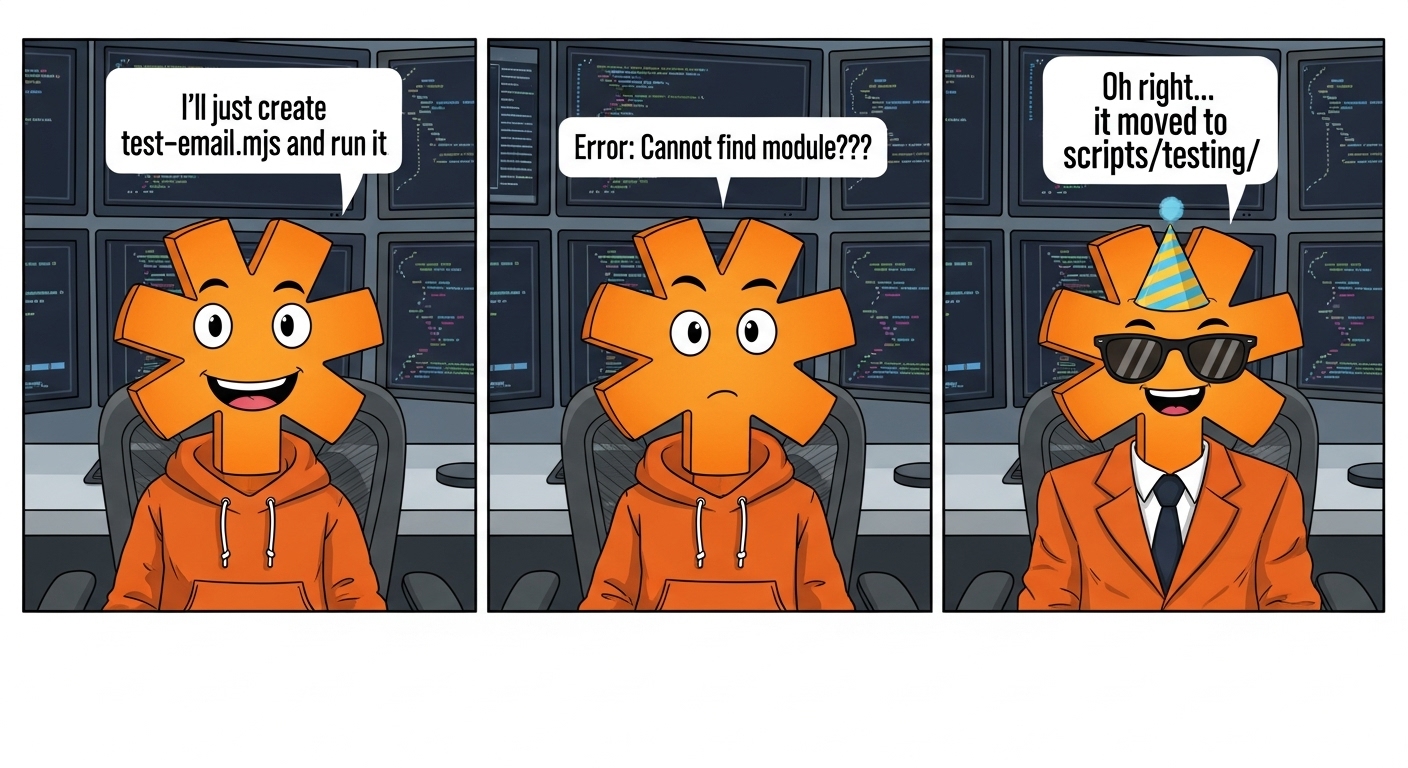
You might encounter this scenario:
Claude: "I'll create test-email.mjs and run it"
*Creates file*
*File gets organized to scripts/testing/*
Claude: "Error: Cannot find module './test-email.mjs'"
This is intentional! The friction teaches Claude (and us) better habits:
find . -name "test-email.mjs")Just like training a junior developer: "Test files go in the test directory."
The housekeeper doesn't compromise on cleanliness. This "friction" is actually a feature:
/claude-organize-bypass - Toggle file organization on/off/claude-organize-add <pattern> - Add patterns to be organized/claude-organize-js - Enable JavaScript organization (experimental)⚠️ USE AT YOUR OWN RISK: Claude Organize moves files in your project. Always use version control and test in a safe environment first.
docs/organization-log.jsonWe welcome contributions! Please see our Contributing Guide for details.
Distributed under the MIT License. See LICENSE for more information.
Manage multiple Claude Code agents from TUI or Web with tmux and git worktrees
Kanban-based orchestration for 10+ coding agents with isolated git worktrees per agent
⚠️ Experimentelle Skill-Sammlung für deutsches Recht (Arbeits-, Gesellschafts-, Insolvenz-, Datenschutz-, Prozessrecht u
Project management using GitHub Issues + Git worktrees for parallel agent execution