

Are you the author? Sign in to claim
Claude Code skill: convert HTML slide decks to editable .pptx. Unlike most converters that flatten each page into one im




📖 English | 中文
Convert HTML slide decks into editable .pptx: text stays as native PowerPoint textboxes, fonts are subset on demand, complex CSS decorations fall back to local snapshots, and HTML/PPT side-by-side audit material is generated for review.
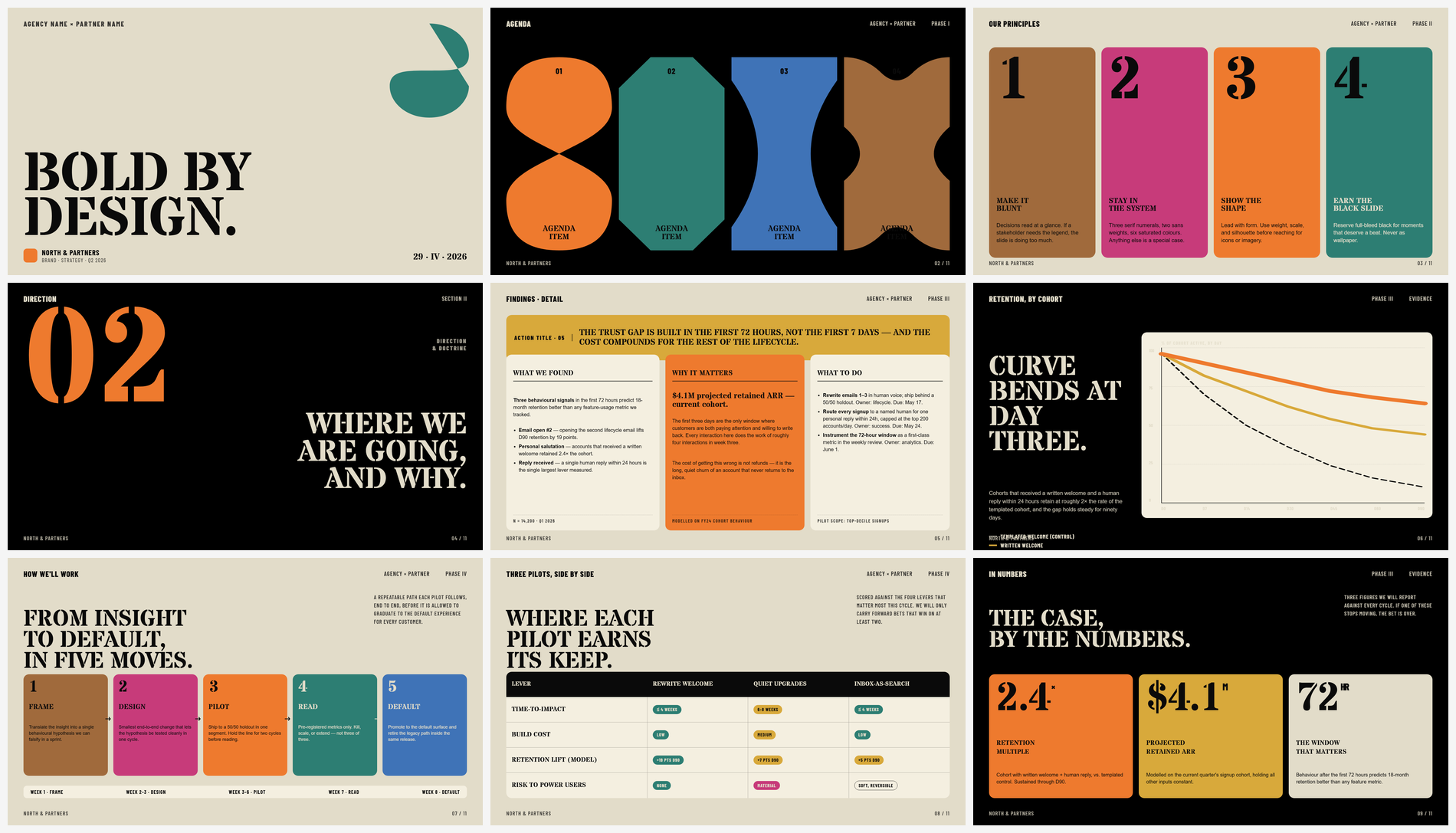 | 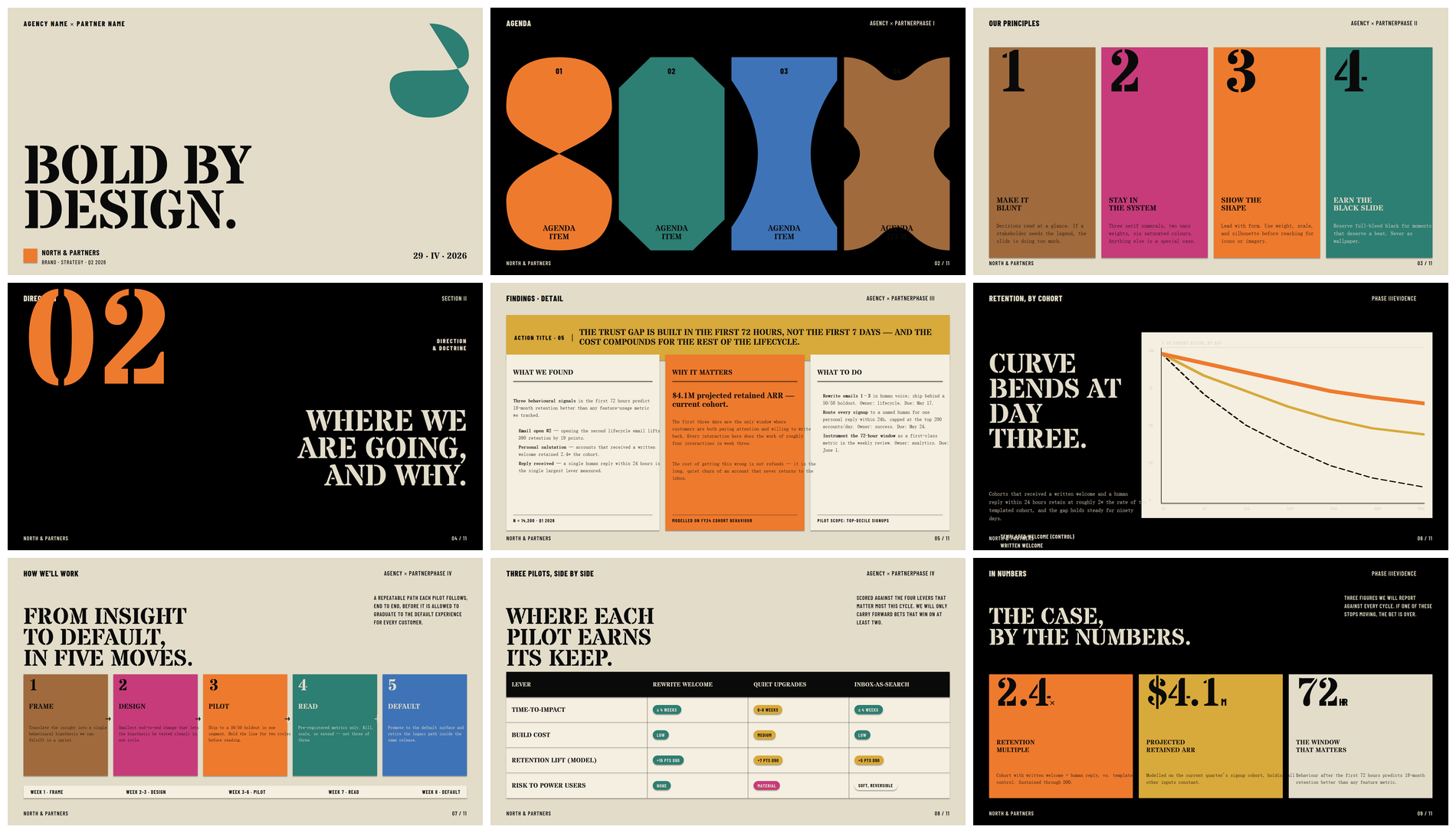 |
| Original HTML | html-to-pptx output, opened in PowerPoint |
Text stays as editable vectors; complex decorations are rasterized locally.
HTML is a great medium for slide decks — layout, typography, animation, and complex visuals are all more flexible than in PowerPoint. But delivery often requires .pptx, and most "HTML → PPT" tools flatten each page into a single image, leaving text uneditable, unsearchable, and pixelated when zoomed.
html-to-pptx avoids the "whole-page screenshot" route. It decomposes HTML into objects PowerPoint understands: text becomes editable textboxes; simple geometry becomes native shapes / lines; effects PPT can't express natively (gradients, shadows, filters, blend modes) are snapshotted locally and placed as a decoration layer behind the vector text.
The result: the output stays close to the HTML source while remaining searchable, editable, and rescalable in PowerPoint / WPS — not a stack of immutable images.
Each install keeps a private references/lessons-learned.md — seeded once from the committed template, then gitignored. When the audit loop turns up a generalizable HTML anti-pattern or OOXML boundary, the fix recipe gets appended there. Every subsequent convert re-reads the file, so decks sharing traits with ones you've already audited tend to land cleaner on the first pass.
The local copy is never overwritten by upstream — git pull updates the template, not your accumulated notes.
Supports single-file HTML decks from beautiful-html-templates / guizang-ppt-skill / Reveal.js / hand-written decks / browser fullscreen pages, with automatic slide detection.
CSS → PPT routing:
| HTML element / CSS | What it becomes in PPT |
|---|---|
| Text, rich text, color, size, tracking, line-height, alignment | Editable textboxes — searchable and scalable |
| Background color, border, border-radius, lines | Native OOXML geometry |
gradient, box-shadow, filter, backdrop-filter, mix-blend-mode, complex transforms | Local snapshot underlay; text still drawn on top as vector |
| SVG, images, canvas | Embedded directly |
| Google Fonts | Subset by characters actually used; CJK content auto-seeds Noto Sans SC / Noto Serif SC |
For the full CSS coverage matrix, see references/supported-css.md.
In a Claude Code session, just hand Claude the repo URL:
Install this skill for me: https://github.com/Hasasasa/claude-skill-html-to-pptx
Claude will git clone it into the right skills directory for your platform (macOS / Linux: ~/.claude/skills/; Windows: %USERPROFILE%\.claude\skills\) and walk you through installing Python 3.10+, Playwright, and dependencies. System-level steps will still ask for your confirmation.
After install, ask in plain language:
Convert D:\path\to\deck.html to pptx
Full skill invocation rules, audit mode, and fix discipline are in SKILL.md.
If you're not using Claude Code, clone the repo and run the CLI directly.
Requires Python 3.10+ and pip.
git clone https://github.com/Hasasasa/claude-skill-html-to-pptx.git
cd claude-skill-html-to-pptx
pip install -r requirements.txt
python -m playwright install chromium
The visual audit step renders .pptx to PNG. Either of the following works:
requirements.txt already includes pywin32 (Windows-only) and pdf2image. For the LibreOffice route, you also need LibreOffice installed on the system; on Windows, pdf2image typically needs Poppler too. The .pptx itself still generates without a renderer — only the HTML/PPT side-by-side audit images are skipped.
python convert.py path/to/deck.html
Output goes to path/to/deck.pptx next to the input. On first run, a working copy at path/to/deck.audited.html is created automatically; all subsequent audit fixes modify this copy, leaving the original HTML untouched.
Common flags:
| Flag | What it does |
|---|---|
--out <path> | Custom output .pptx path |
--keep-screenshots | Keep per-slide HTML reference screenshots and measurement files |
--install-user-fonts | Install non-CJK fonts into the user font directory so WPS / PowerPoint COM can render them |
--no-embed-fonts | Skip font embedding — smaller file but may fall back to system fonts on other machines |
--no-preflight | Skip the Stage 1 risk pre-scan |
--no-verify | Skip the Stage 5a structural self-check |
--no-visual-audit | Skip the Stage 5b visual audit material generation |
--only-slides 2,7,12 | Re-run only the listed slides (incremental mode for audit iteration) |
--cleanup | Clean up audit / measurement / preflight intermediate artifacts |
Each pair: HTML rendering on the left, html-to-pptx output (rendered in PowerPoint) on the right.
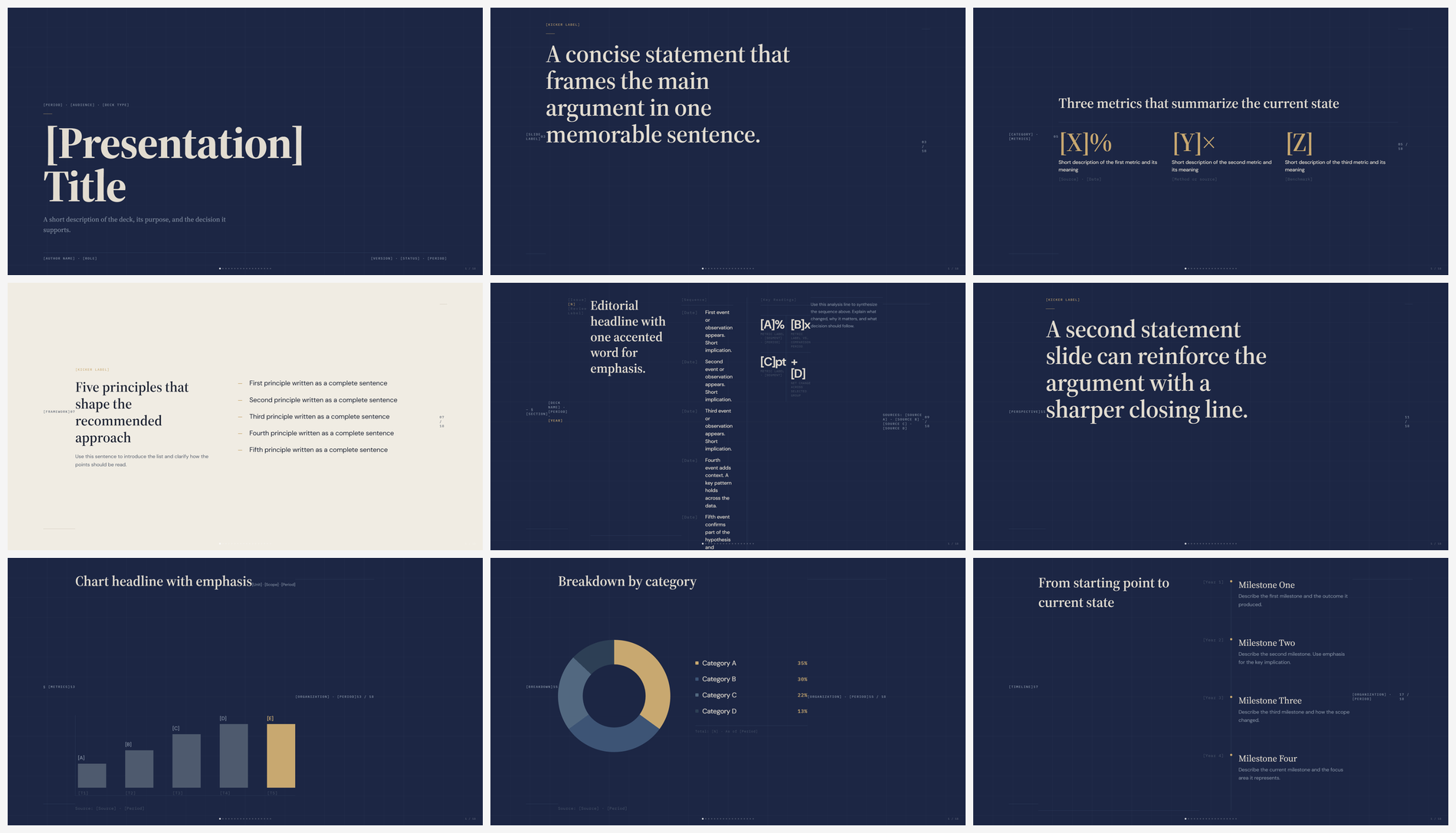 | 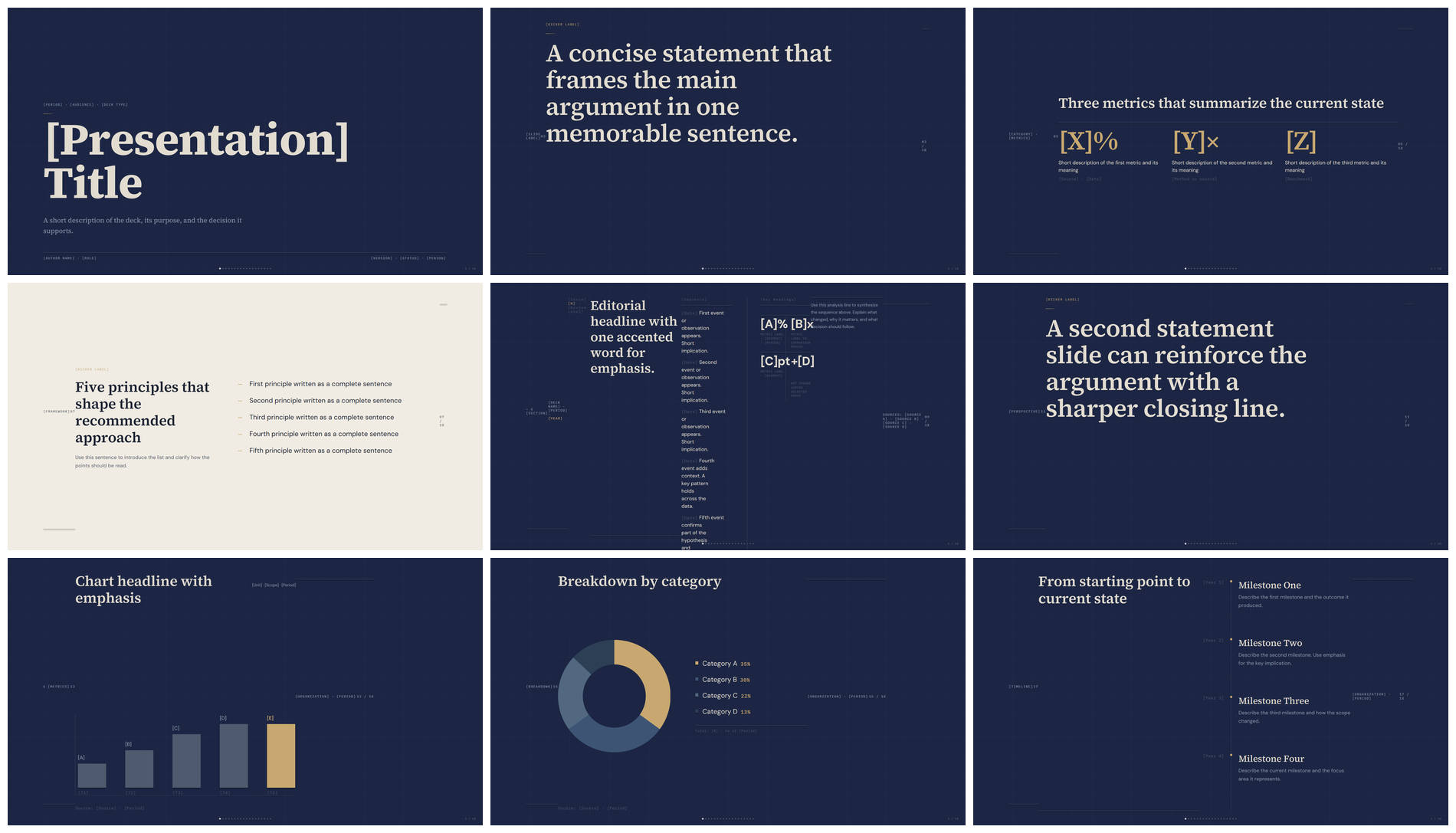 |
| HTML | html-to-pptx output |
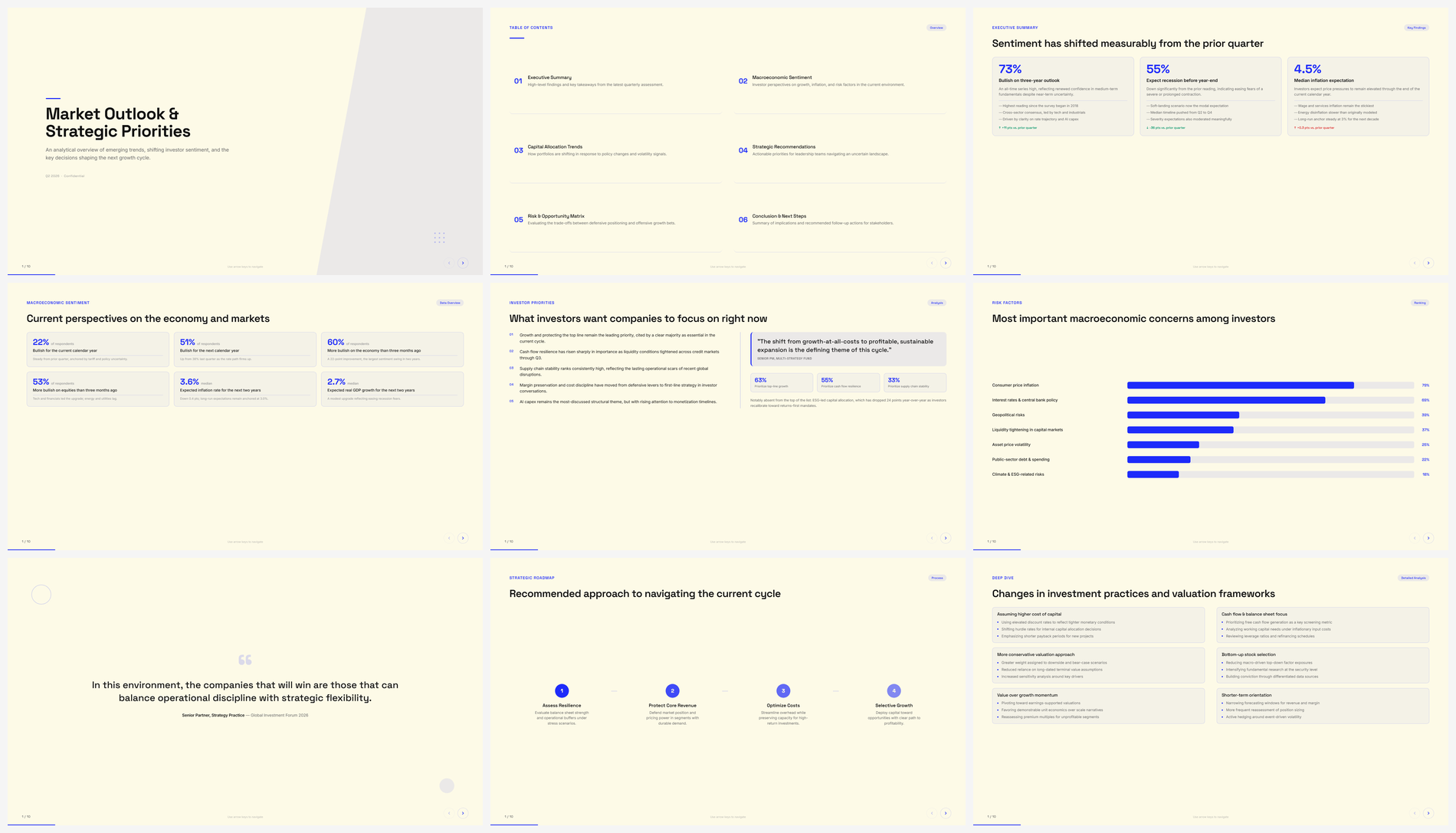 | 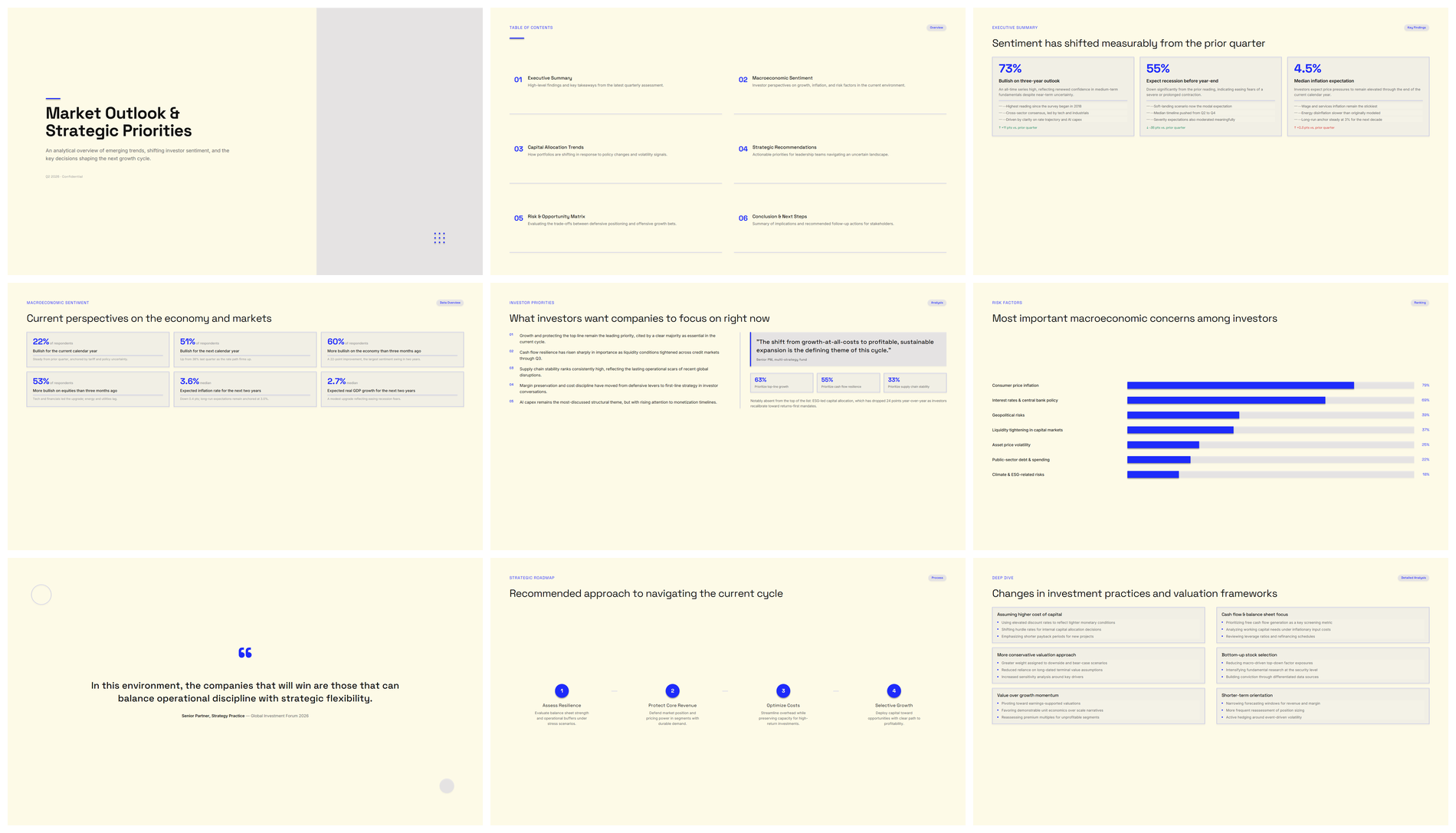 |
| HTML | html-to-pptx output |
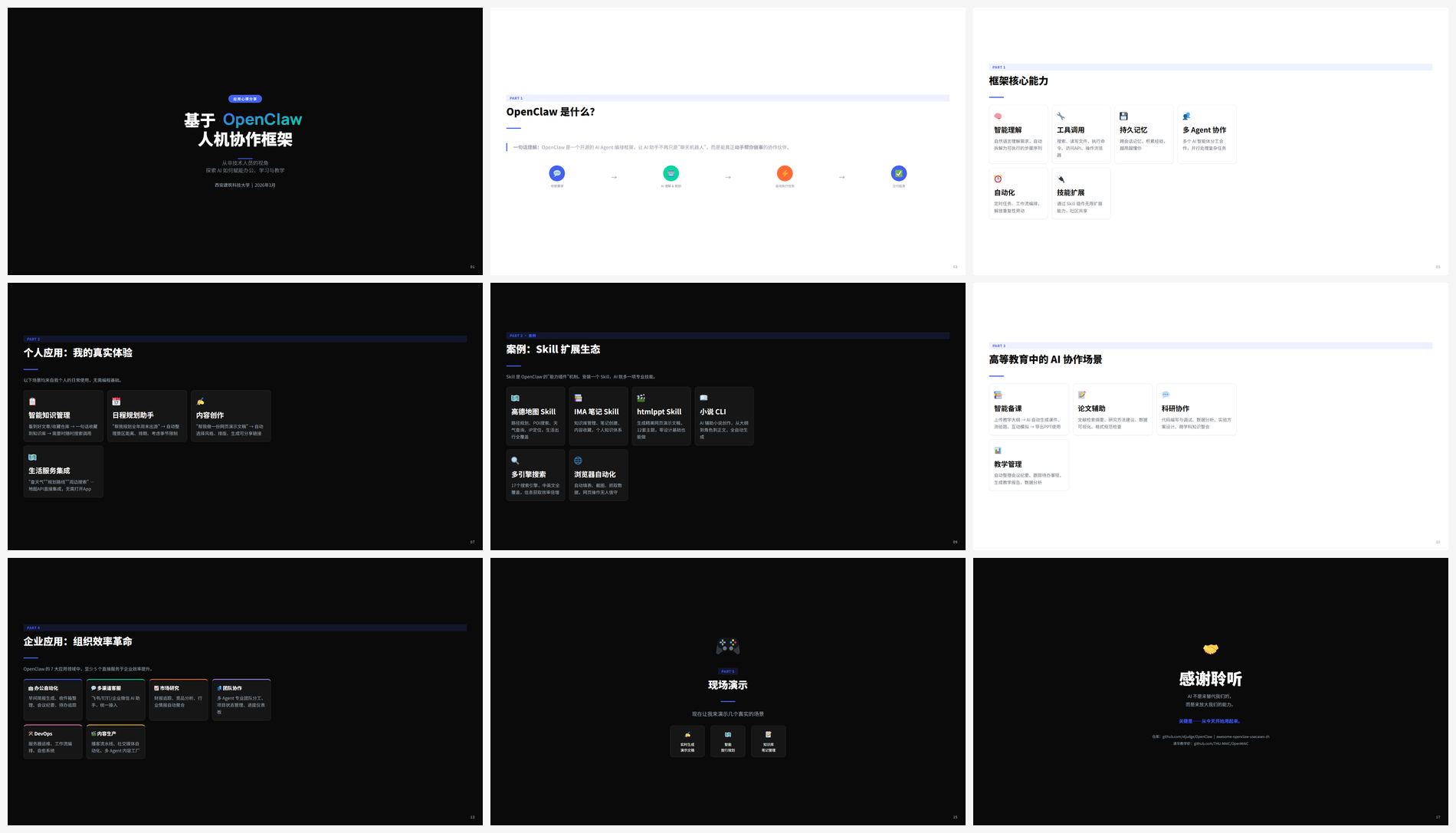 | 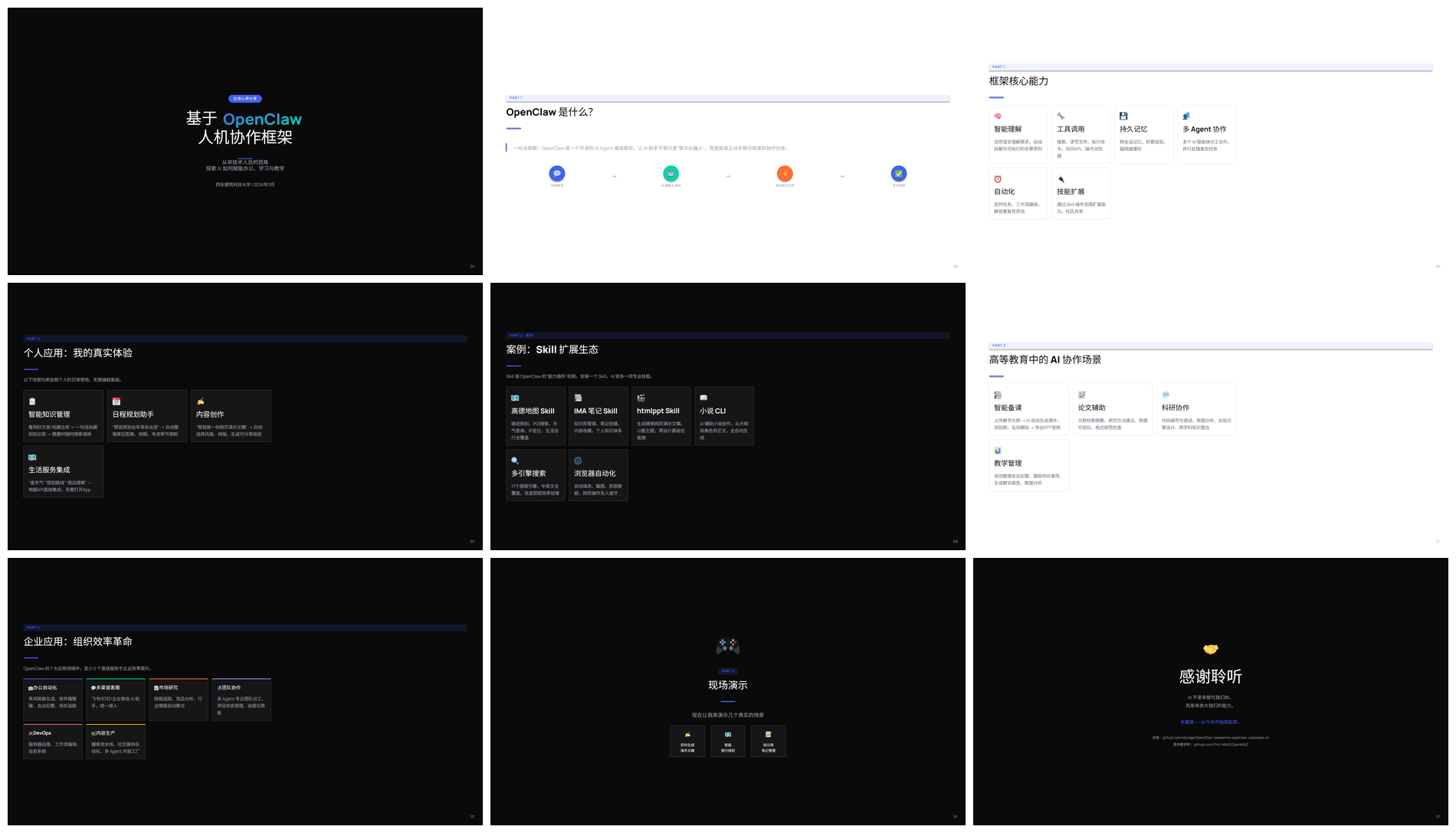 |
| HTML | html-to-pptx output |
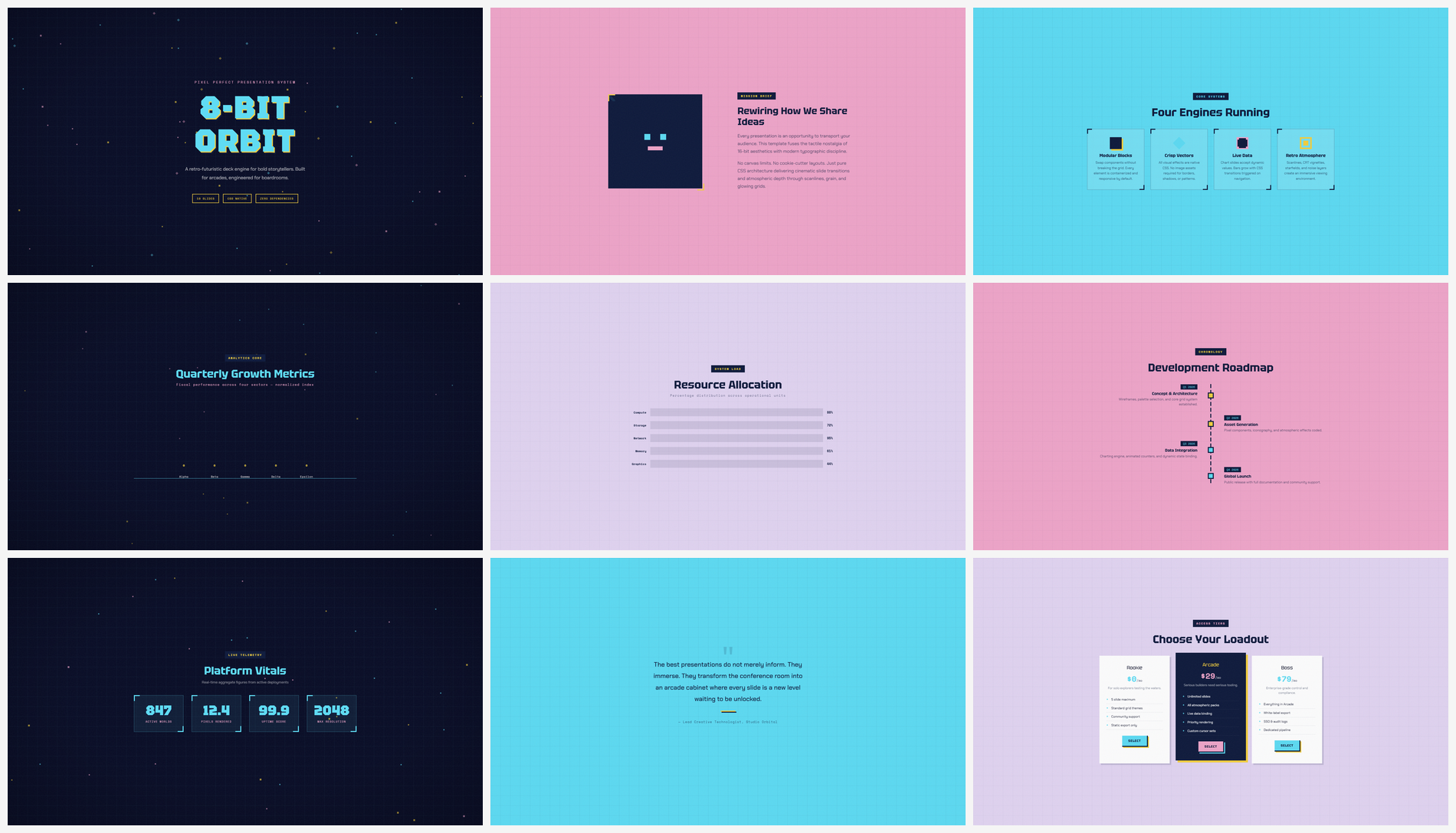 | 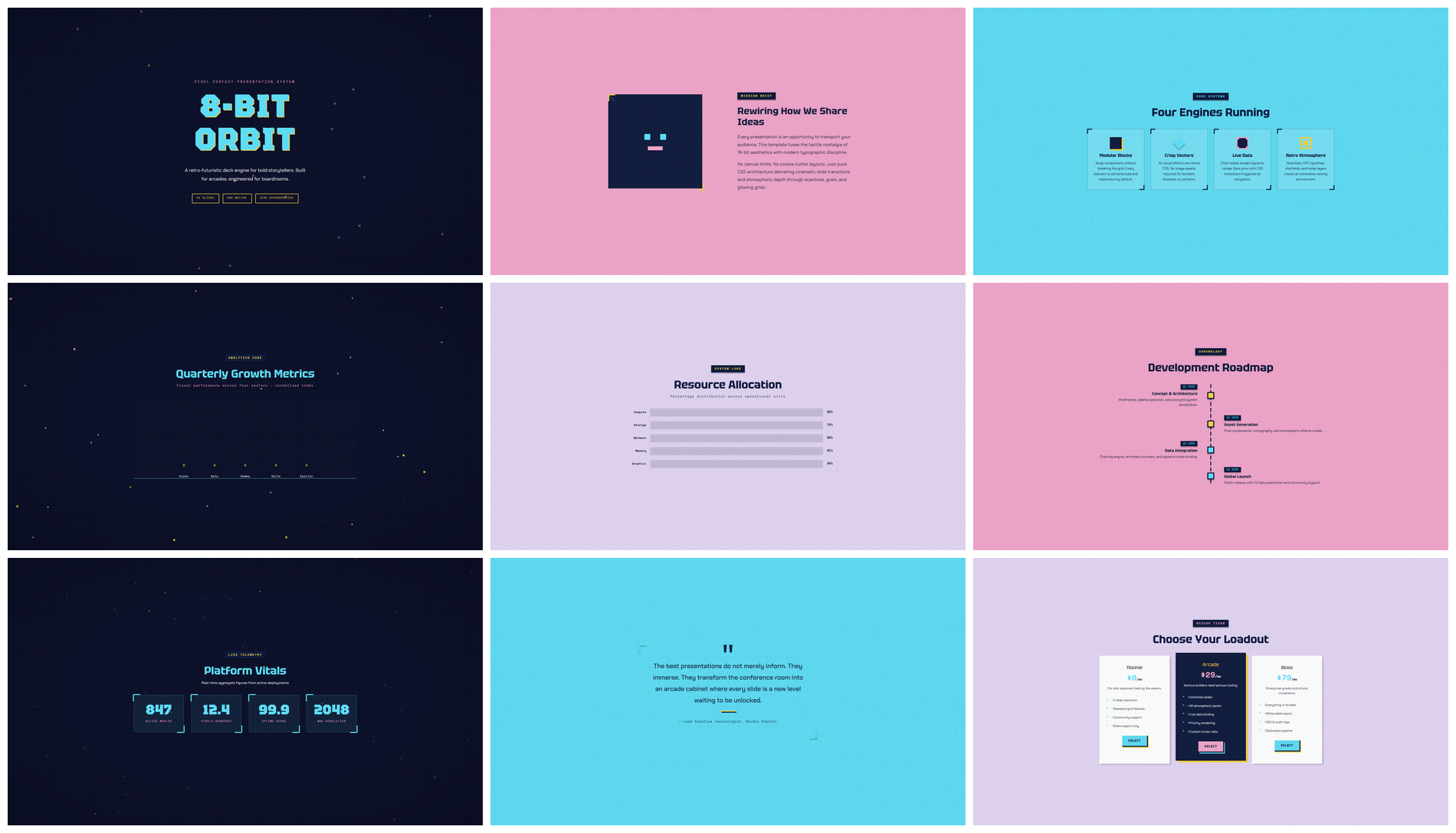 |
| HTML | html-to-pptx output |
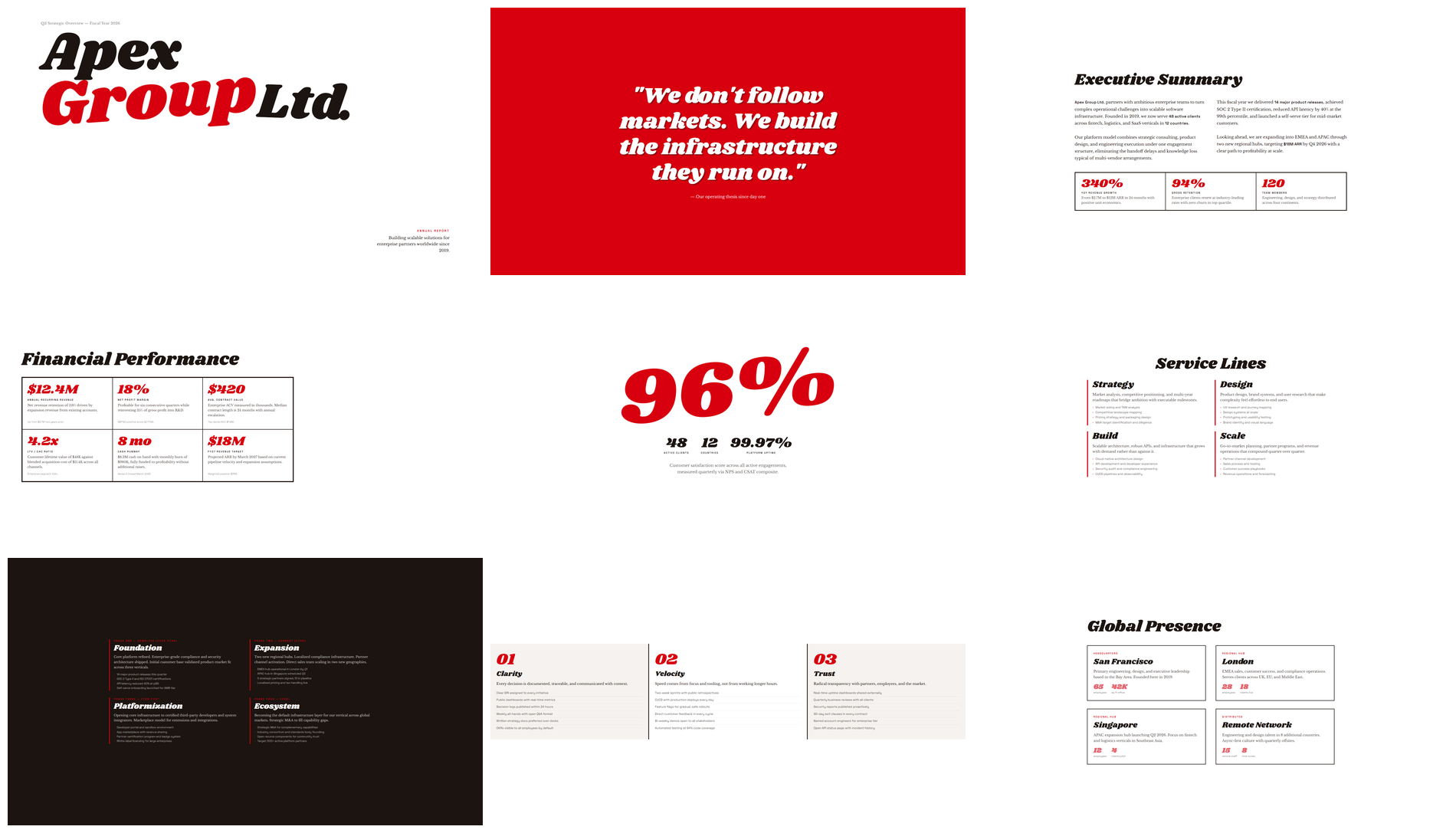 | 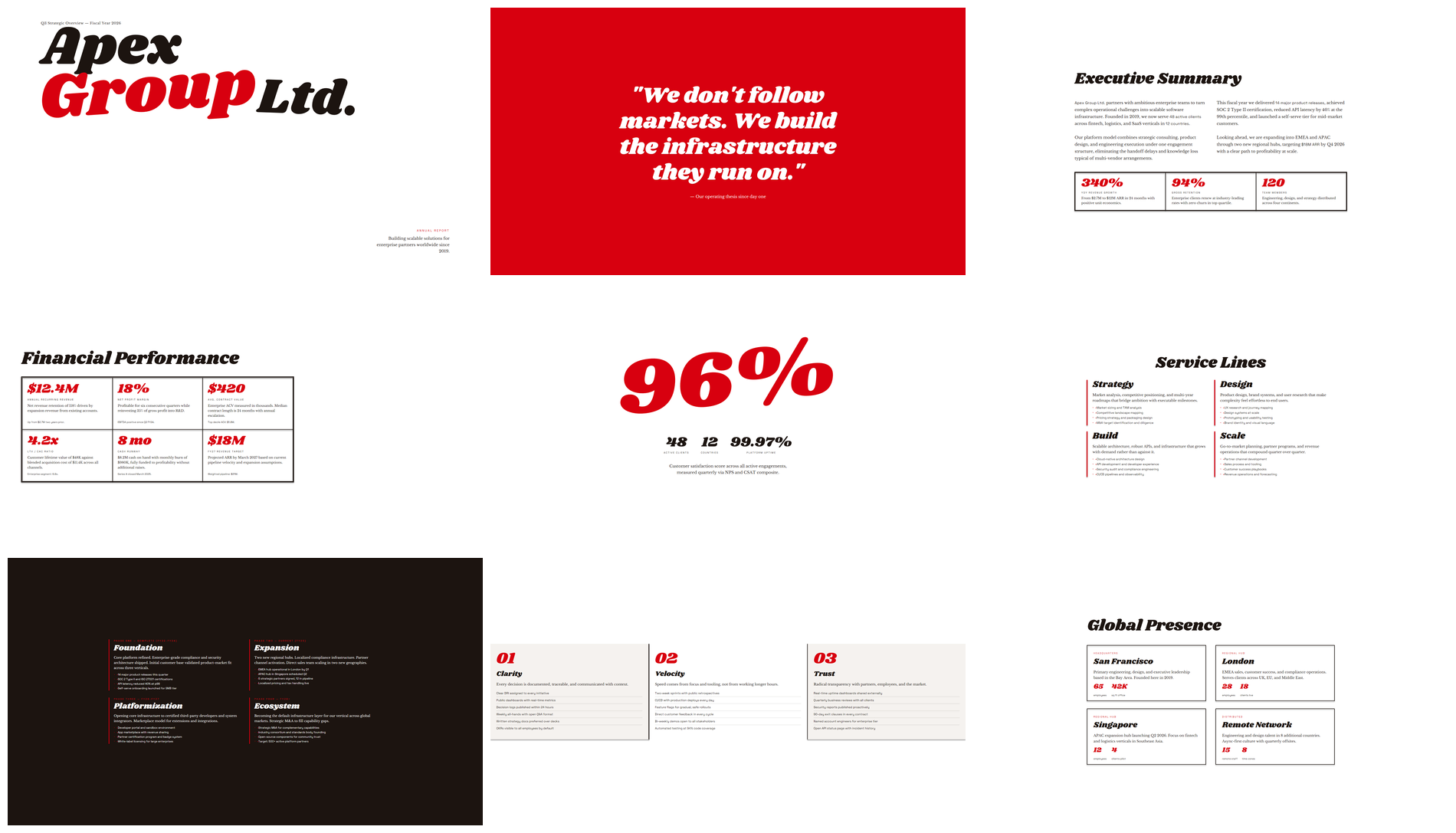 |
| HTML | html-to-pptx output |
 |  |
| HTML | html-to-pptx output |
[1 preflight] -> [2 measure] -> [3 assemble] -> [4 embed fonts] -> [5a self check] -> [5b visual audit]
 preflight.py     measure.py      assemble.py     embed_fonts.py      self_check.py      visual_audit.py
preflight: scan for high-risk HTML/CSS patterns.measure: probe the DOM with Playwright, extracting text, shape, media, and decoration records.assemble: write OOXML — textbox / shape / media / snapshot.embed_fonts: subset and embed fonts by characters actually used.self_check: scan PPTX for structural risks and call the renderer to export per-slide PNGs.visual_audit: generate HTML/PPT side-by-side images, contact sheet, audit index, and the review prompt.| Principle | What it means |
|---|---|
| Vector-first | Text and simple geometry stay as native PPT objects — editable, searchable, scalable |
| Local fallback | Only complex decorations go through the snapshot channel — no whole-page rasterization |
| Portable fonts | Google Fonts auto-resolved and subset-embedded to reduce cross-machine drift |
| Auditable | Per-slide HTML/PPT comparison material lets visual issues be located and iterated |
| Source-preserving | A .audited.html working copy is created automatically; the original HTML is never modified |
Create animation-rich HTML presentations using a coding agent's frontend skills
1000+ skills curated from Anthropic, Vercel, Stripe, and other engineering teams
Design enforcement with memory — keeps your UI consistent across a project
Detects 37 AI writing patterns and rewrites text with human rhythm across 5 voice profiles