

Are you the author? Sign in to claim
Web interface for remotely accessing Claude Code CLI across multiple machines. Hub-and-spoke architecture with WebSocket


English | 中文 | Documentation
Multi-provider AI collaboration platform — one web interface, three backends: Claude Code CLI · GitHub Copilot CLI · Yeaft's own multi-VP engine. Multi-machine management, end-to-end encryption, multi-role collaboration.
🌐 Try it now: cc.yeaft.com — open registration, no invite code required.
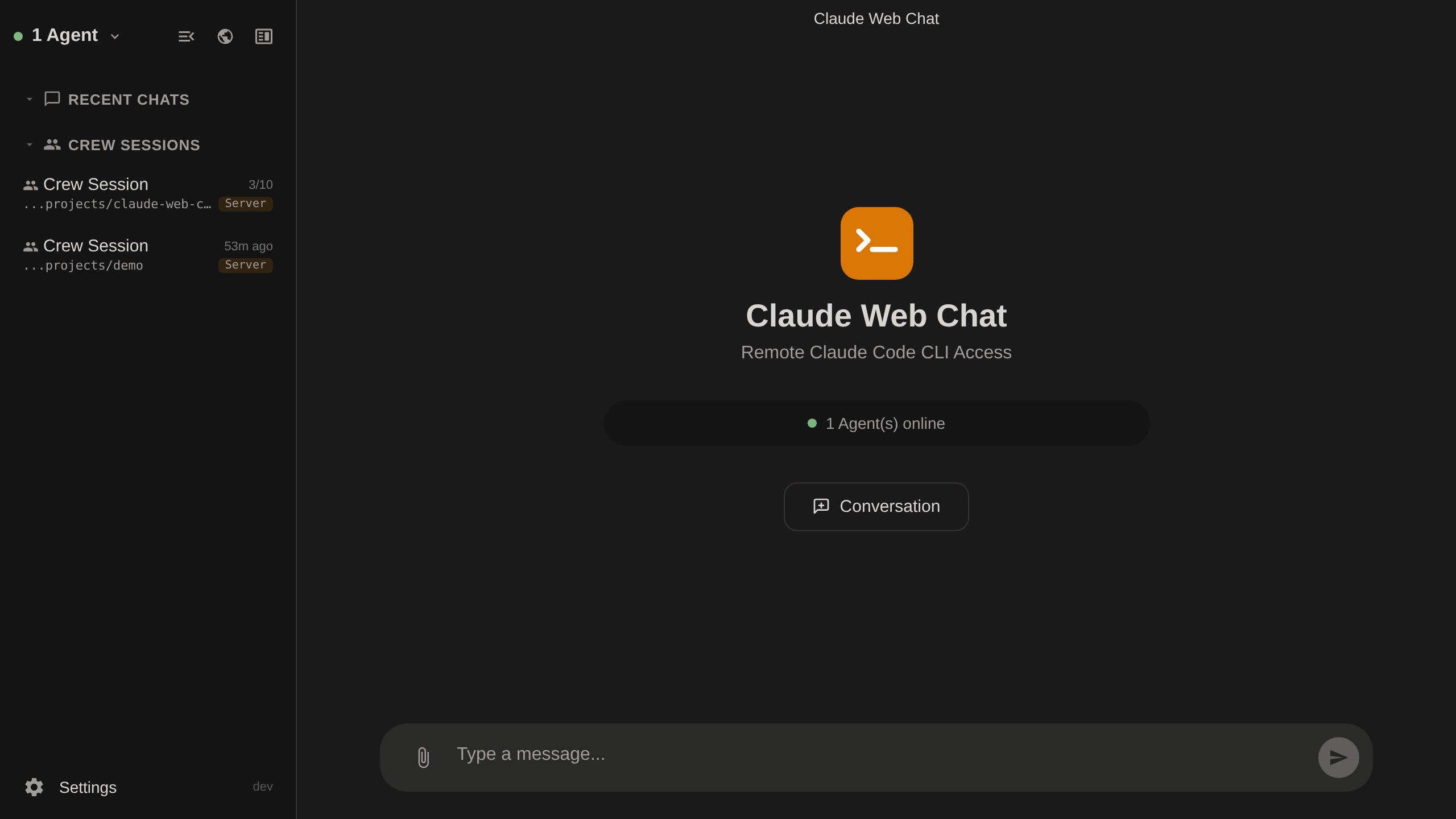
Yeaft is not bound to a single AI vendor. When starting a new session, choose:
| Backend | Best for |
|---|---|
| Claude Code | 1:1 chat with Claude Code CLI — full Claude toolset |
| Copilot | 1:1 chat via GitHub Copilot CLI (ACP protocol) — pick any Claude / GPT model |
| Yeaft Sessions | Multi-VP group collaboration, parallel fan-out, cross-session persistent memory |
ChatGPT-style conversational interface with real-time tool tracking, session management, and file uploads.
/model, /memory, /skills, etc.) with autocomplete/btw side questions — ask Claude a quick follow-up without interrupting the current taskThe same chat surface but powered by copilot --acp instead of claude. Speaks ACP (Agent Client Protocol); the agent translates every ACP event into the same claude_output envelope, so the rendering pipeline is shared.
Multi-VP (Virtual Person) parallel collaboration, powered by Yeaft's own engine (no CLI subprocess required).
@mention decides which VPs handle each message — parallel fan-outroute_forward tool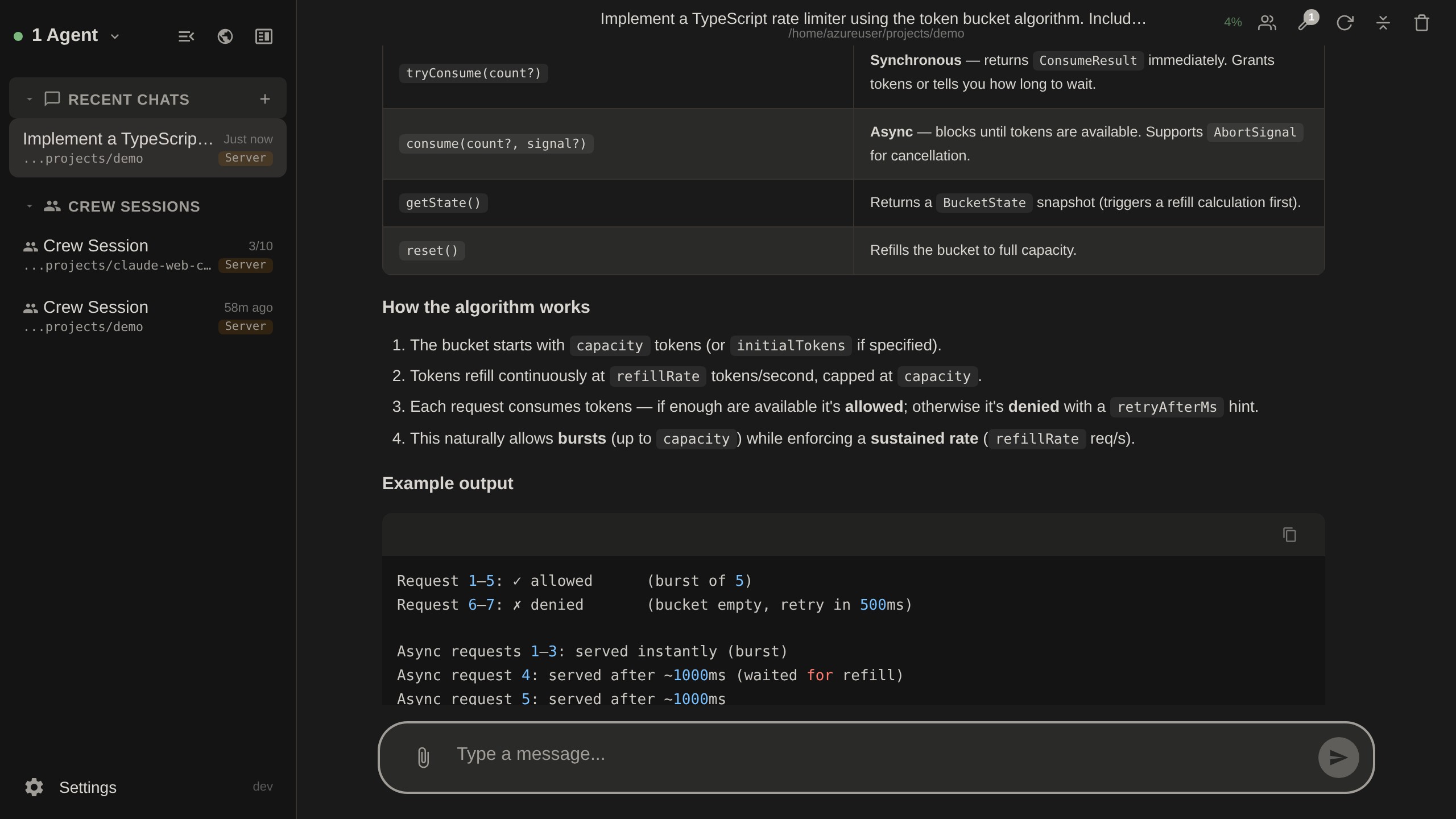
Open multiple conversations side by side — up to 3 panels at once.
AI expert teams that assist your conversations — select a team (e.g. Writing, Trading) and get multi-perspective advice in a side panel.
Multi-role AI team collaboration with PM, Developer, Reviewer, and Tester roles working together on features.


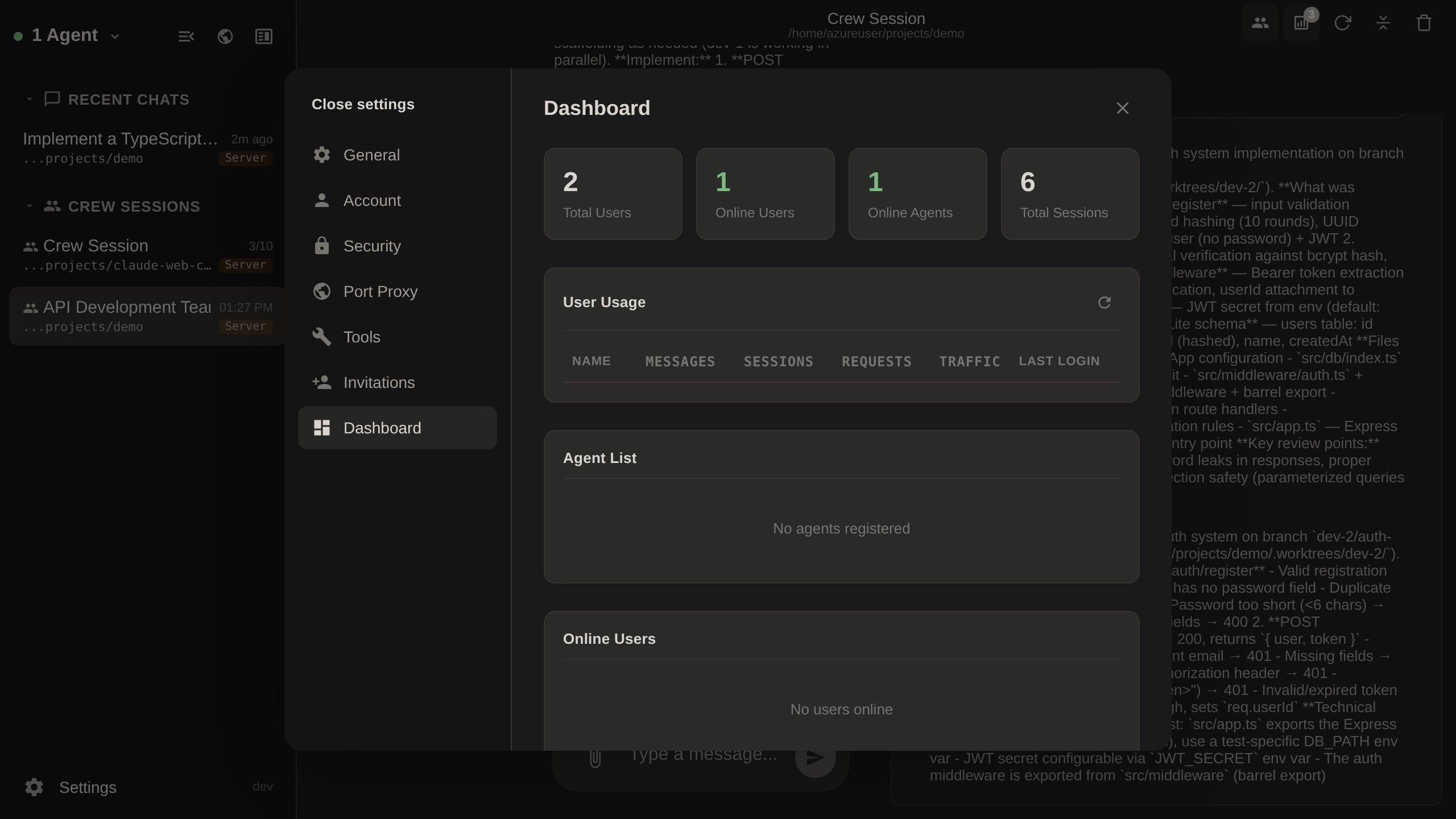
Usage statistics and system monitoring for administrators.
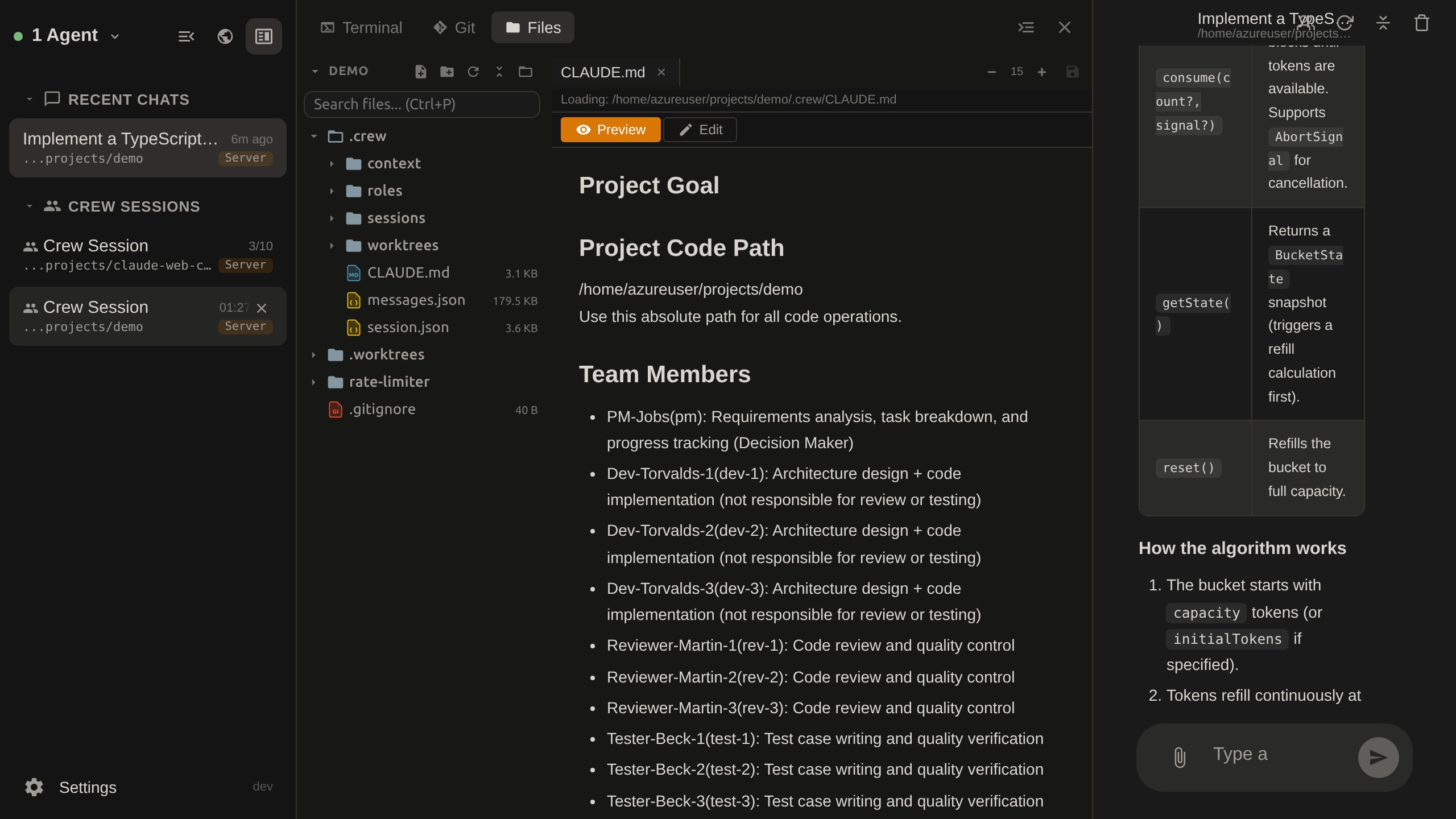
Integrated development environment with terminal, Git operations, file browser, and port proxy.
Installed agents expose local LLM configuration through yeaft-agent llm. These commands write only this machine's ~/.yeaft/config.json; they do not update any server-global or UI-global provider list.
yeaft-agent llm setup
yeaft-agent llm use github-copilot --model claude-sonnet-4.5 --fast gpt-4.1
GitHub Copilot uses the local device token / gh auth credential provider, refreshes the live model catalog from the Copilot API, and never writes a token to config. For custom OpenAI-compatible endpoints:
OPENAI_KEY=sk-... yeaft-agent llm use openai-compatible --name openai --base-url https://api.openai.com/v1 --api-key-env OPENAI_KEY --model gpt-5
Advanced manual setup is still available:
OPENAI_KEY=sk-... yeaft-agent llm add-provider --name openai --base-url https://api.openai.com/v1 --models gpt-5,gpt-4.1 --api-key-env OPENAI_KEY --protocol openai-responses --set-primary gpt-5
yeaft-agent llm show
yeaft-agent llm set-model --primary openai/gpt-5 --fast openai/gpt-4.1
yeaft-agent llm remove-provider --name openai
Run yeaft-agent llm --help for the full command list and examples. The Yeaft session header's LLM config button edits the same local agent config.
┌──────────────────────────────────────────┐
│          Server  (@yeaft/webchat-server)  │
│         Express + WebSocket Hub          │
│   - Agent/web client management          │
│   - Multi-layer authentication           │
│   - End-to-end encryption (TweetNaCl)    │
│   - Message routing & queue              │
│   - SQLite session persistence           │
└──────────────────┬───────────────────────┘
                   │ Encrypted WebSocket
        ┌──────────┴──────────┐
        │                     │
┌───────▼───────┐      ┌──────▼──────────┐
│    Agent      │      │   Web Client    │
│ @yeaft/       │      │    (web/)       │
│ webchat-agent │      │                 │
│               │      │ - Vue 3 + Pinia │
│ - Manages     │      │ - Split-screen  │
│   Claude CLI  │      │   multi-panel   │
│ - Crew multi- │      │ - E2E encrypted │
│   agent coord │      │ - Dark / light  │
│ - Terminal    │      │ - en / zh-CN    │
│ - Git / Files │      │ - File upload   │
└───────────────┘      └─────────────────┘
# Install the agent globally
npm install -g @yeaft/webchat-agent

# Connect to a server
yeaft-agent --server wss://your-server.com --name my-worker --secret your-secret

# Upgrade to latest
yeaft-agent upgrade
git clone https://github.com/yeaft/claude-web-chat.git
cd claude-web-chat

# Install all dependencies
npm install

# Start server + agent in dev mode (no auth)
npm run dev
Then open http://localhost:3456 in your browser.
cd server
cp .env.example .env
# Edit .env — set JWT_SECRET, AGENT_SECRET
# docker-compose.yaml
services:
  webchat:
    build:
      context: .
      dockerfile: Dockerfile
    expose:
      - "3456"
    env_file:
      - server/.env
    environment:
      - NODE_ENV=production
      - SKIP_AUTH=false
    volumes:
      - ./data:/app/data
    restart: unless-stopped
# Start the server (data/ and SQLite DB are auto-created on first run)
docker compose up -d --build webchat

# Create the first admin user
docker compose exec webchat node server/create-user.js admin your-password admin@example.com
Additional users can register directly from the login page (open registration, no invite code required).
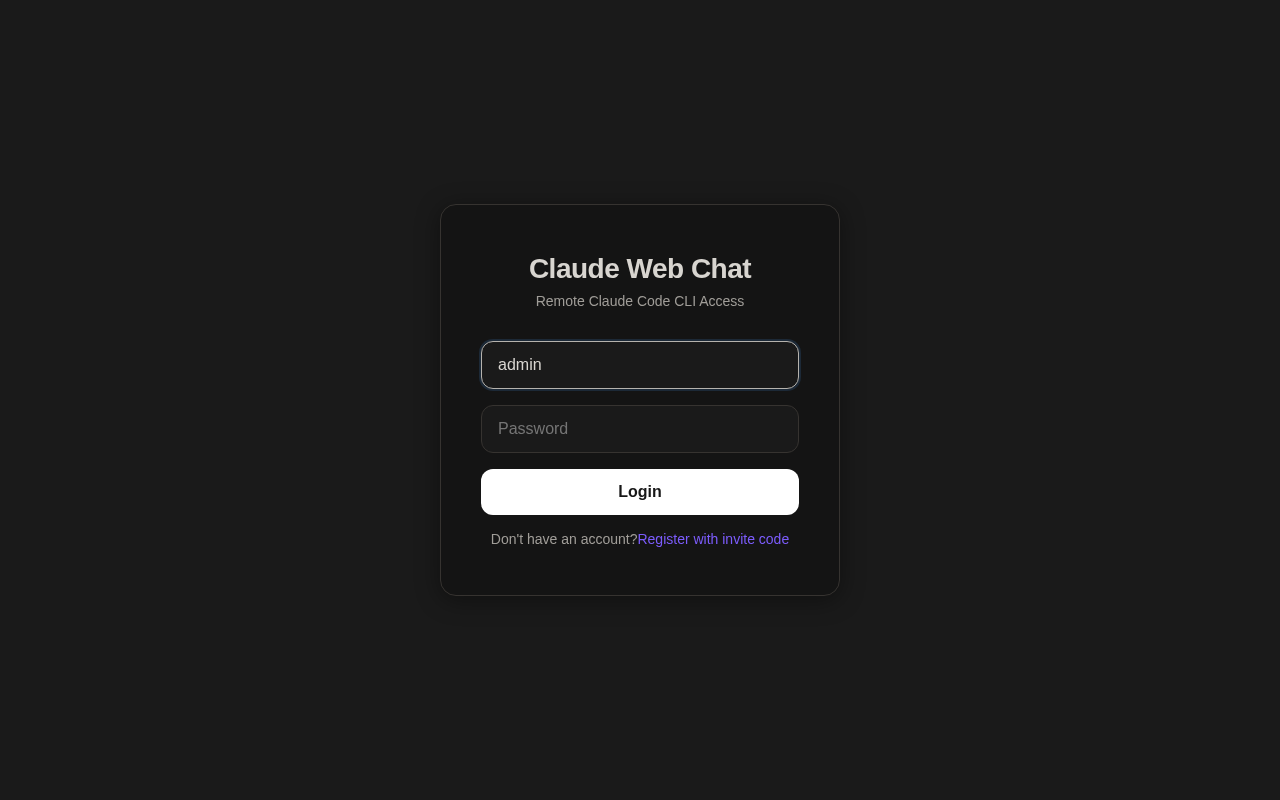
Via npm (recommended):
npm install -g @yeaft/webchat-agent

# Run once (foreground)
yeaft-agent --server wss://your-server.com --name worker-1 --secret your-secret

# Or install as system service (auto-start on boot, auto-restart on crash)
yeaft-agent install --server wss://your-server.com --name worker-1 --secret your-secret

# Manage installed service
yeaft-agent status                 # check if running
yeaft-agent logs                   # view logs (follow mode)
yeaft-agent restart                # restart
yeaft-agent uninstall              # remove service
From source (for development or without npm global install):
cd agent
cp .env.example .env
# Edit .env — set SERVER_URL, AGENT_NAME, AGENT_SECRET, WORK_DIR

# Run in foreground
node index.js

# Or install as system service (reads config from .env)
node cli.js install

# Manage installed service
node cli.js status
node cli.js logs
node cli.js uninstall
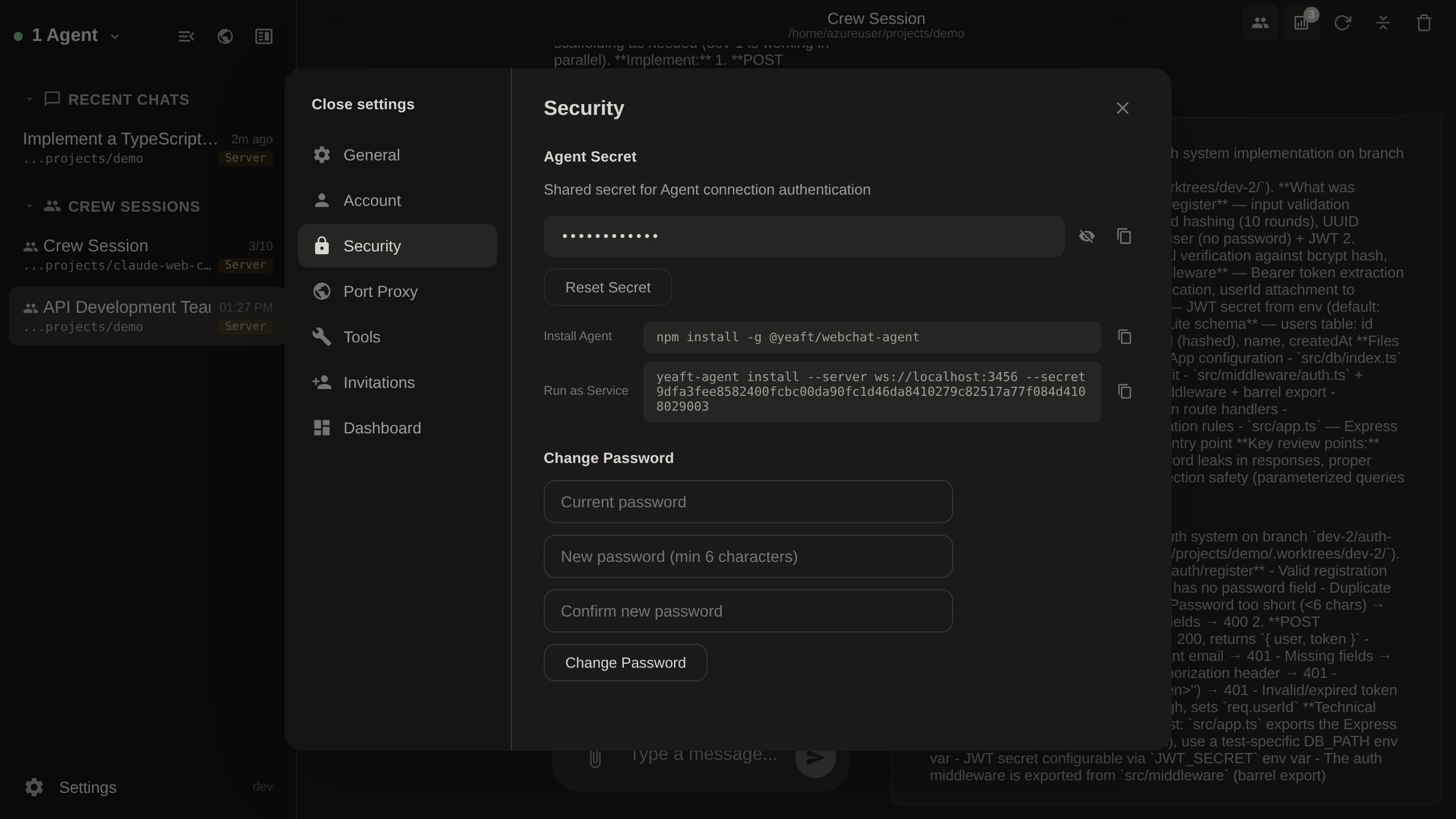
You can find the Agent secret in Settings > Security within the web interface:
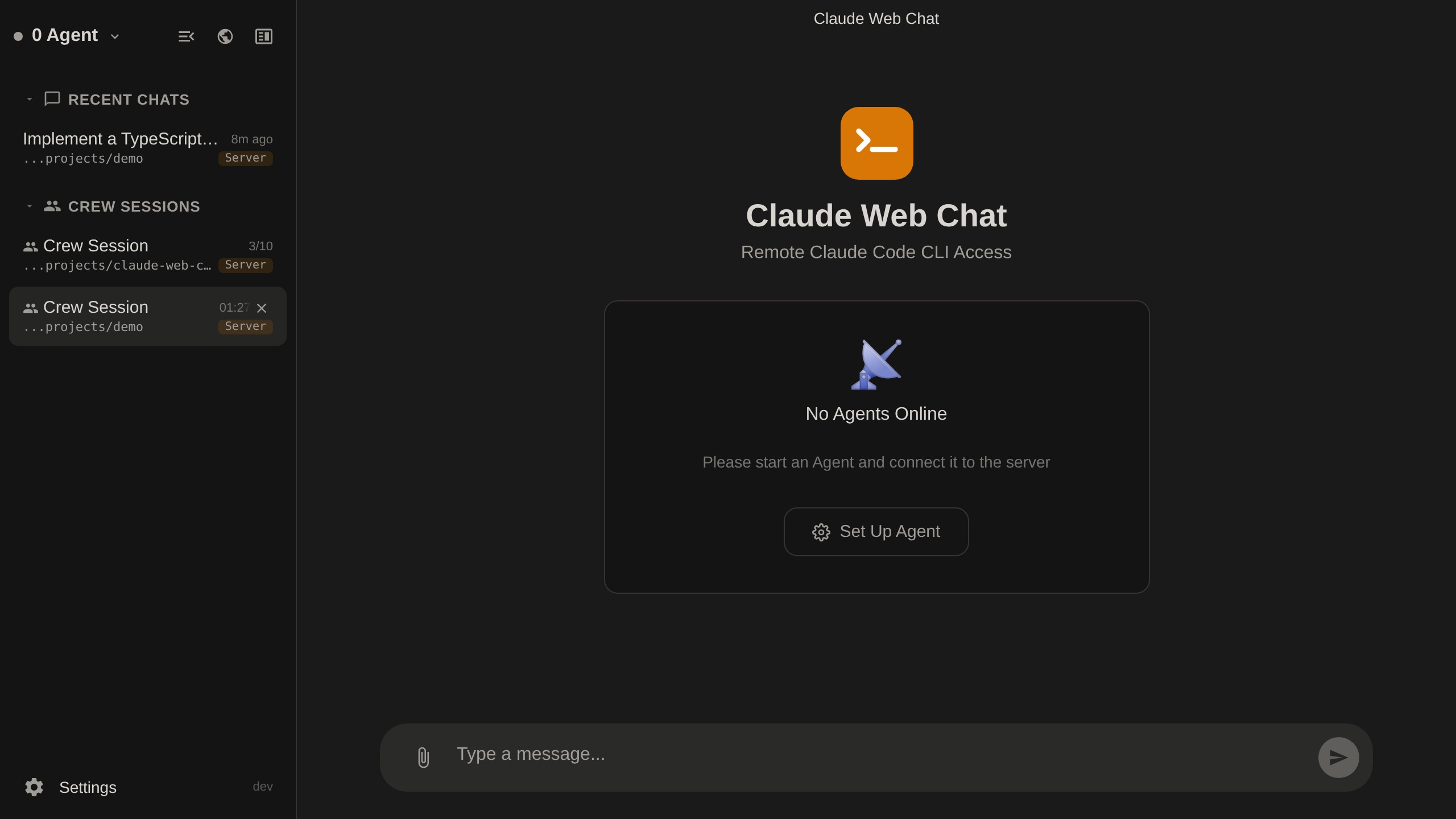
When no Agent is connected, the welcome page guides you to Settings:
yeaft-agent [options]              Run agent in foreground
yeaft-agent install [options]      Install as system service (Linux/macOS/Windows)
yeaft-agent uninstall              Remove system service
yeaft-agent start                  Start installed service
yeaft-agent stop                   Stop installed service
yeaft-agent restart                Restart installed service
yeaft-agent status                 Show service status
yeaft-agent logs                   View service logs
yeaft-agent upgrade                Upgrade to latest version
yeaft-agent --version              Show version

Options:
  --server <url>      WebSocket server URL
  --name <name>       Agent display name
  --secret <secret>   Authentication secret
  --work-dir <dir>    Default working directory
  --auto-upgrade      Check for updates on startup

Environment variables (alternative to flags):
  SERVER_URL, AGENT_NAME, AGENT_SECRET, WORK_DIR
The server refuses to start in production mode if:
JWT_SECRET is left at defaultIf no users are configured, the server starts with a warning — create the first user via docker compose exec.
All registered users are Pro by default. The first user created via CLI is Admin.
| Feature | pro | admin |
|---|---|---|
| Chat | yes | yes |
| Expert Panel | yes | yes |
| Own agents (per-user secret) | yes | yes |
| Global agents (AGENT_SECRET) | - | yes |
| Workbench (Terminal, Git, Files) | yes | yes |
| Port Proxy | yes | yes |
| Admin Dashboard | - | yes |
| Manage invitations | - | yes |
claude-web-chat/
├── server/              # Central WebSocket hub (Express + ws)
│   ├── index.js         # Entry point
│   ├── handlers/        # Message handlers (agent↔client routing)
│   ├── api.js           # REST endpoints (auth, sessions, users)
│   ├── proxy.js         # Port proxy forwarding
│   ├── database.js      # SQLite storage
│   └── auth.js          # JWT + TOTP + email verification
├── agent/               # Worker machine agent
│   ├── cli.js           # CLI entry point (yeaft-agent command)
│   ├── index.js         # Agent startup & capability detection
│   ├── connection/      # WebSocket connection, auth & message routing
│   ├── providers/       # ChatProvider abstraction
│   │   ├── base.js      # ChatProvider interface + capabilities
│   │   ├── claude-code.js # Claude CLI driver
│   │   ├── copilot.js   # GitHub Copilot CLI driver (ACP)
│   │   └── acp-client.js# ACP JSON-RPC client
│   ├── yeaft/           # Yeaft's own AI engine (no external CLI)
│   │   ├── engine.js    # Main query loop
│   │   ├── memory/      # H2-AMS memory subsystem
│   │   ├── llm/         # Multi-provider LLM adapters
│   │   ├── groups/      # Group Mode orchestration
│   │   └── tools/       # 40+ built-in tools
│   ├── claude.js        # Legacy Claude CLI process management
│   ├── conversation.js  # Chat session lifecycle & slash commands
│   ├── crew/            # Multi-agent Crew coordination (13 modules)
│   ├── sdk/             # Claude CLI stream-json SDK
│   ├── terminal.js      # PTY terminal (node-pty)
│   └── workbench/       # Git + file operations
├── web/                 # Vue 3 frontend
│   ├── app.js           # Vue app entry
│   ├── build.js         # Production build (esbuild)
│   ├── components/      # Vue components (25 top-level + crew/ sub-dir)
│   ├── stores/          # Pinia stores + helpers
│   ├── styles/          # CSS (23 stylesheets, dark/light theme)
│   ├── i18n/            # Translations (en, zh-CN)
│   └── vendor/          # Third-party libs (local, no CDN)
├── test/                # Vitest unit & integration tests (68 files, 2700+ tests)
├── e2e/                 # Playwright end-to-end tests
├── docs/                # VitePress documentation site
├── Dockerfile           # Multi-stage production build
└── LICENSE              # MIT
GitHub Actions workflows included:
ci.yml): Tests on Node 24 + frontend build (manual trigger via workflow_dispatch)release.yml): On tag release-* — runs tests, publishes @yeaft/webchat-agent to npm, builds Docker image to GHCR, creates GitHub Release# Tag and push (use release- prefix)
git tag release-v0.1.294
git push origin release-v0.1.294
# GitHub Actions handles the rest
See README.zh-CN.md for detailed troubleshooting (in Chinese).
See CONTRIBUTING.md for development setup and guidelines.
This is an independent, community-driven open-source project. It is not affiliated with, endorsed by, or officially connected to Anthropic, PBC in any way.
"Claude" is a trademark of Anthropic. This project provides a web interface for the Claude Code CLI and does not modify or redistribute any Anthropic software.
Use at your own risk. The authors assume no liability for any issues arising from the use of this software.
Design enforcement with memory — keeps your UI consistent across a project
Create animation-rich HTML presentations using a coding agent's frontend skills
1000+ skills curated from Anthropic, Vercel, Stripe, and other engineering teams
Detects 37 AI writing patterns and rewrites text with human rhythm across 5 voice profiles
