Are you the author? Sign in to claim
dy-mcp
dy-mcp 是一个强大的自动化抖音dy-mcp工具,旨在帮助内容创作者和运营者高效地使用抖音自动化工具,快速上手。
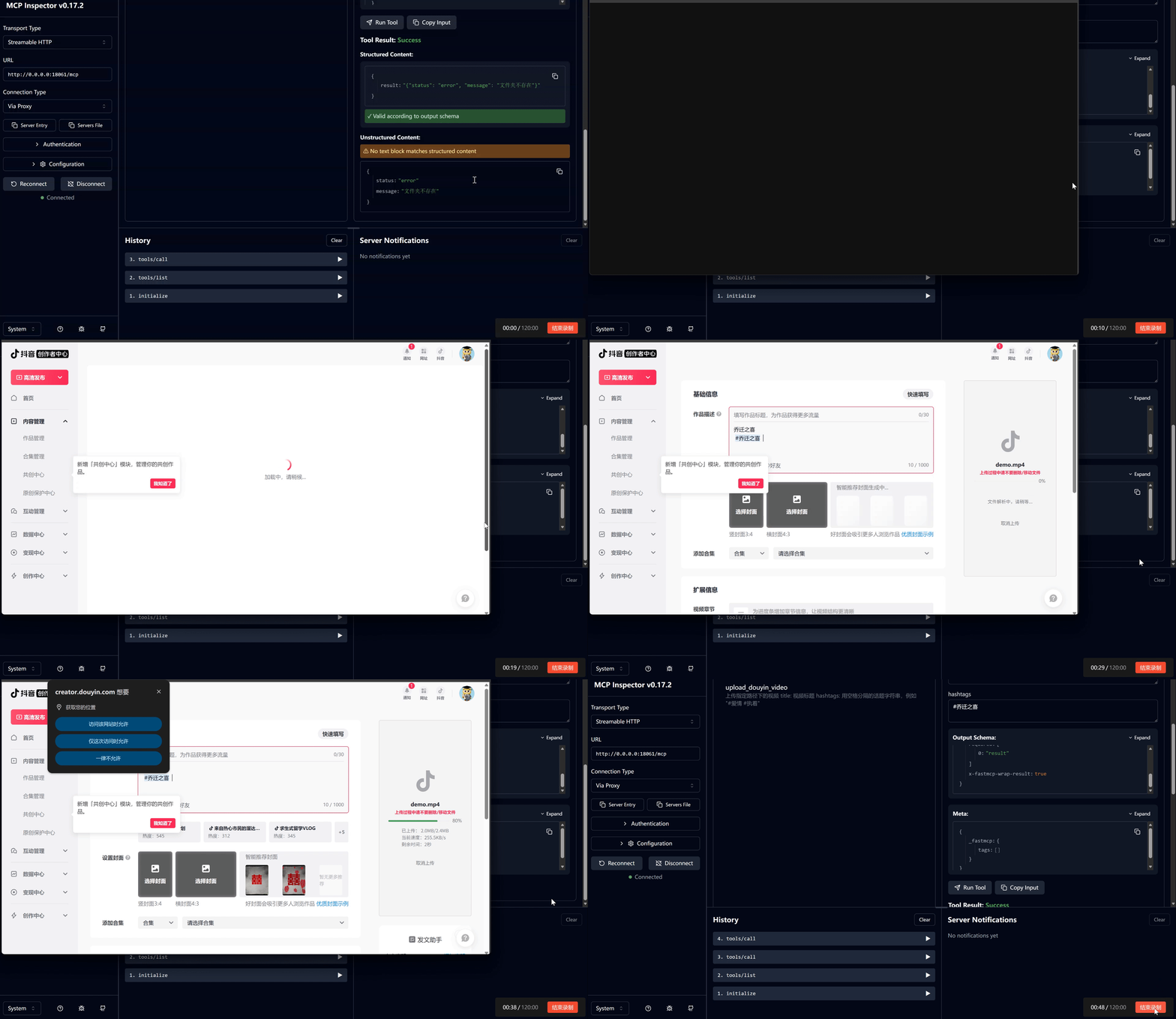
🎬 预览视频
克隆项目:
git clone https://github.com/vipcong816/dy-mcp.git
cd dy-mcp
安装依赖: 建议在虚拟环境中安装依赖。
conda create -n dy-mcp python=3.10
conda activate dy-mcp
# 挂载清华镜像 or 命令行代理
pip install -r requirements.txt
安装 Playwright 浏览器驱动:
playwright install chromium firefox
根据您的需求,至少需要安装 chromium。firefox 主要用于 TikTok 上传(旧版)。
修改配置文件:
在 server.py 中,您需要配置以下内容:
LOCAL_CHROME_PATH: 本地 Chrome 浏览器的路径,比如 C:\Program Files\Google\Chrome\Application\chrome.exe 保存。临时解决方案
需要在根目录创建 cookiesFile 和 videoFile 两个文件夹,分别是 存储cookie文件 和 存储上传文件 的文件夹
启动项目:
python server_streamable_http.py
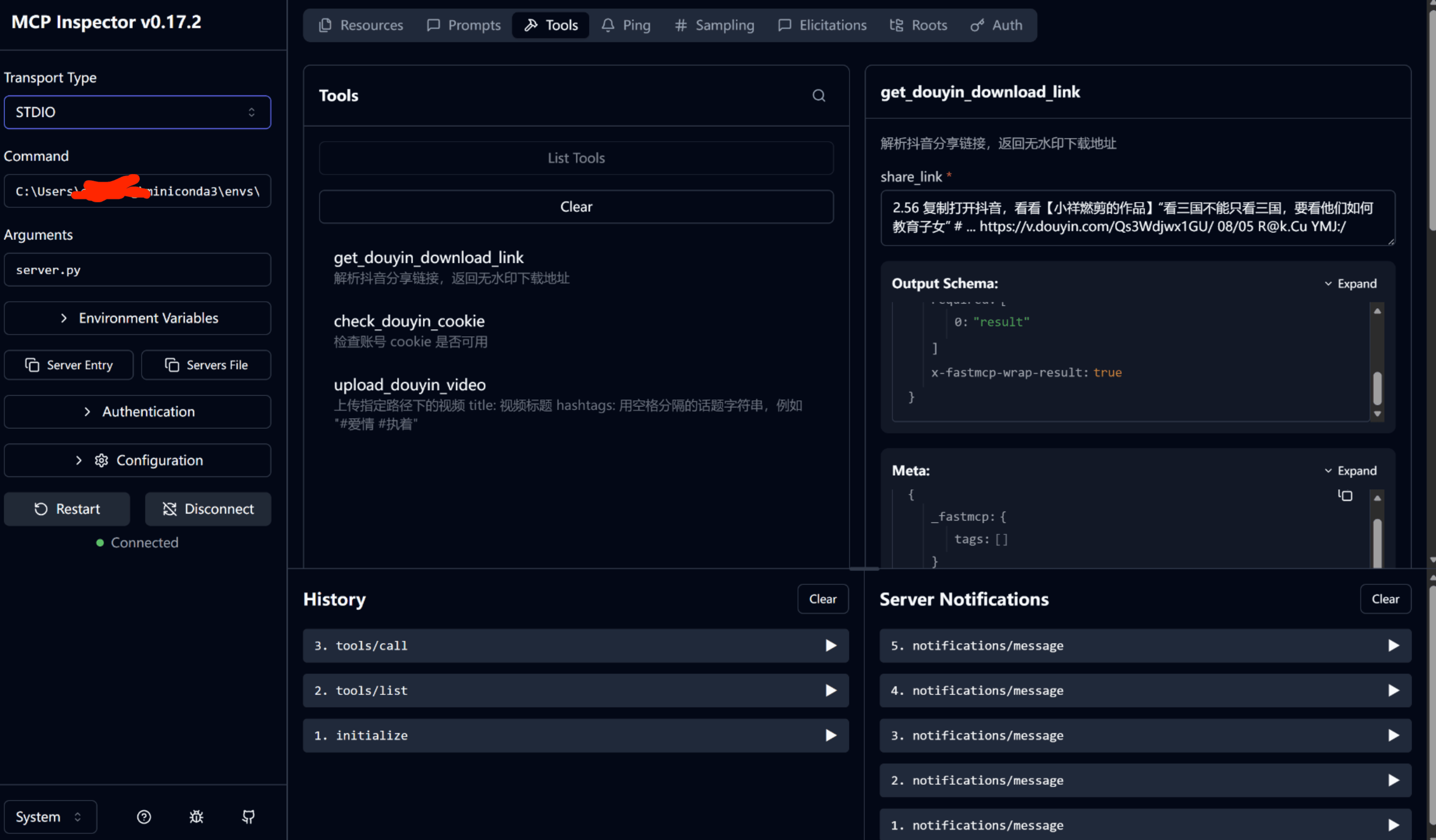
STDIO配置:
{
  "mcpServers": {
	"dyn-mcp": {
	  "command": "C:/Users/你的用户名/miniconda3/envs/环境名/python.exe",
	  "args": ["server.py"]
	}
  }
}
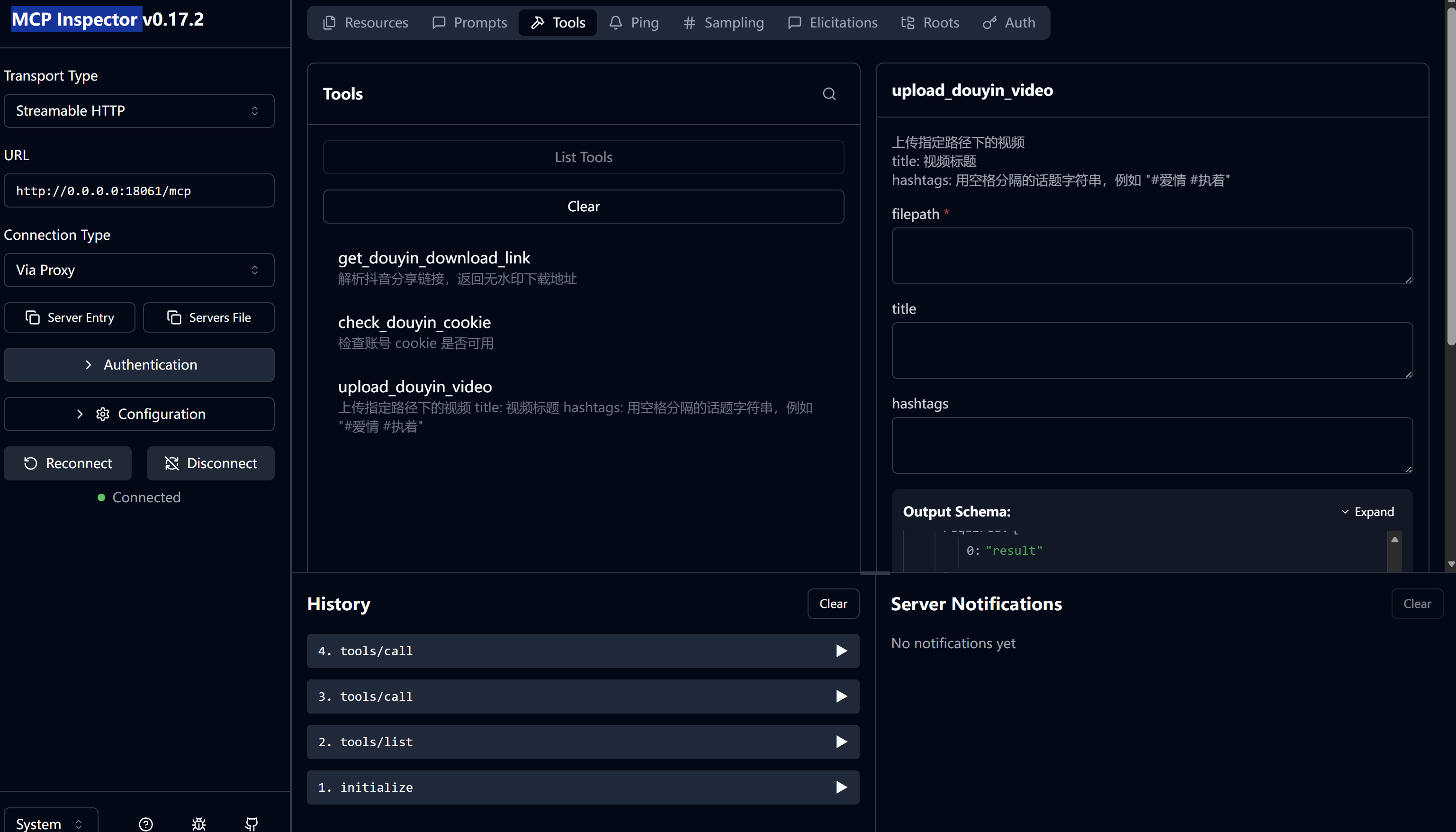
MCP Inspector 配置:
npx @modelcontextprotocol/inspector
streamable_httt如图所示
STDIO如图所示
Run Claude Code as an MCP server so any agent can delegate coding tasks to it
 @microsoft✓ Official
Browser automation using accessibility snapshots instead of screenshots
 @googleapis✓ Official
Google's universal MCP server supporting PostgreSQL, MySQL, MongoDB, Redis, and 10+ databases
 @github✓ Official
Official GitHub integration for repos, issues, PRs, and CI/CD workflows