

Are you the author? Sign in to claim
Turn a phone flip-through video, photos, or a PDF of a book into a clean, proofread EPUB/PDF/Markdown — local vision-LLM
Turn a phone video of flipping through a book — or a stack of page photos, or a PDF — into a clean, proofread EPUB. FlipScan extracts frames from flip-through videos, scores and clusters them to find individual pages, picks the best frame per page, transcribes each page with a vision LLM (local Ollama, Anthropic API, or a hybrid), reconstructs page order and figures, runs a chapter-by-chapter proofread pass, and builds an EPUB, PDF, or Markdown bundle — surfacing pages it couldn't capture well as a reshoot list instead of silently dropping them.
Everything runs through a local web GUI you can drive from your phone on the same network. Nothing about the digitized book leaves your machine unless you opt into the Anthropic backend.
See SPEC.md for the full architecture.
You give the book a title (or look it up) — the folder name is a unique slug generated for you, so you never type or manage an internal name. The 🔍 look up field searches Google Books / Open Library by ISBN, title, or author and auto-fills title, author, page count, publisher, and year. Creating a project only collects this metadata; you add the videos, PDF, or photos on the project page as the next step. Metadata is editable later (✎), flows into the EPUB's Dublin Core, and — once a book is transcribed — FlipScan reads the ISBN off the copyright page and offers to fill the rest in one click.
You can mix all three in one project; page order is reconciled from printed page numbers.
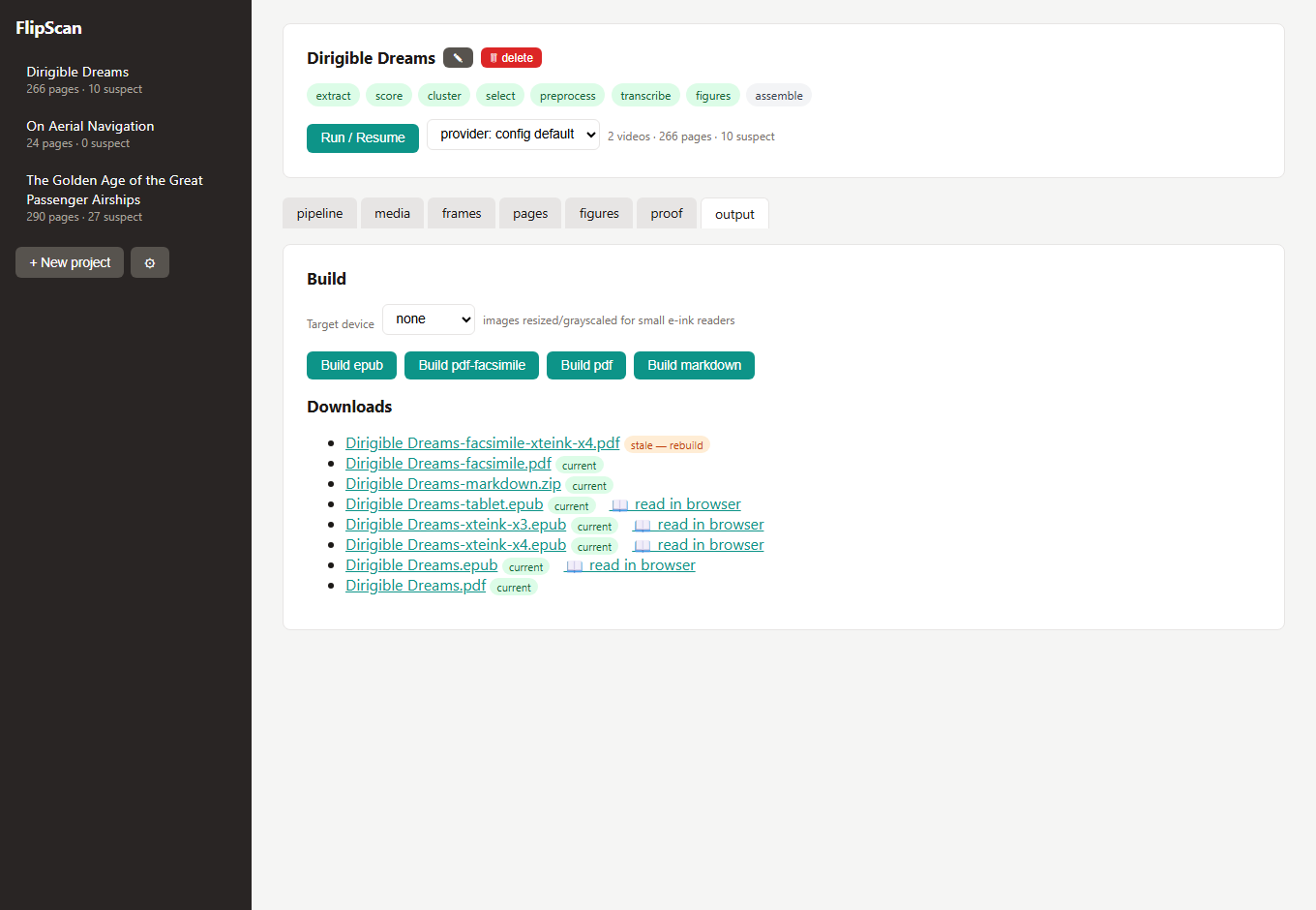
flipscan ui serves the whole workflow at http://<your-ip>:8321. Projects are listed in the sidebar; each has these tabs:
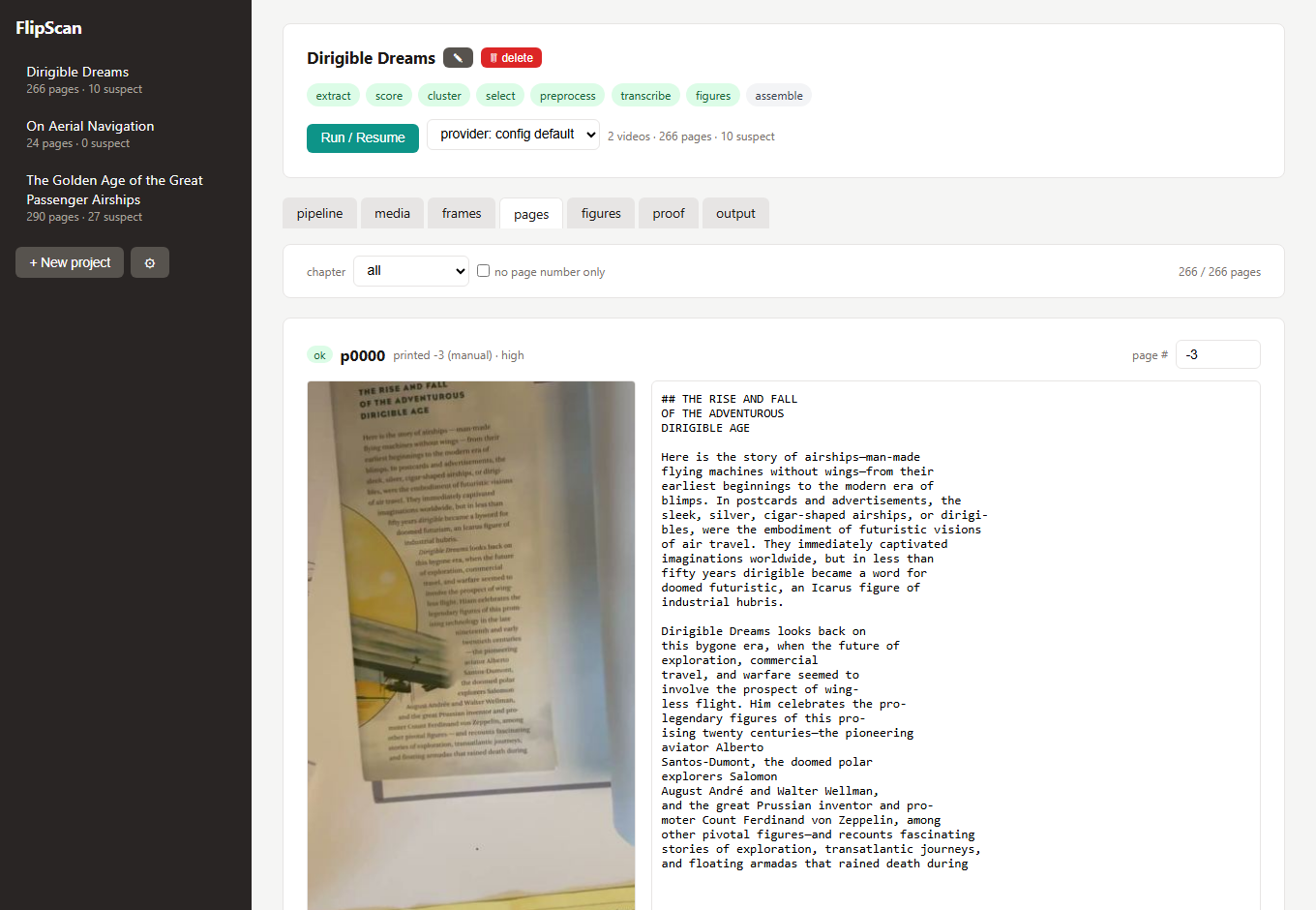
Run/resume the pipeline, watch live per-stage progress, and see the reshoot list and missing-pages gaps. The capture wizard steps you through weak or missing pages one at a time; 🔍 Review these flips through flagged pages so you can agree or dismiss before capturing.
Long work — the pipeline itself, and every chapter proofread and page re-read — runs as a durable background job, not inside the request. Close the tab, sleep the phone, or restart the server and the work keeps going; a run interrupted mid-way is automatically requeued and resumes on the next start. Progress and logs are replayed on reconnect, and a hung model call times out and retries instead of wedging the run forever. A sidebar job-queue chip shows what's active (e.g. proofread ch4 · +3 queued) and opens a Job queue panel — the running job with its live log and a Cancel button, the queue in order, and recent results.
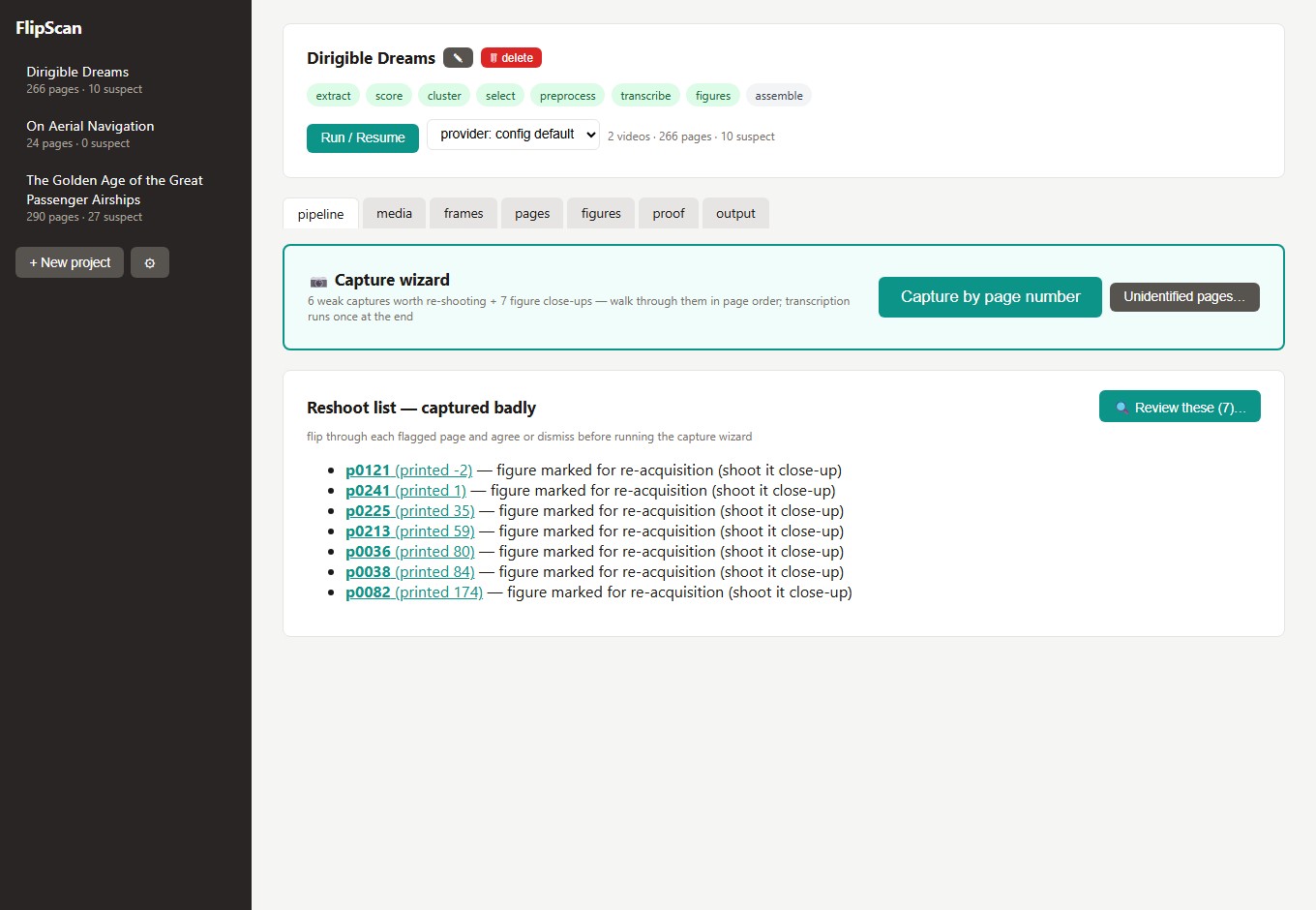
Add videos, photos, or a PDF; flip a video's orientation; and a Storage & cleanup panel that reports the size of every source video, unused frames, hidden/duplicate pages, and thumbnails, and lets you reclaim space (including deleting processed source videos while keeping the extracted pages).
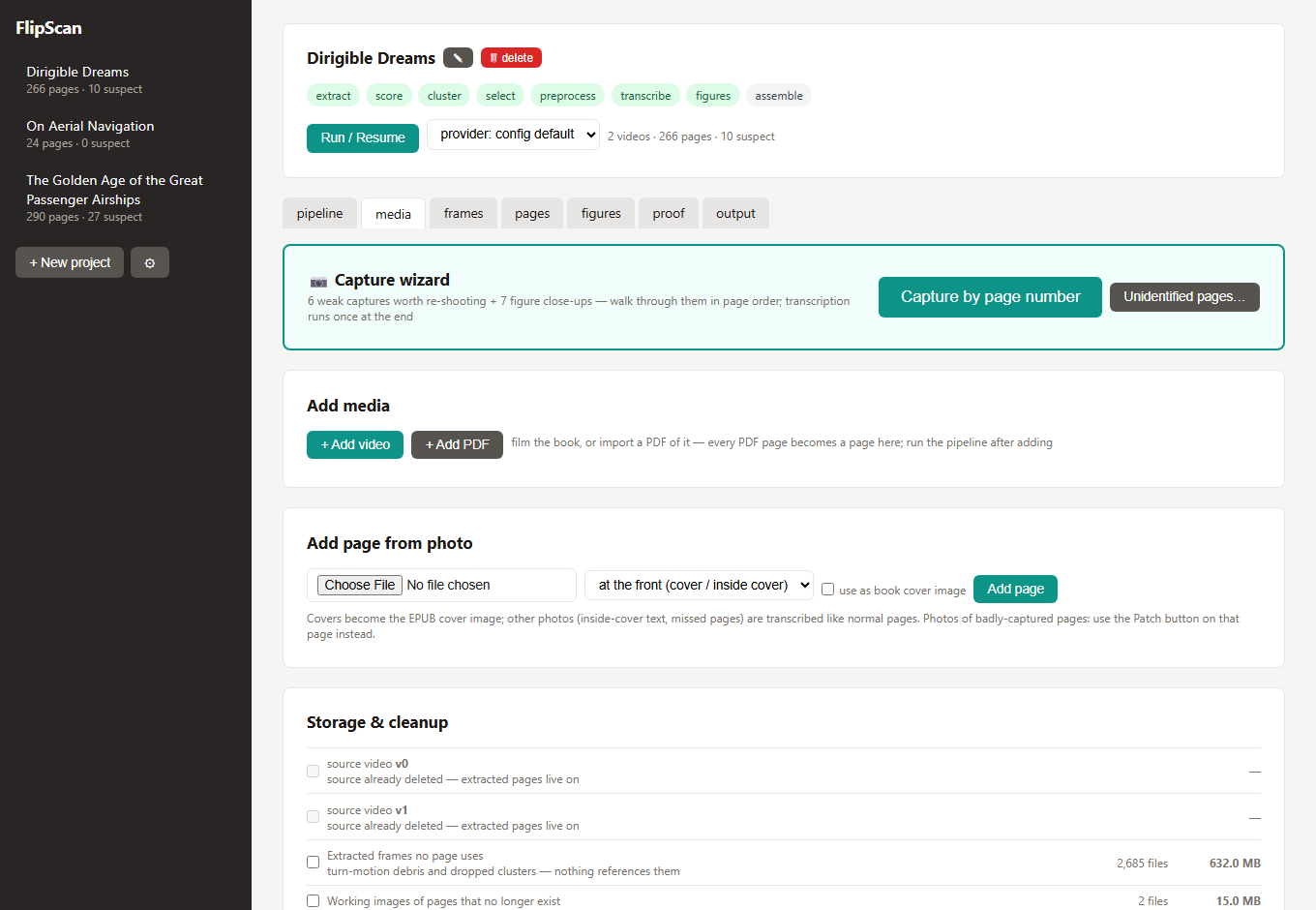
One thumbnail per detected page (red borders on suspects). Check this after the first run on a new book — if clustering miscounted, tune the [cluster] thresholds before spending transcription tokens.
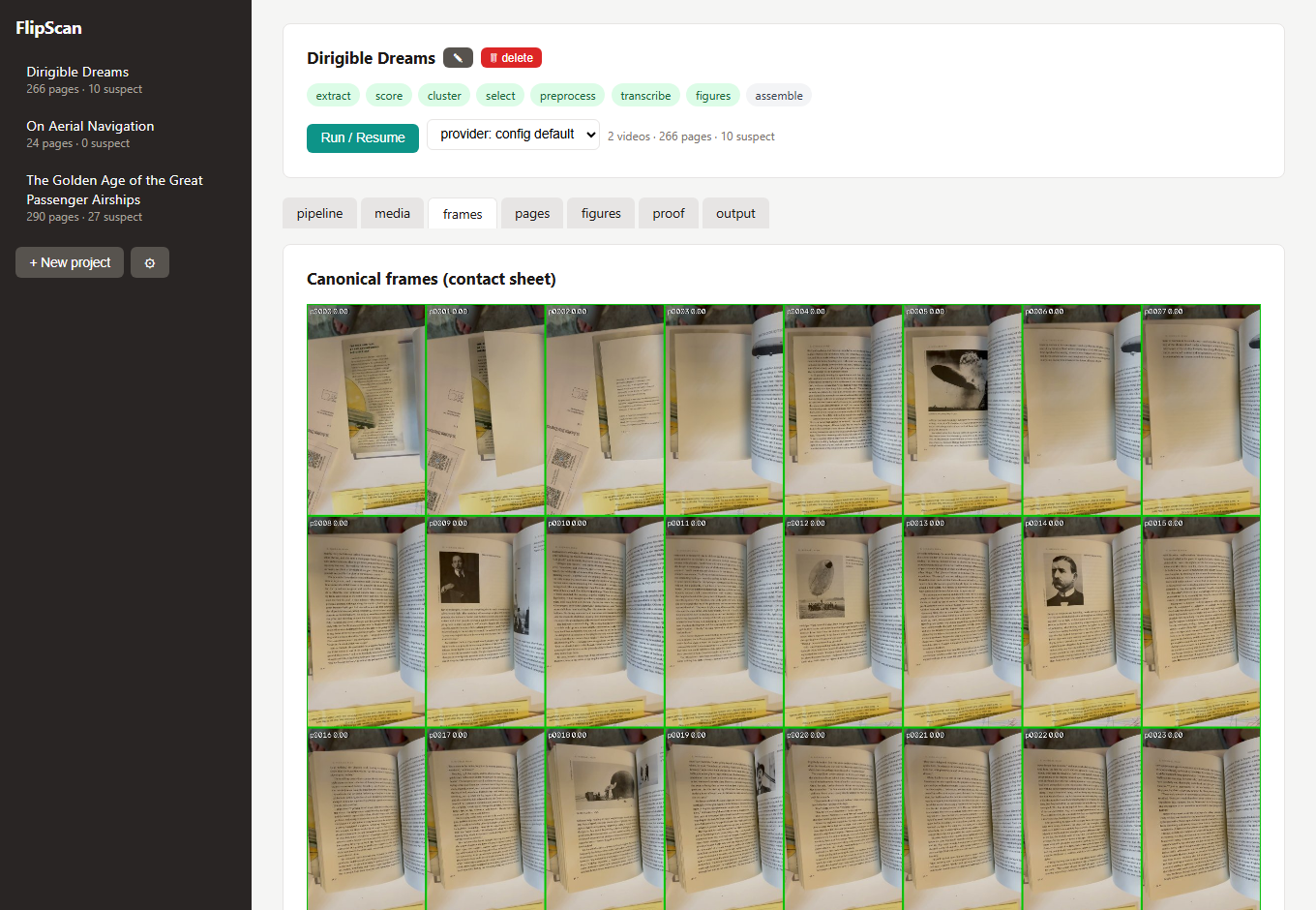
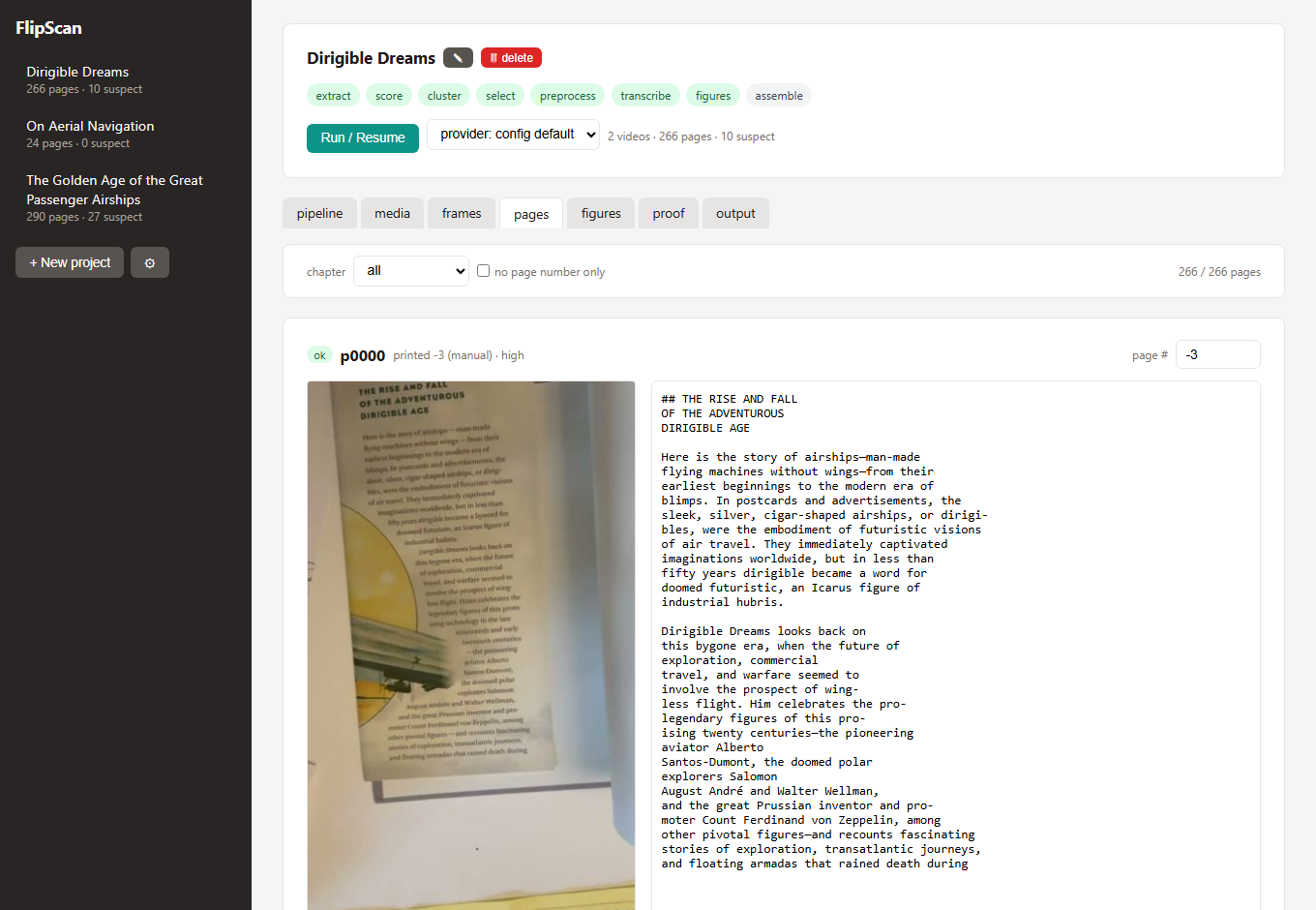
Every page as a three-row cell: source frame, editable Markdown transcription, and action buttons. Assign/correct the printed page number (manual always wins), mark for re-acquisition, replace the photo, add a figure, rotate, designate the page as the book cover (pinned to the front, kept out of the body, used as the EPUB cover), mark duplicate, or hide. Section heading makes a page open a chapter — assigning one restructures the book immediately (the printed contents page also seeds chapter titles automatically, normalized to the book's own style). Filter by chapter or "no page number only," with a next-section button to work through the book section by section. Missing-page markers appear inline between non-consecutive pages.
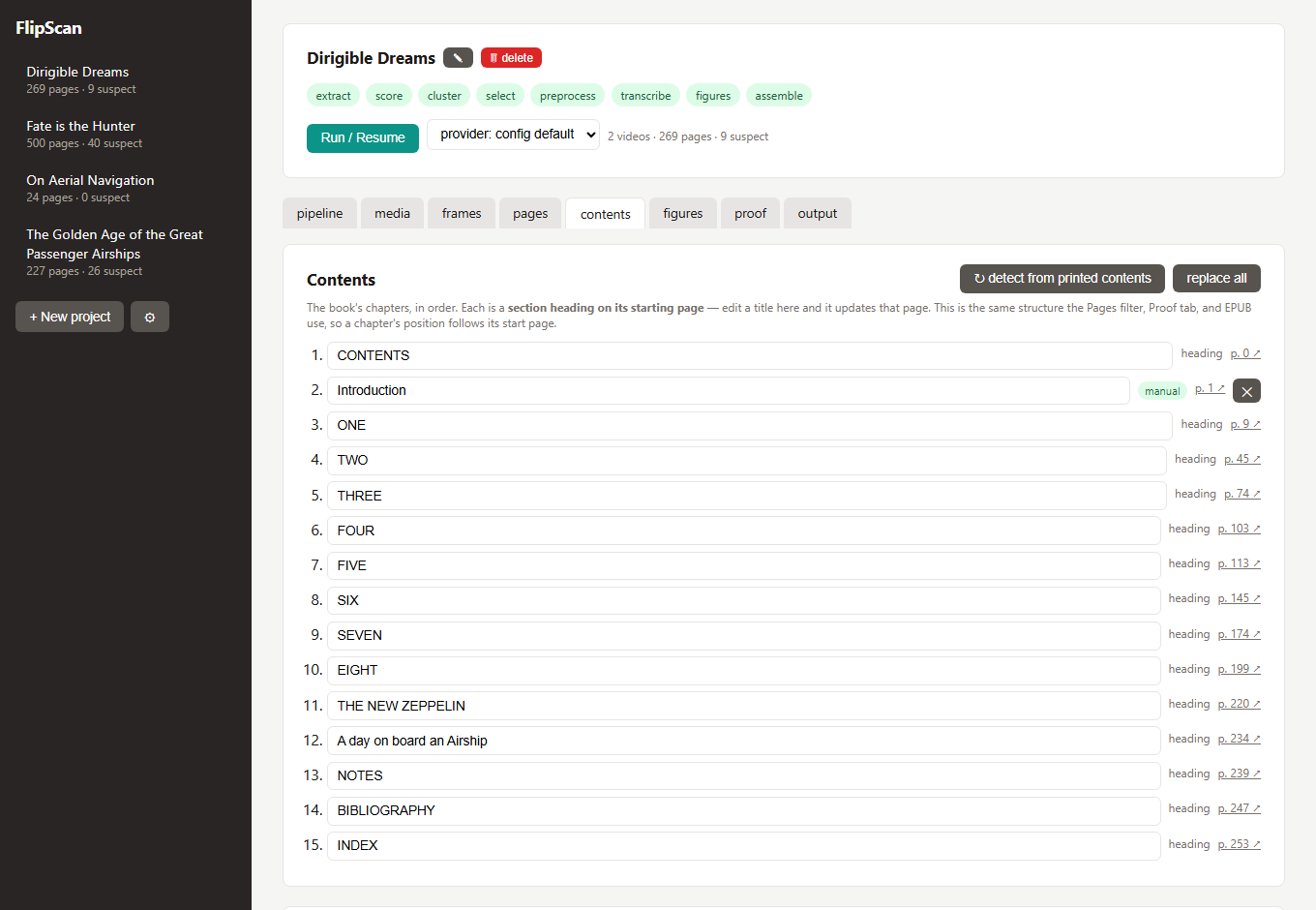
One place to see and edit the whole chapter structure. It shows the effective chapter list the built book uses — one row per chapter at its start page, tagged manual (a heading you set) or heading (detected from the page). Edit a title inline, add a chapter (pick the page it starts on), or remove a manual one; every change writes a section heading on that page, so the Pages filter, Proof tab, and EPUB stay in sync. Auto-detect from the printed contents page matches each parsed entry to the page with that printed number and fills the headings in — and runs once automatically the first time you open the tab on a book that has a printed contents page but no chapters yet.
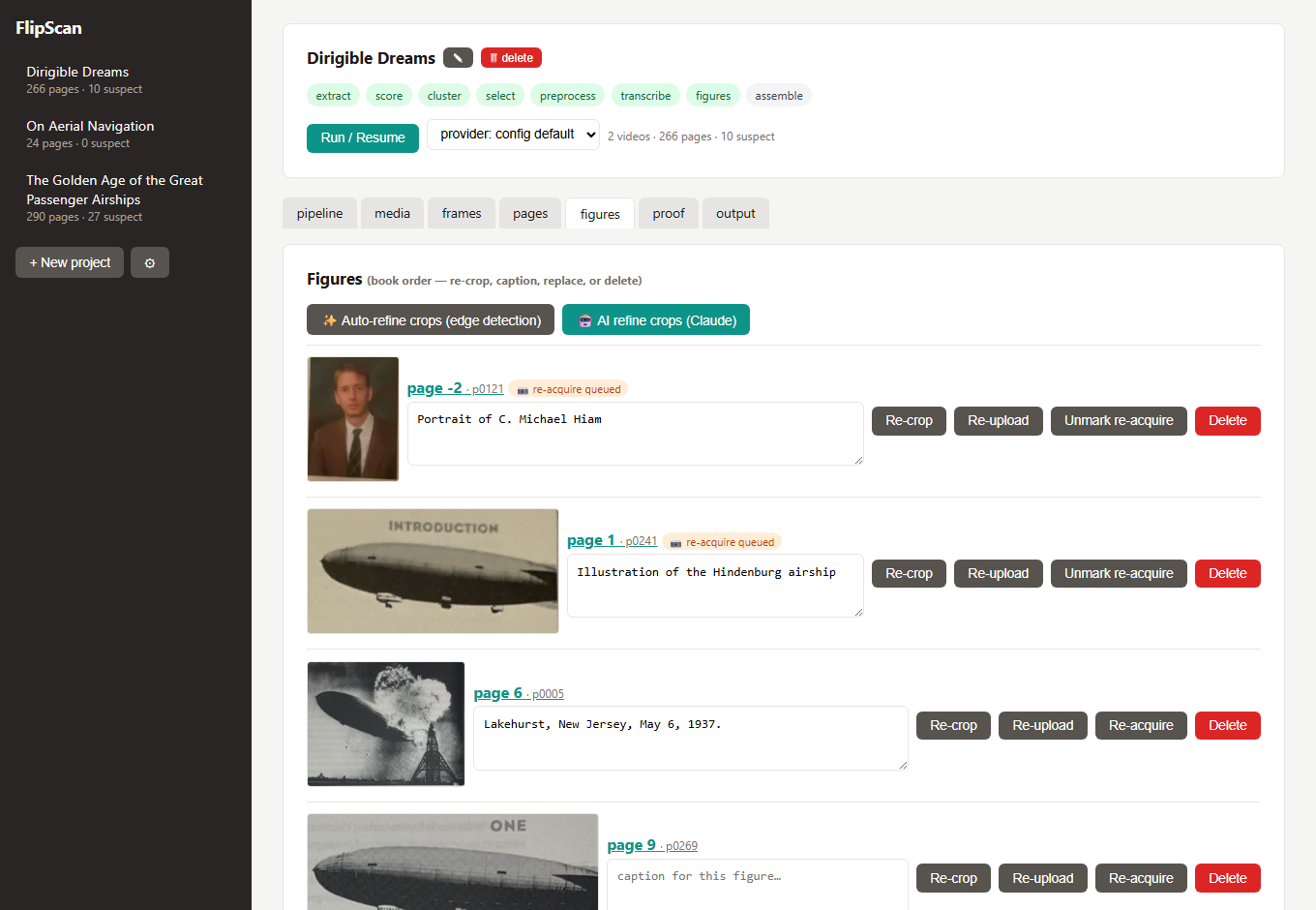
Every figure in book order, each with an editable caption and re-crop / re-upload / rotate (90° CW/CCW) / re-acquire / delete. A perspective-correcting corner crop tool — corner handles plus edge-midpoint handles that slide a whole side of the box in or out, a magnifier loupe, and an edge-detection "magic crop" (optional Claude-vision refinement) — fixes bounding boxes. A figure you re-acquire by shooting a dedicated close-up is kept as its own standalone image (re-cropping trims the close-up, not the page) and survives later re-transcribes. Pages with several figures each keep their own caption — a ⇅ swap fixes transposed captions — and only genuinely identical images (matched by perceptual hash) are flagged as duplicates.
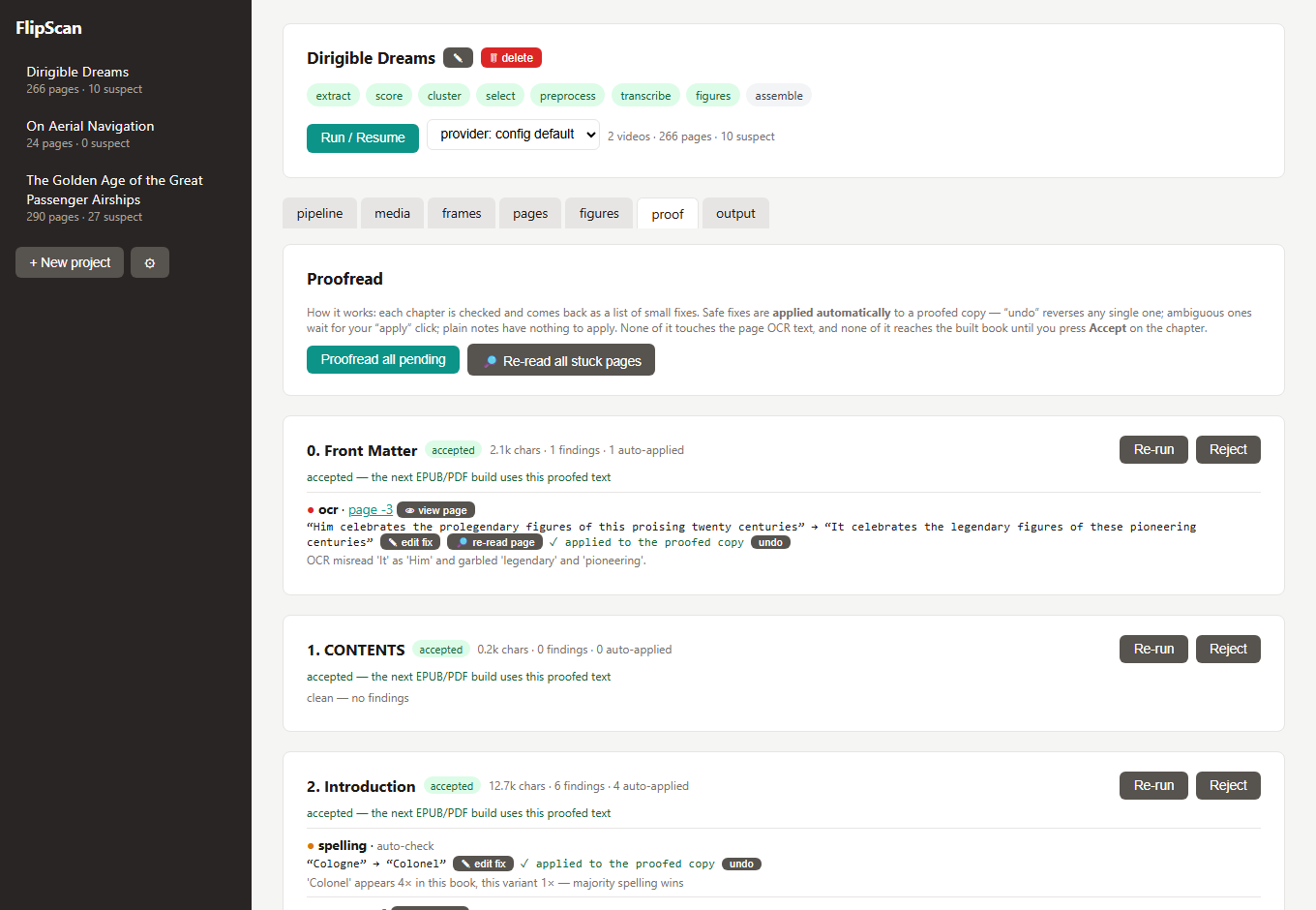
A distinct, non-destructive layer: each chapter is checked and comes back as a list of small fixes (OCR misreads, hyphenation, garbled passages). Safe fixes auto-apply to a proofed copy; ambiguous ones wait for a click; notes you resolve yourself with ✎ write a fix, 👁 view page (a movable pane of the source image beside the quote), or 🔎 re-read page (the vision model re-reads the passage from the page image). Re-read all stuck pages does that in bulk so you focus only on what's left. Each proofread and re-read runs as a durable background job — and several chapters proofread in parallel — so "proofread all" moves quickly and closing the tab or a dropped connection won't lose the minutes of model work. The page OCR text is never touched, and nothing reaches the built book until you Accept a chapter.
Build EPUB, PDF facsimile, reflowed PDF, or a Markdown zip (Markdown + images/, YAML frontmatter — portable to Obsidian/Typora/Pandoc), optionally sized for a target e-ink device. Outputs are marked stale the moment any page, figure, or proof changes. EPUBs get a read-in-browser link — a built-in reader with chapter navigation, light/dark, font sizing, per-figure re-crop/re-capture, and flag-this-passage.
docker compose up --build
# drop videos/PDFs into ./books, open http://localhost:8321
Compose brings up two services sharing the ./books volume: the web GUI and a dedicated worker that runs the durable job queue (pipeline, proofreads, re-reads). Because the worker is its own container, restarting or redeploying the web server never interrupts a running job. ./books is mounted as /data: sources go in, outputs come out, every workspace persists on the host — including jobs.db, the shared queue. Set FLIPSCAN_OLLAMA_URL (your Ollama server's LAN IP works from the container) and FLIPSCAN_PROVIDER via environment or a .env next to docker-compose.yml.
pip install -e ".[ui,dev]"       # requires ffmpeg on PATH
flipscan ui                      # prints your LAN URL, e.g. http://192.168.x.x:8321
All output formats (EPUB, both PDFs, Markdown zip) work from the base install — no weasyprint/GTK/pandoc needed. The projects folder is created for you on startup.
flipscan ui (and the Docker container) listen on all interfaces and print a "your network" URL — open it on your phone. New project → Add video / Add PDF / Add page from photo. On a phone the sidebar collapses to a hamburger menu, and the pages/figures tools are finger-sized.
If another device can't reach it on Windows, allow the port once (admin PowerShell):
netsh advfirewall firewall add rule name="FlipScan GUI" dir=in action=allow protocol=TCP localport=8321 profile=private
Use --host 127.0.0.1 to keep the GUI private to this machine.
Set globally in Settings (⚙) or per-workspace config.toml.
format: json and a strict schema. Developed and tested with gemma4:31b (a vision model with a good accuracy/speed balance for page transcription) — ollama pull gemma4:31b, then set it in Settings (⚙) or as ollama_model.escalate_on.ingest → extract → score → cluster → select → preprocess → transcribe → figures → assemble → build
Every stage is idempotent and resumable; state lives in the workspace's manifest.json (page-by-page, so an interrupted run resumes where it stopped). Runs, proofreads, and page re-reads execute in a durable SQLite job queue (jobs.db in the projects root) worked by a background thread — or, under Docker, a dedicated worker process. A job survives a server restart or a dropped browser connection: anything left mid-flight is automatically requeued and resumes on the next start, and a hung model call times out and retries rather than wedging the run. Chapter proofreads run several in parallel (FLIPSCAN_PROOF_CONCURRENCY, default 3); the pipeline and manifest-mutating jobs stay serial. flipscan ui runs the worker in-process (self-contained); flipscan worker runs it standalone.
| Stage | What it does | Writes |
|---|---|---|
| init (ingest) | copies videos, probes real capture fps (slow-mo containers lie) | videos/, manifest.json |
| extract | dumps every frame as JPEG | frames/<vid>/ |
| score | per-frame sharpness, page-quad flatness, occlusion, motion, pHash | work/scores_<vid>.json |
| cluster | rest-segment detection → page identities; cross-video matching (best capture wins); auto-orientation; gap warnings | manifest.json pages |
| select | best composite-scored frame per page + contact sheet | work/contact_sheet.jpg |
| preprocess | edge-detect page crop, perspective correction, optional dewarp, contrast-normalized LLM copy | work/pages/ |
| transcribe | vision LLM → strict JSON (markdown, printed number, figure regions, flags); printed-number reconciliation | pages/*.md |
| figures | detect/snap figure bboxes, crop from color frames, insert into markdown | figures/ |
| assemble | concatenate pages, heal hyphenation, strip running headers, chapter structure from the printed contents page, gap notices | work/book.md |
| build | EPUB / PDF / Markdown outputs | out/ |
Per-workspace config.toml (all optional; these are the defaults):
[provider]
name = "ollama"                  # ollama | anthropic | hybrid | mock
ollama_url = "http://localhost:11434"
ollama_model = "gemma4"
ollama_num_predict = 4096        # output token budget for dense pages
ollama_concurrency = 1           # >1 needs OLLAMA_NUM_PARALLEL >= N on the server
anthropic_model = "claude-sonnet-4-6"
anthropic_enabled = true         # master switch; false = never call the API
escalate_on = ["low_confidence", "malformed_json", "flags"]   # hybrid triggers

[cluster]
turn_min_frames = 4              # sustained high-motion run = page turn
motion_spike_factor = 2.5        # rest = motion below median * factor

[preprocess]
isolate_page = true              # edge-detection page crop (falls back to quad)
llm_long_edge = 1600             # LLM copy downscale
quad_pad = 0.025                 # crop padding so page numbers survive
dewarp = false                   # cylindrical curl correction

[transcribe]
max_retries = 1
Environment overrides: FLIPSCAN_PROVIDER, FLIPSCAN_OLLAMA_URL, FLIPSCAN_OLLAMA_MODEL, FLIPSCAN_ANTHROPIC_MODEL, FLIPSCAN_ANTHROPIC_API_KEY (falls back to ANTHROPIC_API_KEY), FLIPSCAN_ROOT (GUI projects folder), FLIPSCAN_FFMPEG/FLIPSCAN_FFPROBE, FLIPSCAN_PROOF_CONCURRENCY (chapters proofread in parallel, default 3), FLIPSCAN_EXTERNAL_WORKER=1 (web only enqueues; a separate flipscan worker runs the jobs).
The GUI is the primary interface; the CLI covers scripting and headless runs.
flipscan init DIR --video V [--video V2 ...] [--title T] [--expected-pages N]
flipscan addvideo DIR VIDEO [--upside-down]        add another capture video
flipscan run DIR [--stage STAGE] [--force] [--provider ollama|anthropic|hybrid|mock]
flipscan status DIR                                stage status + page counts
flipscan review DIR                                static HTML review page + reshoot list
flipscan patch DIR --page ID IMG                   replace a badly-captured page
flipscan addpage DIR IMG [--position start|end|N] [--cover]
flipscan build DIR [--format epub|pdf|pdf-facsimile] [--title T] [--author A]
flipscan ui [--root DIR] [--host H] [--port 8321]  local web GUI (in-process job worker)
flipscan worker [--root DIR]                       run the job worker as its own process
flipscan worker is only needed to run the background worker separately from the web server (e.g. the docker-compose worker service); a plain flipscan ui already runs one in-process. Point both at the same --root/FLIPSCAN_ROOT and set FLIPSCAN_EXTERNAL_WORKER=1 on the web server so it enqueues without doubling up.
work/contact_sheet.jpg (Frames tab). Fragmented pages (many tiny clusters): raise motion_spike_factor. Pass --expected-pages for a count check.[preprocess] dewarp = true and re-run --stage preprocess (then transcribe onward with --force).winget install Gyan.FFmpeg / apt install ffmpeg) or set FLIPSCAN_FFMPEG.FLIPSCAN_OLLAMA_URL.FlipScan is licensed under the PolyForm Noncommercial License 1.0.0 — free to use, modify, and share for any noncommercial purpose (personal use, research, education). Commercial use requires a separate license. Copyright © 2026 James Busch.
Personal-use digitization of books you own; no DRM circumvention involved.
⚠️ Experimentelle Skill-Sammlung für deutsches Recht (Arbeits-, Gesellschafts-, Insolvenz-, Datenschutz-, Prozessrecht u
Manage multiple Claude Code agents from TUI or Web with tmux and git worktrees
Project management using GitHub Issues + Git worktrees for parallel agent execution
Core skills library for Claude Code with 20+ battle-tested skills including TDD, debugging, and brainstorming