

Are you the author? Sign in to claim
Game Boy / Game Boy Color / Super Game Boy emulator, debugger and embedded MCP server for macOS, Windows, Linux, BSD and





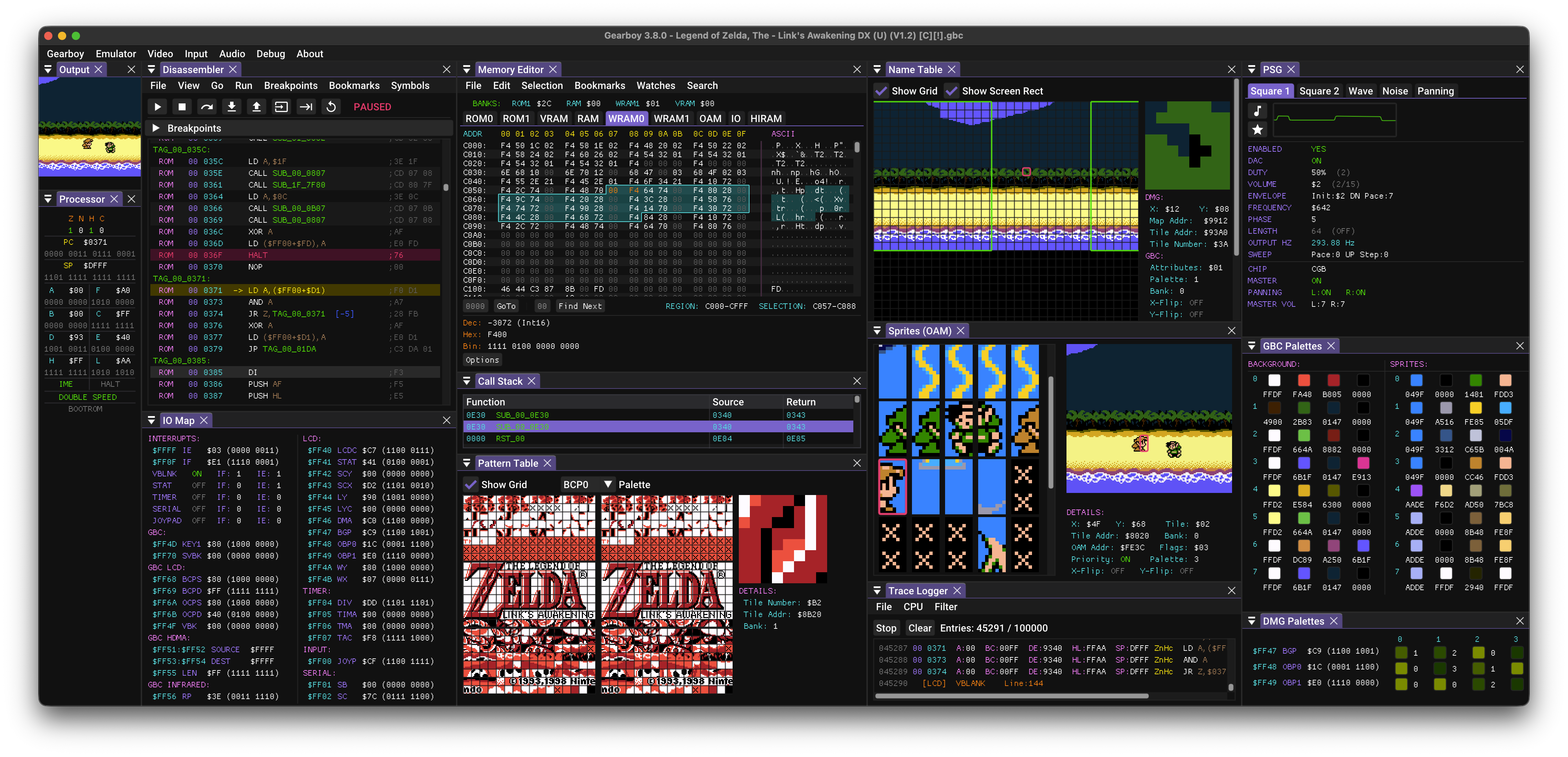
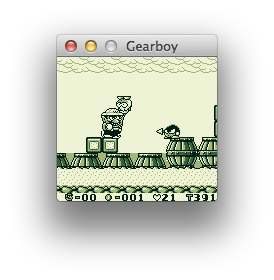
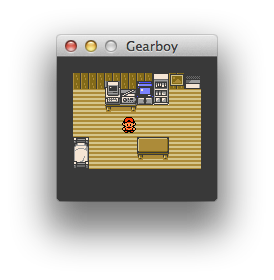
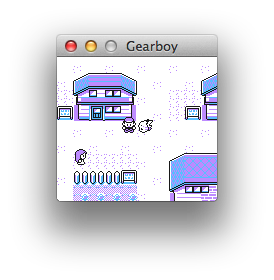
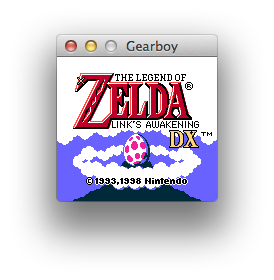
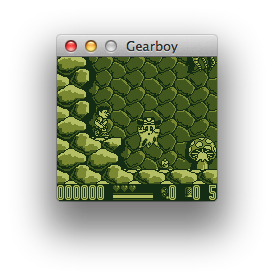
Gearboy is an accurate, cross-platform Game Boy / Game Boy Color / Super Game Boy emulator written in C++ that runs on Windows, macOS, Linux, BSD and RetroArch, with an embedded MCP server for debugging and tooling.
This is an open source project with its ongoing development made possible thanks to the support by these awesome backers. If you find it useful, please consider sponsoring.
Don't hesitate to report bugs or ask for new features by opening an issue.
| Platform | Architecture | Download Link |
|---|---|---|
| Windows | Desktop x64 | Gearboy-3.8.6-desktop-windows-x64.zip |
| Desktop ARM64 | Gearboy-3.8.6-desktop-windows-arm64.zip | |
| macOS | Homebrew | brew install --cask drhelius/geardome/gearboy |
| Desktop Apple Silicon | Gearboy-3.8.6-desktop-macos-arm64.zip | |
| Desktop Intel | Gearboy-3.8.6-desktop-macos-intel.zip | |
| Linux | Ubuntu PPA | drhelius/ppa-geardome |
| Fedora RPM | drhelius/rpm-geardome | |
| Desktop Ubuntu 24.04 x64 | Gearboy-3.8.6-desktop-ubuntu24.04-x64.zip | |
| Desktop Ubuntu 22.04 x64 | Gearboy-3.8.6-desktop-ubuntu22.04-x64.zip | |
| Desktop Ubuntu 24.04 ARM64 | Gearboy-3.8.6-desktop-ubuntu24.04-arm64.zip | |
| MCPB | All platforms | MCP Readme |
| RetroArch | All platforms | Libretro core documentation |
| Dev Builds | All platforms | GitHub Actions |
Notes:
brew trust --tap drhelius/geardomelibsdl3portable.ini in the same directory as the application binary to enable portable mode.Emulator menu. When enabled, opening a ROM while another instance is running will send the ROM to the running instance instead of starting a new one.path_to_rom_file.gb it tries to load path_to_rom_file.sym. You can also load a symbol file using the GUI or the CLI. It supports RGBDS, GBDK-2020, WLA-DX, no$gmb, SDCC/NoICE (.noi), EQU and generic file formats.gearboy [options] [rom_file] [symbol_file]
Arguments:
[rom_file] ROM file: accepts ROMs (.gb, .dmg, .gbc, .cgb, .sgb) or ZIP (.zip)
[symbol_file] Optional symbol file for debugging
Options:
-f, --fullscreen Start in fullscreen mode
-w, --windowed Start in windowed mode with menu visible
--mcp-stdio Auto-start MCP server with stdio transport
--mcp-http Auto-start MCP server with HTTP transport
--mcp-http-address A HTTP bind address (default: 127.0.0.1)
--mcp-http-port N HTTP port for MCP server (default: 7777)
--headless Run without GUI (requires --mcp-stdio or --mcp-http)
-v, --version Display version information
-h, --help Display this help message
Gearboy includes a Model Context Protocol (MCP) server that enables AI-assisted debugging through AI agents like GitHub Copilot, Claude, Codex and similar. The server provides tools for execution control, memory inspection, breakpoints, disassembly, hardware status, and more. HTTP transport binds to 127.0.0.1 by default, validates Host and browser Origin values against the configured endpoint, and can require bearer-token auth with the GEARBOY_MCP_HTTP_TOKEN environment variable.
For complete setup instructions and tool documentation, see MCP_README.md.
Gearboy provides Agent Skills that teach AI assistants how to effectively use the emulator for specific tasks:
Install with npx skills add drhelius/gearboy. See the skills README for details.
SDL3-devel-x.y.z-VC.zip).SDL3-x.y.z) to SDL3.SDL3 folder inside platforms/windows/dependencies/ so that the include path is platforms/windows/dependencies/SDL3/include/SDL3/.platforms/windows/Gearboy.sln and build.xcode-select --install in the terminal for the compiler to be available on the command line.brew install sdl3
cd platforms/macos
make dist
If you are using Ubuntu 25.04 or later, you can install SDL3 directly. Use the following commands to build:
sudo apt install build-essential libsdl3-dev
cd platforms/linux
make
For older Ubuntu versions (22.04, 24.04), you need to build SDL3 from source first. Use the following commands to build both SDL3 and Gearboy:
sudo apt install build-essential cmake git curl jq pkg-config \
  libx11-dev libxext-dev libxrandr-dev libxcursor-dev libxfixes-dev \
  libxi-dev libxss-dev libxkbcommon-dev libwayland-dev libdecor-0-dev \
  libdrm-dev libgbm-dev libgl1-mesa-dev libegl1-mesa-dev libdbus-1-dev libudev-dev libxtst-dev
SDL3_TAG=$(curl -s https://api.github.com/repos/libsdl-org/SDL/releases/latest | jq -r '.tag_name')
git clone --depth 1 --branch "$SDL3_TAG" https://github.com/libsdl-org/SDL.git /tmp/SDL3
cmake -S /tmp/SDL3 -B /tmp/SDL3/build -DCMAKE_INSTALL_PREFIX=/usr -DSDL_TESTS=OFF -DSDL_EXAMPLES=OFF
cmake --build /tmp/SDL3/build -j$(nproc)
sudo cmake --install /tmp/SDL3/build
cd platforms/linux
make
sudo dnf install @development-tools gcc-c++ SDL3-devel
cd platforms/linux
make
sudo pacman -S base-devel sdl3
cd platforms/linux
make
su root -c "pkg install -y git gmake pkgconf sdl3"
cd platforms/bsd
USE_CLANG=1 gmake
su root -c "pkgin install gmake pkgconf SDL3"
cd platforms/bsd
gmake
doas pkg_add gmake sdl3
cd platforms/bsd
LDFLAGS=-L/usr/X11R6/lib/ USE_CLANG=1 gmake
sudo apt install build-essential
cd platforms/libretro
make
sudo dnf install @development-tools gcc-c++
cd platforms/libretro
make
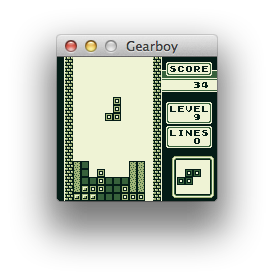
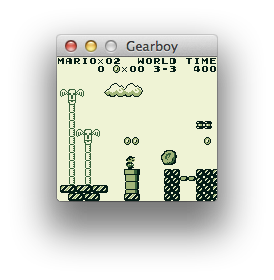
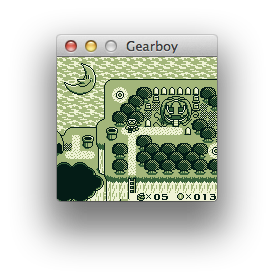
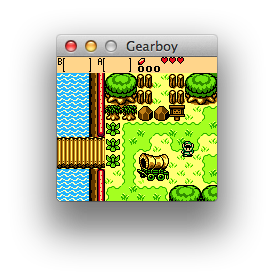
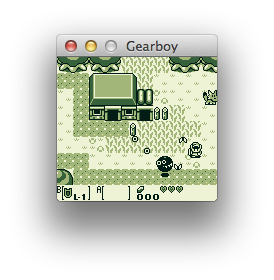
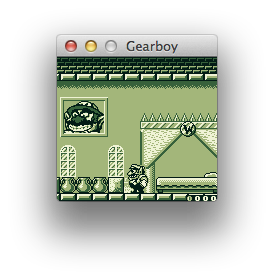
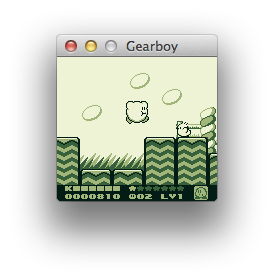
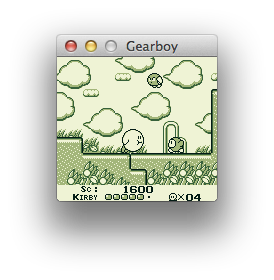
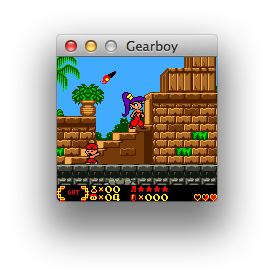
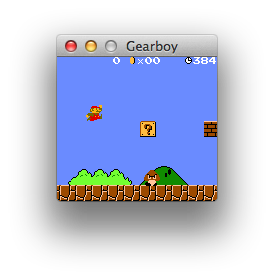
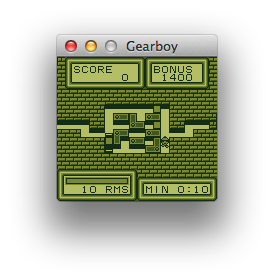
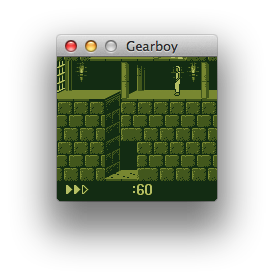
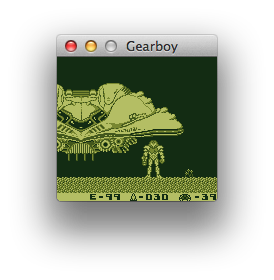
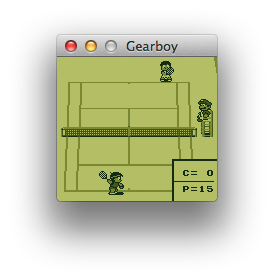
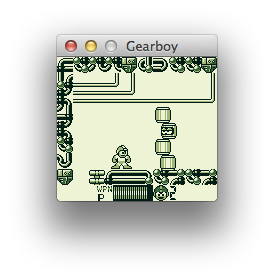
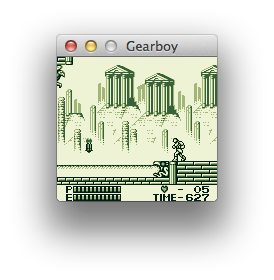
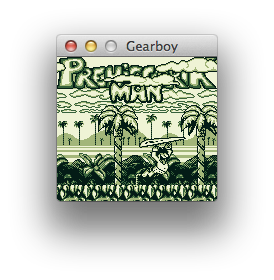
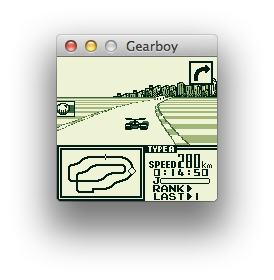
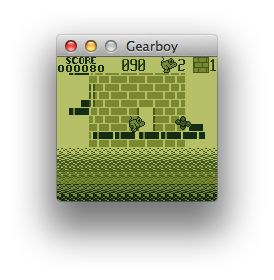
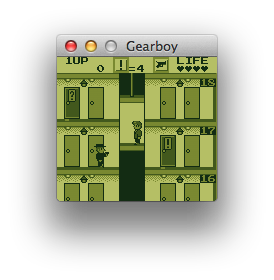
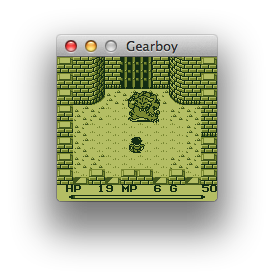
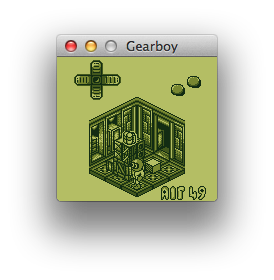
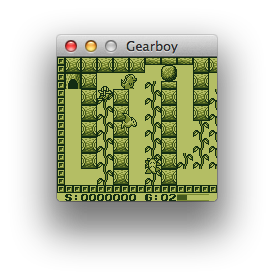
Thank you to all the people who have already contributed to Gearboy!
Gearboy is licensed under the GNU General Public License v3.0 License, see LICENSE for more information.
Run Claude Code as an MCP server so any agent can delegate coding tasks to it
 @microsoft✓ Official
Browser automation using accessibility snapshots instead of screenshots
 @googleapis✓ Official
Google's universal MCP server supporting PostgreSQL, MySQL, MongoDB, Redis, and 10+ databases
 @github✓ Official
Official GitHub integration for repos, issues, PRs, and CI/CD workflows
