

Are you the author? Sign in to claim
MCP server for Google Workspace (Gmail, Calendar, Contacts) - Go implementation
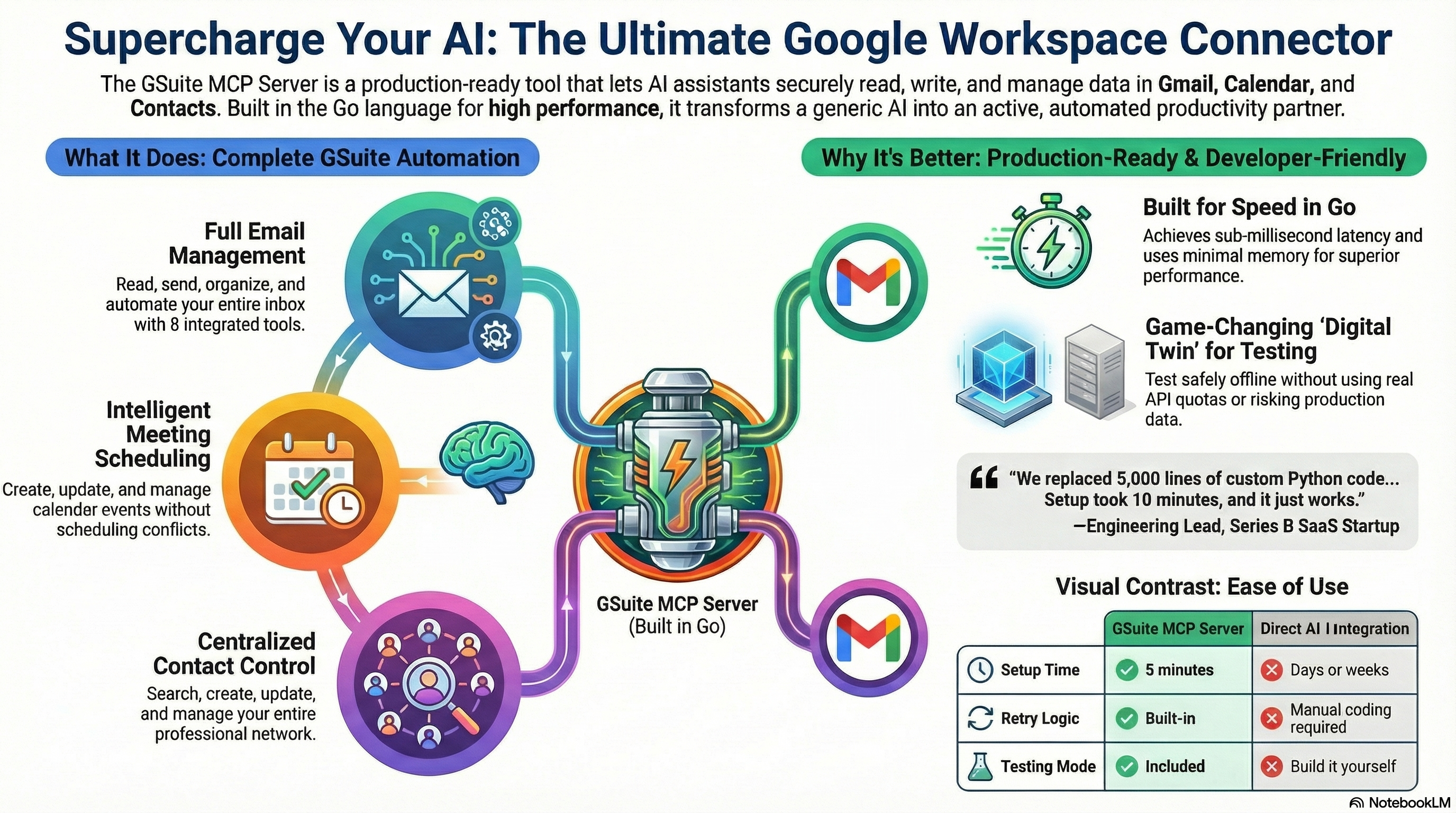
An MCP server that connects your AI to Gmail, Google Calendar, Contacts, and Tasks.
brew install 2389-research/tap/gsuite-mcp
Or build from source:
go build ./cmd/gsuite-mcp
~/.config/gsuite-mcp/credentials.jsonClick "Enable" on each of these:
gsuite-mcp setup
This prints a Google sign-in link. Open it, approve access, and paste the code back into the terminal. The token is saved locally, so you only do this once.
For Claude Code:
claude mcp add gsuite gsuite-mcp -- mcp    # project scope (default)
claude mcp add gsuite gsuite-mcp --scope user -- mcp   # user scope (all projects)
For Claude Desktop or other MCP clients, add this to your config:
{
  "mcpServers": {
    "gsuite": {
      "command": "gsuite-mcp",
      "args": ["mcp"]
    }
  }
}
Done. Your AI can now work with your Google account.
You can connect more than one Google account:
gsuite-mcp setup --account work
gsuite-mcp setup --account personal
Then just tell your AI which one:
"Check my work email for anything urgent" "What's on my personal calendar this week?"
Every tool accepts an optional account parameter. Without one, it uses the default.
$ gsuite-mcp whoami --account work
Account:  work
Email:    harper@2389.ai
Messages: 4210 total
Threads:  1847 total
34 tools across four Google APIs, plus prompts and live data.
Gmail -- read, search, send, draft, label, trash, delete. CC/BCC supported.
Calendar -- list, view, create, update, and delete events.
Contacts -- search, browse, create, update, delete.
Tasks -- manage task lists and tasks (create, update, complete, delete).
The server also ships with prompts for common workflows: triaging email, composing replies with proper threading, scheduling meetings around your availability, reviewing pending tasks, breaking goals into task lists, and looking up or adding contacts. Your AI picks these up automatically.
For quick context, the server exposes live data as MCP resources: today's calendar, upcoming events, unread mail, current drafts, tasks due today, overdue tasks, and so on.
Tokens live on your machine in ~/.local/share/gsuite-mcp/. Nothing leaves your computer. The server only requests the OAuth scopes it needs. Keep credentials.json and token files out of git.
gsuite-mcp setup                   # Interactive setup wizard
gsuite-mcp setup --account work    # Set up a named account
gsuite-mcp test                    # Test your API connection
gsuite-mcp whoami                  # Show authenticated user
gsuite-mcp mcp                     # Start the MCP server
gsuite-mcp version                 # Show version
gsuite-mcp help                    # Show help
See docs/ for detailed guides:
go test ./...MIT
Run Claude Code as an MCP server so any agent can delegate coding tasks to it
 @microsoft✓ Official
Browser automation using accessibility snapshots instead of screenshots
 @googleapis✓ Official
Google's universal MCP server supporting PostgreSQL, MySQL, MongoDB, Redis, and 10+ databases
 @github✓ Official
Official GitHub integration for repos, issues, PRs, and CI/CD workflows