

Are you the author? Sign in to claim
Personal AI agent harness powered by Claude Code. Always-on access through Discord, Telegram, or a built-in web UI.
A personal AI agent harness powered by Claude Code. Give your AI assistant a name, a personality, persistent memory, and always-on access through Discord, Telegram, or the built-in web UI.
Helix acts as a frontend for Claude Code — all AI calls route through Claude's CLI using your existing subscription. No API keys needed.
Ideal for anyone who wants a persistent, always-on Claude agent without living in a terminal. Run it once, walk away — your agent is available through your phone, browser, or messaging app whenever you need it.
Helix ships with four built-in themes — each available in dark and light mode.
| Classic Dark | Classic Light |
|---|---|
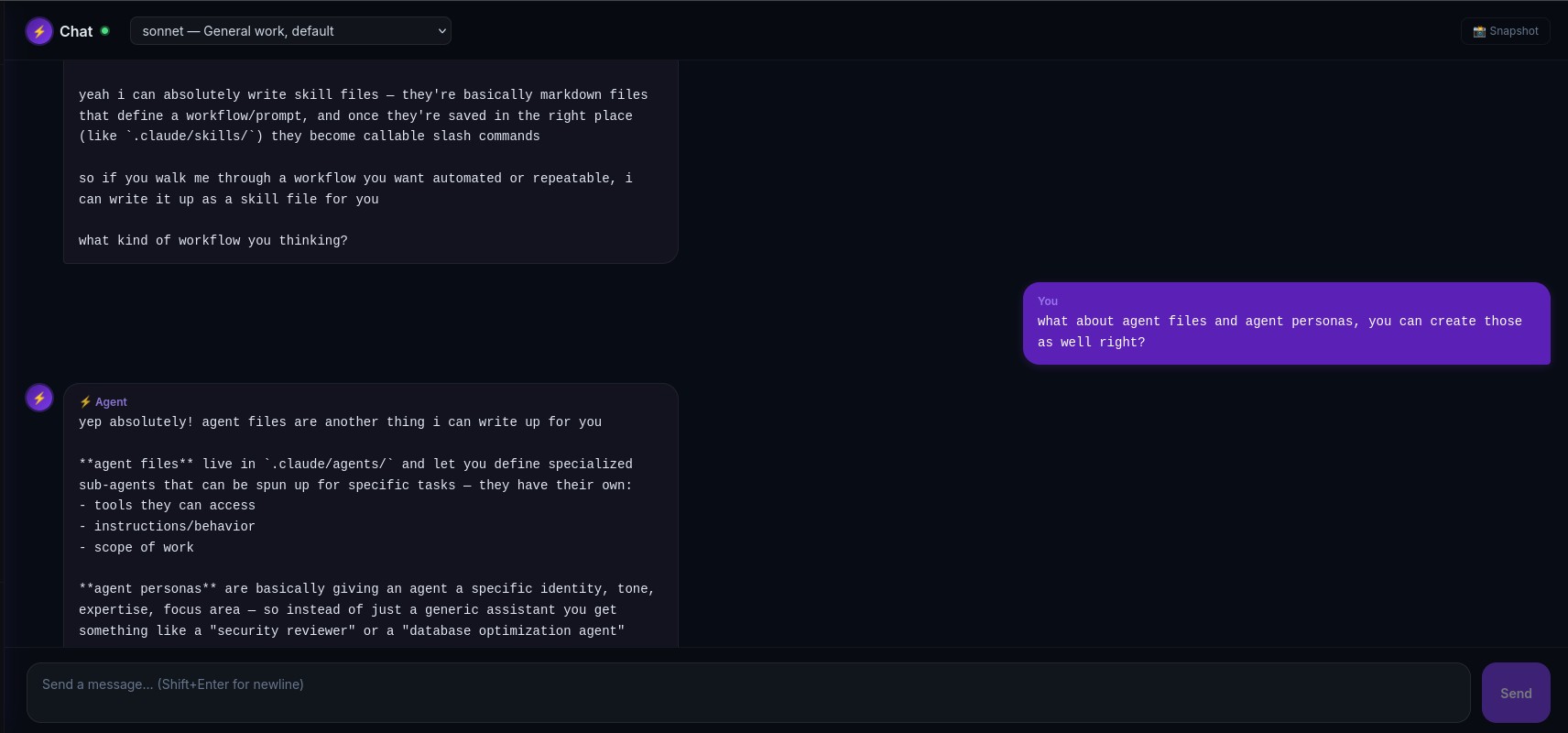 | 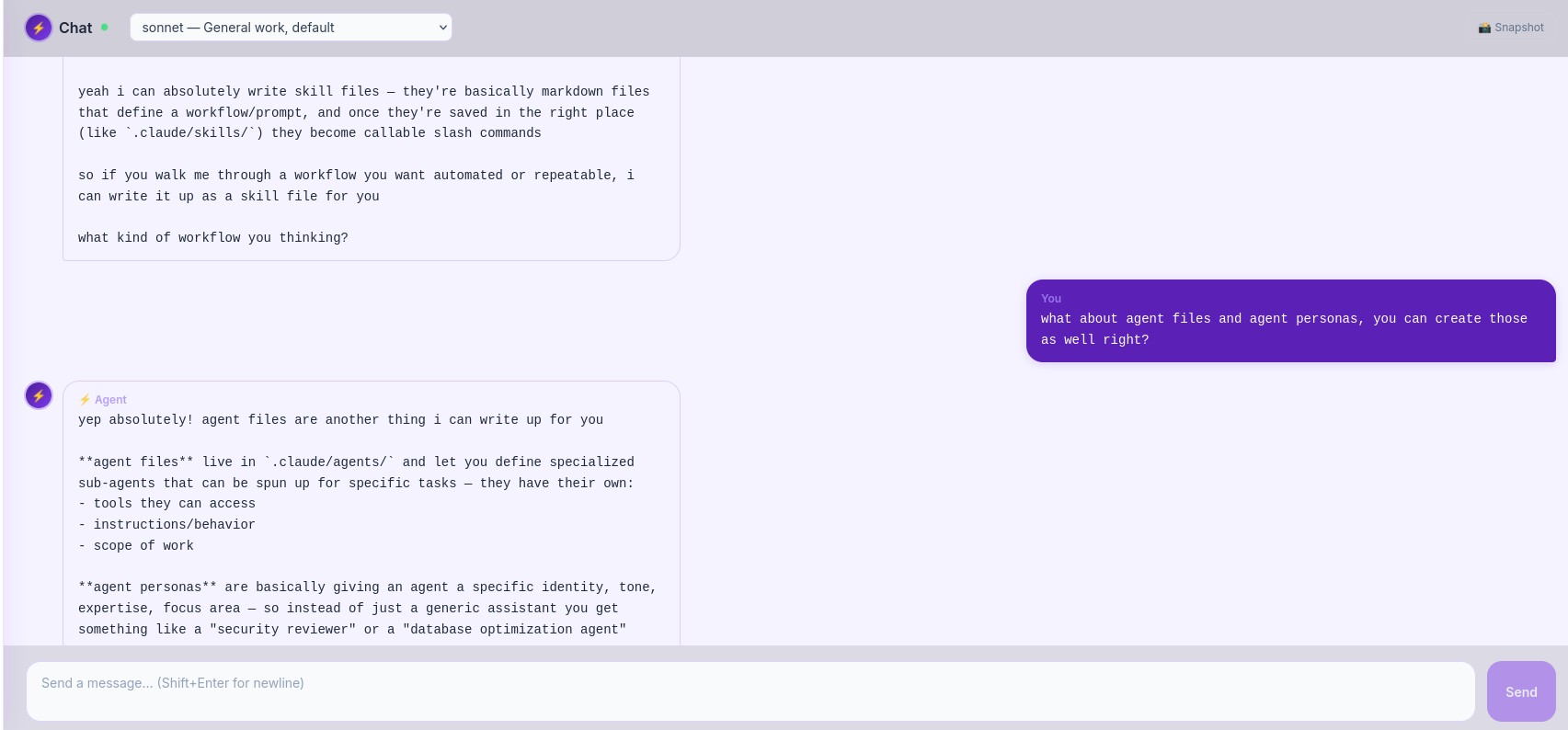 |
| Forest Dark | Forest Light |
|---|---|
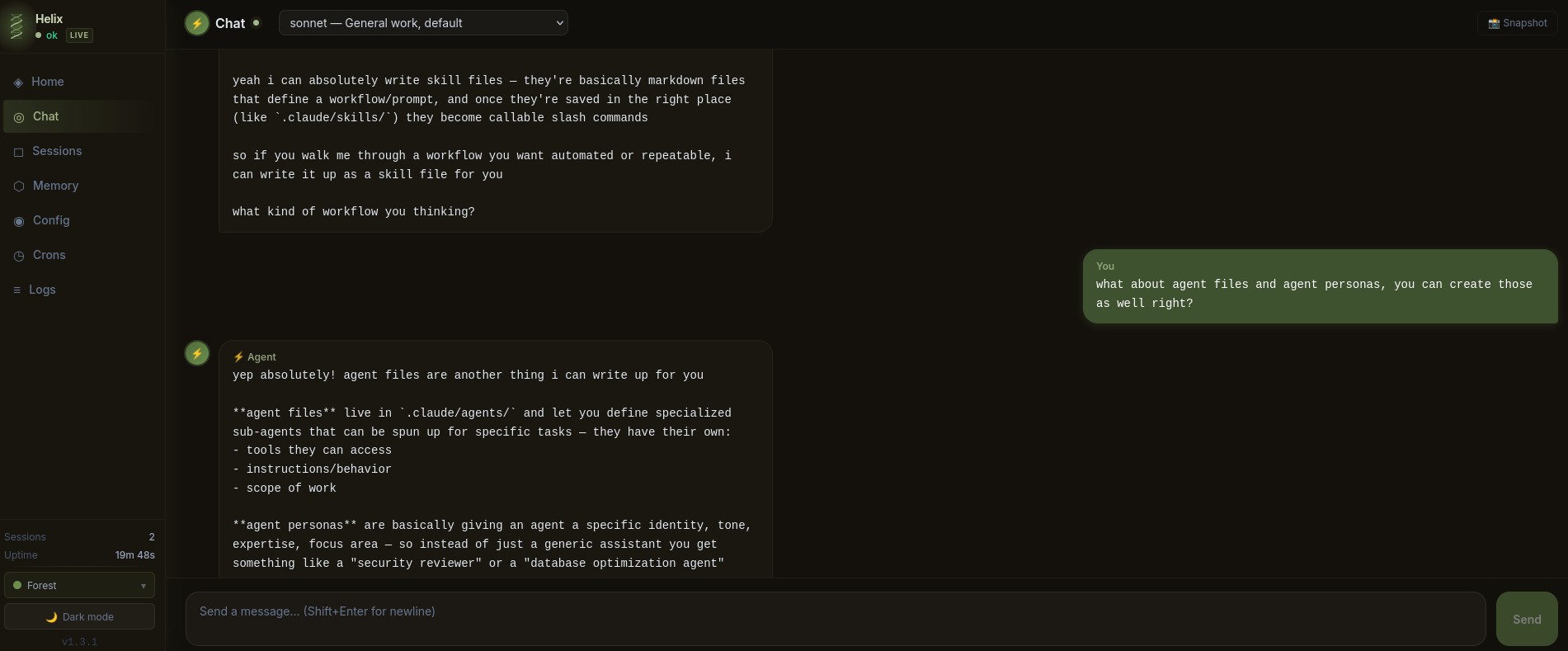 | 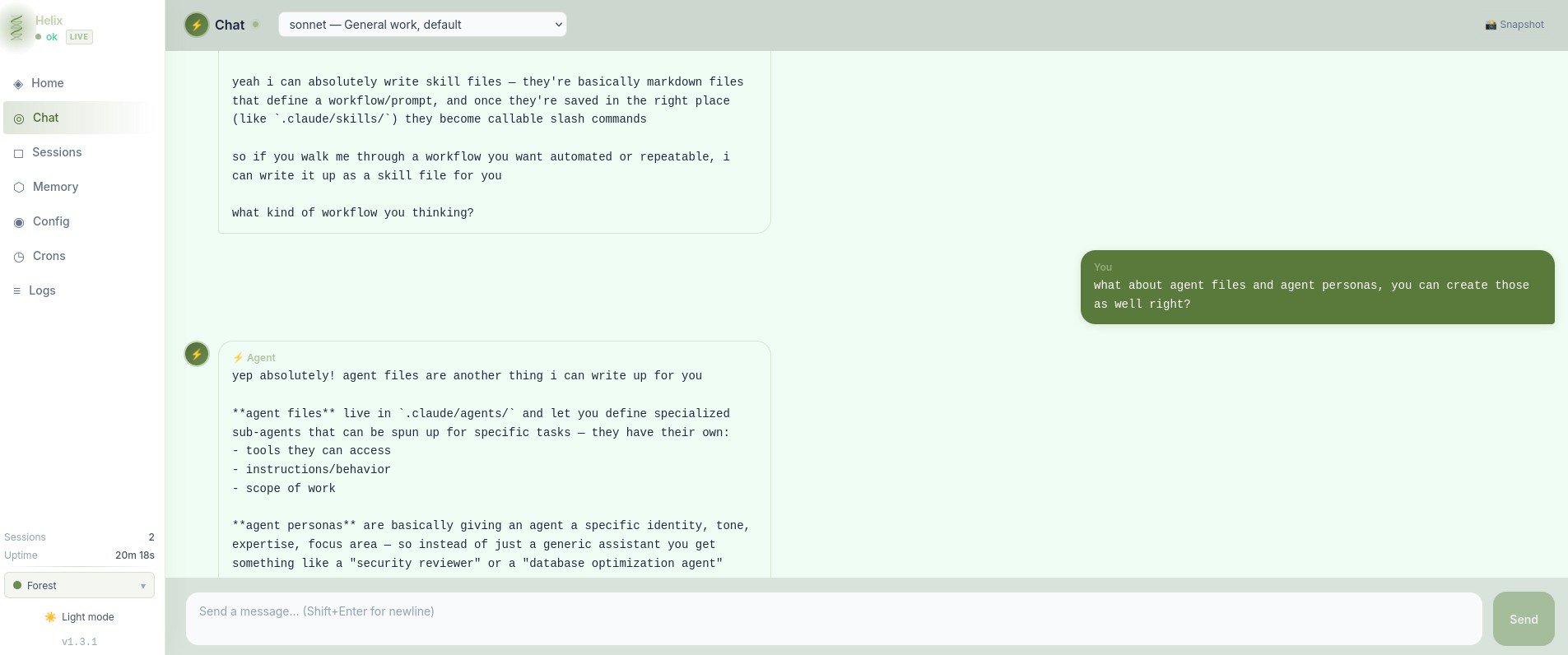 |
| Ocean Dark | Ocean Light |
|---|---|
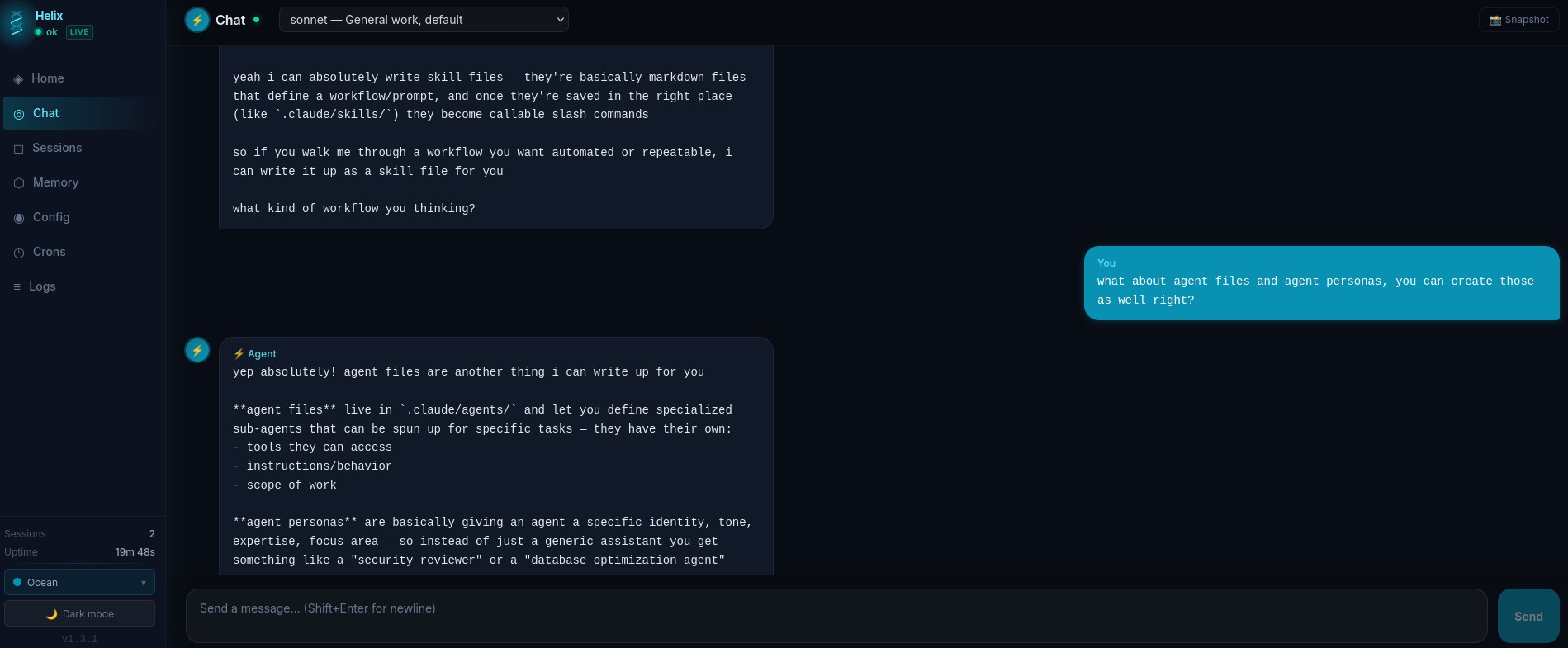 | 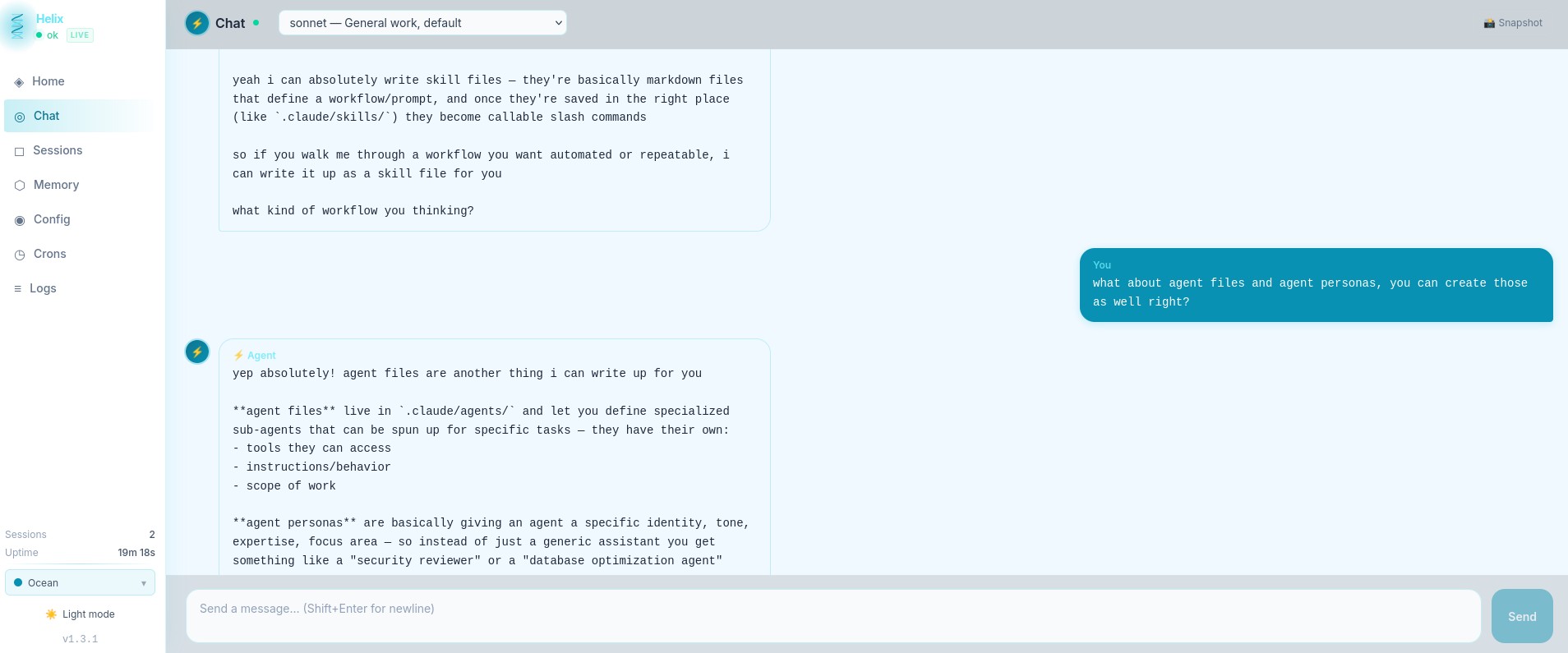 |
| Volcano Dark | Volcano Light |
|---|---|
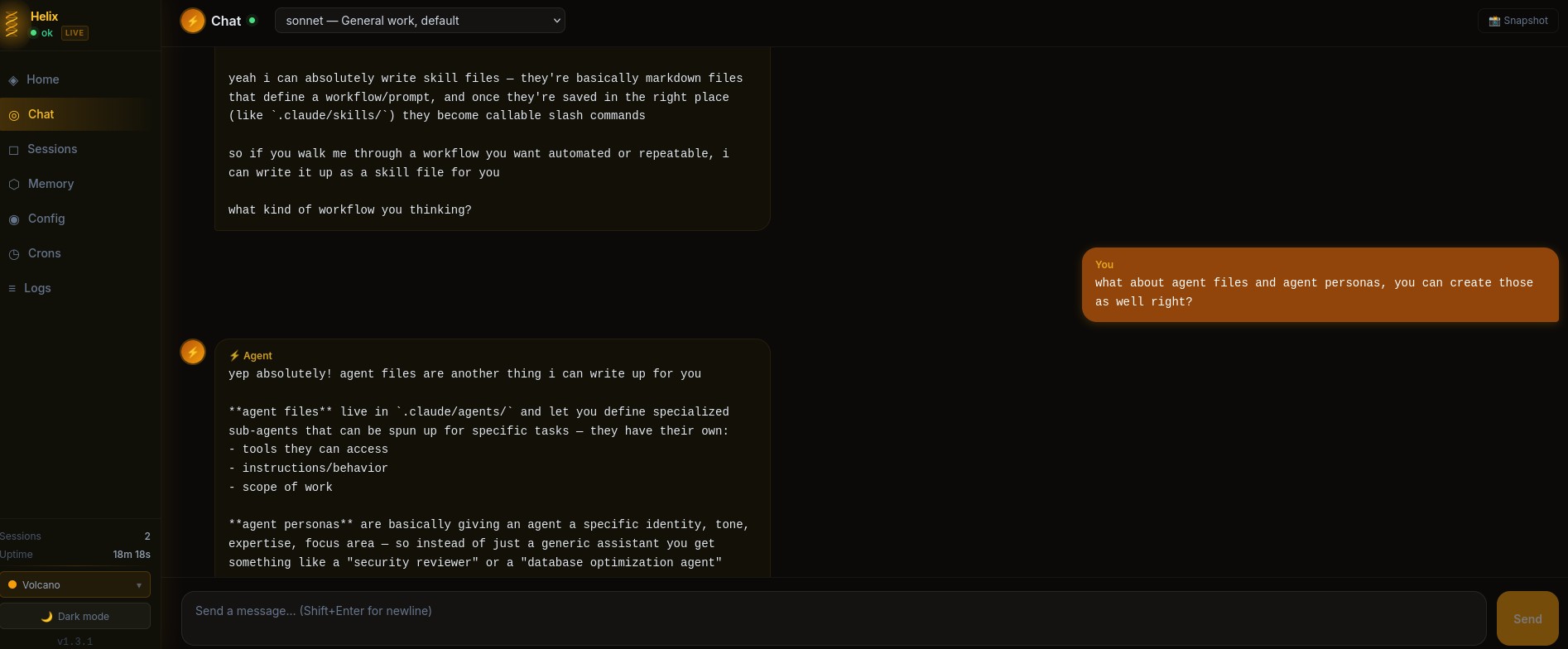 | 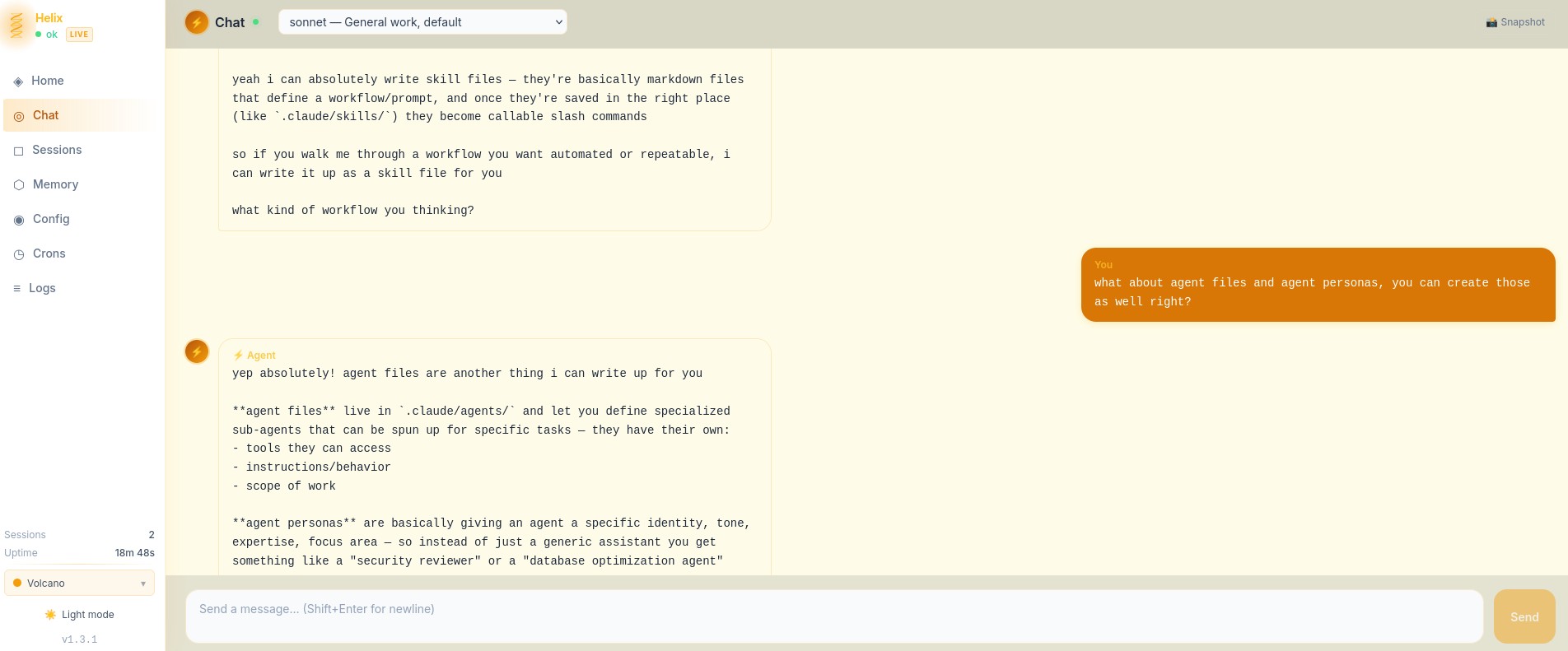 |
.md file in the commands folder, it becomes a /commandgit clone https://github.com/kingbee-helix/helix-agent.git
cd helix-agent
python3 main.py setup
The setup wizard handles everything:
./start.sh    # Start in background (logs to ~/.helix/logs/helix.log)
./stop.sh     # Stop gracefully

# Or run directly (useful for debugging):
python3 main.py
The venv is managed automatically — you never need to activate it manually.
Note: Helix does not auto-start on reboot. Use
./start.shto run it in the background without keeping a terminal open. You'll need to run it again if your machine restarts. Attempting to set it as a systemd service for auto-restart functions will throw Claude Code "extra usage" errors, it is not supported natively in Claude Code with subscription plans and will break oauth. DO NOT DO THIS!!
helix/
  main.py              # Entry point — start Helix, run setup, manage secrets
  setup.py             # Interactive first-run wizard
  start.sh / stop.sh   # Background process management
  core/
    agent_loop.py      # Routes messages to Claude Code, streams responses back
    cli_backend.py     # Calls the claude CLI, manages sessions and flags
    config.py          # All configuration in one place (Pydantic models)
    context_engine.py  # Builds the system prompt from workspace files
    session_manager.py # Tracks sessions + transcripts in SQLite
  channels/
    base.py            # Shared adapter interface
    discord_adapter.py # Discord bot — DMs and guild channels
    telegram_adapter.py# Telegram bot — private chat
    slash_commands.py  # /command handling for all channels
  security/
    audit.py           # Logs every inbound/outbound event
    auth.py            # Allowlist enforcement + rate limiting
    input_validator.py # Flags prompt injection attempts
    secrets.py         # Fernet-encrypted credential store
  web/
    app.py             # FastAPI server — REST API + WebSocket chat
    static/index.html  # Browser-based admin dashboard
  workspace-template/  # Starter identity + memory files, copied to ~/.helix/workspace/ on setup
Helix wraps Claude Code's CLI (claude -p). When you send a message:
--resume for session continuityYour agent has access to the same tools as Claude Code: Bash, file read/write/edit, web search, web fetch. Permissions are managed through Claude Code's ~/.claude/settings.json.
Why
--resumematters: Most Claude frontends resend the entire conversation history with every message, which burns tokens fast and hits rate limits quickly. Helix uses Claude Code's--resumeflag to continue existing sessions — only the new message and system prompt are sent each turn. The full conversation context is preserved on disk and picked up automatically. The result is dramatically lower token usage, longer conversations before hitting limits, and true session persistence across restarts.
Everything lives in ~/.helix/:
| Path | What |
|---|---|
config.json | Main config (channels, models, scheduling) |
secrets.enc | Encrypted secrets (bot tokens, passwords) |
workspace/ | Agent's workspace (identity, memory, tools) |
sessions/ | Session database + transcripts |
logs/ | Operational + audit logs |
Edit config through the admin UI, or directly:
python3 main.py config           # Print current config
python3 main.py secrets list     # List stored secret keys
python3 main.py secrets set KEY VALUE
Your agent's workspace (~/.helix/workspace/) contains the files that define who it is:
| File | Purpose |
|---|---|
AGENTS.md | Operating instructions — how the workspace works |
SOUL.md | Personality and principles |
IDENTITY.md | Name, emoji, vibe |
USER.md | Info about you |
MEMORY.md | Long-term memory (agent updates this over time) |
TOOLS.md | Notes about your specific setup |
HEARTBEAT.md | What to check on periodic heartbeats |
memory/ | Daily logs (YYYY-MM-DD.md) |
commands/ | Custom slash commands (.md files) |
Edit these files anytime. The more accurate they are, the better your agent performs. Your agent can also edit them — that's how it learns and remembers.
Want more? Helix's memory system can be extended with Obsidian and semantic search tools like qmd for a full knowledge base your agent can query. The flat file structure is designed to be compatible — just point your agent at the vault.
Available in Discord, Telegram, and the web chat:
| Command | What it does |
|---|---|
/help | List all commands |
/new or /reset or /clear | Start a fresh session |
/compact | Summarize and compress current session history |
/model [alias] | Switch model (haiku / sonnet / opus) |
/status | Session info + current model |
/session | List all active sessions |
/memory | View today's memory log |
/think [level] | Deep reasoning mode |
/do <task> | Execute a task |
/remember <text> | Save something to memory |
/forget <text> | Remove something from memory |
/heartbeat | Trigger a manual heartbeat check |
When you switch models, Helix automatically carries forward the last 30 exchanges so the new model has context on what you were working on.
Tip: For long or complex conversations, run
/compactbefore switching models. Helix will summarize the full session into a concise context block — making the handoff cleaner and cheaper on tokens. You can run/compactdirectly from Discord, Telegram, or the web chat — no terminal needed.
Helix inherits permissions from Claude Code. During setup, your home directory is automatically added. To grant access to additional directories:
claude /permissions
Or manually edit ~/.claude/settings.json.
git pullIf a pull added new packages to requirements.txt, you'll need to reinstall:
cd helix-agent
source .venv/bin/activate
pip install -r requirements.txt
./start.sh
./start.sh instead.claude auth loginMIT — see LICENSE.
⚠️ Experimentelle Skill-Sammlung für deutsches Recht (Arbeits-, Gesellschafts-, Insolvenz-, Datenschutz-, Prozessrecht u
Manage multiple Claude Code agents from TUI or Web with tmux and git worktrees
Project management using GitHub Issues + Git worktrees for parallel agent execution
Core skills library for Claude Code with 20+ battle-tested skills including TDD, debugging, and brainstorming