

Are you the author? Sign in to claim
next-generation AI memory infrastructure (powered by mem0 and graphiti)
AI Memory across your applications in 5 lines of code.
Website · Dashboard · SDK & API Docs · Report an Issue
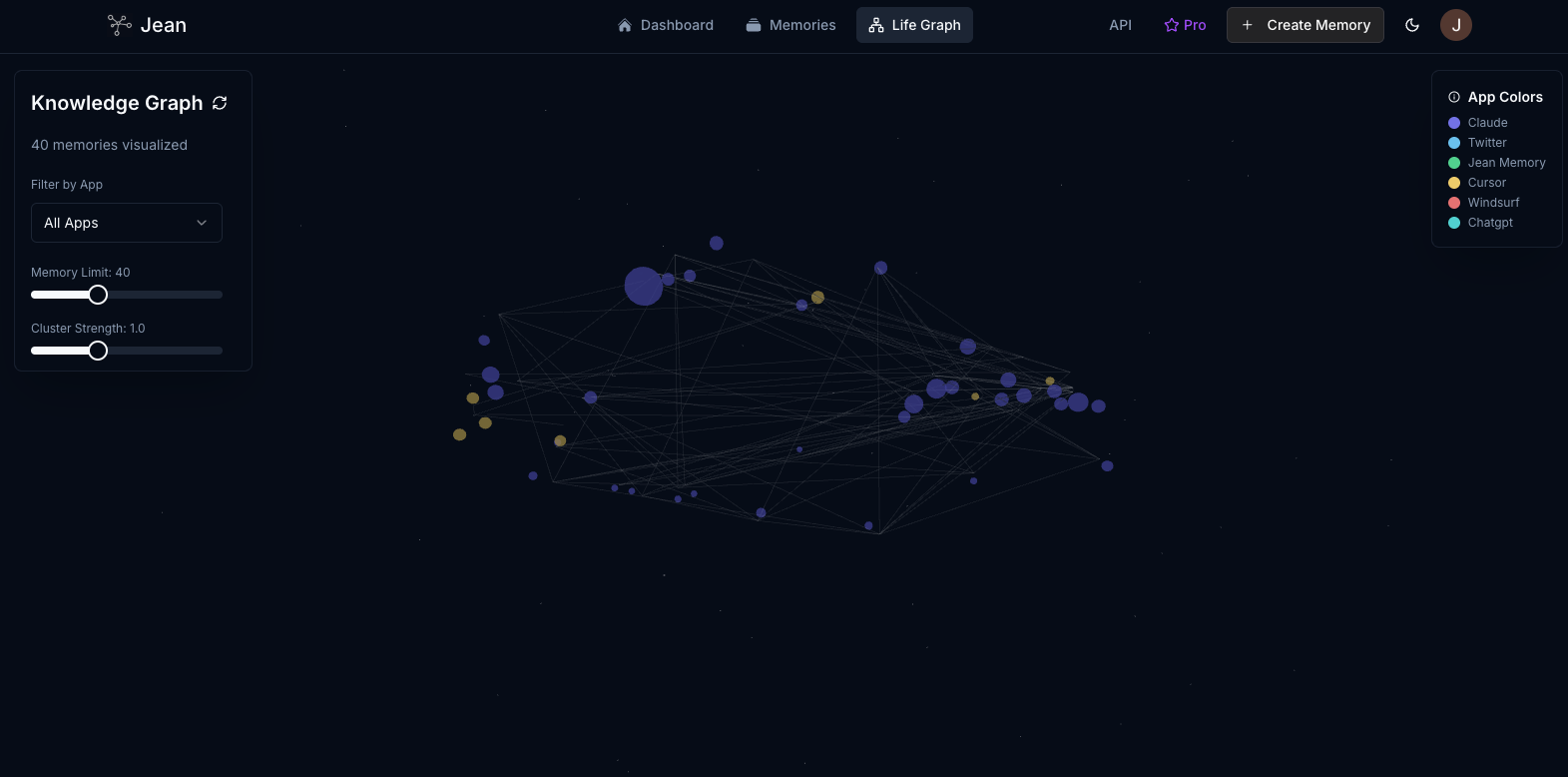
Integrate a powerful memory layer into your application with our easy-to-use SDKs.
Drop a complete, context-aware chat component into your React app.
// 1. Install the SDK
// npm install @jeanmemory/react

// 2. Add the provider and chat component
import { JeanProvider, JeanChat } from '@jeanmemory/react';

function MyApp() {
  return (
    <JeanProvider apiKey="YOUR_API_KEY">
      <JeanChat />
    </JeanProvider>
  );
}
Add a context layer to your Python backend or AI agent.
# 1. Install the SDK
# pip install jeanmemory

# 2. Get context before calling your LLM
from jeanmemory import JeanClient

jean = JeanClient(api_key="YOUR_API_KEY")

# Get user_token from your frontend OAuth flow
context = jean.get_context(
    user_token="USER_TOKEN_FROM_FRONTEND",
    message="What was our last conversation about?"
).text
Integrate memory into your Next.js, Express, or other Node.js services.
// 1. Install the SDK
// npm install @jeanmemory/node

// 2. Get context in your API route
import { JeanClient } from '@jeanmemory/node';

const jean = new JeanClient({ apiKey: "YOUR_API_KEY" });

// Get userToken from your frontend OAuth flow
const context = await jean.getContext({
    user_token: userToken,
    message: "What was our last conversation about?"
});
➡️ Explore the full SDK Documentation for advanced usage, authentication, and more examples.
Jean Memory provides a persistent and intelligent memory layer that enables AI applications to understand users with deep, personal context. It moves beyond simple information retrieval to sophisticated context engineering, ensuring that an AI has precisely the right information at the time of inference to provide personalized, accurate, and helpful responses.
add_memories, search_memory, deep_memory_query) for developers who need direct, fine-grained control.Jean Memory operates on a two-layer architecture: an intelligent orchestration layer and a core API of granular tools.
Orchestration Layer (jean_memory tool): This is the primary, intelligent entry point. When called, this tool analyzes the user's message and conversation history to determine the optimal context strategy. It then calls the necessary core tools to gather information, synthesizes the results, and provides a perfectly engineered context package to the AI. It also handles background memory saving.
Core API (Granular Tools): These are the underlying building blocks that the orchestrator uses. They are also exposed via a REST API for developers who need direct, granular control for building custom agents or applications.
For detailed information, please refer to our full API Documentation.
Testing the Jean Memory SDKs? Use these guides:
Run the entire Jean Memory stack on your local machine for development and self-hosting.
Prerequisites:
1. Clone the repository:
git clone https://github.com/jean-technologies/jean-memory.git
cd jean-memory
2. Navigate to the openmemory directory:
cd openmemory
3. Run one-time setup: This script will gather required API keys and generate the necessary environment files.
make setup
4. Add your API keys when prompted:
OPENAI_API_KEY (required) - Get from the OpenAI PlatformGEMINI_API_KEY (optional) - Get from Google AI Studio5. Build the environment: This command builds the Docker containers and configures the environment based on your keys.
make build
6. Start the development services:
Option A: Run all services concurrently:
make dev
Option B: Run services individually in separate terminals:
# Terminal 1: Start the backend API and databases
make dev-api

# Terminal 2: Start the frontend UI
make dev-ui
7. Access the application:
http://localhost:3000http://localhost:8765/docshttp://localhost:54323We welcome contributions from the community. Please read our contributing guide to get started with the development process and pull request submission.
This project incorporates code from mem0ai/mem0, which is distributed under the Apache 2.0 License. All additions and modifications made by Jean Technologies are proprietary.
Run Claude Code as an MCP server so any agent can delegate coding tasks to it
 @microsoft✓ Official
Browser automation using accessibility snapshots instead of screenshots
 @googleapis✓ Official
Google's universal MCP server supporting PostgreSQL, MySQL, MongoDB, Redis, and 10+ databases
 @github✓ Official
Official GitHub integration for repos, issues, PRs, and CI/CD workflows