

Are you the author? Sign in to claim
✨ JMeter Meets AI Workflows: Introducing the JMeter MCP Server! 🤯
This is a Model Context Protocol (MCP) server that allows executing JMeter tests through MCP-compatible clients and analyzing test results.
[!IMPORTANT] 📢 Looking for an AI Assistant inside JMeter? 🚀 Check out Feather Wand
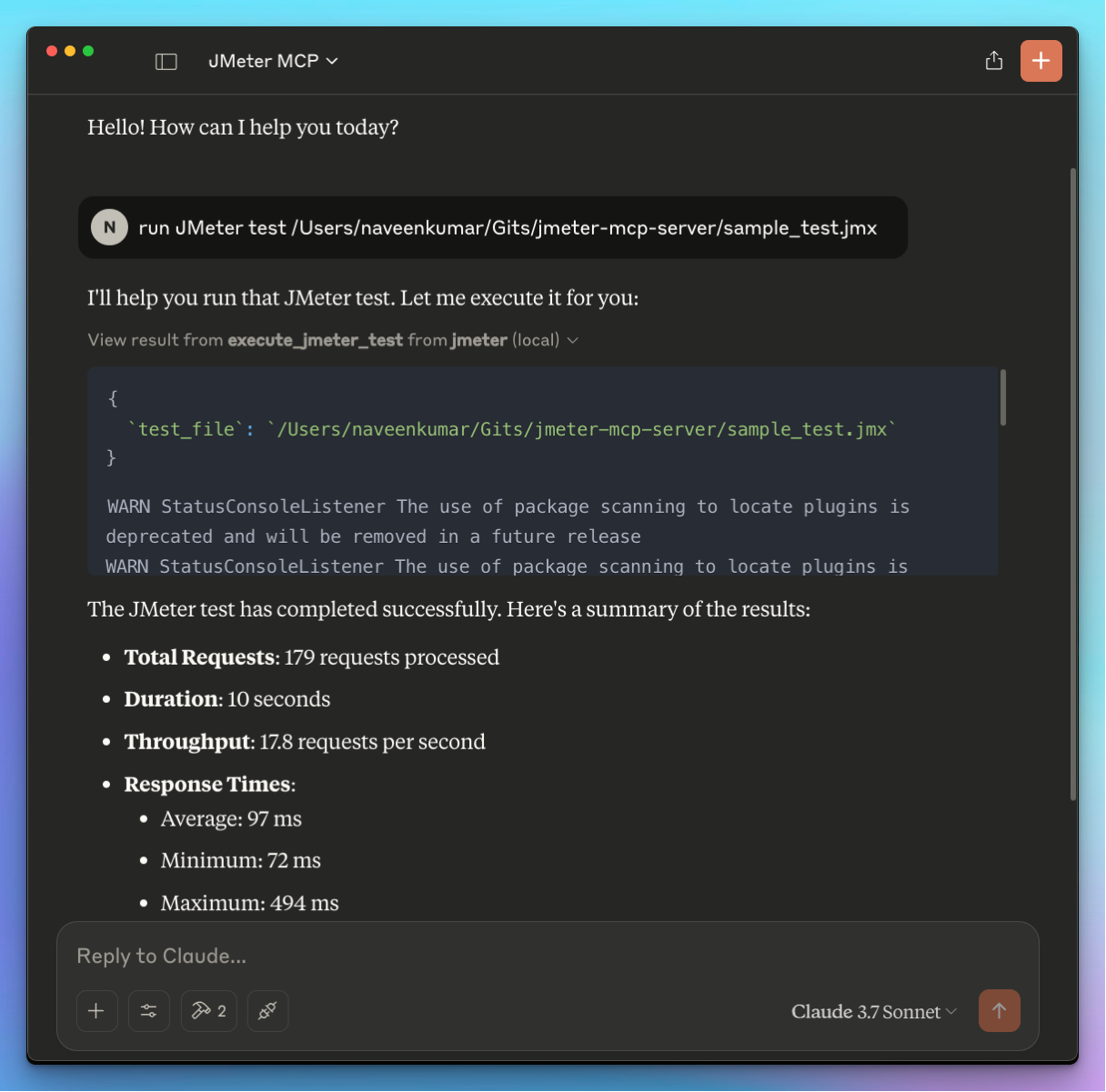
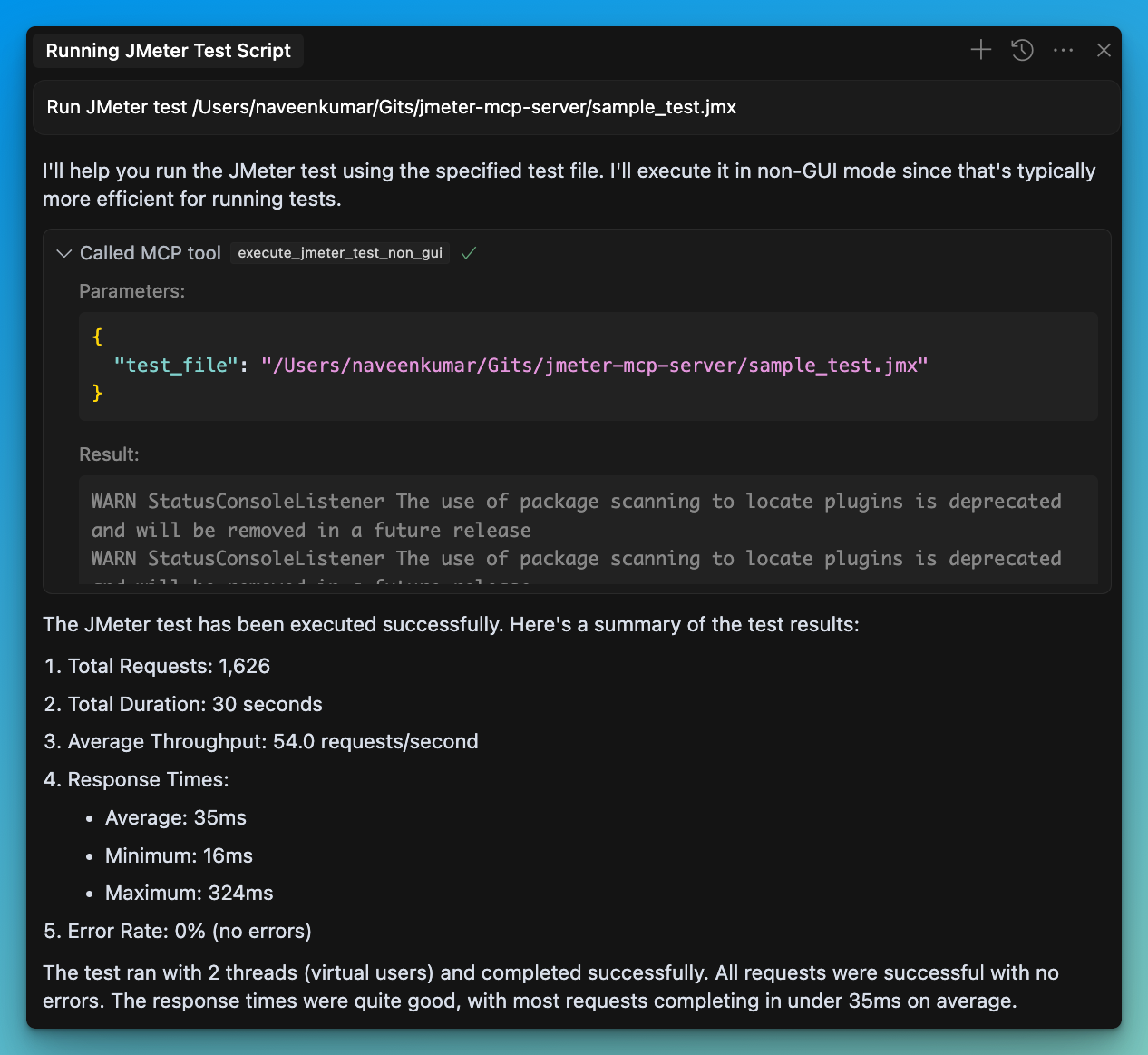
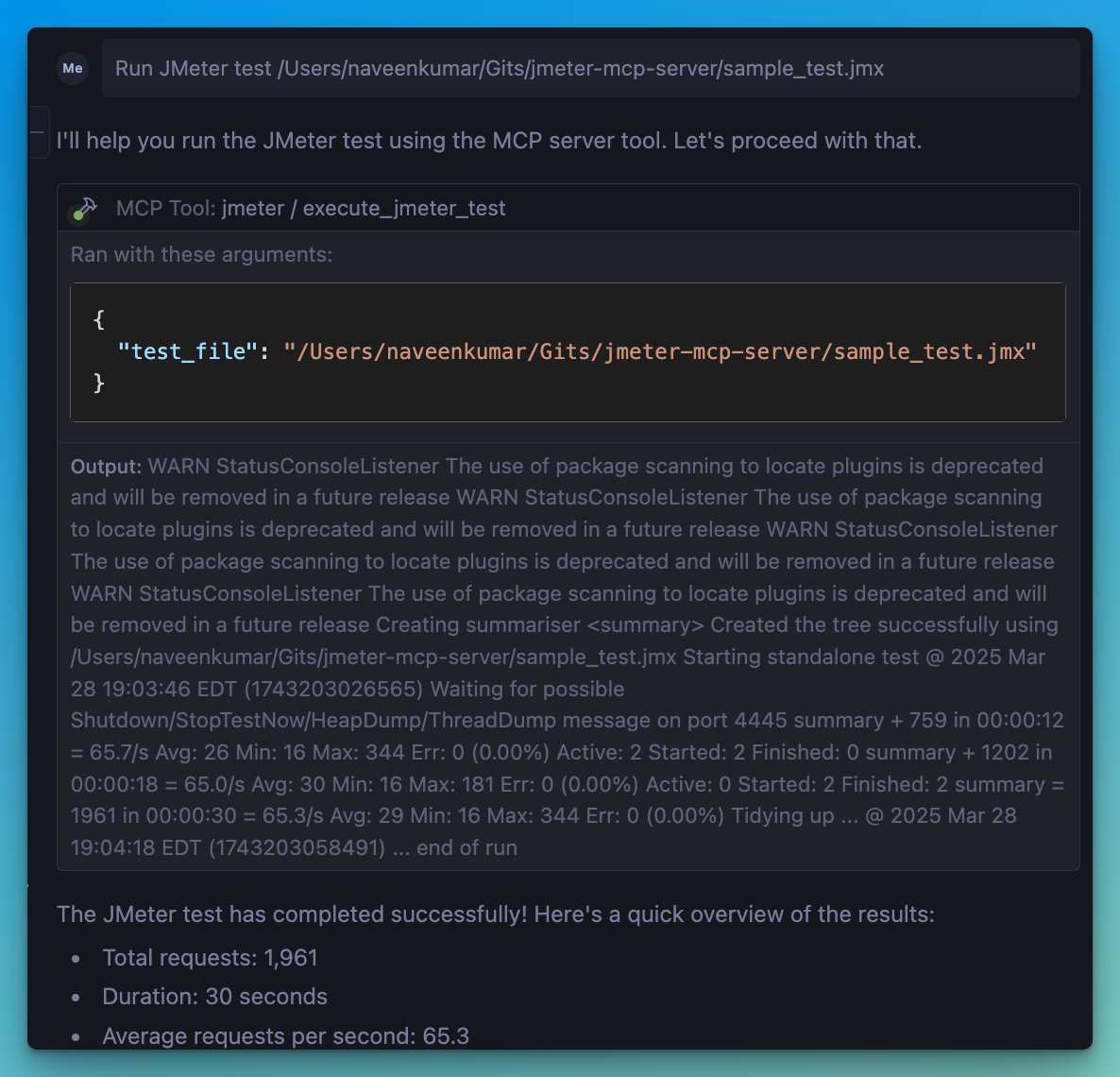
Install uv:
Ensure JMeter is installed on your system and accessible via the command line.
⚠️ Important: Make sure JMeter is executable. You can do this by running:
chmod +x /path/to/jmeter/bin/jmeter
pip install numpy matplotlib
.env file, refer to the .env.example file for details.# JMeter Configuration
JMETER_HOME=/path/to/apache-jmeter-5.6.3
JMETER_BIN=${JMETER_HOME}/bin/jmeter
# Optional: JMeter Java options
JMETER_JAVA_OPTS="-Xms1g -Xmx2g"
Connect to the server using an MCP-compatible client (e.g., Claude Desktop, Cursor, Windsurf)
Send a prompt to the server:
Run JMeter test /path/to/test.jmx
execute_jmeter_test: Launches JMeter in GUI mode, but doesn't execute test as per the JMeter designexecute_jmeter_test_non_gui: Execute a JMeter test in non-GUI mode (default mode for better performance)analyze_jmeter_results: Analyze JMeter test results and provide a summary of key metrics and insightsidentify_performance_bottlenecks: Identify performance bottlenecks in JMeter test resultsget_performance_insights: Get insights and recommendations for improving performancegenerate_visualization: Generate visualizations of JMeter test resultsAdd the following configuration to your MCP client config:
{
    "mcpServers": {
      "jmeter": {
        "command": "/path/to/uv",
        "args": [
          "--directory",
          "/path/to/jmeter-mcp-server",
          "run",
          "jmeter_server.py"
        ]
      }
    }
}
The server will:
The Test Results Analyzer is a powerful feature that helps you understand your JMeter test results better. It consists of several components:
# Run a JMeter test and generate a results file
Run JMeter test sample_test.jmx in non-GUI mode and save results to results.jtl

# Analyze the results
Analyze the JMeter test results in results.jtl and provide detailed insights

# Identify bottlenecks
What are the performance bottlenecks in the results.jtl file?

# Get recommendations
What recommendations do you have for improving performance based on results.jtl?

# Generate visualizations
Create a time series graph of response times from results.jtl
Run Claude Code as an MCP server so any agent can delegate coding tasks to it
 @microsoft✓ Official
Browser automation using accessibility snapshots instead of screenshots
 @googleapis✓ Official
Google's universal MCP server supporting PostgreSQL, MySQL, MongoDB, Redis, and 10+ databases
 @github✓ Official
Official GitHub integration for repos, issues, PRs, and CI/CD workflows