

Are you the author? Sign in to claim
AI assistant built with Streamlit, NVIDIA NIM (LLaMa 3.3:70B) / Ollama, and Model Control Protocol (MCP).
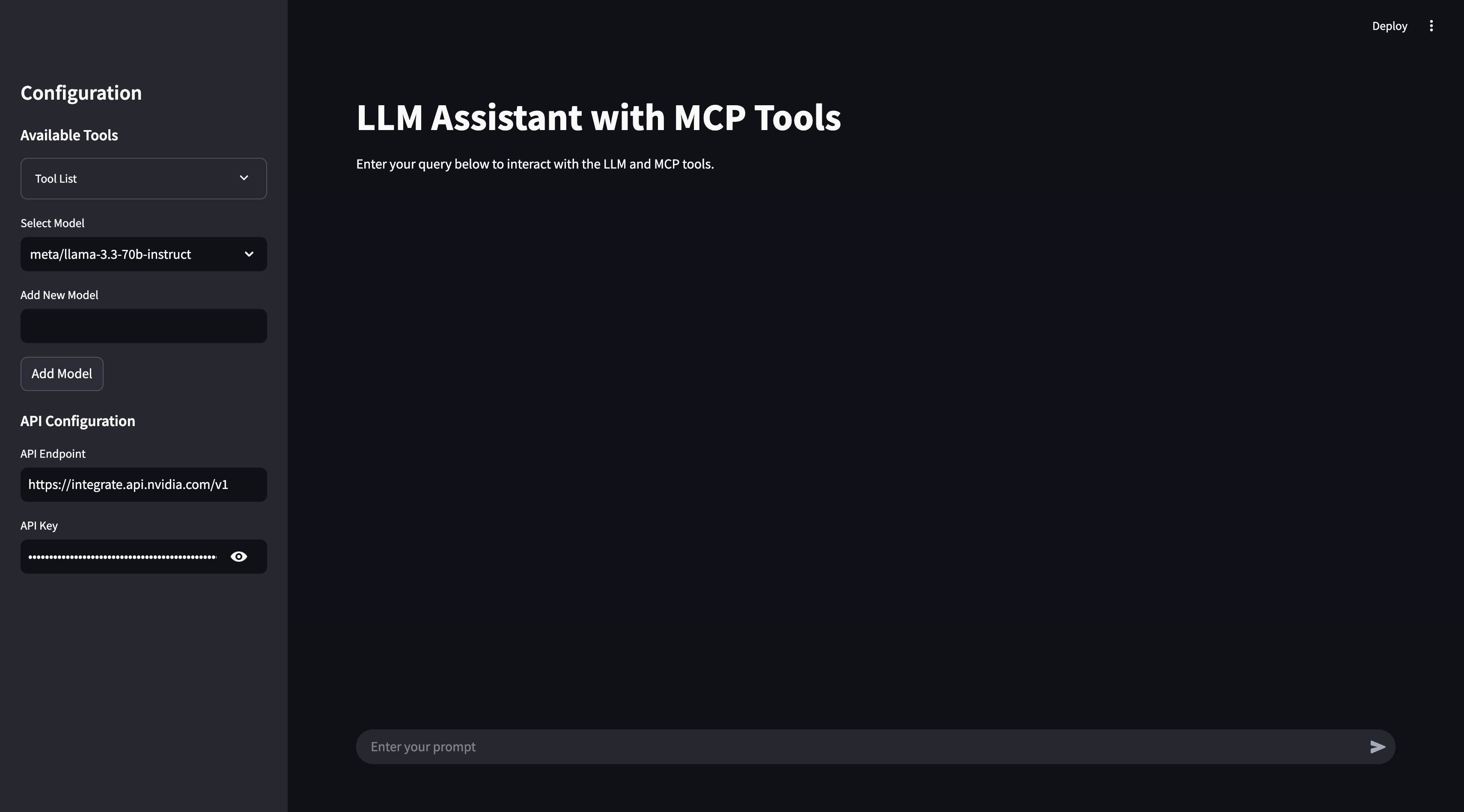
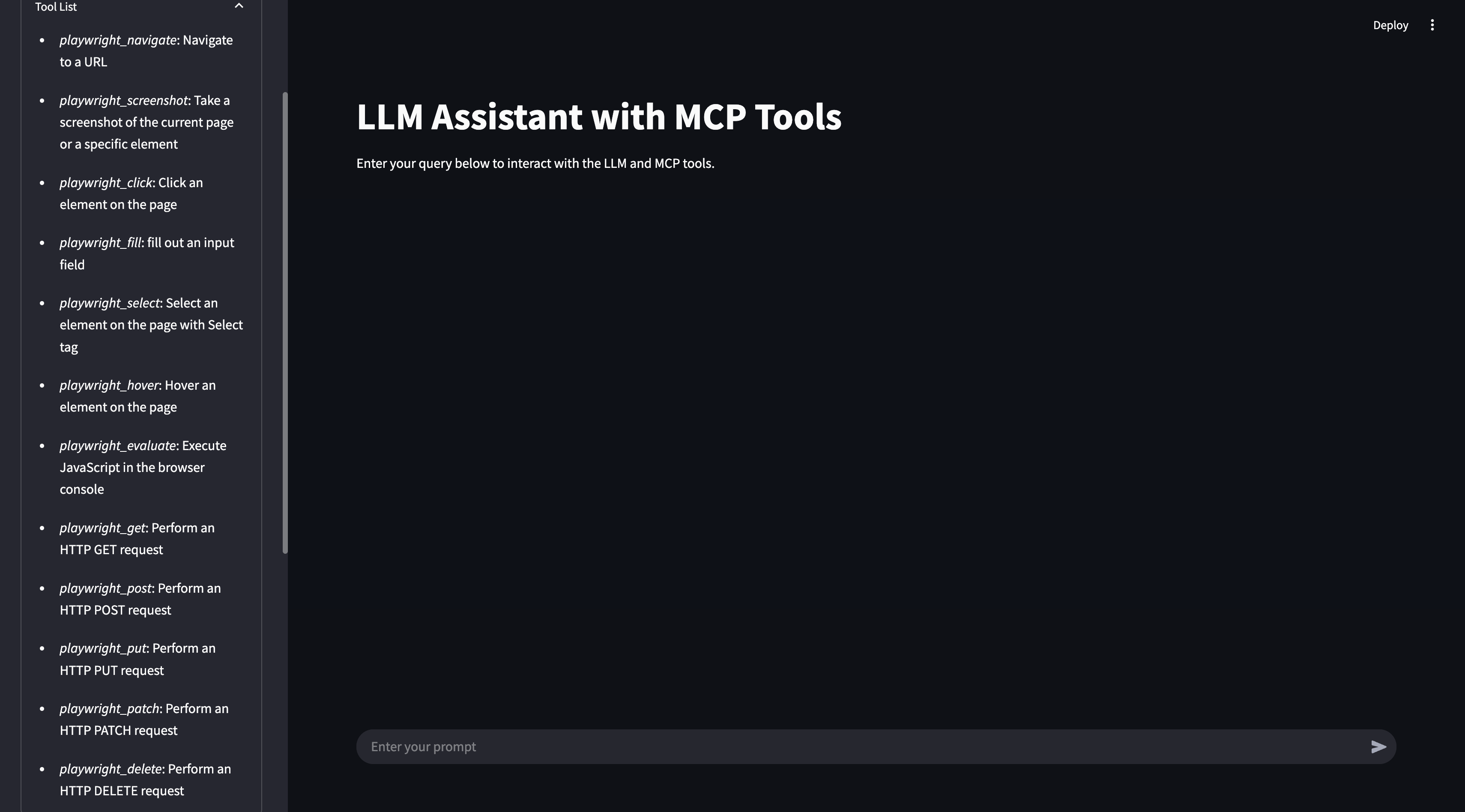
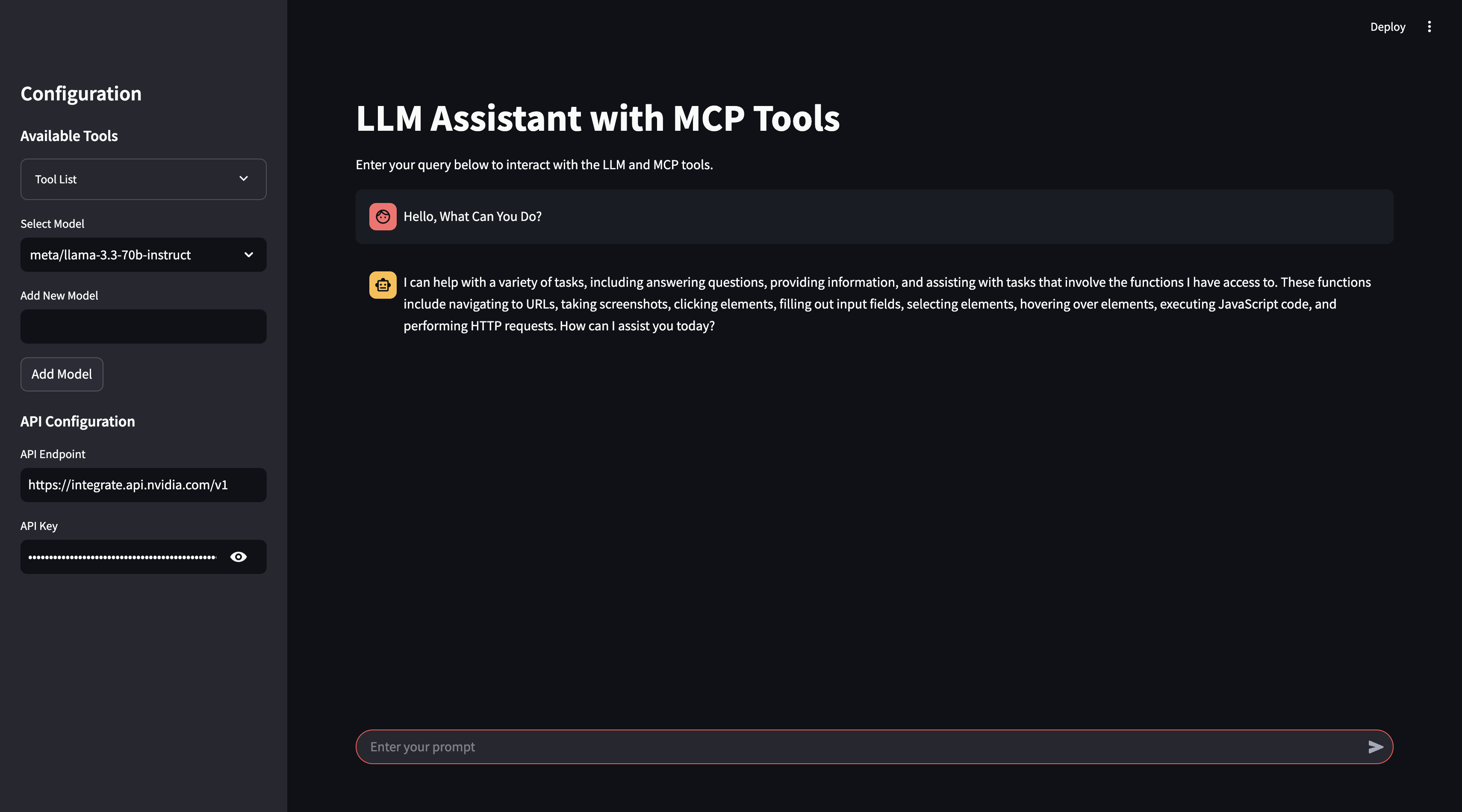
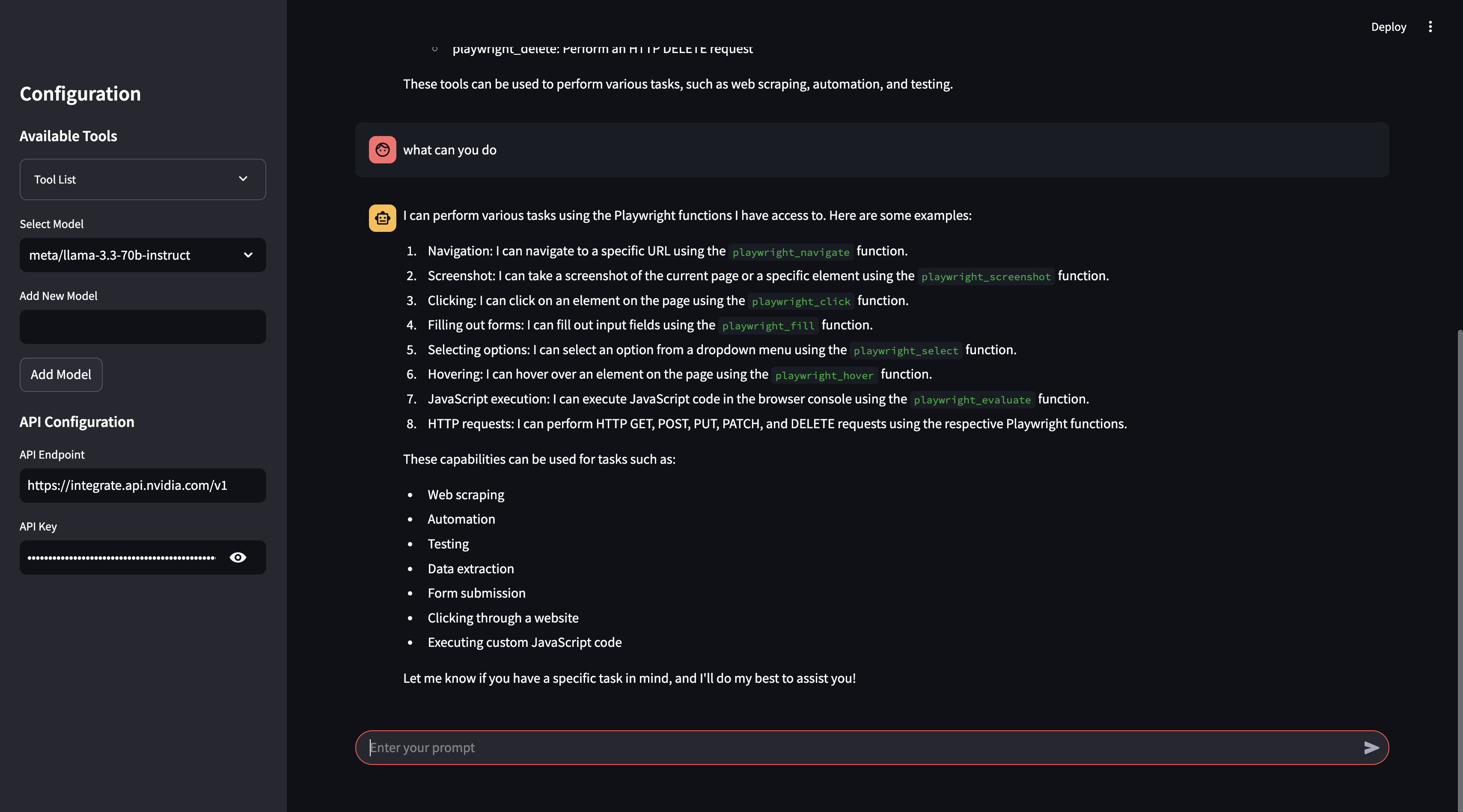
This project is an interactive AI assistant built with Streamlit, NVIDIA NIM's API (LLaMa 3.3:70b)/Ollama, and Model Control Protocol (MCP). It provides a conversational interface where you can interact with an LLM to execute real-time external tools via MCP, retrieve data, and perform actions seamlessly.
The assistant supports:
llama_mcp_streamlit/
│── ui/
│   ├── sidebar.py       # UI components for Streamlit sidebar
│   ├── chat_ui.py       # Chat interface components
│── utils/
│   ├── agent.py         # Handles interaction with LLM and tools
│   ├── mcp_client.py    # MCP client for connecting to external tools
│   ├── mcp_server.py    # Configuration for MCP server selection
│── config.py            # Configuration settings
│── main.py              # Entry point for the Streamlit app
.env                      # Environment variables
Dockerfile                # Docker configuration
pyproject.toml            # Poetry dependency management
Before running the project, configure the .env file with your API keys:
# Endpoint for the NVIDIA Integrate API
API_ENDPOINT=https://integrate.api.nvidia.com/v1
API_KEY=your_api_key_here

# Endpoint for the Ollama API
API_ENDPOINT=http://localhost:11434/v1/
API_KEY=ollama
poetry install
poetry run streamlit run llama_mcp_streamlit/main.py
docker build -t llama-mcp-assistant .
docker compose up
To modify which MCP server to use, update the utils/mcp_server.py file.
You can use either NPX or Docker as the MCP server:
server_params = StdioServerParameters(
    command="npx",
    args=[
        "-y",
        "@modelcontextprotocol/server-filesystem",
        "/Users/username/Desktop",
        "/path/to/other/allowed/dir"
    ],
    env=None,
)
server_params = StdioServerParameters(
    command="docker",
    args=[
        "run",
        "-i",
        "--rm",
        "--mount", "type=bind,src=/Users/username/Desktop,dst=/projects/Desktop",
        "--mount", "type=bind,src=/path/to/other/allowed/dir,dst=/projects/other/allowed/dir,ro",
        "--mount", "type=bind,src=/path/to/file.txt,dst=/projects/path/to/file.txt",
        "mcp/filesystem",
        "/projects"
    ],
    env=None,
)
Modify the server_params configuration as needed to fit your setup.
This project is licensed under the MIT License.
Feel free to submit pull requests or report issues!
For any questions, reach out via GitHub Issues.
Run Claude Code as an MCP server so any agent can delegate coding tasks to it
 @microsoft✓ Official
Browser automation using accessibility snapshots instead of screenshots
 @googleapis✓ Official
Google's universal MCP server supporting PostgreSQL, MySQL, MongoDB, Redis, and 10+ databases
 @github✓ Official
Official GitHub integration for repos, issues, PRs, and CI/CD workflows