

Are you the author? Sign in to claim
A universal MCP client with proxying feature to interact with MCP Servers which support STDIO transport.
Intercept and Proxy MCP Server Traffic Through Burp Suite / ZAP



The Appsecco MCP Client and Proxy is a security testing tool that lets you intercept, inspect, and modify Model Context Protocol (MCP) traffic using interception proxies like Burp Suite or ZAP.
It acts as a universal MCP client that can connect to any MCP server — local or remote — and route all traffic through your proxy of choice for security analysis.
mcp-remote, or direct HTTP/SSE endpointsnpx-based MCP servers)# Clone the repository
git clone https://github.com/appsecco/mcp-client-and-proxy.git
cd mcp-client-and-proxy
# Create and activate virtual environment
python3 -m venv venv && source venv/bin/activate
# Install Python dependencies
pip3 install -r requirements.txt
# Install Node.js dependencies (for backend traffic interception)
npm install -g global-agent
npm install undici
brew install proxychains-ngsudo apt-get install proxychainssudo yum install proxychainsCreate or edit mcp_config.json:
{
  "mcpServers": {
    "my-remote-mcp": {
      "url": "https://remote.example.com/mcp"
    }
  }
}
Launch Burp Suite listening on 127.0.0.1:8080 (the default).
# For remote MCP servers (direct-remote mode)
python3 app.py

# For local stdio / mcp-remote servers (starts local proxy on port 3000)
python3 app.py --start-proxy
The tool presents an interactive menu:
🔧 Appsecco MCP Client PST - Professional Security Testing
------------------------------------------------------------
Choose an option:
1. 🛠️  Call a tool
2. 📋 List tools again
3. 🔄 Switch server
4. 🚪 Exit
5. ℹ️  About Appsecco
Select a tool, provide arguments, and watch the traffic appear in Burp.
The tool automatically detects the connection mode from your mcp_config.json:
| Mode | Config | Subprocess? | Use Case |
|---|---|---|---|
| direct-remote | url field (no command) | No | Remote HTTP/SSE MCP endpoints |
| mcp-remote | command: npx with mcp-remote in args | Yes | Remote MCPs via npm bridge |
| stdio | command + args | Yes | Local MCP servers |
Connect directly to an HTTP/SSE MCP endpoint. No subprocess or local proxy needed — requests go straight through Burp to the remote server.
{
  "mcpServers": {
    "my-remote-mcp": {
      "url": "https://remote.example.com/mcp"
    }
  }
}
Run a local MCP server process and communicate via stdin/stdout. Use --start-proxy to route traffic through Burp via a local HTTP proxy on port 3000.
{
  "mcpServers": {
    "local-server": {
      "command": "python",
      "args": ["my_mcp_server.py"]
    }
  }
}
Use the mcp-remote npm package as a bridge to remote endpoints. Add env variables to route backend traffic through Burp (see Intercepting Backend Traffic).
{
  "mcpServers": {
    "remote-via-bridge": {
      "command": "npx",
      "args": ["-y", "mcp-remote", "https://remote.example.com/mcp"],
      "env": {
        "NODE_EXTRA_CA_CERTS": "/path/to/burp-ca.pem",
        "NODE_OPTIONS": "--require /path/to/proxy-bootstrap.js",
        "GLOBAL_AGENT_HTTP_PROXY": "http://127.0.0.1:8080",
        "GLOBAL_AGENT_HTTPS_PROXY": "http://127.0.0.1:8080"
      }
    }
  }
}
Add API keys, Bearer tokens, or custom headers to every request:
{
  "mcpServers": {
    "authenticated-mcp": {
      "url": "https://remote.example.com/mcp",
      "headers": {
        "Authorization": "Bearer your-api-key-or-token",
        "X-Custom-Header": "value"
      }
    }
  }
}
If the remote server returns 401 Unauthorized with a WWW-Authenticate: Bearer header, the tool automatically runs the MCP OAuth 2.1 flow:
To use pre-registered OAuth credentials:
{
  "mcpServers": {
    "oauth-mcp": {
      "url": "https://remote.example.com/mcp",
      "oauth_client_id": "your-client-id",
      "oauth_client_secret": "your-client-secret"
    }
  }
}
| Config Field | Required | Purpose |
|---|---|---|
headers | No | Static HTTP headers sent with every request |
oauth_client_id | No | Pre-registered OAuth client ID (skips dynamic registration) |
oauth_client_secret | No | OAuth client secret (for confidential clients) |
Note: If an
Authorizationheader is set inheaders, the OAuth flow will not run.
App → Burp (port 8080) → Remote MCP endpoint
App → Local Proxy (port 3000) → Burp (port 8080) → MCP Server (stdio)
                                                         ↓
                                              mcp-remote subprocess
                                                         ↓
                                              Burp (port 8080) → Remote MCP endpoint
By default, proxychains cannot intercept Node.js traffic because Node.js uses its own networking stack (libuv/undici) that bypasses LD_PRELOAD/DYLD_INSERT_LIBRARIES hooks. This tool solves this with:
HTTP_PROXY/HTTPS_PROXY env vars — automatically set on the MCP subprocessproxy-bootstrap.js — patches both Node.js's legacy http/https modules (via global-agent) and native fetch/undici dispatcher (via undici's ProxyAgent)Step 1: Export Burp's CA certificate as PEM
In Burp Suite: Proxy → Options → Import/export CA certificate → Export Certificate in DER format
openssl x509 -inform DER -in burp-ca.crt -out burp-ca.pem
Step 2: Find your global-agent install path
npm root -g
# e.g. /usr/local/lib/node_modules
Step 3: Update proxy-bootstrap.js
Edit the require(...) path to match your system:
const { bootstrap } = require('/path/to/node_modules/global-agent');
bootstrap();

const { ProxyAgent, setGlobalDispatcher } = require('undici');
const proxyUrl = process.env.GLOBAL_AGENT_HTTPS_PROXY || 'http://127.0.0.1:8080';
setGlobalDispatcher(new ProxyAgent(proxyUrl));
Step 4: Configure mcp_config.json
Add the env block to your MCP server entry:
{
  "mcpServers": {
    "My MCP Server": {
      "command": "npx",
      "args": ["-y", "mcp-remote", "https://your-mcp-server.example.com/mcp"],
      "env": {
        "NODE_EXTRA_CA_CERTS": "/path/to/burp-ca.pem",
        "NODE_OPTIONS": "--require /path/to/proxy-bootstrap.js",
        "GLOBAL_AGENT_HTTP_PROXY": "http://127.0.0.1:8080",
        "GLOBAL_AGENT_HTTPS_PROXY": "http://127.0.0.1:8080"
      }
    }
  }
}
| Field | Purpose |
|---|---|
NODE_EXTRA_CA_CERTS | Trusts Burp's CA cert so TLS validation passes through the proxy |
NODE_OPTIONS | Loads proxy-bootstrap.js before any other code runs |
GLOBAL_AGENT_HTTP_PROXY / GLOBAL_AGENT_HTTPS_PROXY | Proxy URL for global-agent and proxy-bootstrap.js |
Once configured, all traffic — including HTTPS from mcp-remote to remote endpoints — will appear in Burp.
python3 app.py [OPTIONS]

Options:
  -h, --help                      Show help message
  --config CONFIG, -c CONFIG      MCP config file (default: mcp_config.json)
  --proxy PROXY, -p PROXY         Burp/ZAP proxy URL (default: http://127.0.0.1:8080)
  --start-proxy                   Start local HTTP proxy server for Burp inspection
  --proxy-port PROXY_PORT         Local proxy server port (default: 3000)
  --no-burp                       Disable routing through Burp/ZAP proxy
  --no-proxychains                Disable proxychains for subprocess traffic
  --no-ssl-bypass                 Keep SSL certificate verification enabled
  --no-analytics                  Disable anonymous usage analytics
  --debug                         Enable verbose debug output
  --log-file LOG_FILE, -l LOG_FILE
                                  Path to session log file
                                  (default: logs/session_<timestamp>.log)
# Standard usage with Burp interception (local servers)
python3 app.py --start-proxy

# Direct remote MCP (no local proxy needed)
python3 app.py

# Custom config file
python3 app.py --config my_servers.json --start-proxy

# Custom proxy URL (e.g. ZAP on port 8081)
python3 app.py --proxy http://127.0.0.1:8081 --start-proxy

# Without Burp (direct connections only)
python3 app.py --no-burp --no-proxychains

# Debug mode for troubleshooting
python3 app.py --debug --start-proxy

# Write the session log to a custom path
python3 app.py --log-file /tmp/my-session.log
Every run mirrors all CLI output (stdout + stderr) to a log file so you can review an engagement later or share findings with teammates.
logs/session_<YYYYMMDD_HHMMSS>.log (the logs/ directory is auto-created)python3 app.py --log-file /path/to/session.log (or -l)===== Session started <timestamp> (pid <pid>) ===== header so reused files stay traceablelogs/ and *.log are in .gitignore so session output is never accidentally committedNote: The log captures output the tool prints, including prompts. User input typed at interactive prompts is not captured.
This tool includes optional anonymous usage analytics.
What's tracked: startup arguments, session start/end, count of MCP servers, error rates, basic system info (OS, Python version)
What's NOT tracked: personal data, URLs, testing targets, traffic content, credentials
Opt-out:
python3 app.py --no-analytics
# or
export MCP_ANALYTICS_DISABLED=true
Debug analytics (see what's being sent):
export MCP_ANALYTICS_DEBUG=true
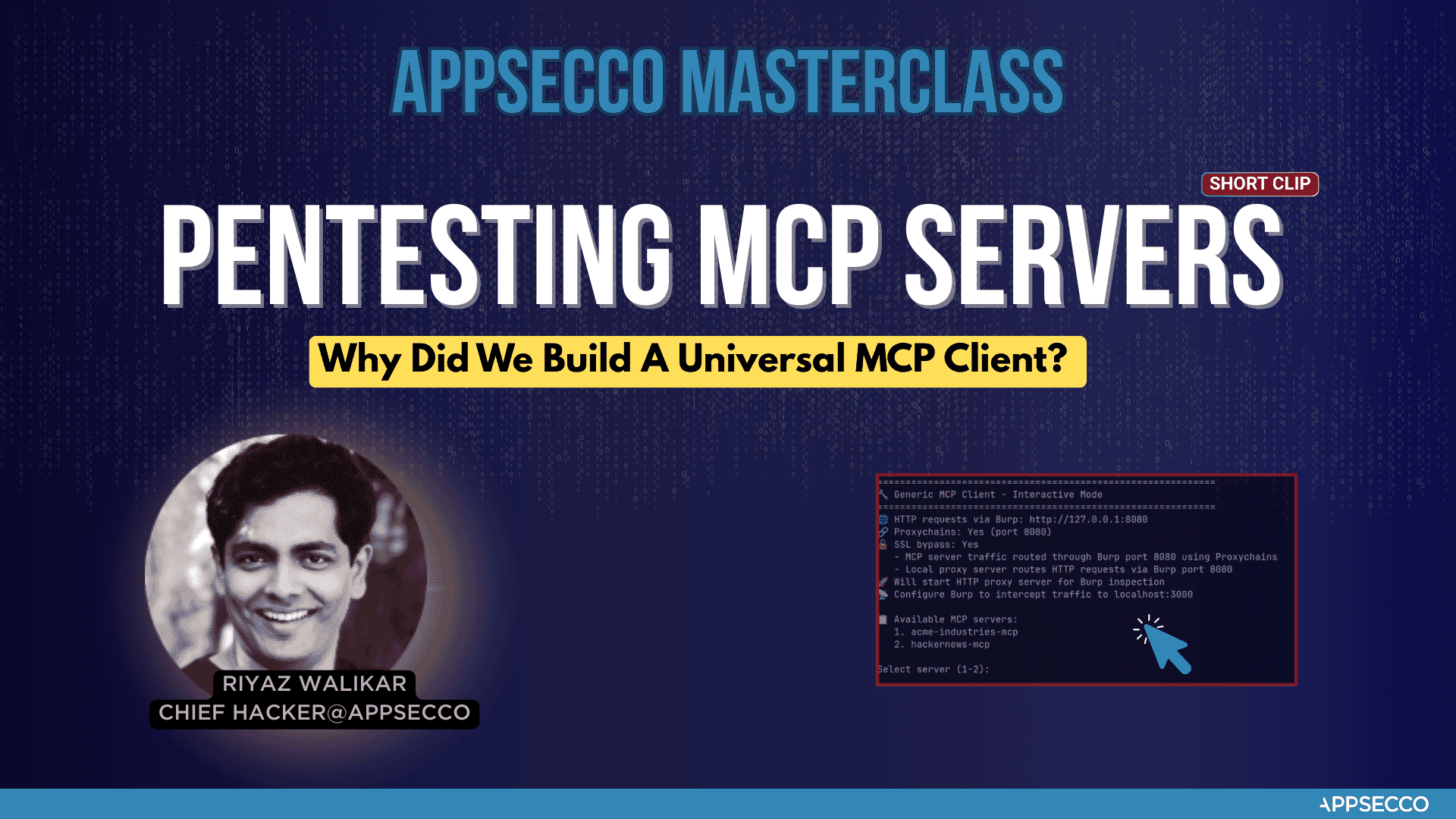
We built this tool when we had to test the security of an MCP server for a Fortune 500 FinTech company. It worked well for our Burp Suite workflow, and we felt others in the security community could benefit from it too.
Appsecco is a leading cybersecurity company specializing in:
This MCP Client Proxy tool is part of our professional security toolkit designed for security researchers, penetration testers, and security professionals who need a tool to intercept and proxy MCP Local and Remote Server traffic through an interception proxy like Burp/ZAP.
This project is licensed under the MIT License — see the LICENSE file for details.
Built by Riyaz & Akash for the cybersecurity community.
Appsecco — We Hack Your Products & Infra Before Attackers Do
Run Claude Code as an MCP server so any agent can delegate coding tasks to it
 @microsoft✓ Official
Browser automation using accessibility snapshots instead of screenshots
 @googleapis✓ Official
Google's universal MCP server supporting PostgreSQL, MySQL, MongoDB, Redis, and 10+ databases
 @github✓ Official
Official GitHub integration for repos, issues, PRs, and CI/CD workflows