

Are you the author? Sign in to claim
MCP (Model Context Protocol) server that enables AI assistants to interact with Storybook design systems. Extract compon
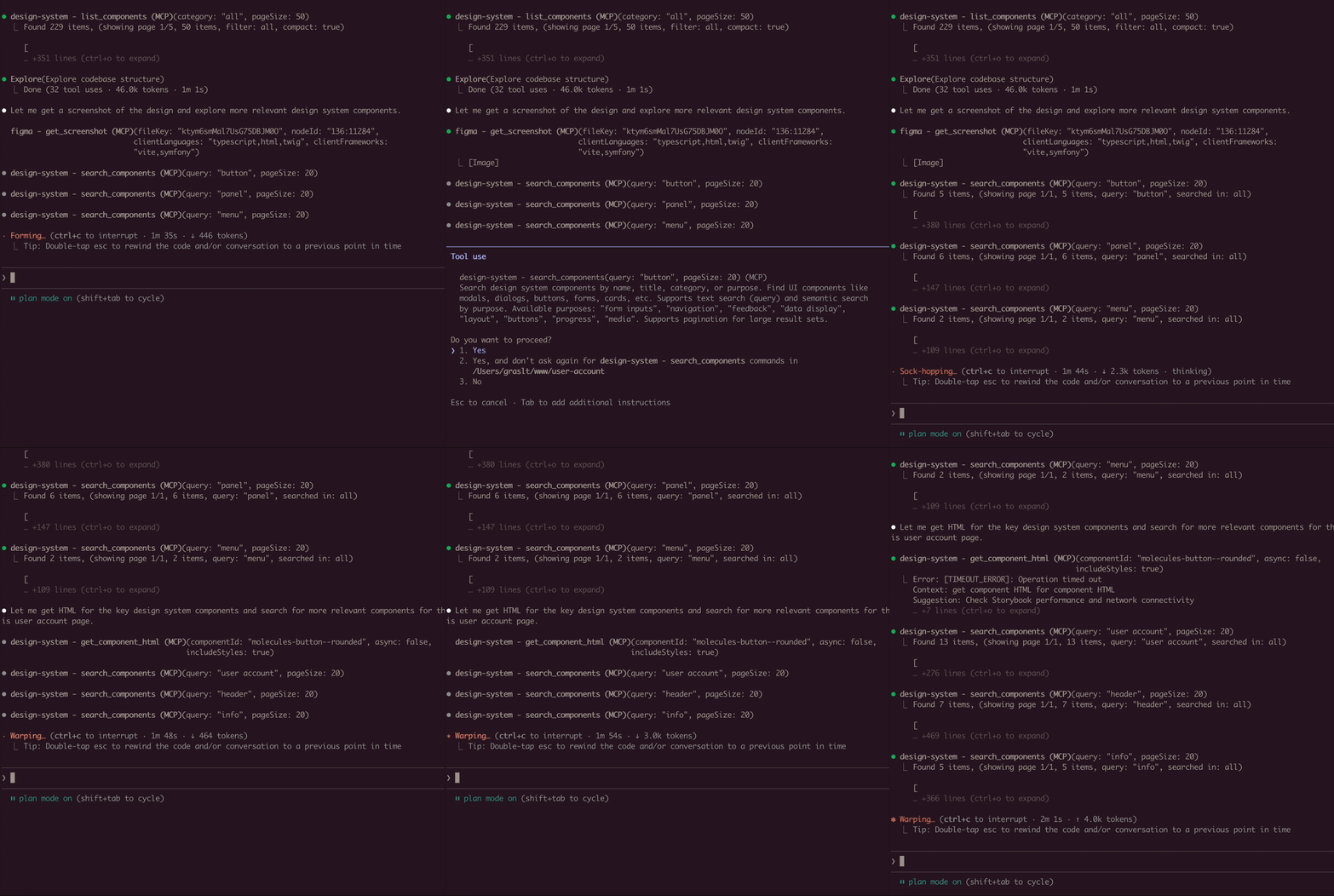
A Model Context Protocol (MCP) server that extracts component information from Storybook design systems. Connects to Storybook instances and extracts HTML, styles, and component metadata.
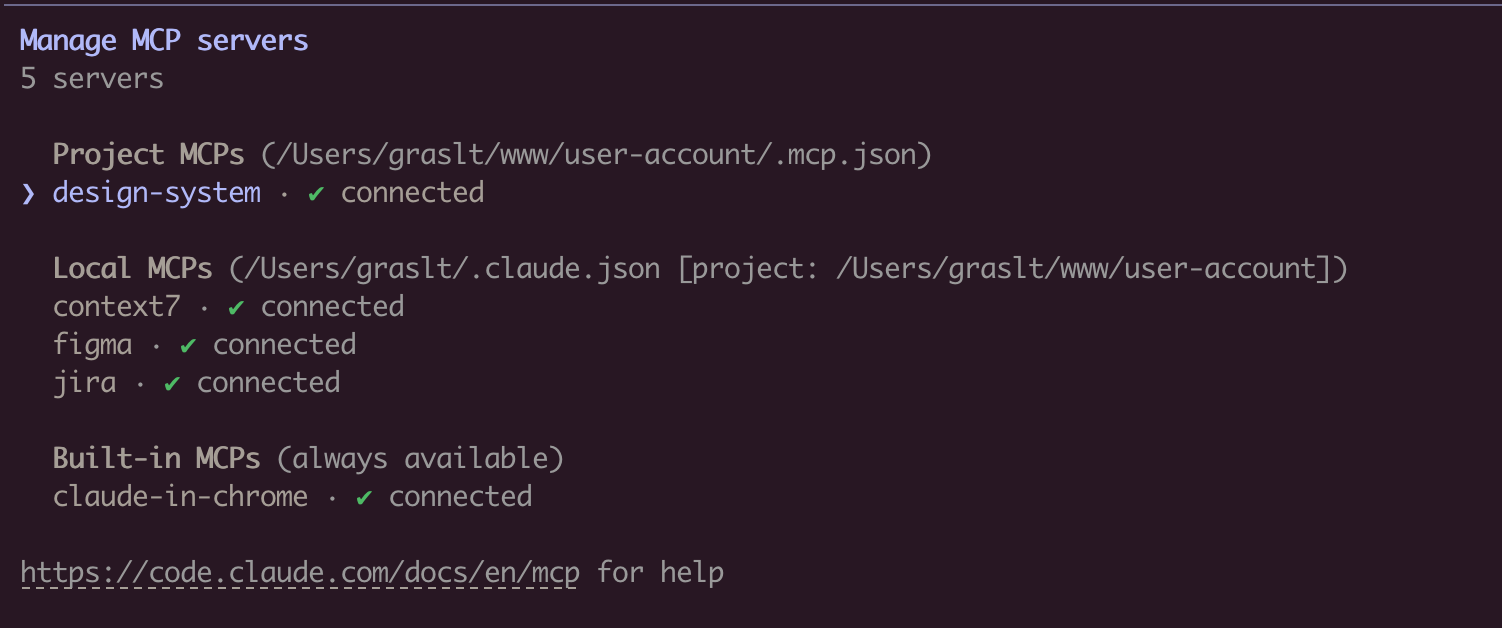
claude mcp add design-system npx mcp-design-system-extractor@latest \
  --env STORYBOOK_URL=http://localhost:6006
With self-signed certificate:
claude mcp add design-system npx mcp-design-system-extractor@latest \
  --env STORYBOOK_URL=https://my-storybook.example.com \
  --env NODE_TLS_REJECT_UNAUTHORIZED=0
npm install -g mcp-design-system-extractor
Then configure in your MCP client (see Environment Variables).
git clone https://github.com/freema/mcp-design-system-extractor.git
cd mcp-design-system-extractor
npm install && npm run build
npm run setup  # Interactive setup for Claude Desktop
| Variable | Description | Default |
|---|---|---|
STORYBOOK_URL | URL of your Storybook instance | http://localhost:6006 |
NODE_TLS_REJECT_UNAUTHORIZED | Set to 0 to skip SSL certificate verification (for self-signed certs) | 1 |
Example with self-signed certificate:
{
  "mcpServers": {
    "design-system": {
      "command": "node",
      "args": ["/path/to/dist/index.js"],
      "env": {
        "STORYBOOK_URL": "https://my-storybook.example.com",
        "NODE_TLS_REJECT_UNAUTHORIZED": "0"
      }
    }
  }
}
See DEVELOPMENT.md for detailed setup instructions.
list_components
compact: true for minimal output (reduces response size)category parameterpage and pageSize (default: 20)get_component_html
job_id, use job_status to poll for resultsasync: false for synchronous mode (uses timeout parameter)variantsOnly: true to get list of available variants (sync, fast)includeStyles: true for CSS extraction (Storybook CSS filtered out)"component-name--story-name" or just "component-name" (auto-resolves to default variant)search_components
query: Search term (use "*" for all)purpose: Find by function ("form inputs", "navigation", "feedback", "buttons", etc.)searchIn: "name", "title", "category", or "all" (default)page and pageSize"component-name--story-name"get_theme_info
includeAll: true for all CSS variablesget_external_css
includeFullCSS: true only when you need full CSS contentjob_status
status, result (when completed), error (when failed)get_component_html in async modejob_cancel
job_list
status: "all" (default), "active" (queued/running), "completed"// List all components (compact mode recommended)
await list_components({ compact: true });
// Search for components
await search_components({ query: "button", searchIn: "name" });
// Find components by purpose
await search_components({ purpose: "form inputs" });
// Get variants for a component
await get_component_html({
componentId: "button",
variantsOnly: true
});
// Returns: { variants: ["primary", "secondary", "disabled"] }
// Get HTML (async mode - default)
await get_component_html({ componentId: "button--primary" });
// Returns: { job_id: "job_xxx", status: "queued" }
// Poll for result
await job_status({ job_id: "job_xxx" });
// Returns: { status: "completed", result: { html: "...", classes: [...] } }
// Get HTML (sync mode)
await get_component_html({
componentId: "button--primary",
async: false,
timeout: 30000
});
// Returns: { html: "...", classes: [...] }
// Get HTML with styles
await get_component_html({
componentId: "button--primary",
async: false,
includeStyles: true
});
// Check all running jobs
await job_list({ status: "active" });
// Extract theme info
await get_theme_info({ includeAll: false });
// Get design tokens from CSS
await get_external_css({
cssUrl: "https://my-storybook.com/assets/main.css"
});
list_components with compact: trueget_component_html with variantsOnly: truesearch_components with purpose parameterOnce connected, you can use natural language prompts with Claude:
Component Discovery:
Show me all available button components in the design system
Building New Features:
I need to create a user profile card. Find relevant components
from the design system and show me their HTML structure.
Design System Analysis:
Extract the color palette and typography tokens from the design system.
I want to ensure my new component matches the existing styles.
Component Migration:
Get the HTML and styles for the "alert" component. I need to
recreate it in a different framework while keeping the same look.
Multi-Tool Workflow:
First list all form-related components, then get the HTML for
the input and select components. I'm building a registration form.
Connects to Storybook via /index.json and /iframe.html endpoints. Uses Puppeteer with headless Chrome for dynamic JavaScript rendering. Long-running operations use an in-memory job queue with max 2 concurrent jobs and 1-hour TTL for completed jobs.
STORYBOOK_URL is correctlist_components first to see available componentsjob_status/index.json endpoint directly in browserNODE_TLS_REJECT_UNAUTHORIZED=0 for self-signed certificatesSee DEVELOPMENT.md for detailed development instructions.
Created by Tomáš Grasl
MIT
Run Claude Code as an MCP server so any agent can delegate coding tasks to it
 @microsoft✓ Official
Browser automation using accessibility snapshots instead of screenshots
 @googleapis✓ Official
Google's universal MCP server supporting PostgreSQL, MySQL, MongoDB, Redis, and 10+ databases
 @github✓ Official
Official GitHub integration for repos, issues, PRs, and CI/CD workflows