

Are you the author? Sign in to claim
simple web ui to manage mcp (model context protocol) servers in the claude app
A simple web GUI to manage Model Context Protocol (MCP) servers for the Claude Desktop app on MacOS easily. Just follow the instructions and paste a few commands to give your Claude app instant superpowers.
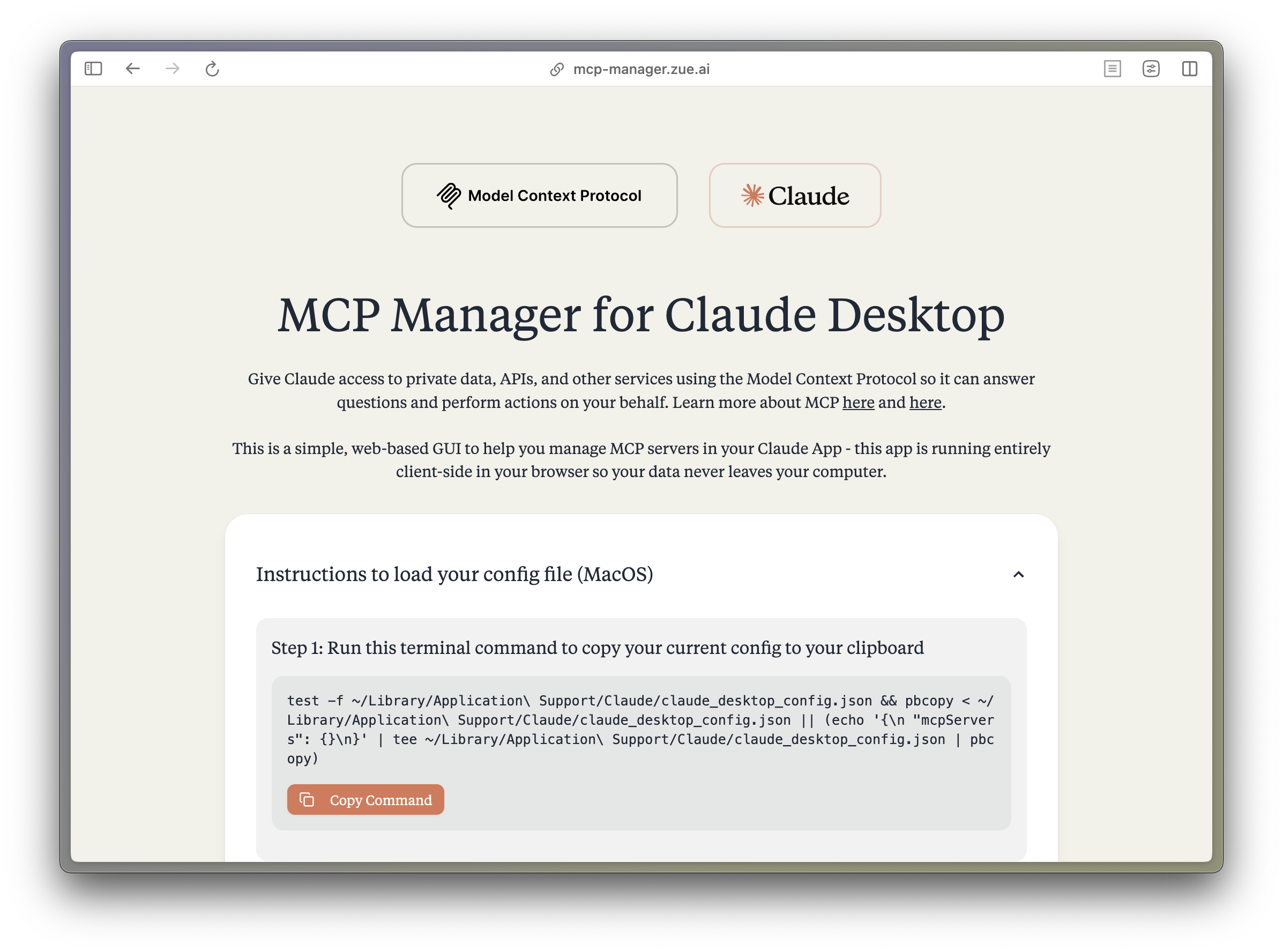
The Model Context Protocol (MCP) enables Claude to access private data, APIs, and other services to answer questions and perform actions on your behalf. Learn more about MCP at:
src/
├── components/ # React components
│ ├── server-configs/ # Server-specific configuration components
│ └── ...
├── assets/ # Static assets and fonts
├── App.tsx # Main application component
├── server-configs.ts # MCP server configurations
└── utils.ts # Utility functions
Install dependencies:
bun install
Start the dev server:
bun dev
Build for production:
bun run build
Contributions are extremely welcome! Please open a PR with new MCP servers or any other improvements to the codebase. PS. I wasnt able to get fetch, time, and sentry working, if you can help me out, that would be great!
This project is not affiliated with Anthropic. All logos are trademarks of their respective owners.
MIT


Contact us for custom AI automation solutions and product development.
Run Claude Code as an MCP server so any agent can delegate coding tasks to it
 @microsoft✓ Official
Browser automation using accessibility snapshots instead of screenshots
 @googleapis✓ Official
Google's universal MCP server supporting PostgreSQL, MySQL, MongoDB, Redis, and 10+ databases
 @github✓ Official
Official GitHub integration for repos, issues, PRs, and CI/CD workflows