

Are you the author? Sign in to claim
🧠 𝑴𝒆𝒎𝒐𝒓𝒚-𝑷𝒍𝒖𝒔 is a lightweight, local RAG memory store for MCP agents. Easily record, retrieve, update, delet




A lightweight, local Retrieval-Augmented Generation (RAG) memory store for MCP agents. Memory-Plus lets your agent record, retrieve, update, and visualize persistent "memories"—notes, ideas, and session context—across runs.
🏆 First Place at the Infosys Cambridge AI Centre Hackathon!
resources to teach your AI exactly when (and when not) to recall past interactions.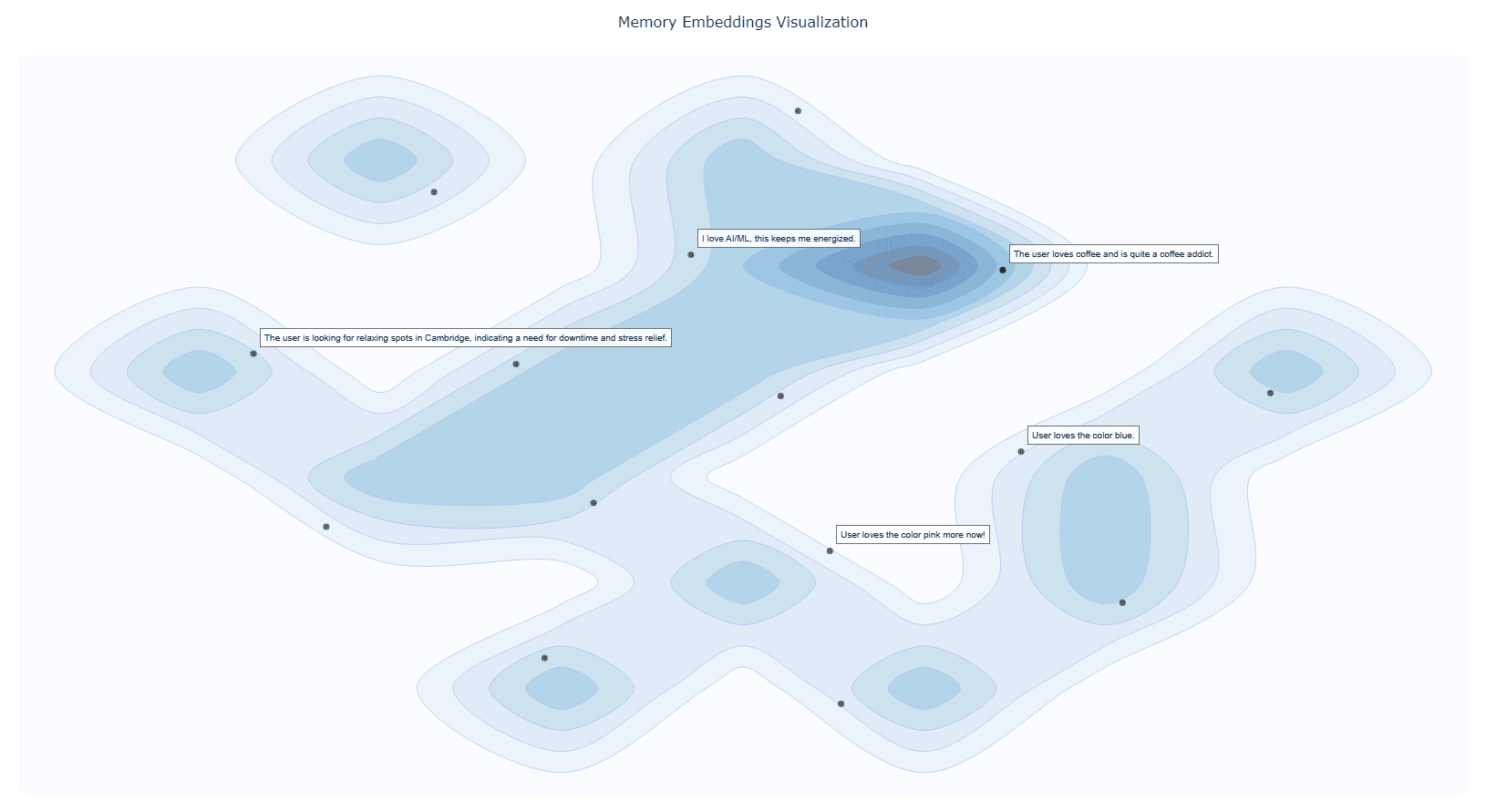
Google API Key
Obtain from Google AI Studio and set as GOOGLE_API_KEY in your environment.
Note that we will only use the
Gemini Embedding APIwith this API key, so it is Entirely Free for you to use!
# macOS/Linux
export GOOGLE_API_KEY="<YOUR_API_KEY>"

# Windows (PowerShell)
setx GOOGLE_API_KEY "<YOUR_API_KEY>"
UV Runtime Required to serve the MCP plugin.
pip install uv
Or install via shell scripts:
# macOS/Linux
curl -LsSf https://astral.sh/uv/install.sh | sh

# Windows (PowerShell)
powershell -ExecutionPolicy ByPass -c "irm https://astral.sh/uv/install.ps1 | iex"
Click the badge below to automatically install and configure Memory-Plus in VS Code:
This will add the following to your settings.json:
  {
    "mcpServers": {
      //...,  your other MCP servers
      "memory-plus": {
        "command": "uvx",
        "args": [
          "-q",
          "memory-plus@latest"
        ],
      }
    }
  }
For cursor, go to file -> Preferences -> Cursor Settings -> MCP and add the above config.
If you didn't add the GOOGLE_API_KEY to your secrets / environment variables, you can add it with:
"env": {
        "GOOGLE_API_KEY": "<YOUR_API_KEY>"
      }
just after the args array with in the memory-plus dictionary.
For Cline add the following to your cline_mcp_settings.json:
{
  "mcpServers": {
    //...,  your other MCP servers
    "memory-plus": {
      "disabled": false,
      "timeout": 300,
      "command": "uvx",
      "args": [
        "-q",
        "memory-plus@latest"
      ],
      "env": {
        "GOOGLE_API_KEY": "${{ secrets.GOOGLE_API_KEY }}"
      },
      "transportType": "stdio"
    }
  }
}
For other IDEs it should be mostly similar to the above.
Using MCP Inspector, you can test the memory-plus server locally.
git clone https://github.com/Yuchen20/Memory-Plus.git
cd Memory-Plus
npx @modelcontextprotocol/inspector fastmcp run run .\\memory_plus\\mcp.py
Or If you prefer using this MCP in an actual Chat Session. There is a template chatbot in agent.py.
# Clone the repository
git clone https://github.com/Yuchen20/Memory-Plus.git
cd Memory-Plus

# Install dependencies
pip install uv
uv pip install fast-agent-mcp
uv run fast-agent setup
setup the fastagent.config.yaml and fastagent.secrets.yaml with your own API keys.
# Run the agent
uv run agent_memory.py
If you have any feature requests, please feel free to add them by adding a new issue or by adding a new entry in the Feature Request
This project is licensed under the Apache License 2.0. See LICENSE for details.
Run Claude Code as an MCP server so any agent can delegate coding tasks to it
 @microsoft✓ Official
Browser automation using accessibility snapshots instead of screenshots
 @googleapis✓ Official
Google's universal MCP server supporting PostgreSQL, MySQL, MongoDB, Redis, and 10+ databases
 @github✓ Official
Official GitHub integration for repos, issues, PRs, and CI/CD workflows

