

Are you the author? Sign in to claim
Desktop AI chat app unifying local Ollama models with OpenAI and Claude — includes an agentic mode where the model can r


A cross-platform desktop client that unifies local and cloud AI models in one interface: Ollama for local inference, plus OpenAI and Anthropic for cloud models. Built with Electron, React, and TypeScript.
Beyond chat, Modelforge includes an agentic mode — the model can read/write files and run shell commands in a folder you choose, with every action gated behind your explicit approval.
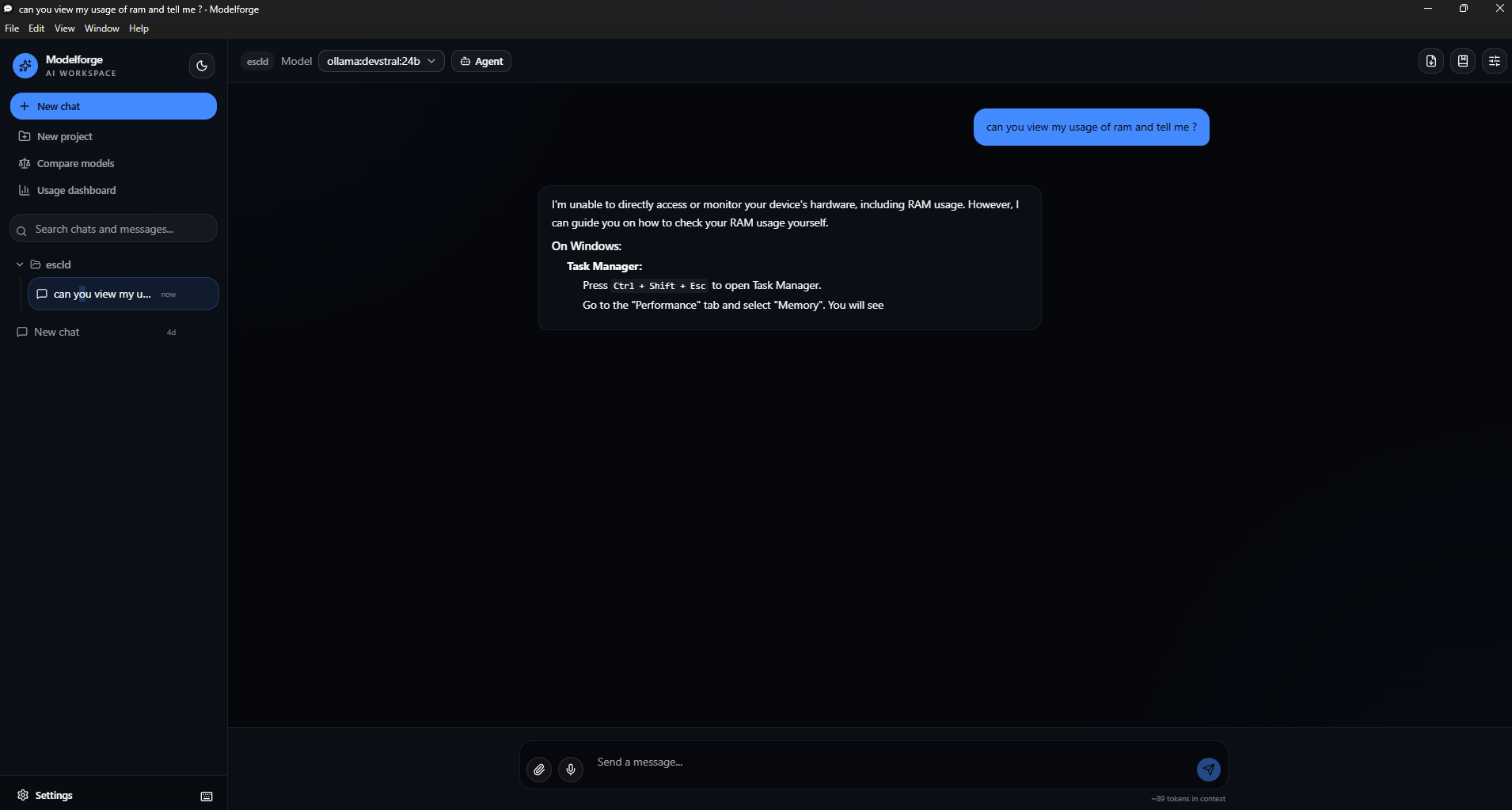
Chat & providers
Organization
{{variables}} (e.g. {{topic}}) that you fill in each time you apply one, and edits keep version history so a bad change can be restored.Ctrl/Cmd+K) — jump between chats, projects, settings, and Compare without touching the mouse.Ctrl/Cmd+/, or the keyboard icon next to Settings) — everything you can do without the mouse, in one place.Files & retrieval
Agent mode — see the dedicated section below.
Automation
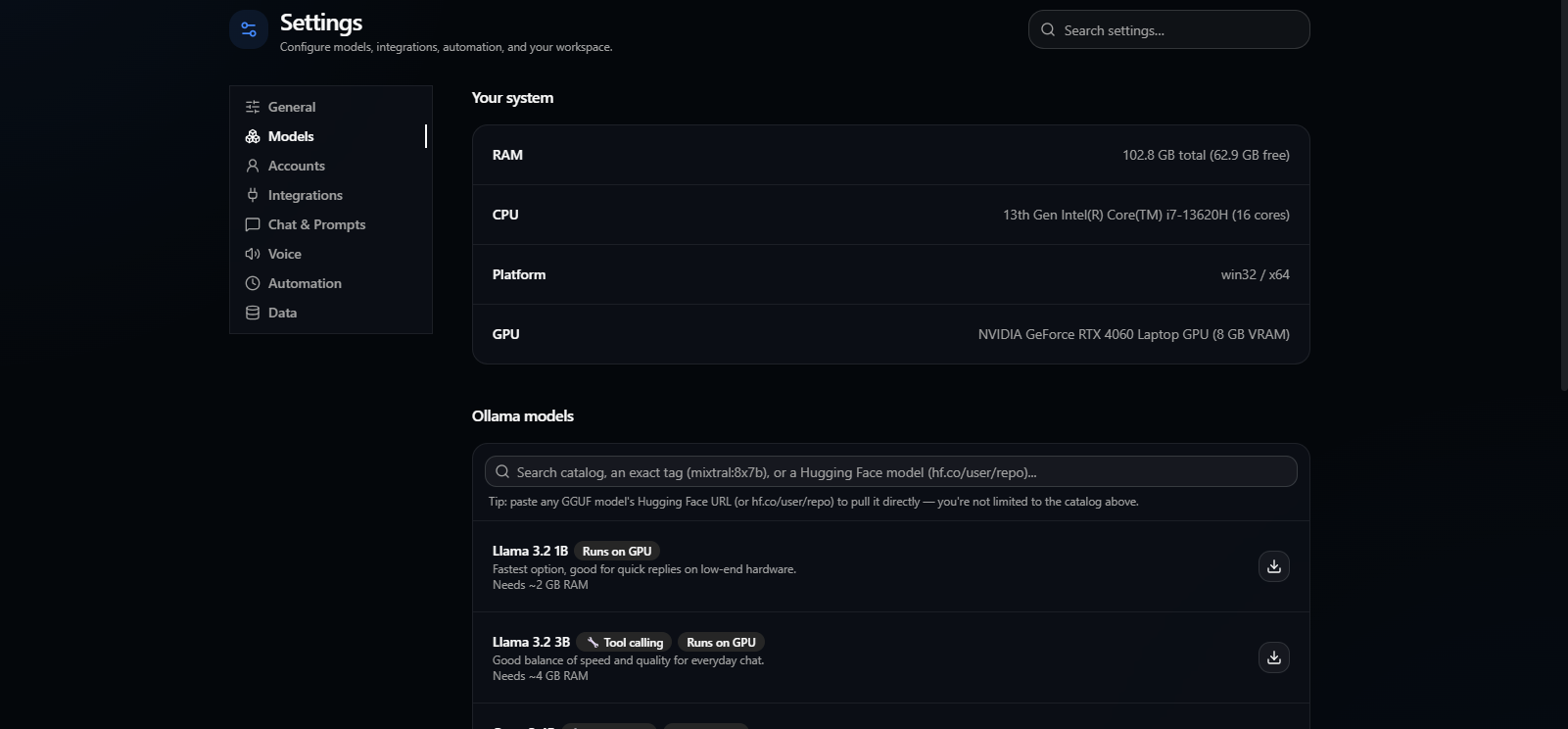
Models & hardware
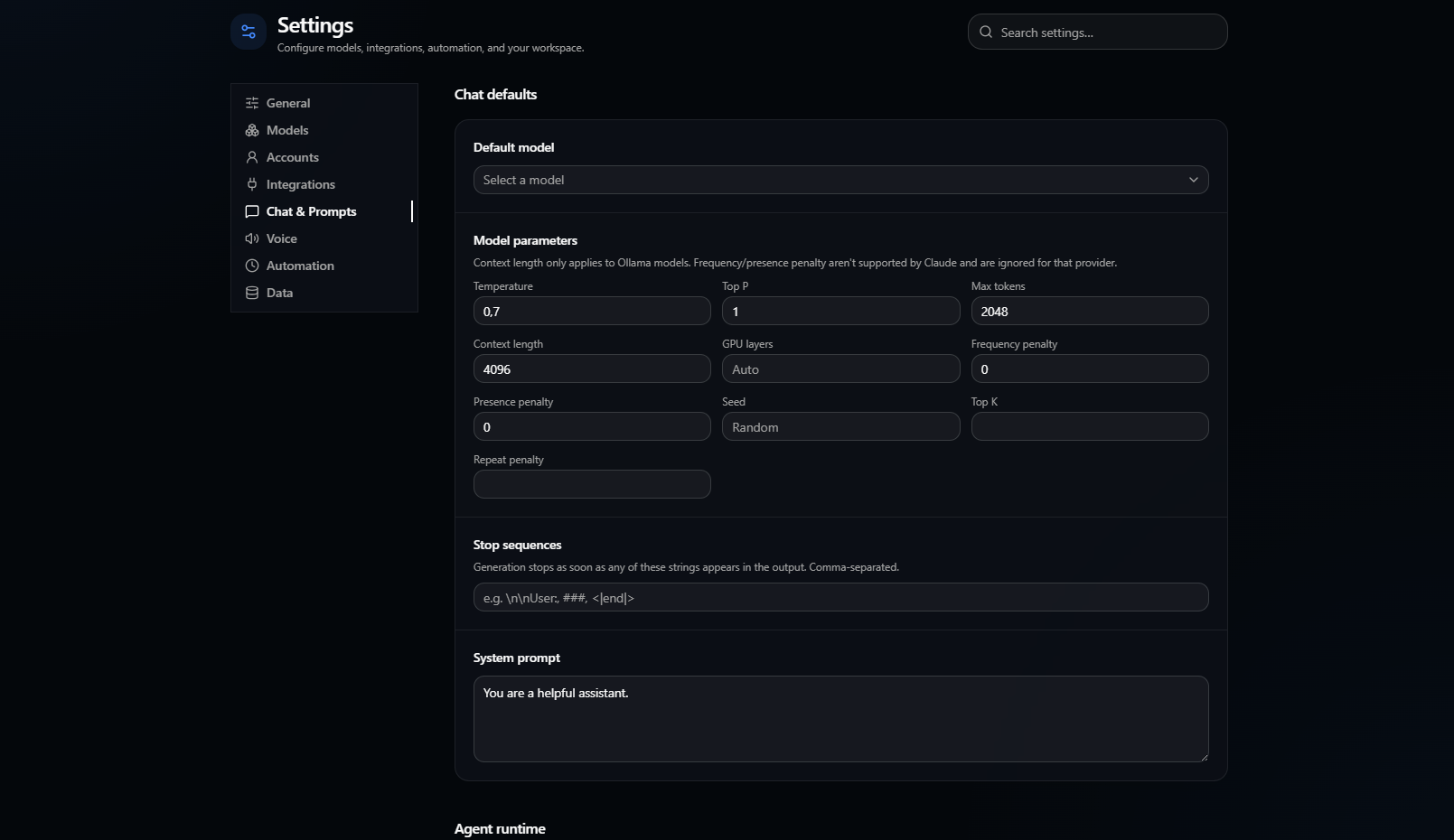
num_gpu) per chat, per project, or as a global default; leave it blank to let Ollama decide automatically.hf.co/user/repo tag or a full URL still works too, for Ollama's own pull mechanism.Customization & control
Voice
Download the latest installer for your platform from the Releases page.
| Platform | File | Notes |
|---|---|---|
| Windows | Modelforge Setup *.exe | Unsigned — Windows SmartScreen will warn on first run ("Unknown publisher"); click More info → Run anyway. |
| macOS | Modelforge-*.dmg (Intel) / Modelforge-*-arm64.dmg (Apple Silicon) | ⚠️ Not yet verified on real hardware. Builds for both architectures and should run — Electron is cross-platform and nothing in this codebase is OS-specific — but no one has confirmed it on an actual Mac. Also unsigned/unnotarized, so Gatekeeper will block it until you right-click → Open. Please open an issue if you try it, either way. |
| Linux | Modelforge-*.AppImage | Make it executable (chmod +x) and run directly, or use your AppImage launcher of choice. |
No installer signing certificate is configured yet, so every platform will show some form of "unknown publisher" warning on first launch — this is expected for an unsigned build, not a sign of a corrupted download.
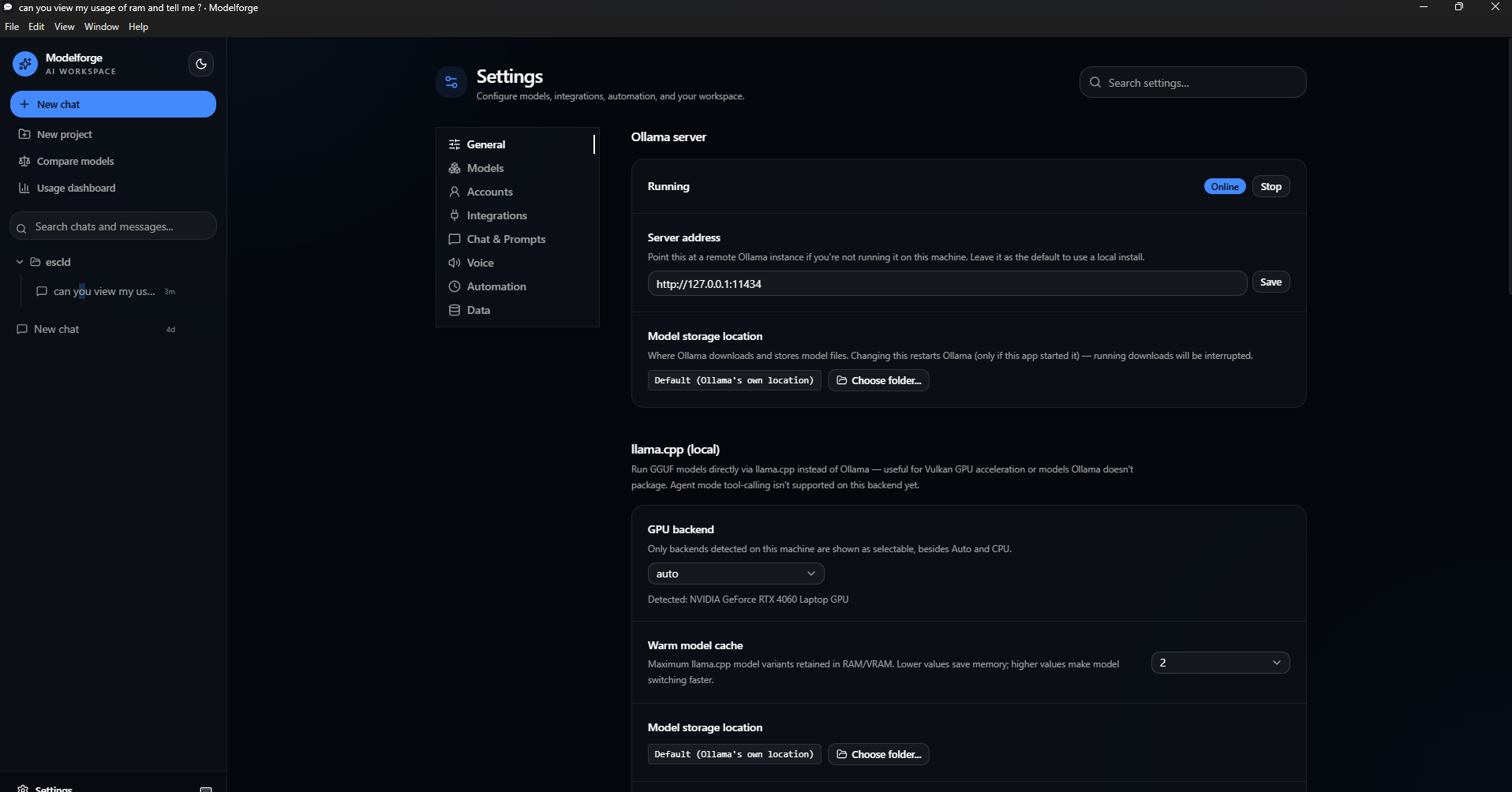
Modelforge talks to a local Ollama install by default — no API key required. OpenAI and Anthropic support is optional: add your API key in Settings only if you want to use those providers.
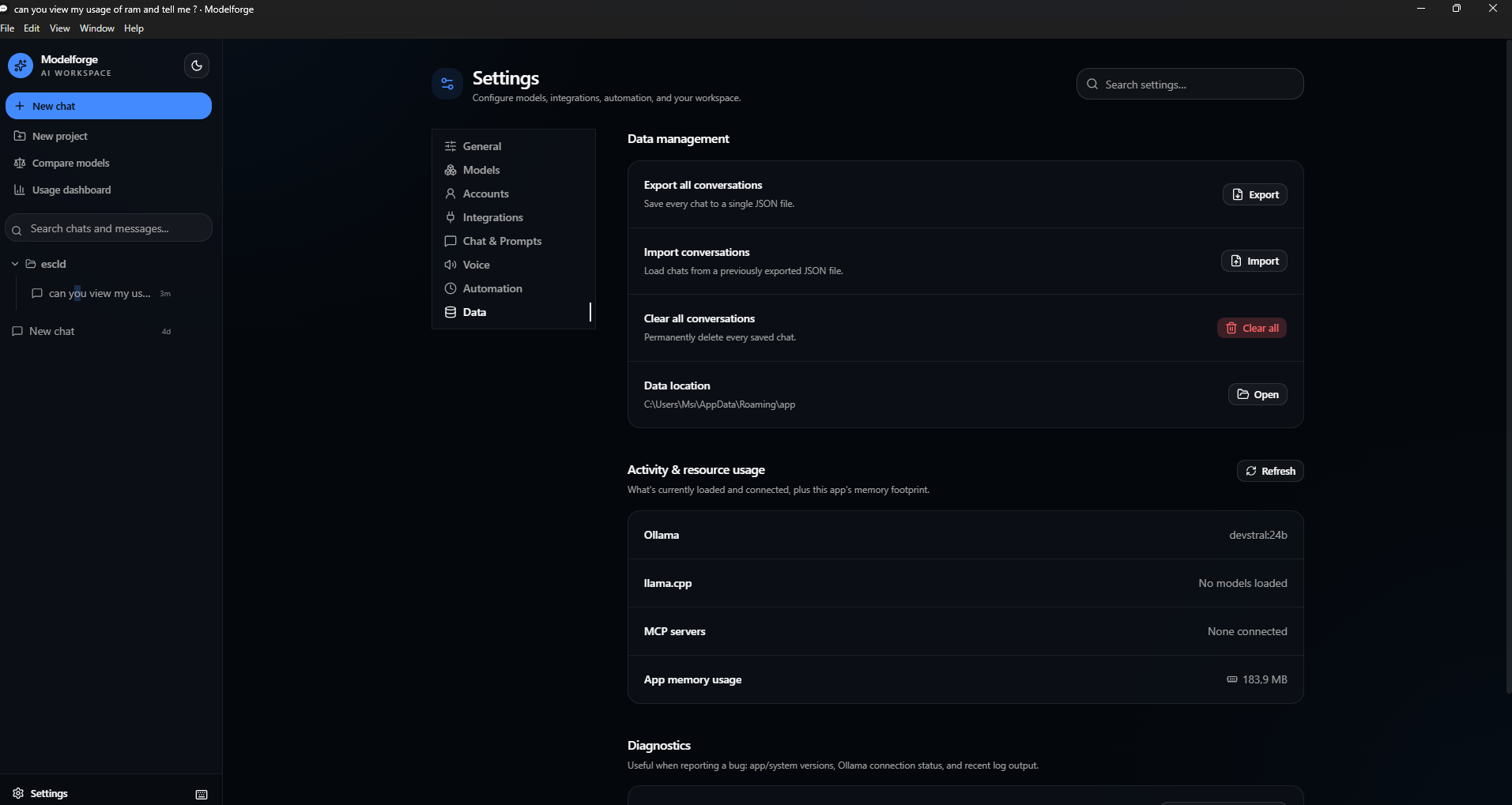
ollama pull llama3.2.llama3.2 from the model dropdown and chat — you should see the response stream in token-by-token.llama3.2-vision) or a PDF and ask a question about it.Ctrl/Cmd+K and jump between chats without touching the mouse.If steps 2–3 work, the core app is functioning correctly — everything else layers on top of that same chat pipeline.
Click Agent in the chat toolbar and pick a folder — that becomes the model's sandboxed workspace for the rest of the conversation. The model can then call:
| Tool | What it does |
|---|---|
read_file | Read a text file, optionally by line range |
write_file | Create or overwrite a file (creates parent directories as needed) |
replace_in_file | Replace an exact text block without rewriting the whole file; supports Undo |
find_files, file_info | Discover files by glob and inspect path metadata |
list_dir | List files and subdirectories |
search_files | Search for a text string across the workspace |
make_directory, move_path, delete_path | Organize workspace files with explicit approval for mutations |
run_command | Execute a shell command in the workspace (or a subfolder), with a 60s timeout |
run_code | Run a Python or JavaScript snippet — a convenience over shell-quoting multi-line code through run_command, not a new capability |
git_status, git_diff, git_log | Read-only git helpers (auto-approvable, like the file tools) so the model doesn't need to guess flag syntax |
git_commit | Stage everything and commit — requires approval, like write_file |
github_list_repositories | List repositories accessible to the linked GitHub account |
github_repository_tree | Inspect a repository's complete file structure before analysis |
github_read_file | Read selected files from public or private linked-account repositories |
Safety model:
../../etc), absolute paths elsewhere on disk, and symlinks that resolve outside the workspace are rejected before anything runs.run_command and run_code are different: a shell command (or a script run_code hands to python3/node) is opaque text that can reference any path on the system regardless of its working directory, so neither is sandboxed the way the file tools are. As a safety net, commands (and run_code's source text) matching destructive or system-level patterns — deleting outside the workspace, formatting a drive, shutting down the machine, registry deletion, sudo/runas, piping a remote script into a shell — are rejected outright, even if already approved. This blocklist catches the common catastrophic cases, not everything a shell or script can do — only approve a command or snippet you actually understand.read_file, find_files, file_info, list_dir, search_files, git_status, git_diff, git_log) can be marked "always allow this session" to cut down on repetitive approvals; filesystem mutations, run_command, run_code, and git_commit always require a fresh click, since they have real, potentially irreversible effects.Preview & Rollback:
write_file call shows a real line-by-line diff against the file's current content (or a "new file" badge if it doesn't exist yet) instead of a raw argument dump, so you can see exactly what would change before clicking Allow.write_file — restoring the previous content, or deleting the file if the edit created it. Undo history is per-workspace, capped at the last 20 writes, and lives only in memory for the running session (not a durable version history).Quick actions: if the workspace has test/lint/format scripts in its package.json, Run Tests, Lint, and Format buttons appear in the toolbar — they run the corresponding npm script directly (reusing the same sandboxing as run_command) and drop the output into the chat, without going through the model.
MCP (Model Context Protocol) servers: add external MCP servers in Settings to give Agent mode extra tools — anything from a database query tool to a browser-automation server. Two transports are supported:
npx -y @modelcontextprotocol/server-filesystem /some/path) and speaks JSON-RPC over its stdin/stdout.Enabled servers reconnect automatically on launch; each server's tools appear in Agent mode's tool list prefixed with the server's name, going through the exact same Allow/Deny approval flow as built-in tools. (SSE and plain WebSocket transports aren't implemented — SSE is the legacy MCP HTTP transport, now superseded by Streamable HTTP, and WebSocket isn't part of the MCP spec itself.)
Model choice matters. Agent mode works with whatever model you point it at, but only actually produces tool calls if that model was trained for function/tool calling — a model without that training will just chat normally and never call a tool. The Settings model browser flags models with reliable tool-calling support with a 🔧 Tool calling badge (e.g. the Qwen3 family, Llama 3.1+, Mistral Nemo, Qwen2.5-Coder, Devstral).
Requires Node.js 22+.
git clone https://github.com/voidstackloop/modelforge.git
cd modelforge

# install dependencies
npm install --prefix frontend
npm install --prefix app

# run in development (starts the Vite dev server + Electron)
npm run dev --prefix app

# build a distributable installer for your current platform
npm run package --prefix app
Packaged installers are written to app/release/.
frontend/          React + Vite renderer (the UI)
  src/pages/          Chat and Settings screens
  src/components/     Shared UI (layout, command palette, markdown rendering, shadcn primitives)
  src/lib/            i18n, model catalogs, pricing estimates, provider helpers

app/                Electron main process
  src/main.ts           Window management, IPC handler registration
  src/providers/        Ollama/OpenAI/Anthropic chat + tool-calling adapters
  src/agent-tools.ts     Agent mode's file/shell tool implementations (workspace-sandboxed)
  src/*-store.ts         Settings/sessions/projects/secrets persistence (atomic writes, corruption recovery)
  src/rag.ts             Chunking + embedding + retrieval for large folder attachments
  src/logger.ts          Rotating file logs surfaced via Settings → Data → Diagnostics
The frontend builds to a single inlined HTML file (vite-plugin-singlefile) so Electron can load it directly via file:// in production, matching how the packaged app actually runs.
npm test --prefix frontend
npm test --prefix app
The app suite covers the store layer (atomic writes, corrupted-file recovery), the agent tools (including path-traversal rejection and shell command execution), and the RAG chunking/similarity logic. Both suites run in CI on every push and pull request via .github/workflows/ci.yml, which also lints, typechecks, and builds both packages.
contextIsolation: true, nodeIntegration: false — the renderer only ever talks to the main process through an explicit, typed preload bridge.safeStorage) and never leave the device.Issues and pull requests are welcome. Before opening a PR, please make sure:
npm run lint --prefix frontend
npm run build --prefix frontend
npm run build --prefix app
npm test --prefix frontend
npm test --prefix app
all pass — this is the same set of checks CI runs.
⚠️ Experimentelle Skill-Sammlung für deutsches Recht (Arbeits-, Gesellschafts-, Insolvenz-, Datenschutz-, Prozessrecht u
Manage multiple Claude Code agents from TUI or Web with tmux and git worktrees
Project management using GitHub Issues + Git worktrees for parallel agent execution
Core skills library for Claude Code with 20+ battle-tested skills including TDD, debugging, and brainstorming