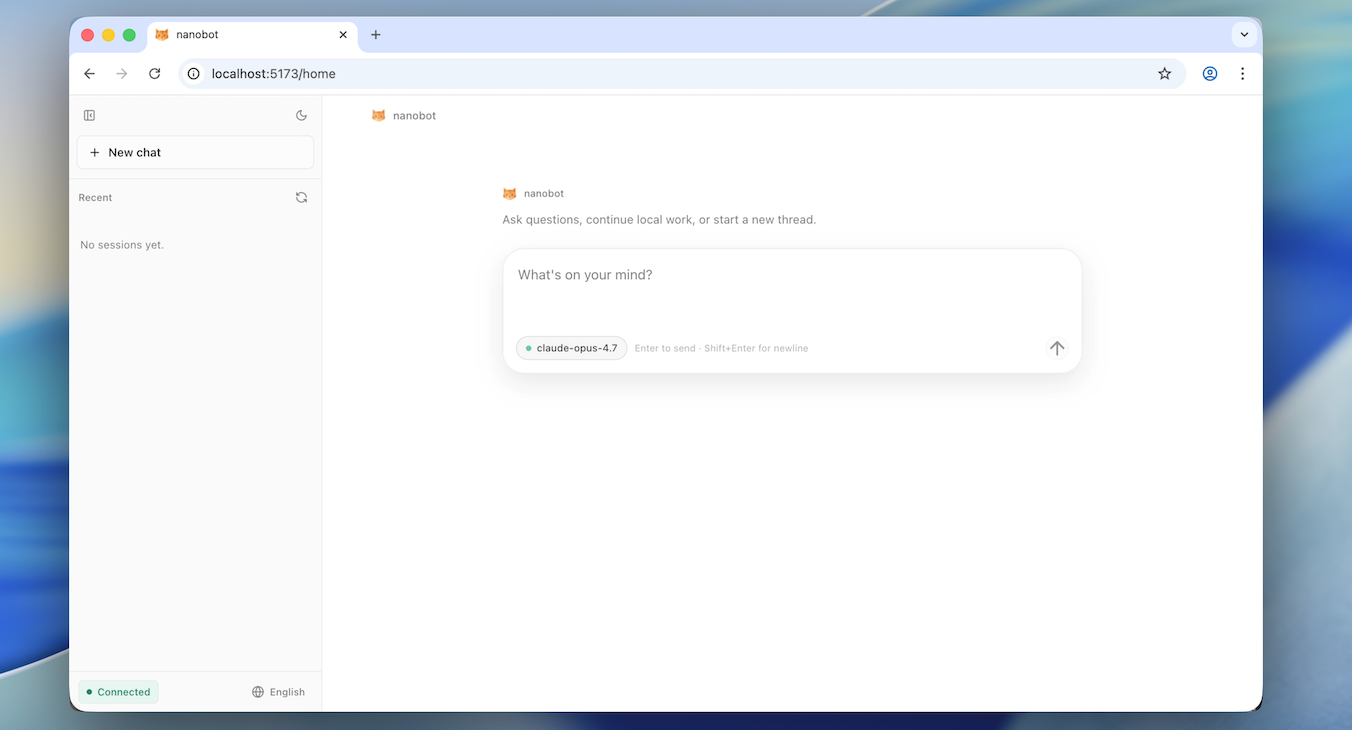
🐈 nanobot is an open-source, ultra-lightweight personal AI agent you can truly own. It keeps the agent core small and readable while giving you the practical pieces for real long-running work: WebUI, chat channels, tools, memory, MCP, model routing, automation, and deployment.
Start Here
You want to...
Go to
Install nanobot with no terminal/config background
2026-06-01 🚀 Released v0.2.1 — The Workbench Release turns the packaged WebUI into a daily agent workbench: clearer Thought/response timelines, live file-edit activity, project workspaces, model and context controls, steadier sustained goals, CLI Apps + MCP extensions, and broader provider/channel support. Please see release notes for details.
2026-05-30 🔐 Safer Matrix verification, bounded media downloads, clearer WebUI model timeline.
2026-05-15 🚀 Released v0.2.0 — /goal holds sustained objectives across turns, WebUI now ships inside the wheel, image generation end to end, 5 new providers with fallback_models, and a real agent-loop refactor. Please see release notes for details.
2026-05-14 🎯 /goal for long-term objectives, visible multi-step progress, long-horizon missions in chat.
2026-04-30 💬 Feishu threads that honor replies and topics, WhatsApp bridge refresh on source edits.
2026-04-29 🚀 Released v0.1.5.post3 — Smarter threads on Feishu, Discord, Slack, and Teams; DeepSeek-V4; Hugging Face & Olostep; choices, /history, and steadier long chats. Please see release notes for details.
2026-04-28 🌐 Olostep web search, Hugging Face provider, safer workspace-tool interruptions.
2026-04-21 🚀 Released v0.1.5.post2 — Windows & Python 3.14 support, Office document reading, SSE streaming for the OpenAI-compatible API, and stronger reliability across sessions, memory, and channels. Please see release notes for details.
2026-03-27 🚀 Released v0.1.4.post6 — architecture decoupling, litellm removal, end-to-end streaming, WeChat channel, and a security fix. Please see release notes for details.
2026-03-26 🏗️ Agent runner extracted and lifecycle hooks unified; stream delta coalescing at boundaries.
2026-03-25 🌏 StepFun provider, configurable timezone, Gemini thought signatures.
2026-03-24 🔧 WeChat compatibility, Feishu CardKit streaming, test suite restructured.
2026-03-21 🔒 Replace litellm with native openai + anthropic SDKs. Please see commit.
2026-03-20 🧙 Interactive setup wizard — pick your provider, model autocomplete, and you're good to go.
2026-03-19 💬 Telegram gets more resilient under load; Feishu now renders code blocks properly.
2026-03-18 📷 Telegram can now send media via URL. Cron schedules show human-readable details.
2026-03-17 ✨ Feishu formatting glow-up, Slack reacts when done, custom endpoints support extra headers, and image handling is more reliable.
2026-03-16 🚀 Released v0.1.4.post5 — a refinement-focused release with stronger reliability and channel support, and a more dependable day-to-day experience. Please see release notes for details.
2026-03-15 🧩 DingTalk rich media, smarter built-in skills, and cleaner model compatibility.
2026-03-14 💬 Channel plugins, Feishu replies, and steadier MCP, QQ, and media handling.
2026-03-13 🌐 Multi-provider web search, LangSmith, and broader reliability improvements.
2026-03-11 🔌 WeCom, Ollama, cleaner discovery, and safer tool behavior.
2026-03-10 🧠 Token-based memory, shared retries, and cleaner gateway and Telegram behavior.
2026-03-09 💬 Slack thread polish and better Feishu audio compatibility.
2026-03-08 🚀 Released v0.1.4.post4 — a reliability-packed release with safer defaults, better multi-instance support, sturdier MCP, and major channel and provider improvements. Please see release notes for details.
2026-03-07 🚀 Azure OpenAI provider, WhatsApp media, QQ group chats, and more Telegram/Feishu polish.
2026-03-06 🪄 Lighter providers, smarter media handling, and sturdier memory and CLI compatibility.
2026-02-25 🧹 New Matrix channel, cleaner session context, auto workspace template sync.
2026-02-24 🚀 Released v0.1.4.post2 — a reliability-focused release with a redesigned heartbeat, prompt cache optimization, and hardened provider & channel stability. See release notes for details.
2026-02-21 🎉 Released v0.1.4.post1 — new providers, media support across channels, and major stability improvements. See release notes for details.
2026-02-20 🐦 Feishu now receives multimodal files from users. More reliable memory under the hood.
2026-02-19 ✨ Slack now sends files, Discord splits long messages, and subagents work in CLI mode.
2026-02-18 ⚡️ nanobot now supports VolcEngine, MCP custom auth headers, and Anthropic prompt caching.
2026-02-17 🎉 Released v0.1.4 — MCP support, progress streaming, new providers, and multiple channel improvements. Please see release notes for details.
2026-02-16 🦞 nanobot now integrates a ClawHub skill — search and install public agent skills.
2026-02-15 🔑 nanobot now supports OpenAI Codex provider with OAuth login support.
2026-02-14 🔌 nanobot now supports MCP! See MCP section for details.
2026-02-13 🎉 Released v0.1.3.post7 — includes security hardening and multiple improvements. Please upgrade to the latest version to address security issues. See release notes for more details.
2026-02-12 🧠 Redesigned memory system — Less code, more reliable. Join the discussion about it!
2026-02-11 ✨ Enhanced CLI experience and added MiniMax support!
2026-02-10 🎉 Released v0.1.3.post6 with improvements! Check the updates notes and our roadmap.
2026-02-09 💬 Added Slack, Email, and QQ support — nanobot now supports multiple chat platforms!
2026-02-08 🔧 Refactored Providers—adding a new LLM provider now takes just 2 simple steps! Check here.
2026-02-07 🚀 Released v0.1.3.post5 with Qwen support & several key improvements! Check here for details.
Model freedom: OpenAI-compatible APIs, local LLMs, image generation, search, and fallbacks.
Small core: readable internals with MCP, memory, deployment, and automation built in.
Own your stack: inspect, customize, self-host, and extend without a giant platform.
📦 Install
[!IMPORTANT]
If you want the newest features and experiments, install from source.
If you want the most stable day-to-day experience, install from PyPI or with uv.
Pick one install method:
Prerequisites: Python 3.11 or newer. Git is only needed for a source install; Node.js/Bun are only needed if you are developing the WebUI itself.
If terminals, API keys, or config files are new to you, use the guided zero-background walkthrough in Start Without Technical Background instead of this compact README path.
One-command setup
macOS / Linux:
hljs language-bash
sh -c "$(curl -fsSL https://raw.githubusercontent.com/HKUDS/nanobot/main/scripts/install.sh)"
The default command installs or upgrades nanobot-ai from PyPI, then starts nanobot onboard --wizard. If you finish the wizard and save the config, skip the manual initialize/configure steps below and go straight to Test one message.
To preview the plan without changing your environment, pass --dry-run; combine it with --dev when you want to preview the main-branch install.
hljs language-bash
sh -c "$(curl -fsSL https://raw.githubusercontent.com/HKUDS/nanobot/main/scripts/install.sh)" -- --dry-run
Skip this step if the one-command setup already started the wizard and you saved the config there.
hljs language-bash
nanobot onboard
Use nanobot onboard --wizard if you prefer an interactive setup.
2. Configure (~/.nanobot/config.json)
Skip this step if you already configured provider and model settings in the wizard.
nanobot onboard creates ~/.nanobot/config.json and ~/.nanobot/workspace/. Configure these two parts in the config file. Add or merge the following blocks into the existing file instead of replacing the whole file.
The example below uses OpenRouter only so the JSON has concrete names. Provider examples are recipes, not rankings or endorsements. If you use another provider, replace the provider config key, API key, preset provider name, and model ID together.
Direct agents.defaults.provider and agents.defaults.model still work for existing configs, but named presets are the recommended path because they also power /model switching and fallbackModels.
For another provider, the same config shape still applies:
Replace
Where
Provider config key
providers.<provider>
API key
providers.<provider>.apiKey
Preset provider name
modelPresets.primary.provider
Model ID
modelPresets.primary.model
Endpoint URL, only when needed
providers.<provider>.apiBase
3. Test one message
hljs language-bash
nanobot status
nanobot agent -m "Hello!"
In nanobot status, it is normal for most providers to say not set. The active preset's provider should be configured, and Config plus Workspace should show check marks.
The WebUI is served by the WebSocket channel on port 8765 by default. The gateway's 18790 port is for the health endpoint, not the browser UI.
[!TIP]
Working on the WebUI itself? Check out webui/README.md for the Vite dev server (HMR) workflow.
🏗️ Architecture
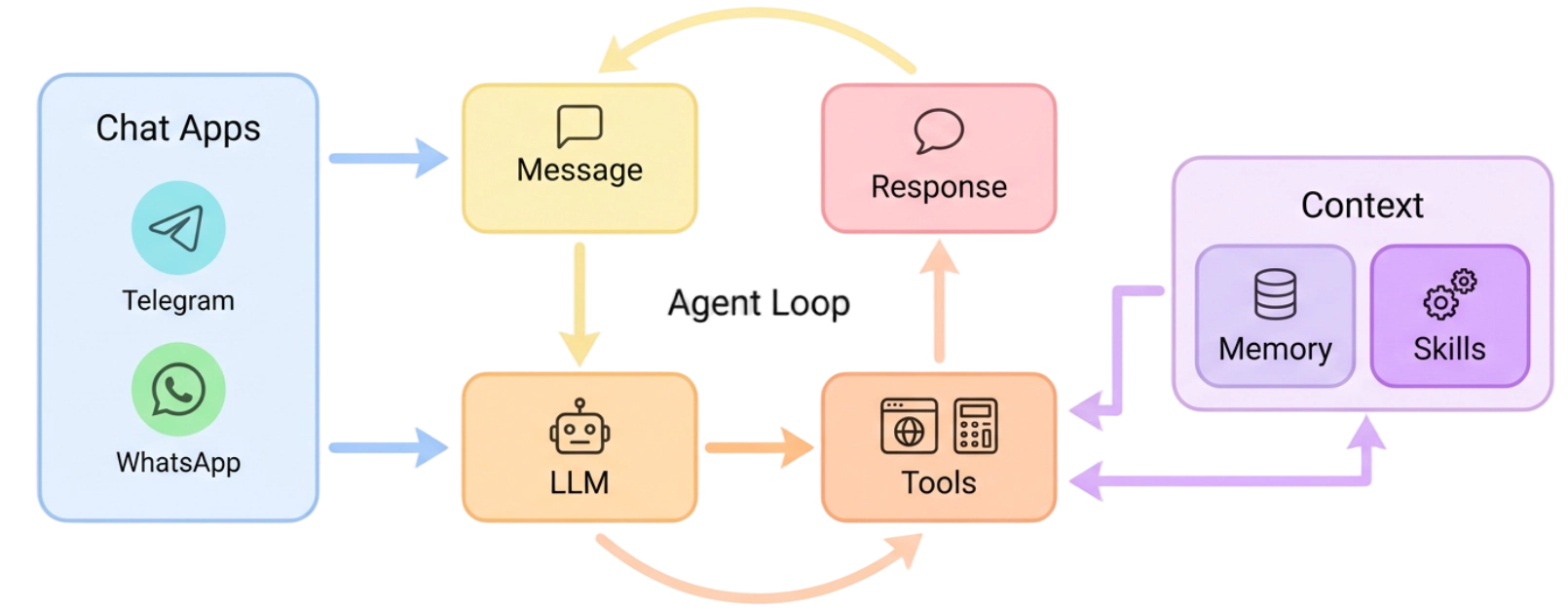
🐈 nanobot stays lightweight by centering everything around a small agent loop: messages come in from chat apps, the LLM decides when tools are needed, and memory or skills are pulled in only as context instead of becoming a heavy orchestration layer. That keeps the core path readable and easy to extend, while still letting you add channels, tools, memory, and deployment options without turning the system into a monolith.
✨ Features
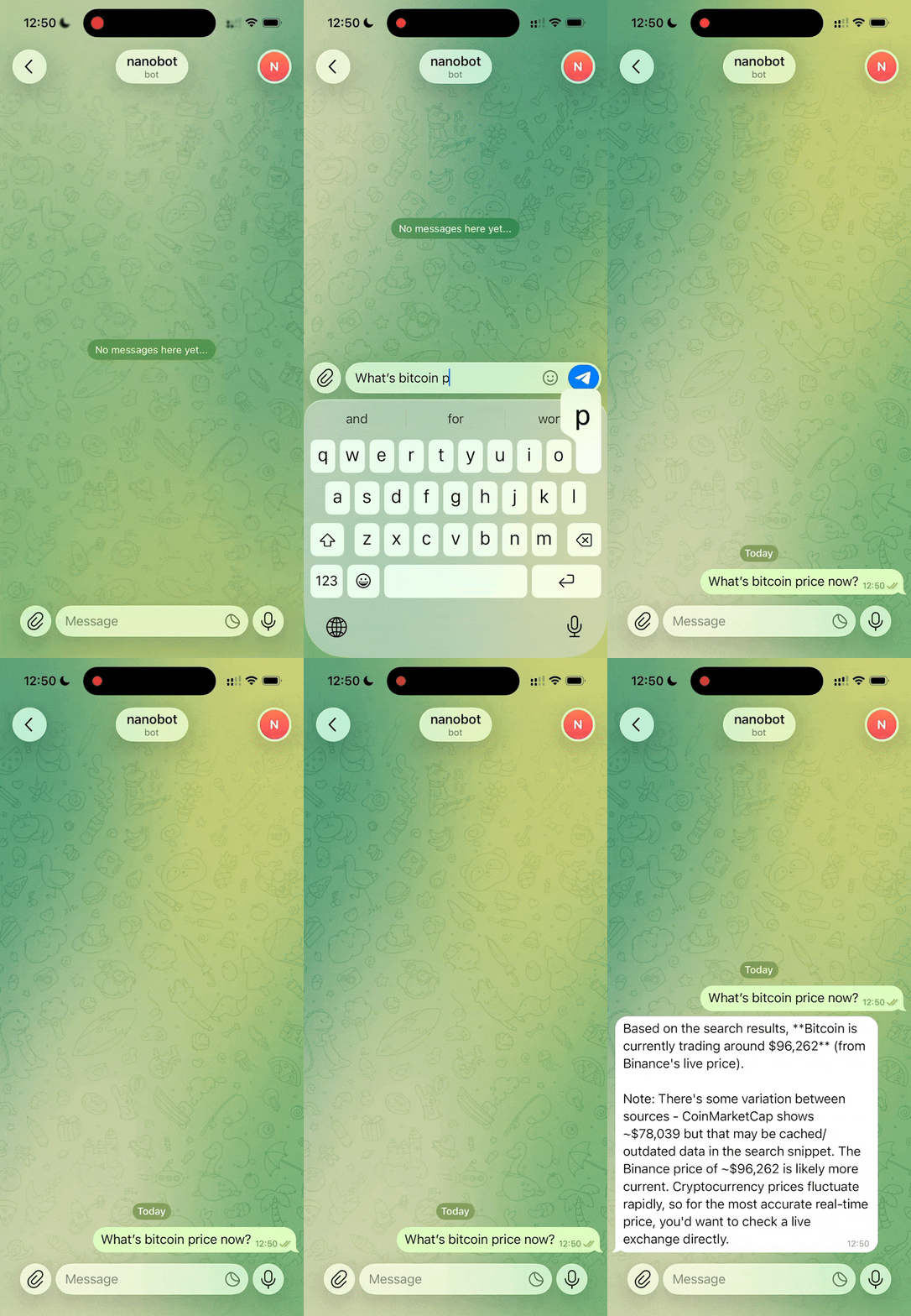
📈 24/7 Real-Time Market Analysis
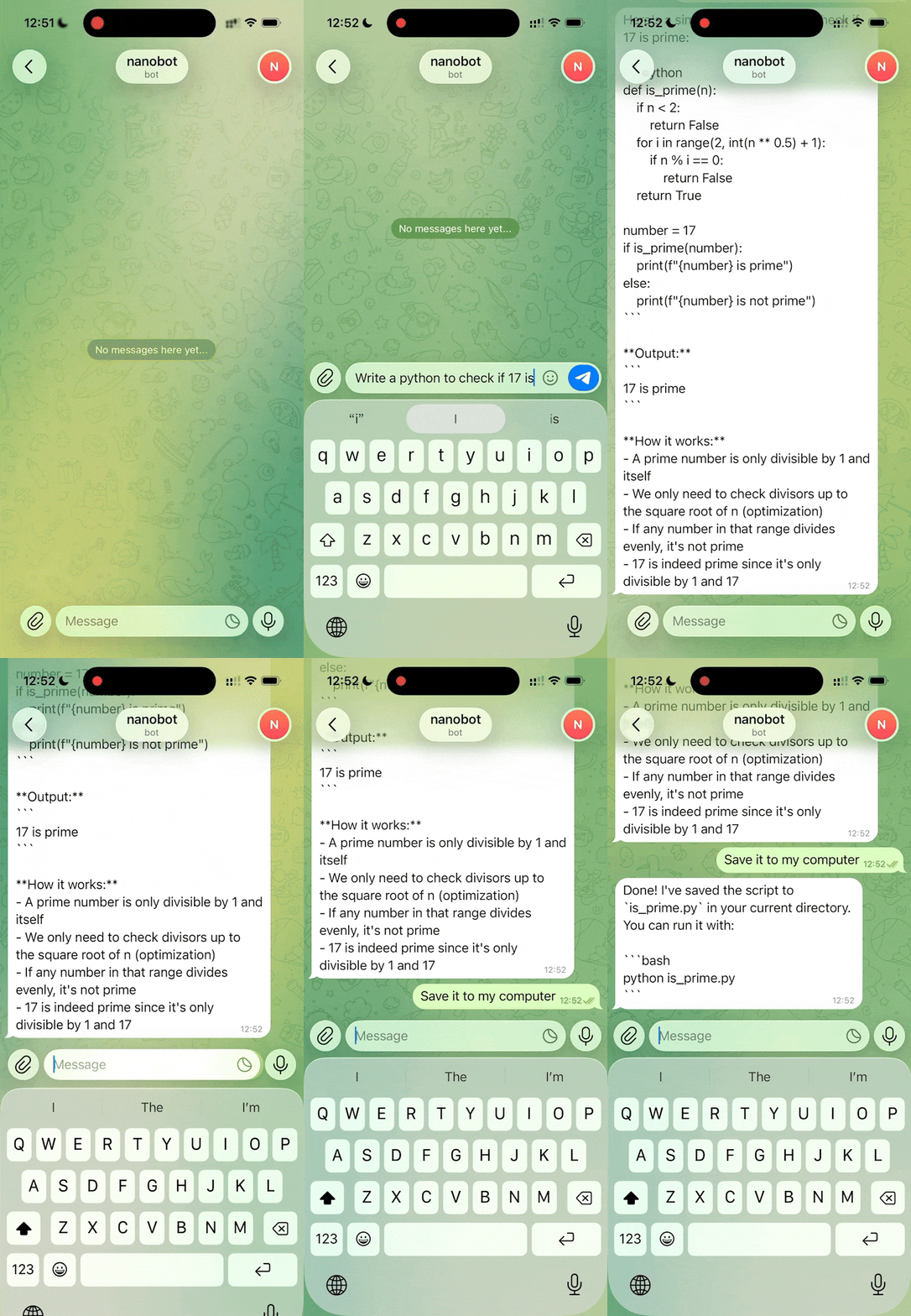
🚀 Full-Stack Software Engineer
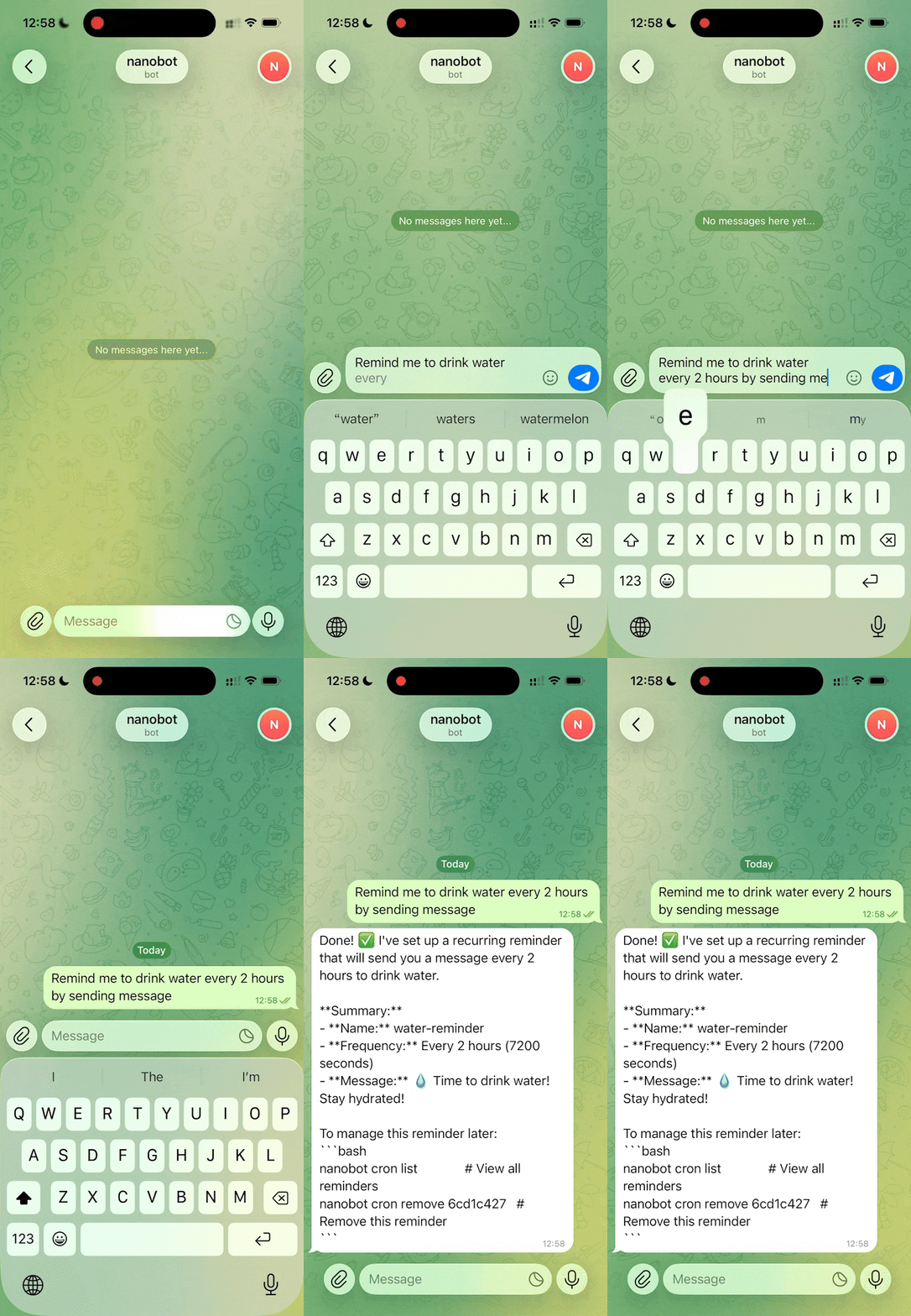
📅 Smart Daily Routine Manager
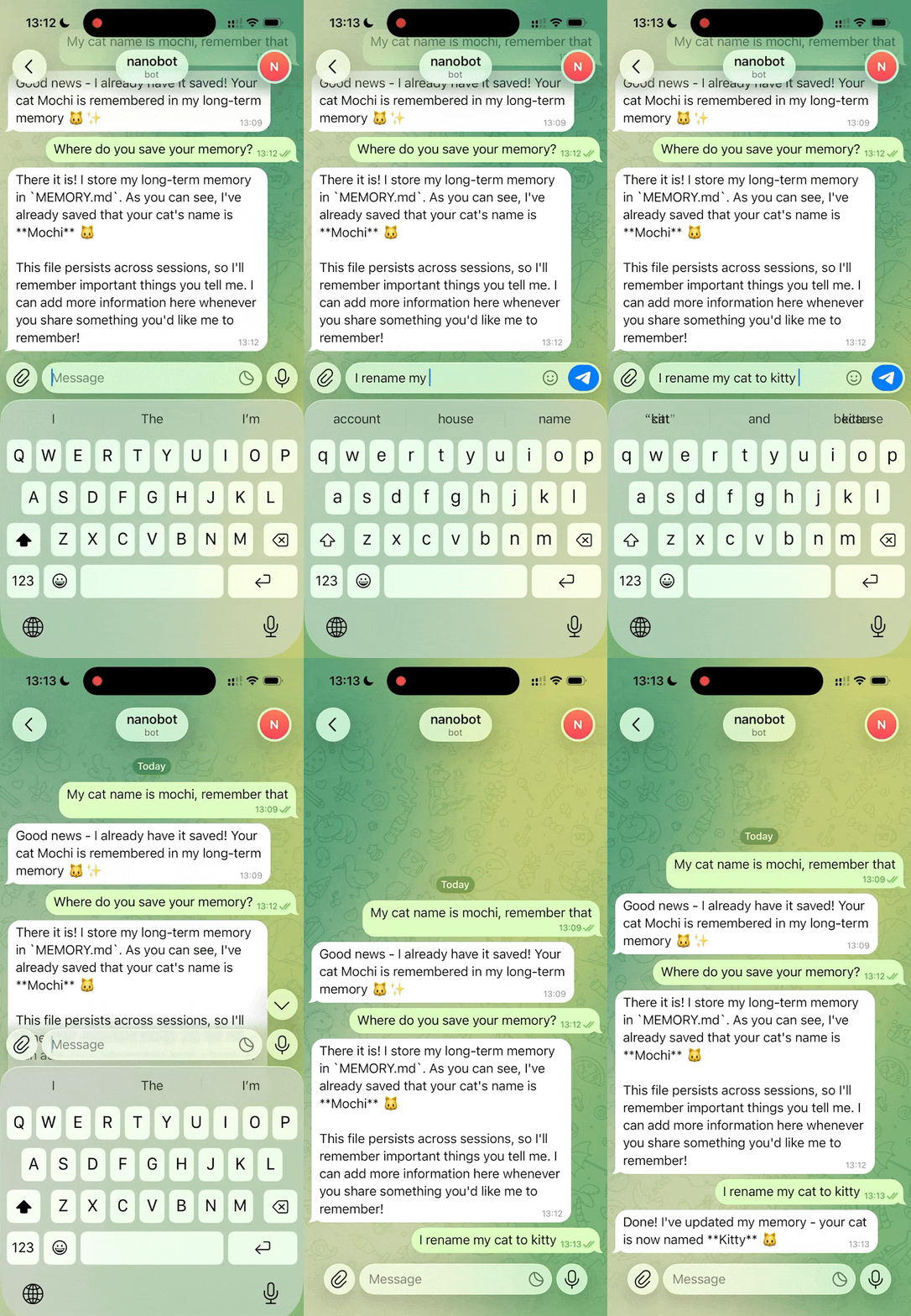
📚 Personal Knowledge Assistant
Discovery • Insights • Trends
Develop • Deploy • Scale
Schedule • Automate • Organize
Learn • Memory • Reasoning
📚 Docs
Browse the repo docs for the latest features and GitHub development version, or visit nanobot.wiki for the stable release documentation.
Better reasoning — Multi-step planning and reflection
More integrations — Calendar and more
Self-improvement — Learn from feedback and mistakes
Contact
This project was started by Xubin Ren as a personal open-source project and continues to be maintained in an individual capacity using personal resources, with contributions from the open-source community. Feel free to contact xubinrencs@gmail.com for questions, ideas, or collaboration.