

Are you the author? Sign in to claim
A powerful personal assistant server that integrates with various services including Google Calendar, Obsidian Vault, Tr
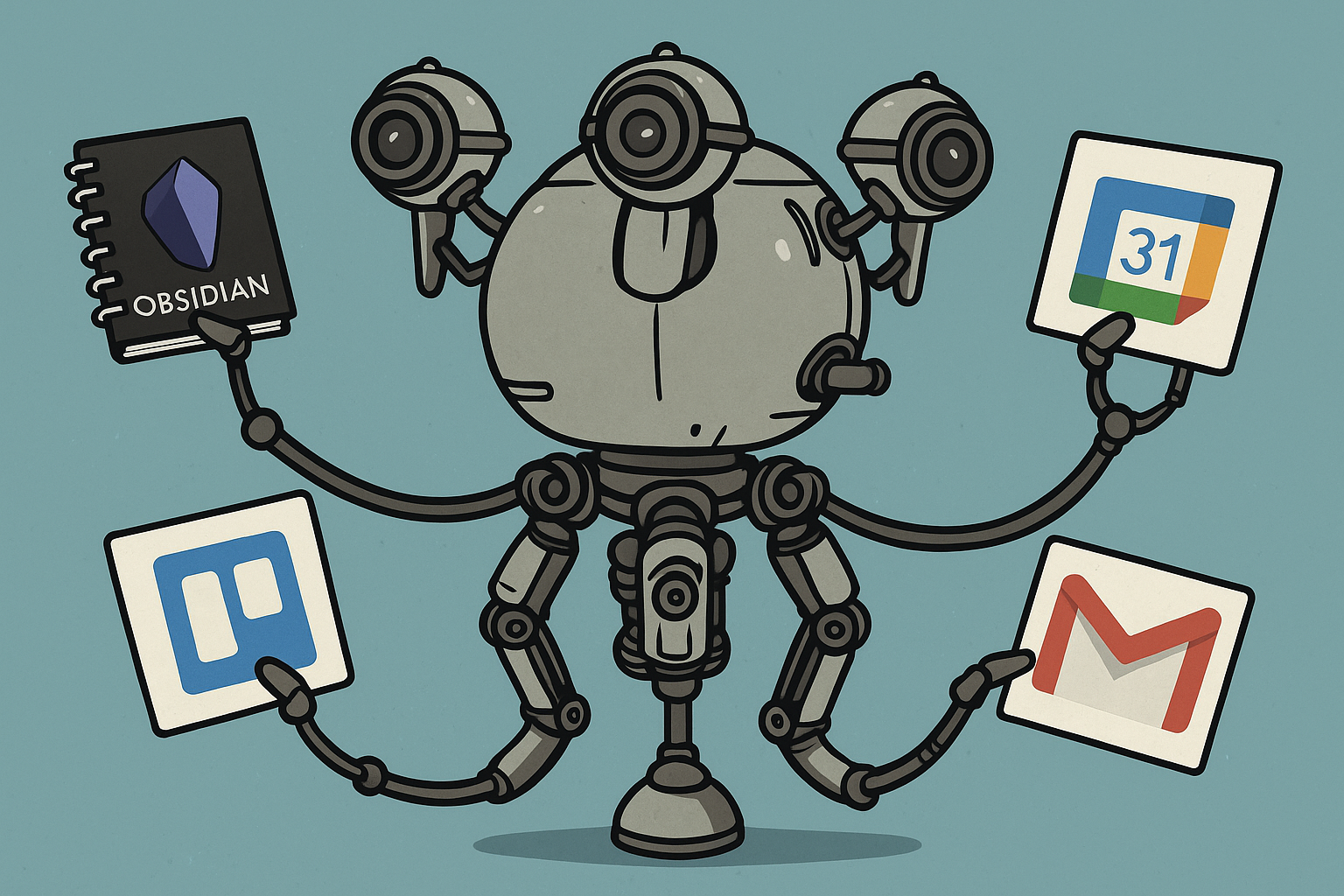
Google Calendar Integration
Obsidian Vault Management
Trello Integration
Web Page Parsing
Google News Search
Clone the repository:
git clone https://github.com/yourusername/nexus-mcp.git
cd nexus-mcp
Install dependencies using Poetry:
poetry install
Set up Google Calendar API:
credentials.json in the project rootSet up Trello API (optional):
poetry run python main.py
Start the server:
poetry run python main.py
The server will start and be ready to accept MCP-compatible client connections.
Use any MCP-compatible client to interact with the server. The server provides the following tools:
To use this server with Anthropic Claude Desktop, add the following configuration to your Claude Desktop settings:
{
   "mcpServers": {
      "personal-assistant": {
         "command": "/path/to/your/venv/bin/python",
         "args": ["/path/to/your/project/main.py"],
         "env": {
                 "GOOGLE_CREDENTIALS_PATH": "/path/to/your/credentials.json",
                 "GOOGLE_TOKEN_PATH": "/path/to/your/token.json",
                 "GOOGLE_API_KEY": "your_google_api_key",
                 "GOOGLE_CX_ID": "your_google_cx_id",
                 "OBSIDIAN_VAULT_PATH": "/path/to/your/obsidian/vault",
                 "OBSIDIAN_DEFAULT_FOLDER": "your_default_folder",
                 "TRELLO_API_KEY": "your_trello_api_key",
                 "TRELLO_TOKEN": "your_trello_token",
                 "LOG_PATH": "/path/to/log.txt",
                 "ENABLE_OBSIDIAN_TOOLS": "True/False",
                 "ENABLE_TRELLO_TOOLS": "True/False",
                 "ENABLE_CALENDAR_TOOLS": "True/False",
                 "ENABLE_NEWS_SEARCH": "True/False",
                 "ENABLE_WEB_PARSER": "True/False",
                 "SEMANTIC_SEARCH_ENABLED": "True/False",
                 "EMBEDDINGS_PATH": "/path/to/embeddings.json"
         }
      }
   }
}
Replace the paths and credentials with your actual values:
command: Path to your Python virtual environment's Python executableargs: Path to your project's main.py fileENABLE_OBSIDIAN_TOOLS: Set to True to enable Obsidian toolsENABLE_TRELLO_TOOLS: Set to True to enable Trello toolsENABLE_CALENDAR_TOOLS: Set to True to enable Google Calendar toolsENABLE_NEWS_SEARCH: Set to True to enable Google News searchENABLE_WEB_PARSER: Set to True to enable the web parser toolGOOGLE_CREDENTIALS_PATH: Path to your Google Calendar credentials file (credentials.json)GOOGLE_TOKEN_PATH: Path to your Google Calendar token file (token.json)GOOGLE_API_KEY: Your Google API Key (for Custom Search API)GOOGLE_CX_ID: Your Google Programmable Search Engine ID (CX ID for Custom Search API)OBSIDIAN_VAULT_PATH: Path to your Obsidian vaultOBSIDIAN_DEFAULT_FOLDER: Optional path to default folder in your vault where new notes will be createdTRELLO_API_KEY: Your Trello API keyTRELLO_TOKEN: Your Trello API tokenLOG_PATH: Path to the log fileSEMANTIC_SEARCH_ENABLED: Set to True to enable semantic search for Obsidian VaultSIMILARITY_TRESHOLD: Default value is 0.5, this is the treshold for the semantic searchEMBEDDINGS_PATH: Optional path to the embeddings json file generated by the Obsidian Vector Search plugin (defaults to .obsidian/plugins/vector-search/data.json relative to OBSIDIAN_VAULT_PATH if not set)MODEL_TOKEN_LIMIT: Limit for the AI model to understand when to chunk the notesCHUNK_SIZE_TOKENS: Chunk sizeTo enable semantic search capabilities, you'll need to install the Vector Search plugin for Obsidian.

After the reindexing process is complete, the plugin will generate a JSON file containing vector embeddings at the following location:
.obsidian/plugins/vector-search/data.json
This file will be used as the embedding source for semantic search queries.
main.pyservices/ directorygit checkout -b feature/amazing-feature)git commit -m 'Add some amazing feature')git push origin feature/amazing-feature)Run Claude Code as an MCP server so any agent can delegate coding tasks to it
 @microsoft✓ Official
Browser automation using accessibility snapshots instead of screenshots
 @googleapis✓ Official
Google's universal MCP server supporting PostgreSQL, MySQL, MongoDB, Redis, and 10+ databases
 @github✓ Official
Official GitHub integration for repos, issues, PRs, and CI/CD workflows