Are you the author? Sign in to claim
The full-stack TypeScript framework to build, test, and deploy production-ready MCP servers and AI-native apps.

The enterprise-grade TypeScript framework for building production-ready MCP servers.
Decorators. Dependency Injection. Widgets. One framework to ship AI-native backends.







Documentation · Quick Start · Blog · NitroStudio · Discord
npx @nitrostack/cli init my-server
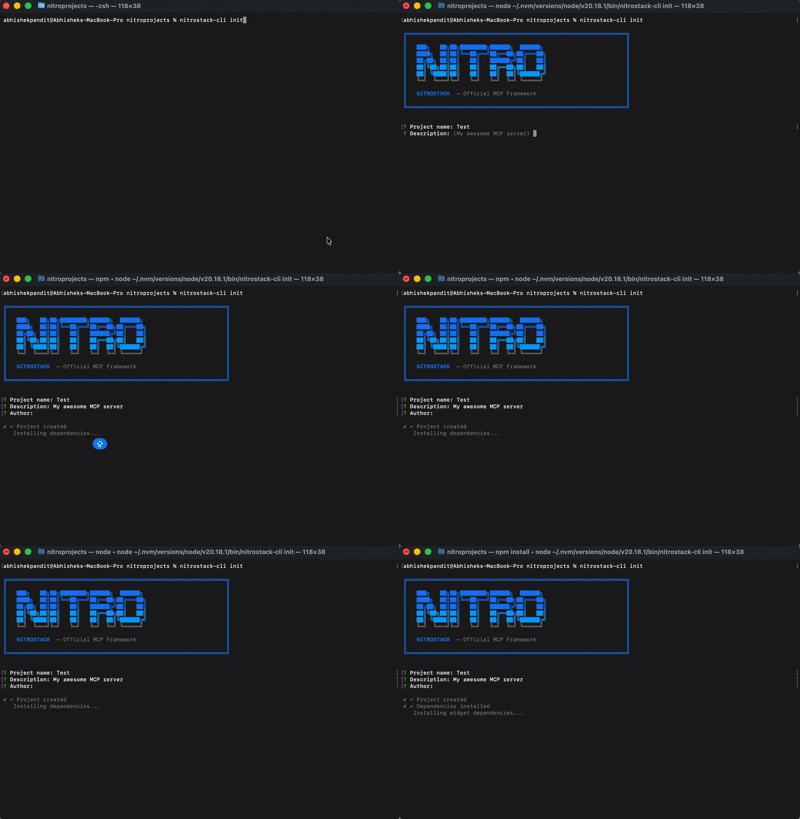
cd my-server
npm install
npm run dev
Your MCP server is running. Connect it to any MCP-compatible client.
Once your project is scaffolded, open the same folder in NitroStudio for visual testing and debugging.
my-server project folderBuilding MCP servers today means stitching together boilerplate, reinventing authentication, and hoping your tooling scales. NitroStack gives you an opinionated, batteries-included framework so you can focus on what your server actually does.
import { McpApp, Module, ToolDecorator as Tool, z, ExecutionContext } from '@nitrostack/core';

@McpApp({
  module: AppModule,
  server: { name: 'my-server', version: '1.0.0' }
})
@Module({ imports: [] })
export class AppModule {}

export class SearchTools {
  @Tool({
    name: 'search_products',
    description: 'Search the product catalog',
    inputSchema: z.object({
      query: z.string().describe('Search query'),
      maxResults: z.number().default(10)
    })
  })
  @UseGuards(ApiKeyGuard)
  @Cache({ ttl: 300 })
  @Widget('product-grid')
  async search(input: { query: string; maxResults: number }, ctx: ExecutionContext) {
    ctx.logger.info('Searching products', { query: input.query });
    return this.productService.search(input.query, input.maxResults);
  }
}
One decorator stack gives you: API definition + validation + auth + caching + UI — zero boilerplate.
NitroStack is modular. Install only what you need:
The implementation workspace for NitroStack packages lives in typescript/.
| Package | What it does | Install |
|---|---|---|
@nitrostack/core | The framework — decorators, DI, server runtime | npm i @nitrostack/core |
@nitrostack/cli | Scaffolding, dev server, code generators | npm i -g @nitrostack/cli |
@nitrostack/widgets | React SDK for interactive tool output UIs | npm i @nitrostack/widgets |
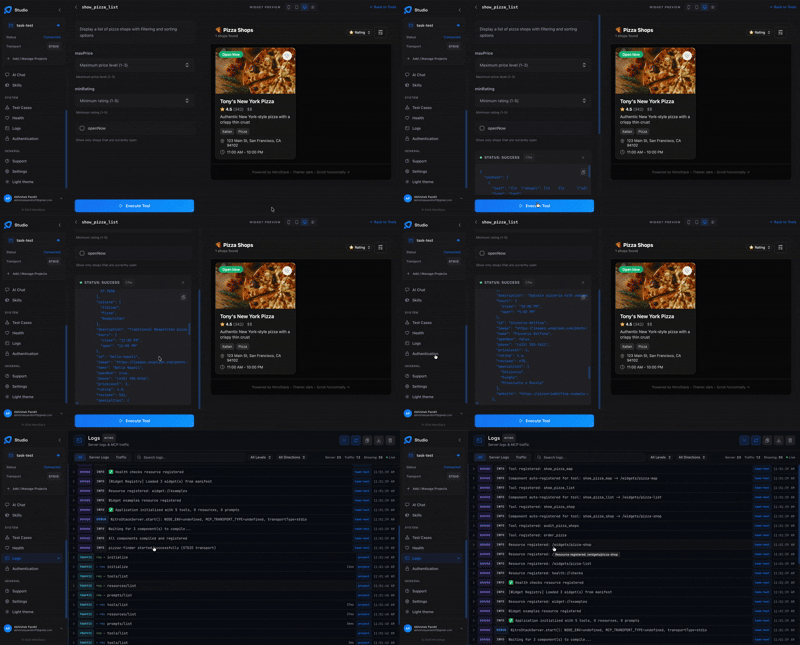
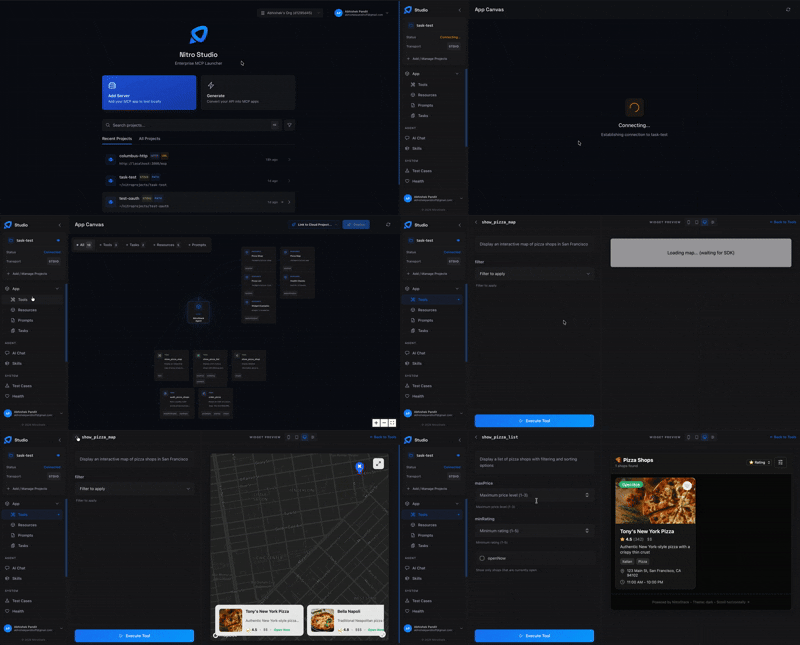
NitroStudio is a desktop app purpose-built for developing MCP servers. Open your project folder — it handles the dev server for you.
|
Real-time tool testing Execute tools, inspect payloads, and debug request/response cycles.
|
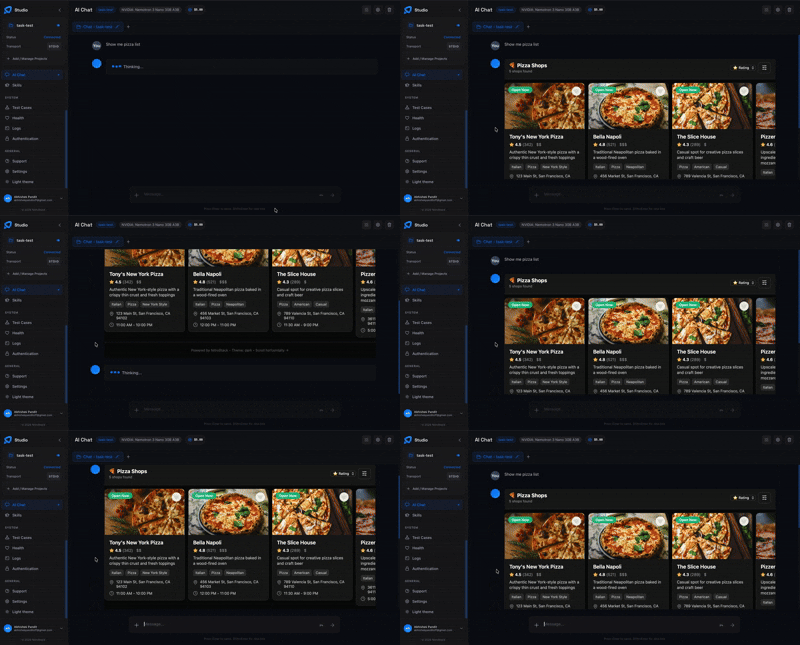
Built-in AI chat Talk to your MCP server through an integrated AI assistant.
|
| Resource | Description |
|---|---|
| Getting Started | Installation, quick start, and first project |
| Server Concepts | Modules, DI, and architecture deep dive |
| Tools Guide | Defining tools, validation, annotations |
| Widgets Guide | Building interactive UI components |
| Authentication | JWT, OAuth 2.1, API key setup |
| CLI Reference | All CLI commands and options |
| Deployment | Production checklist, Docker, cloud platforms |
We welcome contributions of all kinds — bug fixes, features, docs, and ideas. Read the Contributing Guide to get started.
Looking for a place to begin? Check out issues labeled good first issue.
NitroStack is open-source software licensed under the Apache License 2.0.
Run Claude Code as an MCP server so any agent can delegate coding tasks to it
 @microsoft✓ Official
Browser automation using accessibility snapshots instead of screenshots
 @googleapis✓ Official
Google's universal MCP server supporting PostgreSQL, MySQL, MongoDB, Redis, and 10+ databases
 @github✓ Official
Official GitHub integration for repos, issues, PRs, and CI/CD workflows