

Are you the author? Sign in to claim
See your AI agents work. Real-time 3D visualization of Claude Code activity, multi-agent orchestration, and REST API int
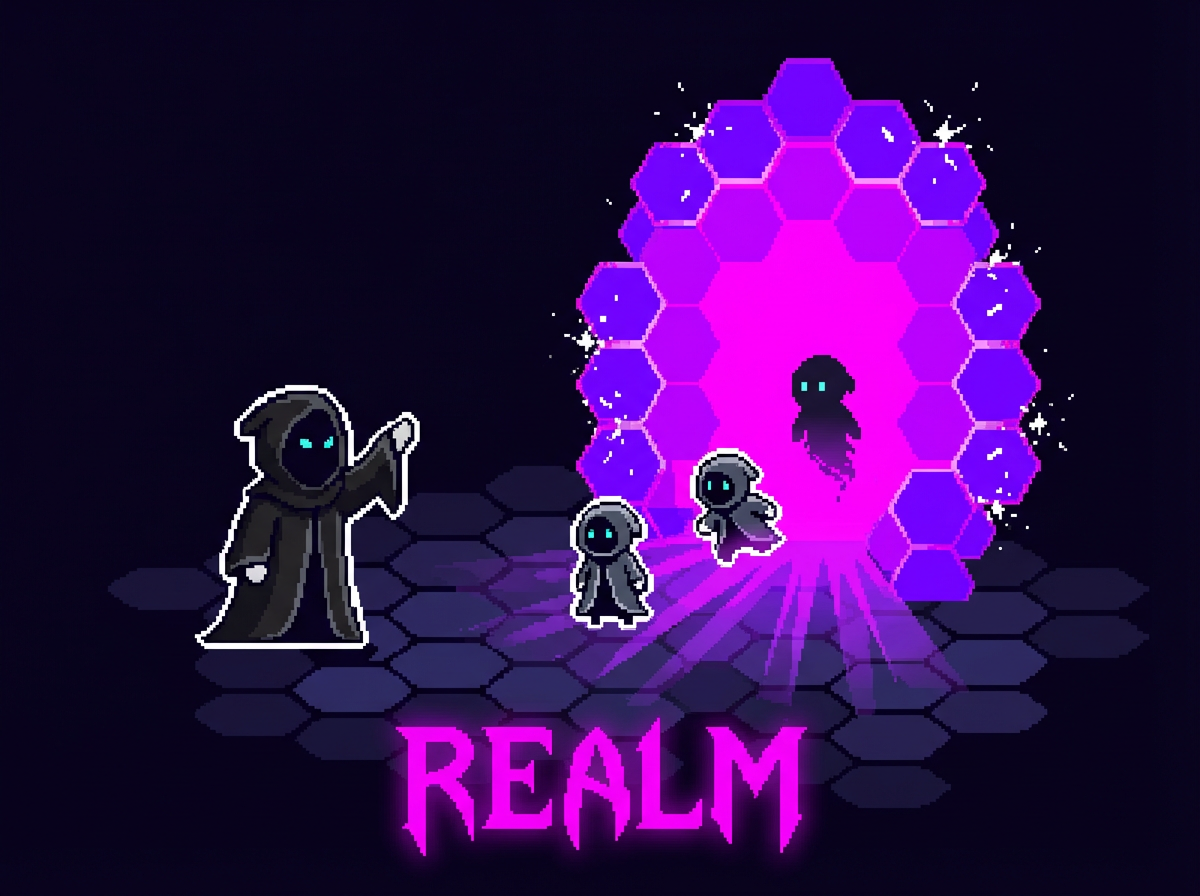
See your AI agents work. Realm visualizes Claude Code activity in real-time 3D, orchestrates multi-agent tasks, and connects external systems via REST API.
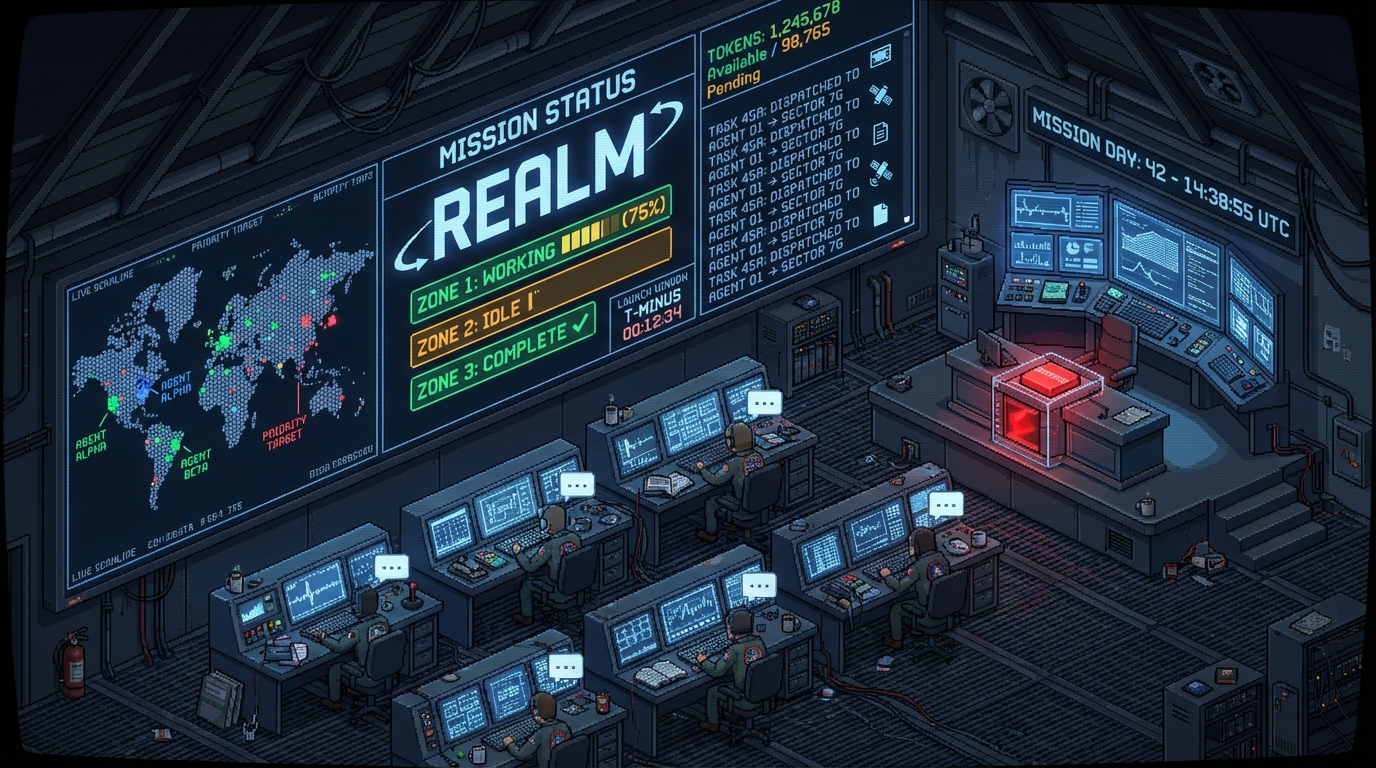
Every tool call animates a character moving through a living workshop. Each session gets its own hexagonal zone. Tasks decompose automatically and route to the right agent. Watch it all unfold in real-time.
Visualize — Every tool call (read, write, bash, grep) triggers a context-aware animation. Reading files? Walk to the bookshelf. Running tests? The terminal glows. Committing code? Celebrate. Errors? Shake your head.
Orchestrate — Dispatch tasks to multiple Claude Code instances or Claw agents in parallel. An LLM-powered router decomposes natural language into sub-tasks and routes each to the best-fit session automatically.
Connect — External systems (OpenClaw, DingTalk, Feishu, Telegram) push tasks via REST API. Realm routes them, collects results, and fires webhooks when complete.
brew install jq / apt install jq)brew install tmux / apt install tmux)# 1. Install dependencies
brew install jq tmux
# 2. Configure hooks (once)
npx realm setup
# 3. Start
npx realm
Open http://localhost:4003 and use Claude Code normally. Watch it move through the workshop as it works.
From source:
git clone <this-repo>
cd Realm && npm install && npm run dev
| Station | Tools | Description |
|---|---|---|
| Bookshelf | Read | Character browses files |
| Desk | Write | Pencil, ink pot, paper |
| Workbench | Edit | Wrench, gears, bolts |
| Terminal | Bash | Glowing green screen |
| Scanner | Grep, Glob | Telescope sweeps the room |
| Antenna | WebFetch, WebSearch | Satellite dish spins |
| Portal | Task (subagents) | Glowing ring, mini-clones |
| Taskboard | TodoWrite | Sticky-note board |
Dispatch tasks to multiple agents and watch them work in parallel:
Alt+N) to create a zone1–6) to target it with promptsEach session runs in its own tmux with status tracking (idle / working / offline).
See docs/ORCHESTRATION.md for the full API.
Realm accepts tasks from external systems and routes them intelligently:
IM Platform → Agent → POST /dispatch (Realm)
                              ↓
                       LLM decomposes task
                              ↓
                   dispatch to matching zones
                              ↓
                  zones work asynchronously
                              ↓
               POST callbackUrl → Agent → IM
Request:
POST /dispatch
{ "message": "...", "callbackUrl": "http://agent/callback", "sessionId": "optional" }
Callback (when all zones complete):
POST callbackUrl
{ "taskGroupId": "abc123", "results": [...], "durationMs": 12000 }
Configure in the Settings UI or in ~/.realm/data/settings.json:
{
  "llmProviders": {
    "openrouter": {
      "provider": "custom",
      "apiKey": "sk-or-v1-...",
      "model": "stepfun/step-3.5-flash:free",
      "baseUrl": "https://openrouter.ai/api/v1",
      "maxTokens": 1024
    }
  },
  "defaultProvider": "openrouter"
}
Supported: "anthropic", "openai", "custom" (OpenAI-compatible, e.g. OpenRouter, Ollama).
| Key | Action |
|---|---|
Tab / Esc | Switch focus: Workshop ↔ Feed |
1–6 | Switch to zone (extended: QWERTY row) |
0 / ` | All zones / overview |
Alt+N | New zone |
Alt+R | Toggle voice input |
F | Toggle follow mode |
P | Toggle station panels |
D | Toggle draw mode |
Draw mode: 1–6 colors · 0 eraser · Q/E brush size · R 3D stack · X clear
realm [options]
realm setup       # Configure Claude Code hooks
realm uninstall   # Remove hooks (keeps data)
realm doctor      # Diagnose issues

Options:
  --port, -p <port>   Server port (default: 4003)
  --help, -h          Show help
  --version, -v       Show version
Realm stores persistent data in ~/.realm/data/:
| File | Contents |
|---|---|
events.jsonl | Hook events from Claude Code |
sessions.json | Managed zone/session state |
settings.json | LLM providers, IM channels |
tiles.json | Draw mode tile state |
groups.json | Department groupings |
See docs/SETUP.md for detailed installation instructions.
See CLAUDE.md for architecture and developer reference.
MIT
Manage multiple Claude Code agents from TUI or Web with tmux and git worktrees
Kanban-based orchestration for 10+ coding agents with isolated git worktrees per agent
⚠️ Experimentelle Skill-Sammlung für deutsches Recht (Arbeits-, Gesellschafts-, Insolvenz-, Datenschutz-, Prozessrecht u
Project management using GitHub Issues + Git worktrees for parallel agent execution