

Are you the author? Sign in to claim
Transform Markdown files into spectacular presentations with 6 themes and AI-powered design
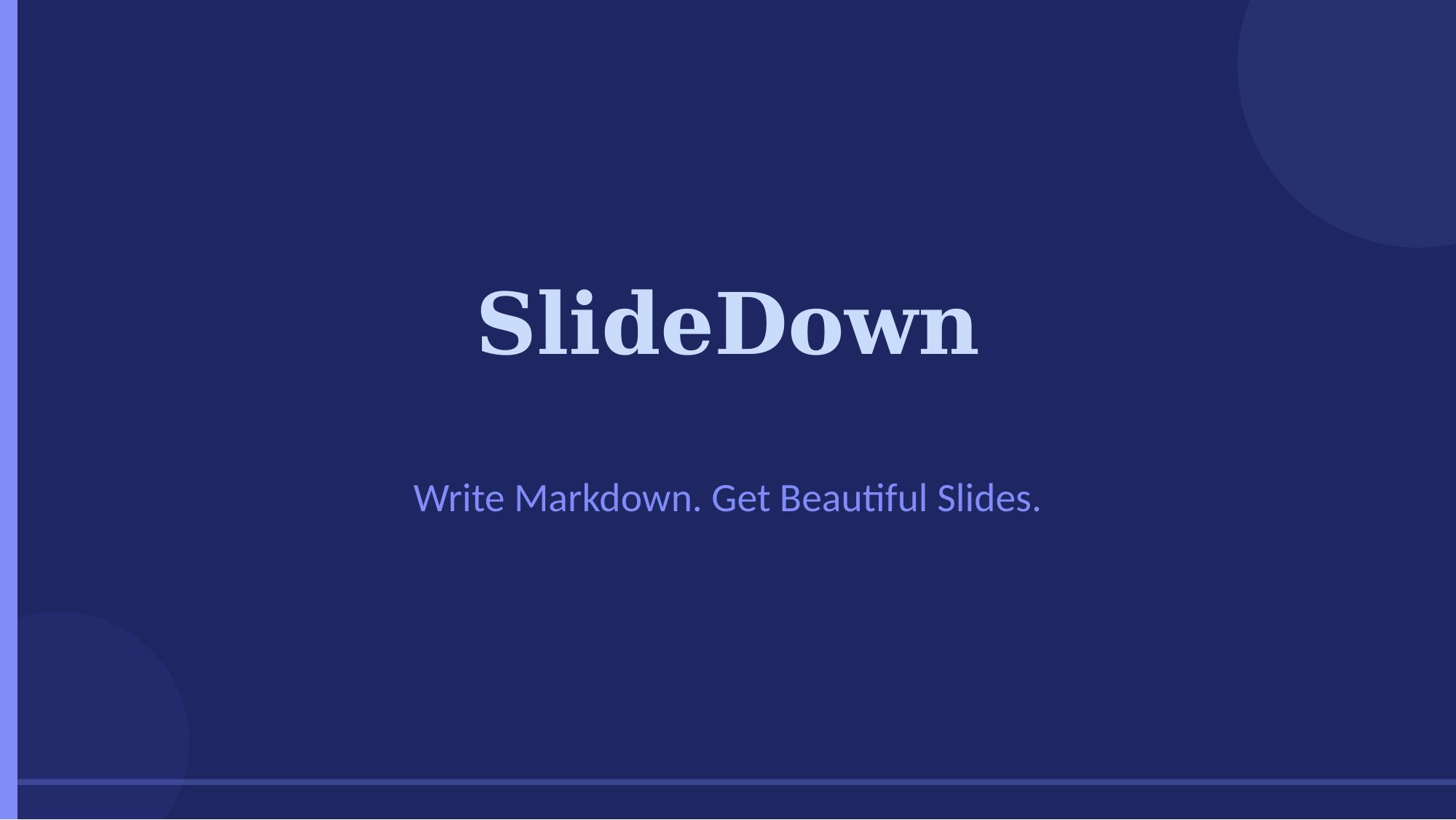
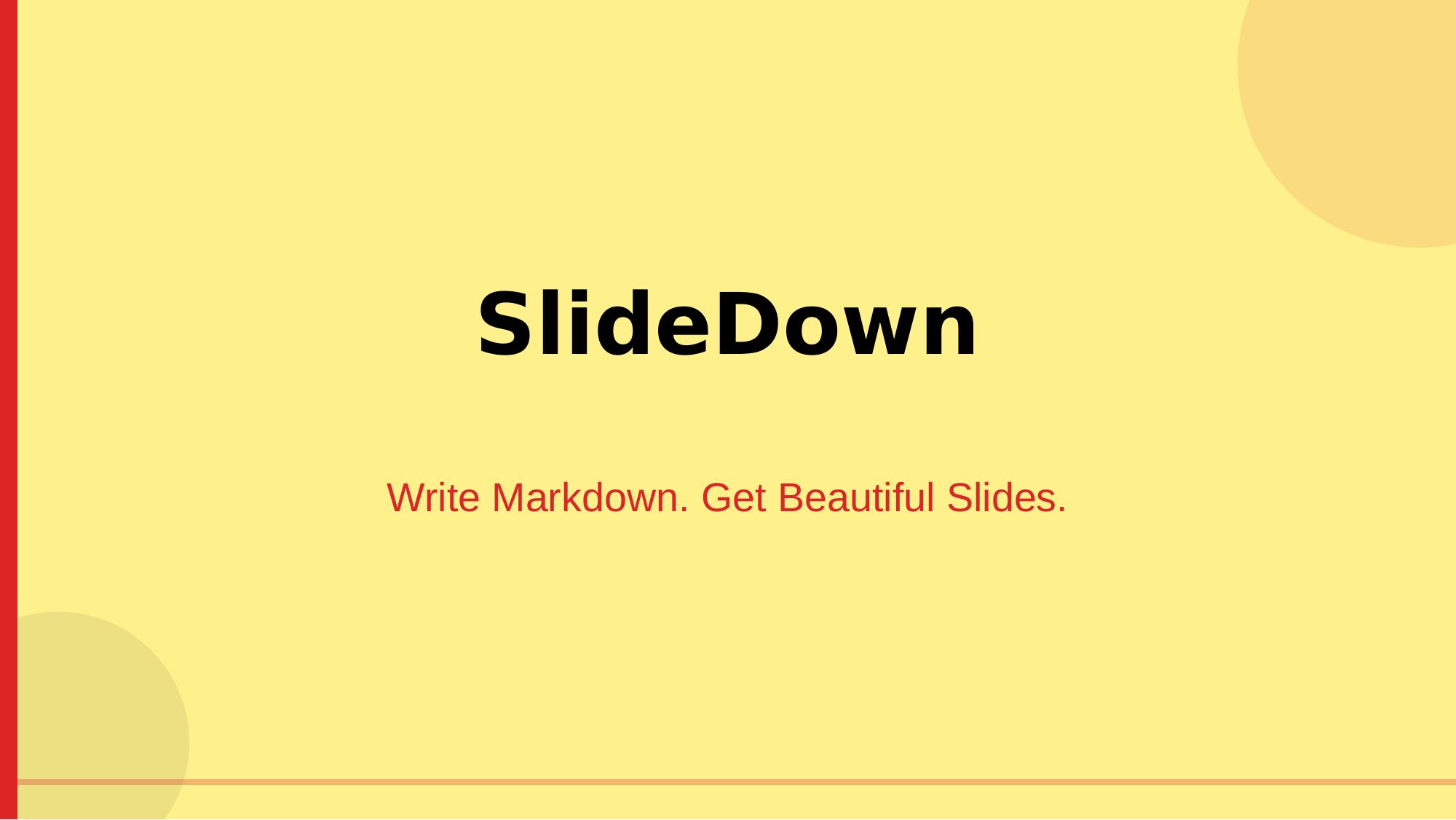
Write Markdown. Get Beautiful Slides.
Convert .md files into professionally-designed .pptx presentations.
Opens natively in Keynote, PowerPoint, and Google Slides.
Quick Start • Themes • Syntax • Examples • Claude Skill
Most presentation tools force you to choose: developer-friendly (Marp, Slidev) or design-quality (Canva, Gamma). SlideDown bridges that gap.
.pptx opens natively on Mac.md filesnpm install -g pptxgenjs
node scripts/md2pptx.js your-talk.md your-talk.pptx midnight
Double-click the .pptx file. It opens in:
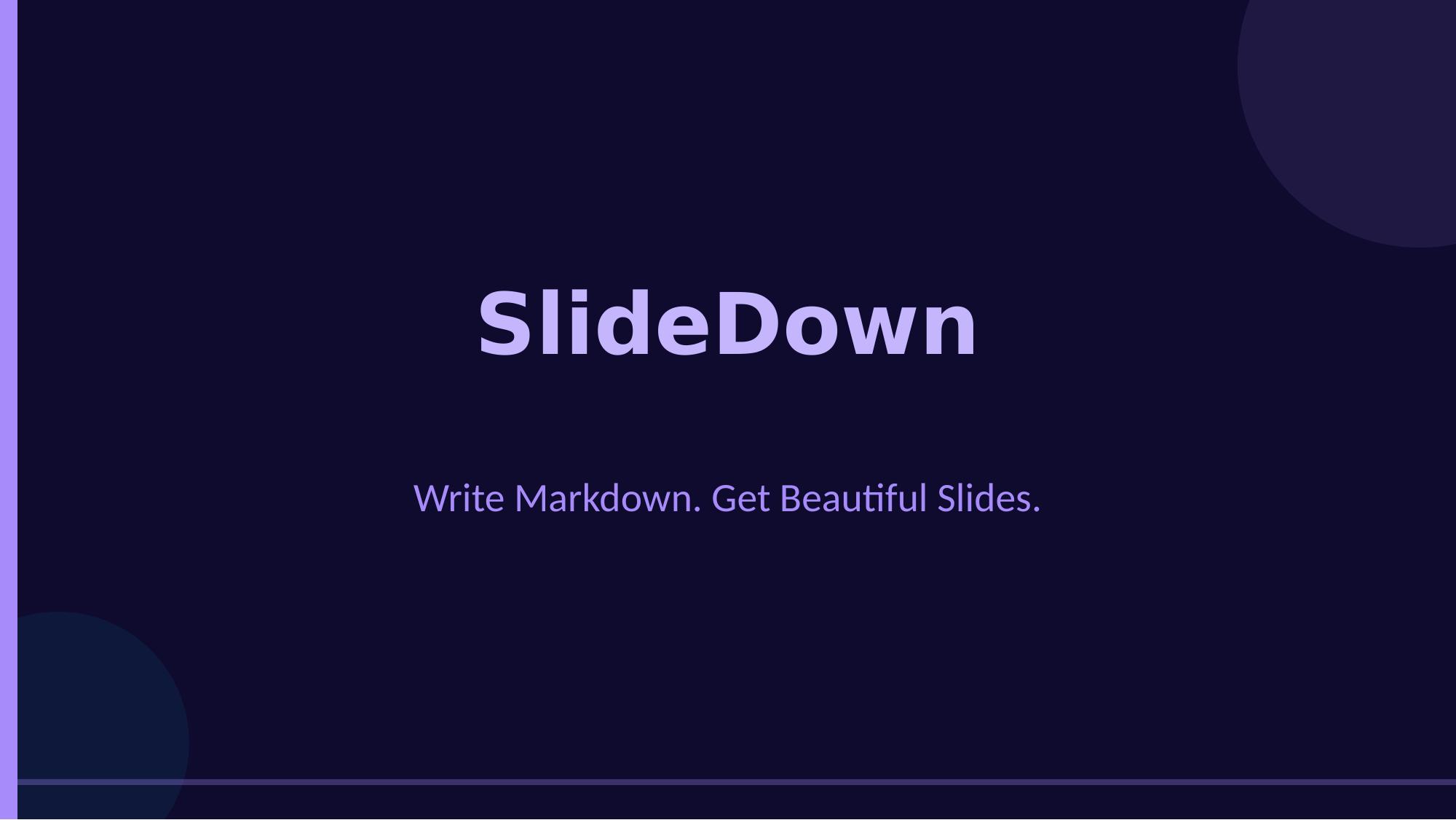
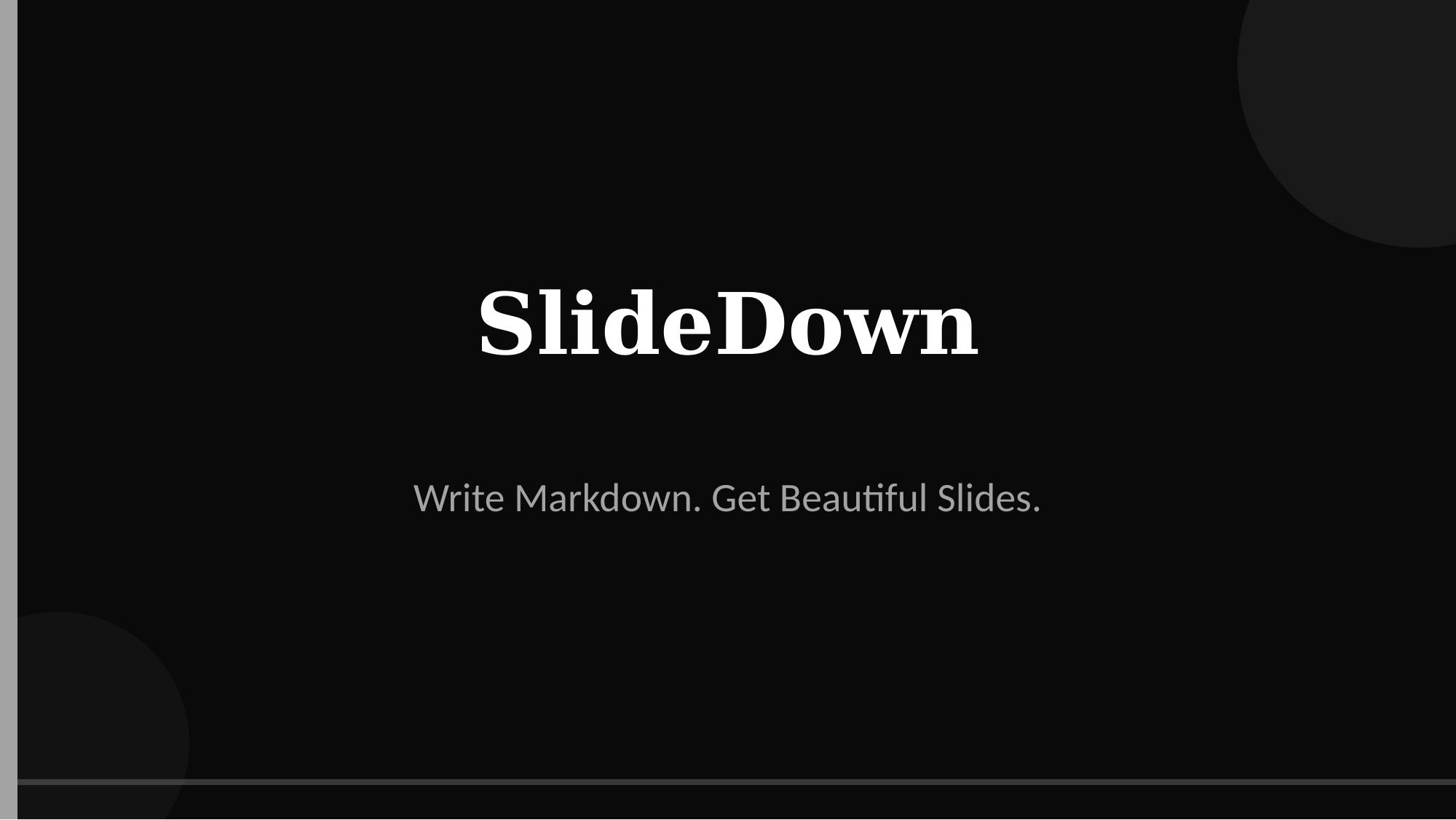
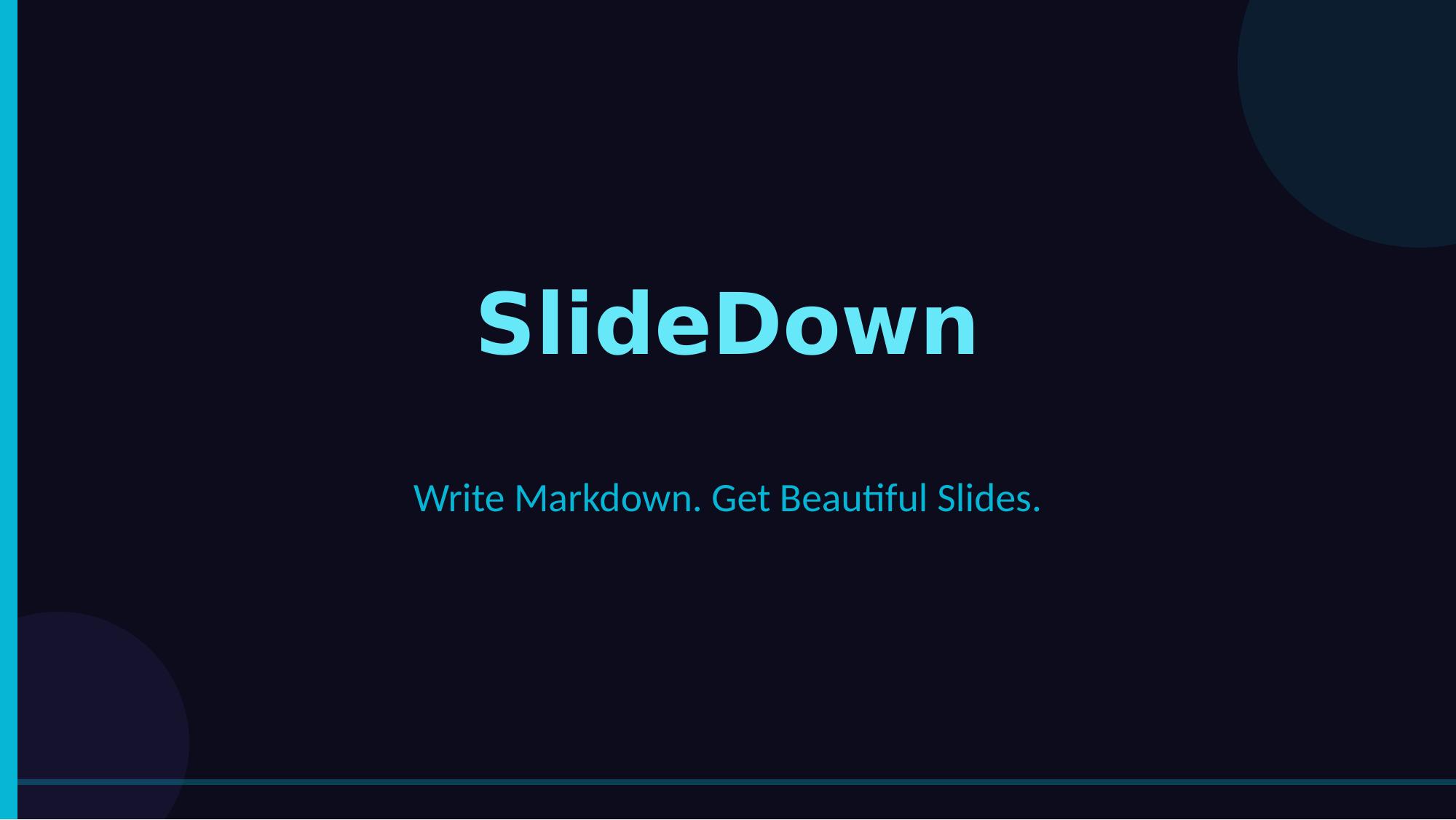
16 professionally-designed themes + custom theme support:
| Theme | Vibe | Best For |
|---|---|---|
| midnight | Navy + indigo | Tech talks, product launches |
| aurora | Purple-teal gradient | Conferences, creative talks |
| sunset | Warm orange-amber | Startups, pitch decks |
| forest | Deep green tones | Finance, sustainability |
| noir | True black + white | Cinematic, premium |
| neon | Dark + neon cyan | Futuristic, tech demos |
| ocean | Deep blue to teal | Marine, trustworthy |
| cherry | Deep cherry red | Bold, confident |
| Theme | Vibe | Best For |
|---|---|---|
| minimal | Clean off-white | Academic, corporate |
| brutalist | Bold yellow + black | Manifestos, bold statements |
| corporate | Navy on white | Professional, enterprise |
| rose | Soft pink + rose | Modern, elegant |
| terracotta | Warm earth tones | Organic, crafted |
| lavender | Soft purple tones | Calm, creative |
| paper | Warm parchment | Classic, literary |
| sage | Muted green | Calm, balanced |
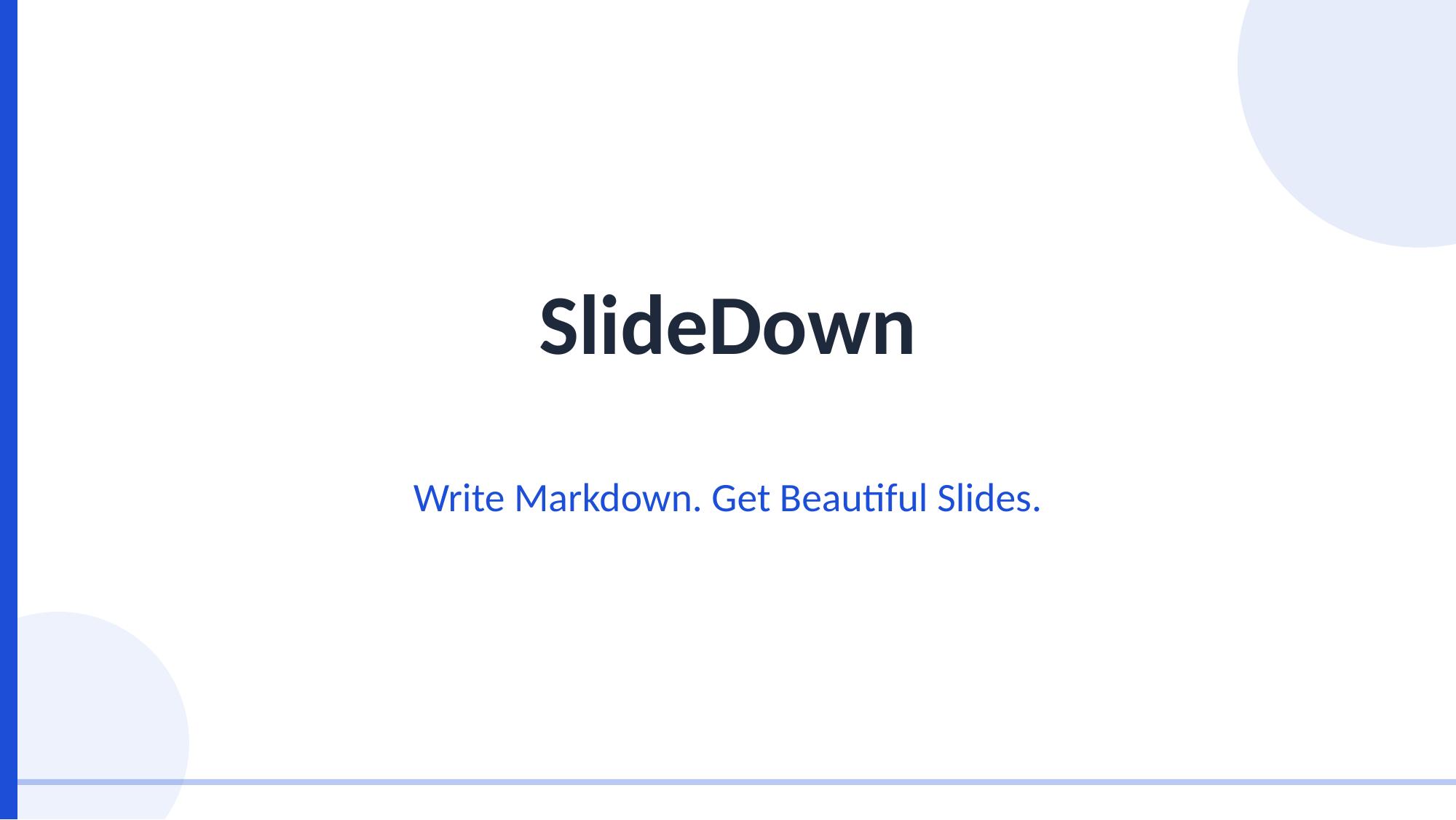
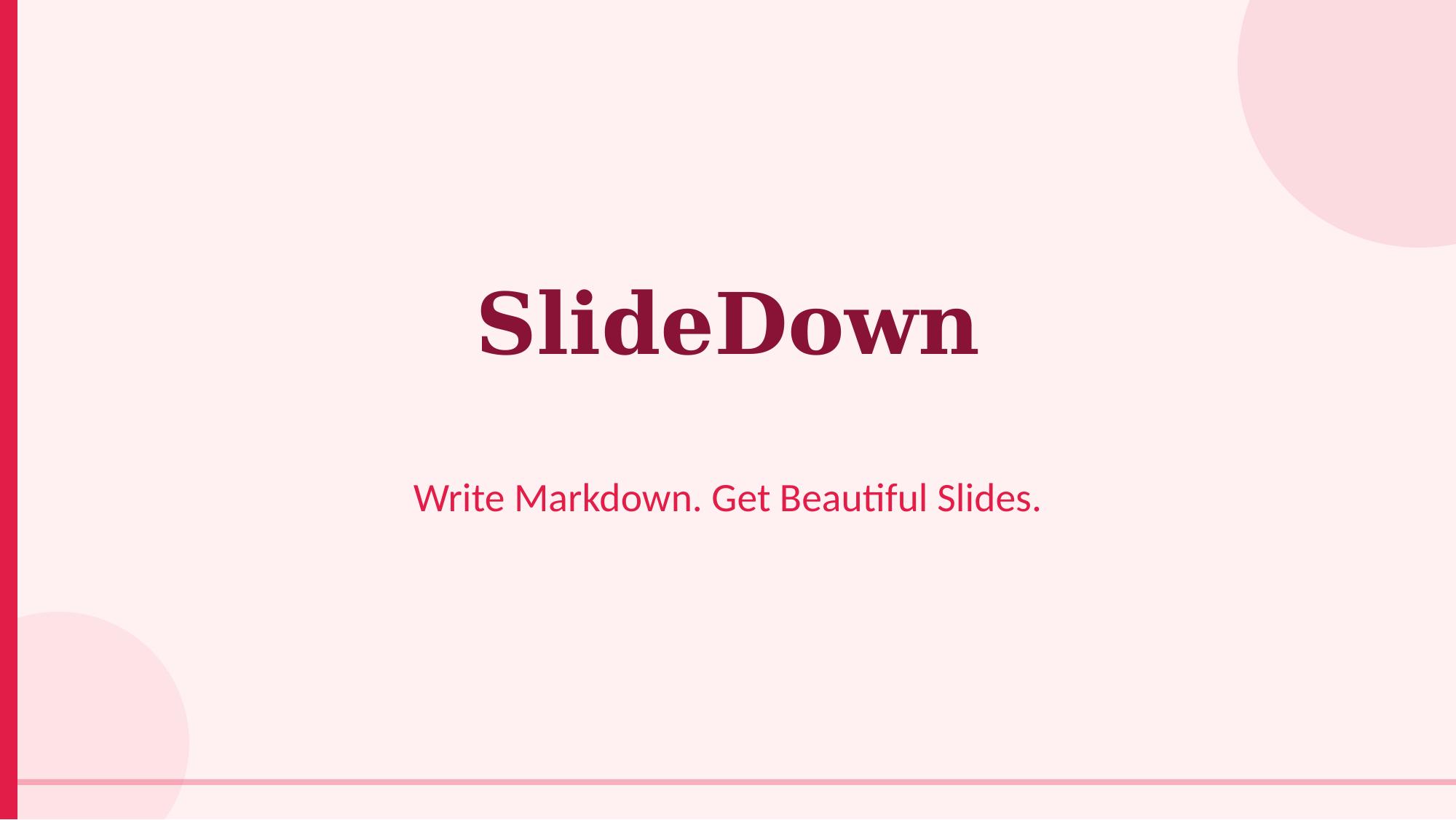
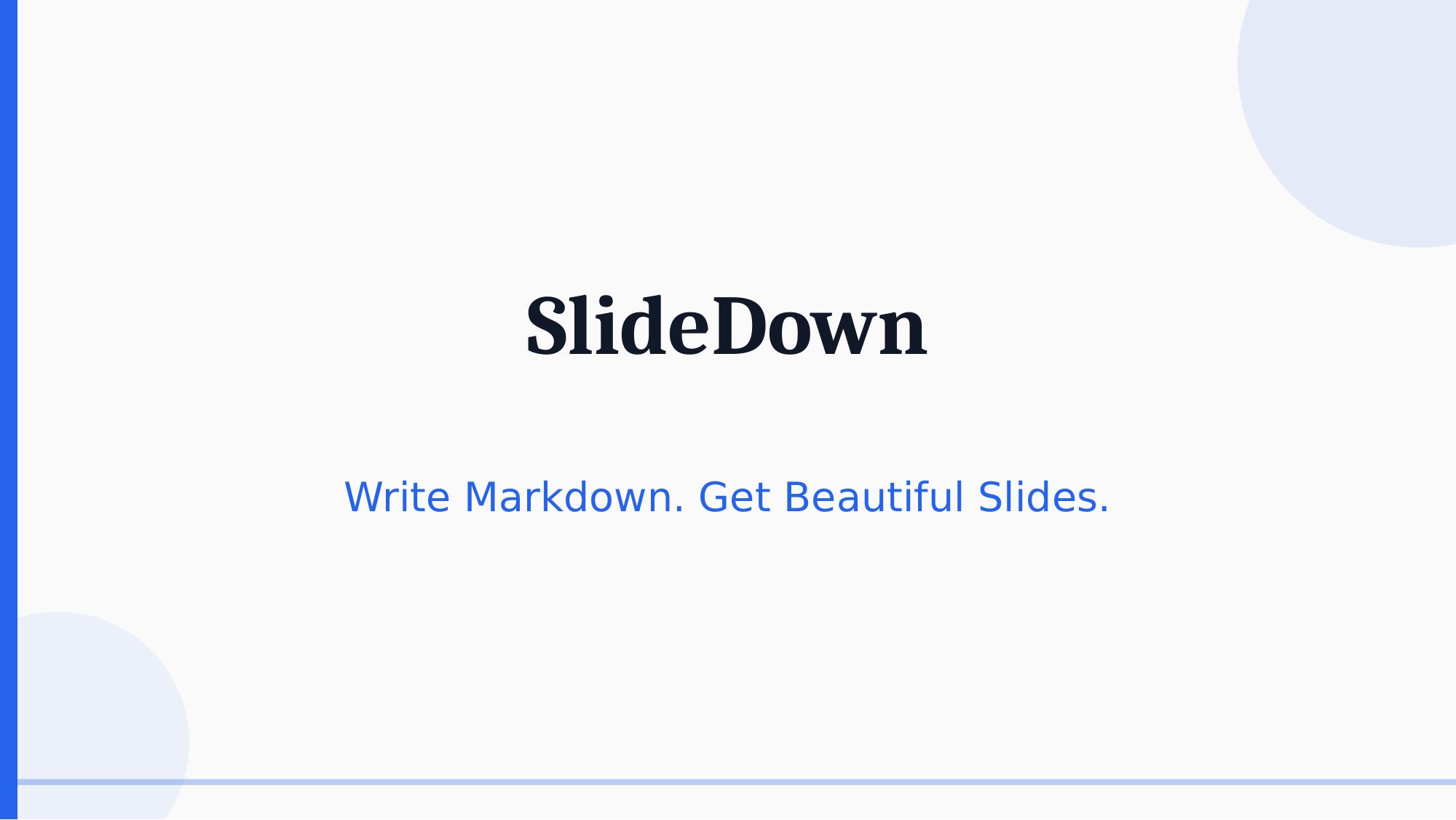
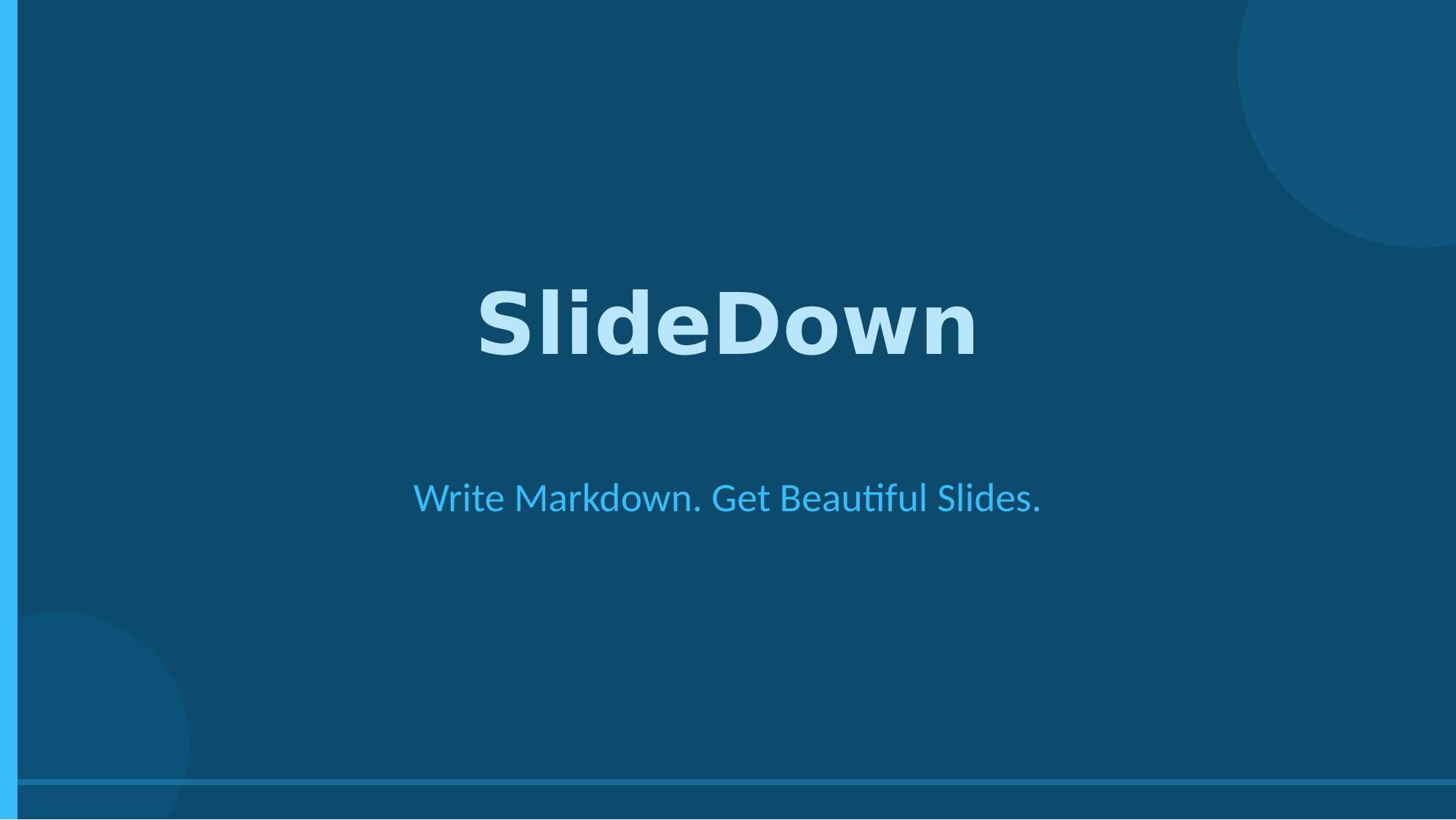
Bring your own brand! Two ways to use custom themes:
{
  "name": "My Brand",
  "bg": "FFFFFF",
  "text": "2D3748",
  "heading": "1A202C",
  "accent": "E53E3E",
  "headingFont": "Arial Black",
  "bodyFont": "Arial"
}
node scripts/md2pptx.js talk.md talk.pptx --theme-file brand.json
Already have a company template? Extract its colors and fonts automatically:
# Extract theme from any .pptx file
node scripts/extract-theme.js company-template.pptx -o brand.json -n "Acme Corp"

# Use it with SlideDown
node scripts/md2pptx.js talk.md talk.pptx --theme-file brand.json
The extractor reads the PPTX's color scheme (dk1, lt1, accent1-6), font pairs, and background — then generates a complete SlideDown theme.
See examples/custom-theme.json for the full format.
SlideDown uses standard Markdown with a few conventions:
# Presentation Title
## Optional subtitle

---

## Slide Heading

Regular paragraph text with **bold** and *italic*.

- Bullet point one
- Bullet point two
- Bullet point three

---

## A Quote Slide

> This is a highlighted quote that stands out visually.

---

## Data Table

| Metric | Q1 | Q2 | Q3 |
|--------|-----|-----|-----|
| Revenue | $2M | $3M | $4.5M |
| Users | 10K | 25K | 50K |

---

## Code Example

```python
def hello():
    print("Hello, SlideDown!")
### Syntax Reference
| Markdown | Slide Behavior |
|----------|---------------|
| `# Title` | Title/hero slide (centered, large) |
| `---` | New slide separator |
| `## Heading` | Slide heading |
| `> Quote` | Highlighted quote with accent border |
| `- Item` | Styled bullet point |
| `\| Table \|` | Auto-styled data table |
| ` ```lang ``` ` | Code block with dark background |
| `` | Embedded image |
| `<!-- notes: -->` | Speaker notes |
| `**bold**` | Bold emphasis |
| `*italic*` | Italic text |
## Examples
### Slide Types
The converter auto-detects content type and applies the appropriate layout:
<p align="center">
<img src="docs/screenshots/slide-1.jpg" alt="Title Slide" width="400" />
<img src="docs/screenshots/slide-2.jpg" alt="Quote Slide" width="400" />
</p>
<p align="center">
<img src="docs/screenshots/slide-3.jpg" alt="Content Slide" width="400" />
<img src="docs/screenshots/slide-4.jpg" alt="Table Slide" width="400" />
</p>
<p align="center">
<img src="docs/screenshots/slide-5.jpg" alt="Bullets Slide" width="400" />
<img src="docs/screenshots/slide-6.jpg" alt="Code Slide" width="400" />
</p>
### Try It
```bash
# Clone this repo
git clone https://github.com/YOUR_USERNAME/slidedown.git
cd slidedown
# Install dependency
npm install -g pptxgenjs
# Convert the demo presentation
node scripts/md2pptx.js examples/demo.md my-slides.pptx midnight
# Try other themes
node scripts/md2pptx.js examples/demo.md my-slides.pptx neon
node scripts/md2pptx.js examples/demo.md my-slides.pptx rose
# List all available themes
node scripts/md2pptx.js --list-themes
# Use a custom theme
node scripts/md2pptx.js examples/demo.md my-slides.pptx --theme-file examples/custom-theme.json
# Extract theme from existing company PPTX
node scripts/extract-theme.js company-template.pptx -o brand.json -n "My Company"
node scripts/md2pptx.js examples/demo.md my-slides.pptx --theme-file brand.json
SlideDown also works as a Claude Skill — install it in Claude Code or Claude.ai Projects to convert Markdown to slides directly from your AI workflow.
Download slidedown.skill from Releases and add it to your Claude Code or Claude.ai Project.
Just ask:
"Convert this markdown into a presentation using the sunset theme"
"Make slides from my README.md with the midnight theme"
"Turn these notes into a keynote presentation"
Claude will automatically use the SlideDown skill to generate a .pptx file.
slidedown/
├── README.md              # This file
├── SKILL.md               # Claude Skill definition
├── LICENSE                 # MIT License
├── package.json            # npm metadata
├── scripts/
│   ├── md2pptx.js          # Main converter (Markdown → PPTX)
│   └── extract-theme.js    # Extract theme from existing PPTX
├── references/
│   └── themes.md           # Theme color/typography specs
├── examples/
│   ├── demo.md             # Sample presentation
│   ├── pitch-deck.md       # Pitch deck example
│   ├── tech-talk.md        # Tech talk example
│   └── custom-theme.json   # Custom theme example
└── docs/
    └── screenshots/        # Theme & slide previews
<!-- layout: split -->)npx slidedown talk.md)Contributions are welcome! See CONTRIBUTING.md for guidelines.
Ideas for contributions:
MIT License — see LICENSE for details.
Made with ❤️ for developers who present
Create animation-rich HTML presentations using a coding agent's frontend skills
Design enforcement with memory — keeps your UI consistent across a project
1000+ skills curated from Anthropic, Vercel, Stripe, and other engineering teams
Detects 37 AI writing patterns and rewrites text with human rhythm across 5 voice profiles