

Are you the author? Sign in to claim
triplyfy-mcp
A remote MCP server that lets Claude plan, edit, and save your trips to Triplyfy.
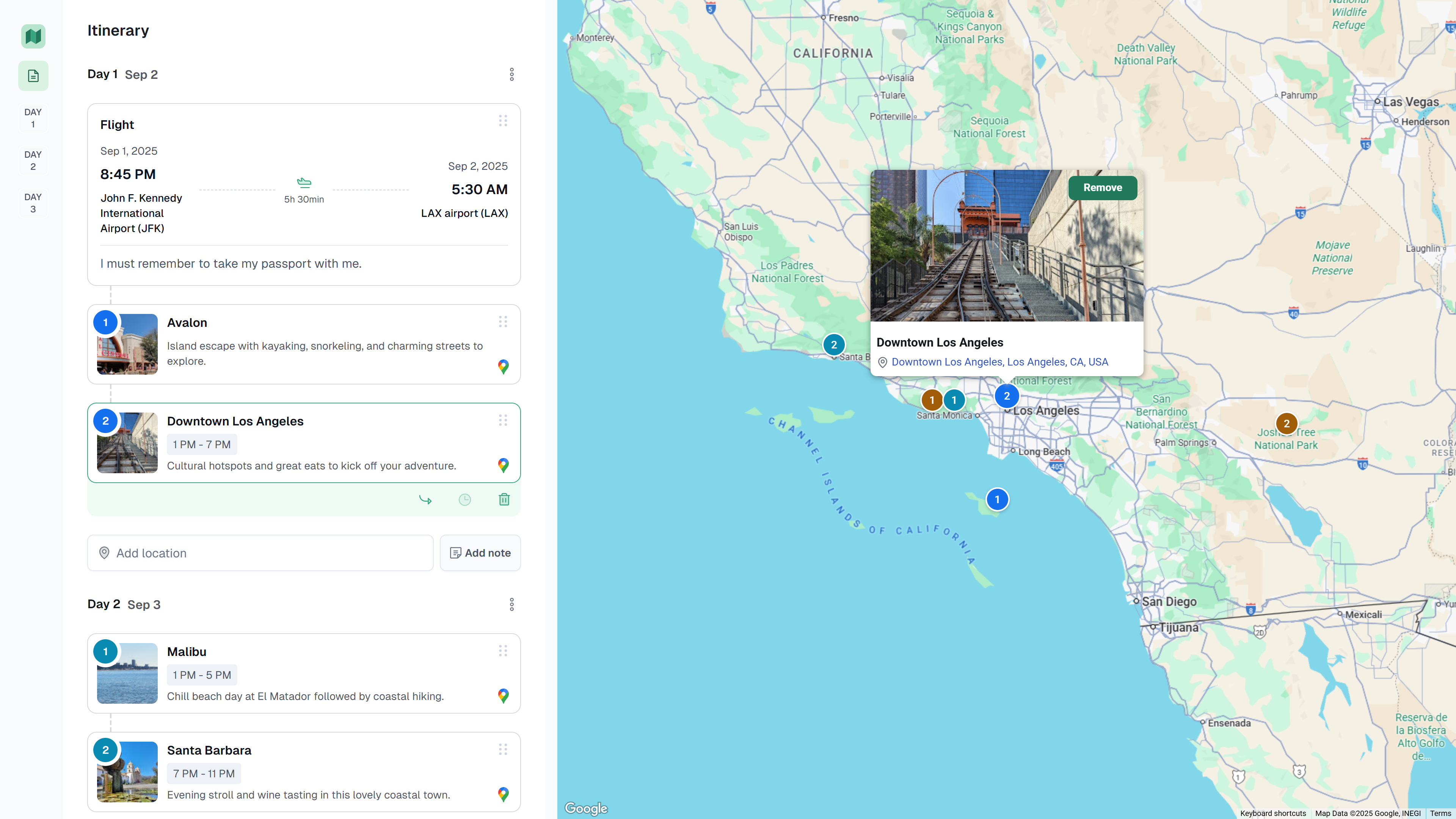
A simple trip‑planning app to create and share itineraries. View is public by link, editing requires Google sign‑in. Drag‑and‑drop places and notes across days, see everything on a map, and add flights.
Open Claude Desktop → Settings → Developer → MCP Servers → Add server
Triplyfyhttps://triplyfy.com/mcp/sseOn first connect, you’ll be prompted to sign in with Google and approve access. No manual gateway run is required.
Run Claude Code as an MCP server so any agent can delegate coding tasks to it
 @microsoft✓ Official
Browser automation using accessibility snapshots instead of screenshots
 @googleapis✓ Official
Google's universal MCP server supporting PostgreSQL, MySQL, MongoDB, Redis, and 10+ databases
 @github✓ Official
Official GitHub integration for repos, issues, PRs, and CI/CD workflows