

Are you the author? Sign in to claim
tui-mcp
What Chrome DevTools MCP is for the browser, tui-mcp is for the terminal.
Launch any terminal app in a managed pty, take screenshots, read text, send keystrokes. The app thinks it's running in a real terminal. Works with any TUI framework or no framework at all - vim, htop, bubbletea, textual, ink, inquirer, trend, ncurses, whatever.
A bash tool runs discrete commands - each invocation is fire-and-forget. The process exits, the output comes back. tui-mcp maintains a persistent, interactive session. The pty stays alive between calls. This matters when:
mysql shell, you've USEd a database, you're in a transaction. A bash tool can't hold that session open between calls.git rebase -i drops you into an editor. These are conversational flows that a stateless bash tool can't handle.xterm-256color, so everything works as expected.A bash tool is exec(). tui-mcp is "sit down at a terminal and use it like a human." One runs commands, the other operates software.
Some example outputs of the screenshot tool:
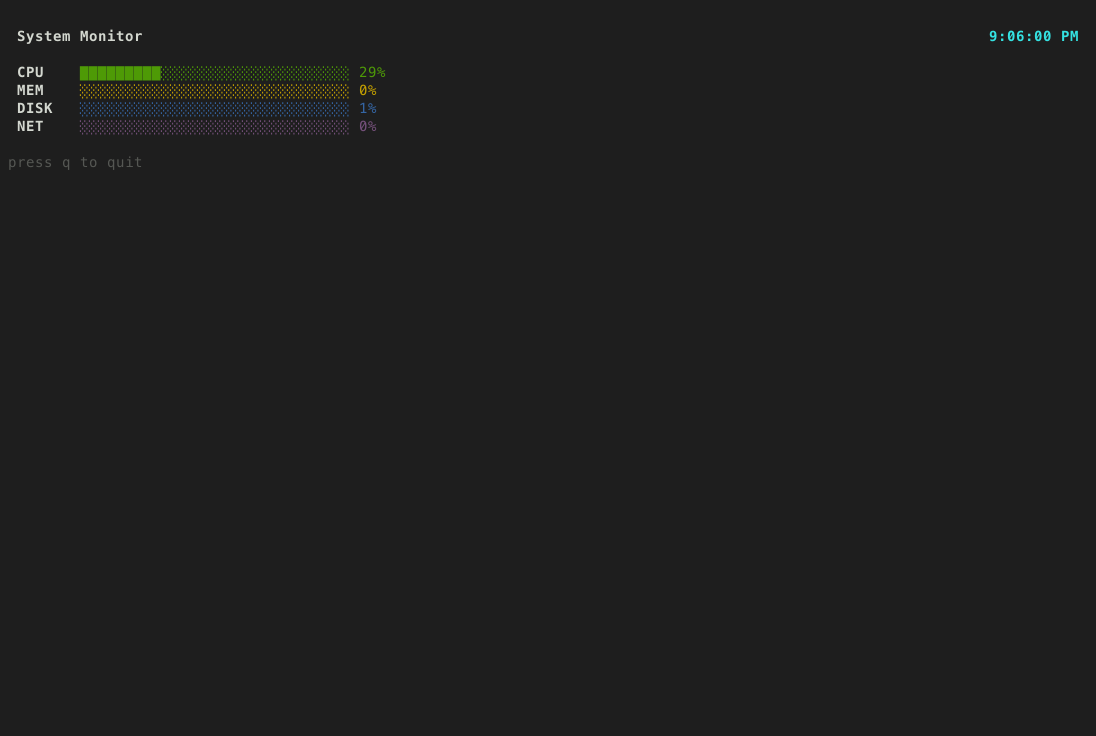
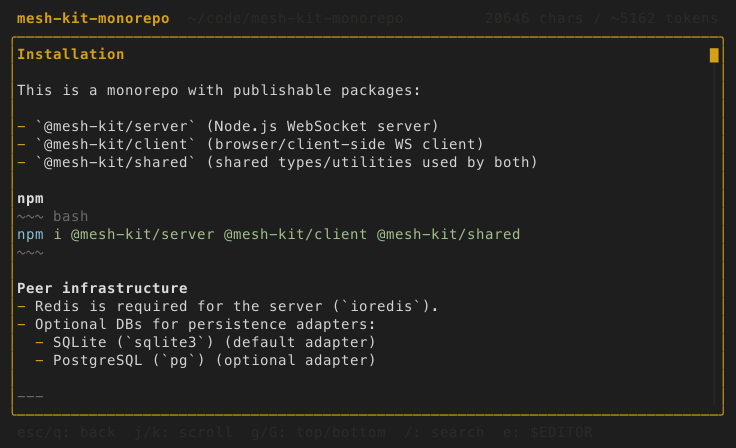
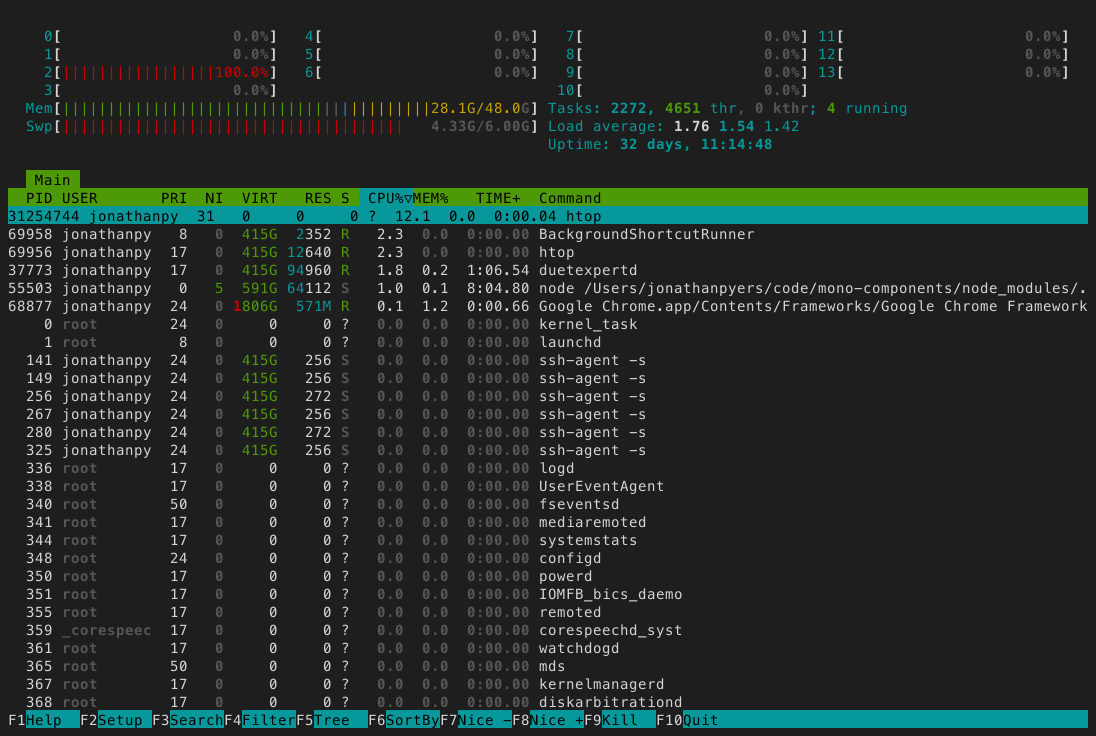
claude mcp add --scope user tui-mcp -- npx tui-mcp
| Tool | Description |
|---|---|
| launch | Spawn a TUI app in a managed pty |
| kill | Terminate a session |
| list_sessions | List active sessions |
| resize | Resize the terminal |
| screenshot | Capture terminal as PNG |
| snapshot | Capture terminal as plain text |
| read_region | Read a rectangular area of the buffer |
| cursor | Get cursor position |
| send_keys | Send a keystroke or combo (Enter, Ctrl+C, Up, q) |
| send_text | Type a string of characters |
| send_mouse | Send mouse events |
| wait_for_text | Wait for a regex pattern to appear |
| wait_for_idle | Wait until the terminal stops changing |
Most MCP servers wrap one specific tool or API. tui-mcp wraps the terminal itself, which is the universal interface that all tools already speak. It's MCP's eval().
Watch all active sessions in real-time from your terminal:
npx tui-mcp monitor
Session list on the left, live ANSI-rendered terminal preview on the right. j/k to navigate sessions, Enter to toggle fullscreen, q to quit. Requires the MCP server to be running.
your app  <-->  node-pty  <-->  xterm-headless  <-->  MCP tools
                (pty)        (terminal emulator)    (screenshot, send_keys, etc.)
The app runs in a real pseudo-terminal via node-pty. Its output is parsed by xterm-headless (the same terminal emulator that powers VS Code's terminal, but without a DOM). The MCP tools read and interact with that parsed buffer.
Run analytics queries on ClickHouse — explore schemas, execute SQL, fetch results
Run Claude Code as an MCP server so any agent can delegate coding tasks to it
 @microsoft✓ Official
Browser automation using accessibility snapshots instead of screenshots
 @googleapis✓ Official
Google's universal MCP server supporting PostgreSQL, MySQL, MongoDB, Redis, and 10+ databases